
Every feature TiedSiren ships, in detail.
Built for people who are serious about breaking phone addiction. Every feature here exists because the standard "ask are you sure?" blocker wasn't enough.
Strict ModeCore
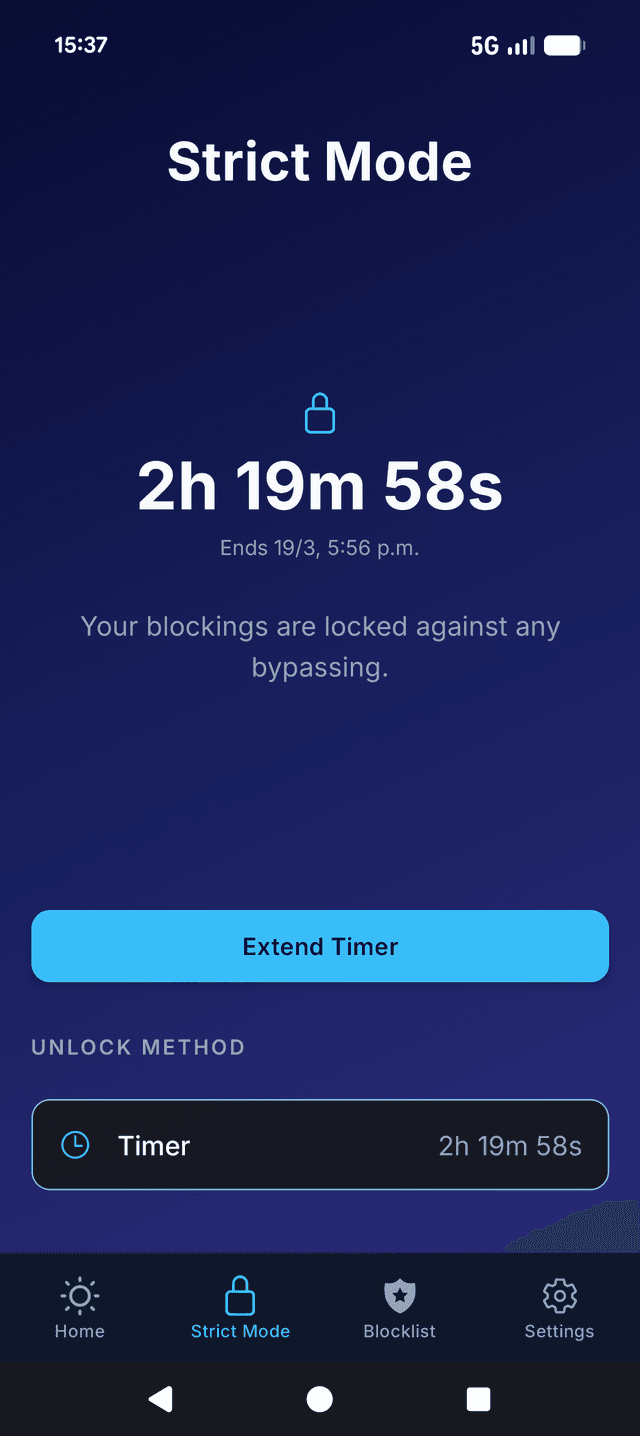
Lock in a session and a duration up front. The session cannot be shortened from your phone once it starts.
Ordinary blockers ask "are you sure?" and fold the moment willpower runs out. Strict Mode flips the script: the session decision is made up-front, not in the heat of the urge.
During a session, blocked apps do not open and the timer will not be shortened. Uninstalling is the one route out — add Settings to your blocklist and that route closes too, at the cost of locking Wi-Fi, Bluetooth and permissions for the session. The decision to focus is made once, at the start, not relitigated every five minutes.
- Studying for exams or interviews
- Breaking late-night scrolling habits
- Deep work sessions where you need a hard wall
Custom Blocklists
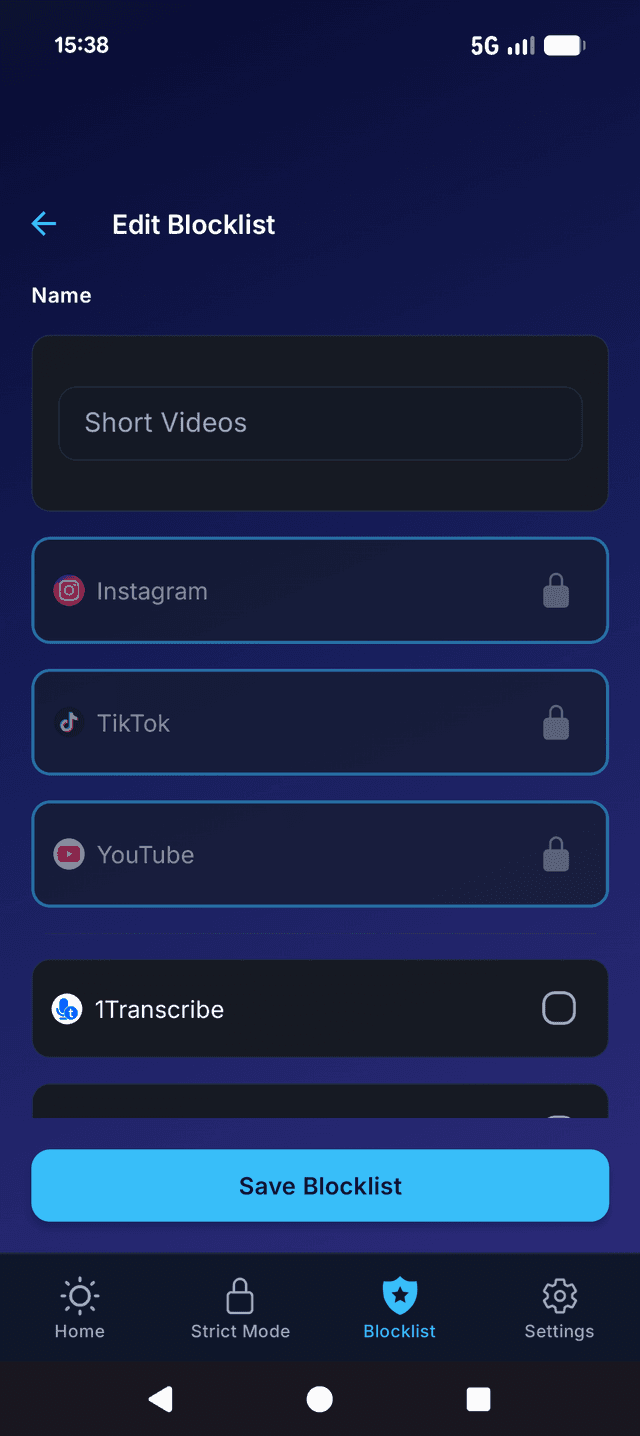
Block Instagram, TikTok, YouTube, or any app installed on your phone. Build separate lists for work, study, sleep, or any context.
A blocklist is your personal list of apps to lock during a session. Pick from anything installed on the device: social, news, games, shopping, dating, betting, anything.
You can keep multiple blocklists side by side. A "Work" list for deep focus, a "Sleep" list that locks the doomscrolling apps after 11pm, a "Study" list for exam season. Switch between them as the day goes.
- Different rules for different parts of the day
- Separate blocklists for weekdays vs weekends
- A "no everything" list for true offline time
Scheduled Sessions
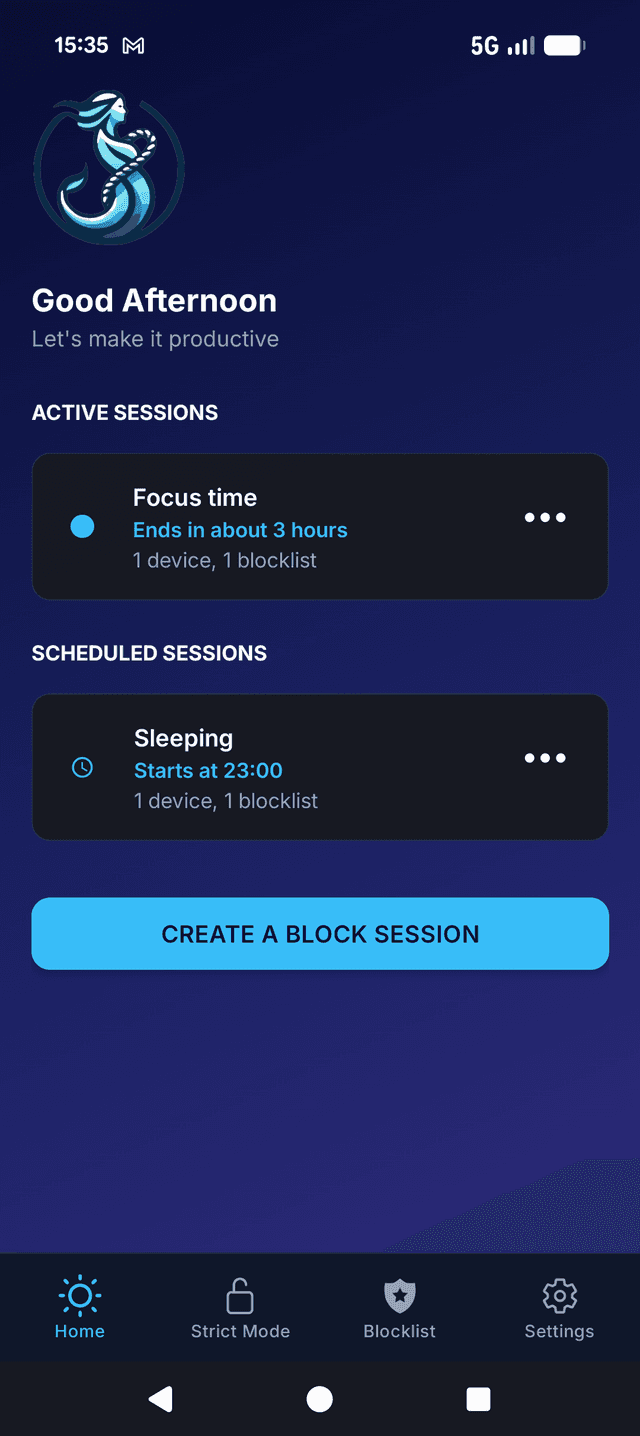
Set daily or weekly recurring schedules. Your blocks activate automatically, with no decisions to make in the moment.
The hardest part of self-control is the moment you have to choose. Scheduled Sessions remove that moment entirely. You decide once ("no social apps from 9am to noon, every weekday") and the phone enforces it without asking.
This is what makes the system stick over months. Habits don't form when you have to decide each time; they form when the decision is already made.
- A daily morning focus block (9am–noon)
- A nightly wind-down (11pm–7am)
- Sunday digital detox (all day)
Focus Timer
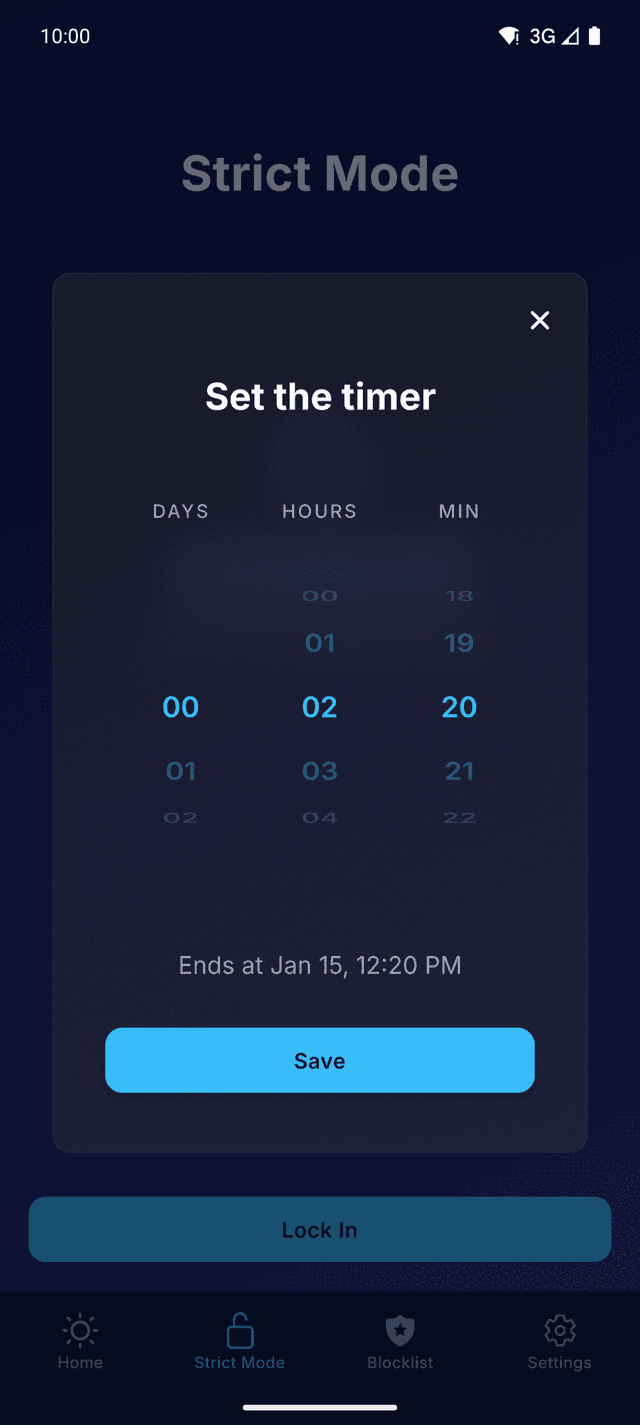
Built-in countdown for focused work sessions. See exactly how long you've been distraction-free.
Start a timer, pick a duration, start the session. The timer becomes the agreement: until it ends, the apps stay locked. When it ends, the lock releases.
It's a small thing that makes a big difference: instead of vague intentions ("I'll focus for a while"), you get a specific commitment ("90 minutes, locked").
- Pomodoro-style 25-minute sprints
- 90-minute deep work blocks
- A 4-hour study session before an exam
Ready to take back
your time?
Free. No credit card. Works on Android 8 and up.
Want it on iOS, macOS, or Windows? Join the waitlist for early access.