
Block the apps
that steal your time.
Tap the apps that get you. TiedSiren keeps them closed until your timer ends.
On iPhone or Mac? Join the iOS waiting list
You open Instagram for 2 minutes. 1 hour later, you're still scrolling.
It's not your fault. These apps are engineered to hijack your attention. And every "screen time reminder" is just another notification you swipe away.

Endless scrolling
You meant to check one notification. Now it's been an hour.
Source: DataReportal, Digital 2024

Broken focus
Every ping pulls you out of deep work. Getting back takes 23 minutes.
Source: Mark et al., UC Irvine (2008)

Promises you can't keep
"I'll only use it for 5 minutes." Sound familiar?
Source: Common Sense Media
You've tried app blockers before. They didn't work.
Every blocker on the market has the same fatal flaw: they trust your willpower. But willpower is exactly what fails when you're craving a dopamine hit at 11pm.

"Just disable it"
Most blockers let you turn them off in seconds. One tap and you are back to scrolling.

"Just uninstall it"
You can remove the blocker app itself. Nothing stops you, so nothing changes.

"Are you sure?" prompts
A gentle reminder has never stopped anyone mid-impulse. You just tap through it.
There's a better way
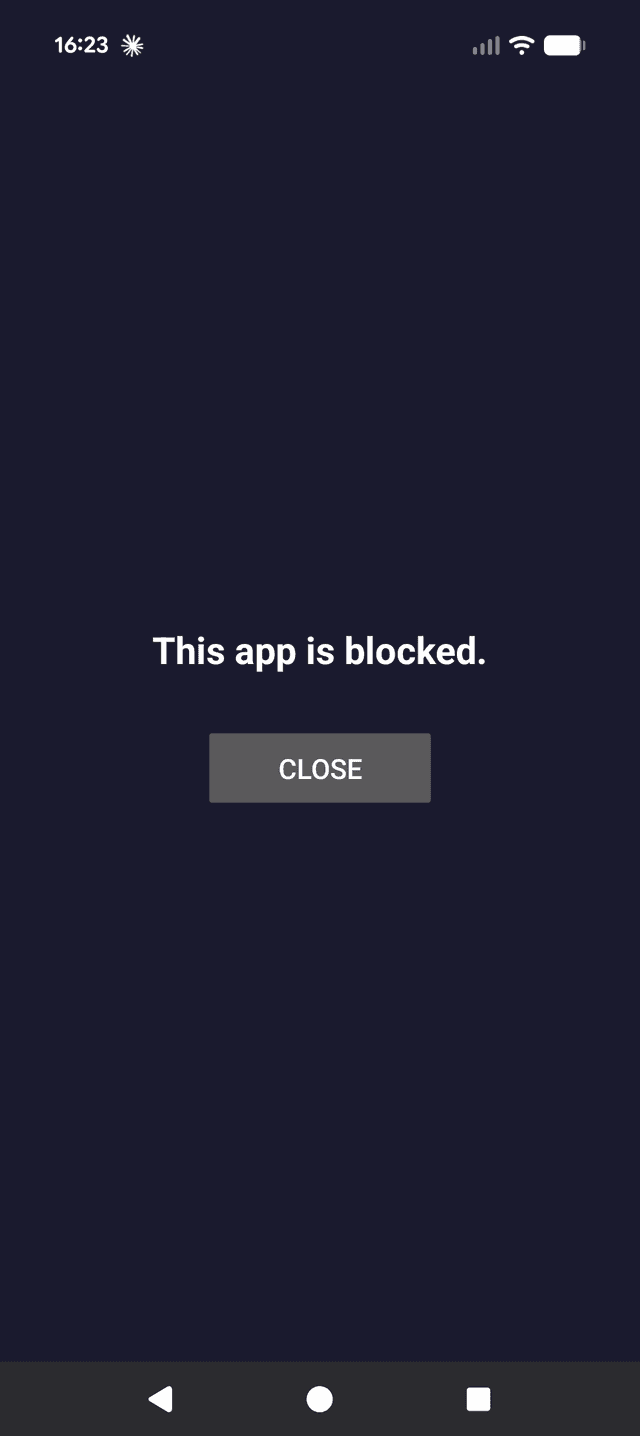
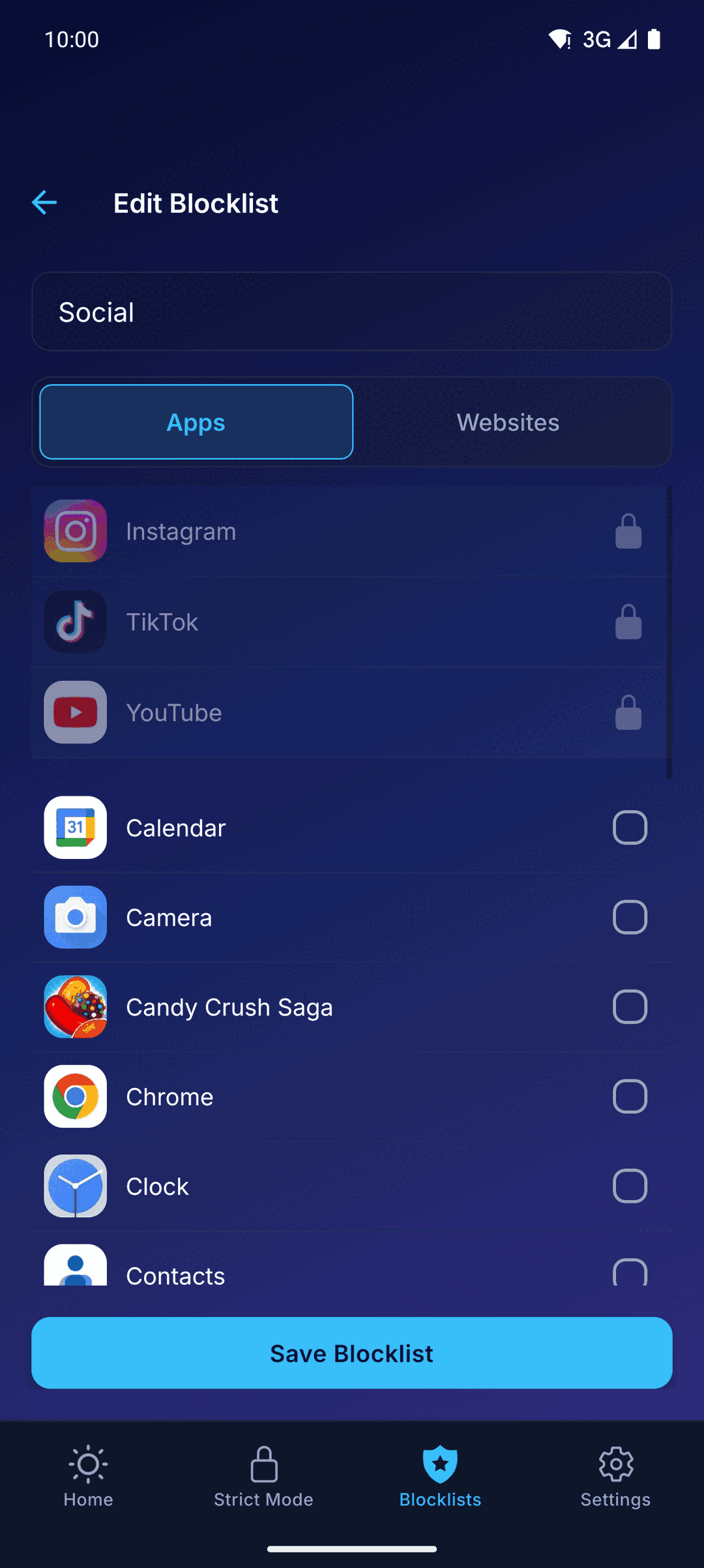
You choose what gets blocked. Then it stays blocked.
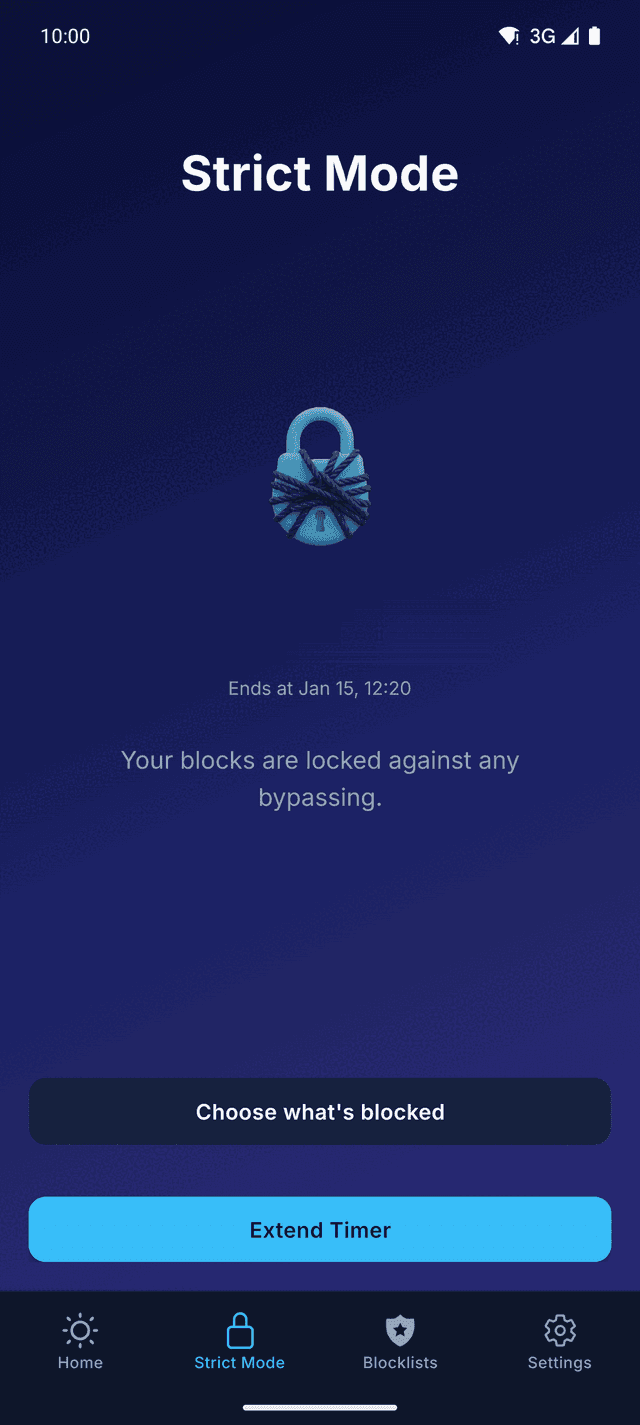
No "are you sure?" prompts. No easy override. When Strict Mode is on, your blocked apps stay blocked until the timer runs out. Period.
 Optional uninstall and Settings locks
 No override from your phone
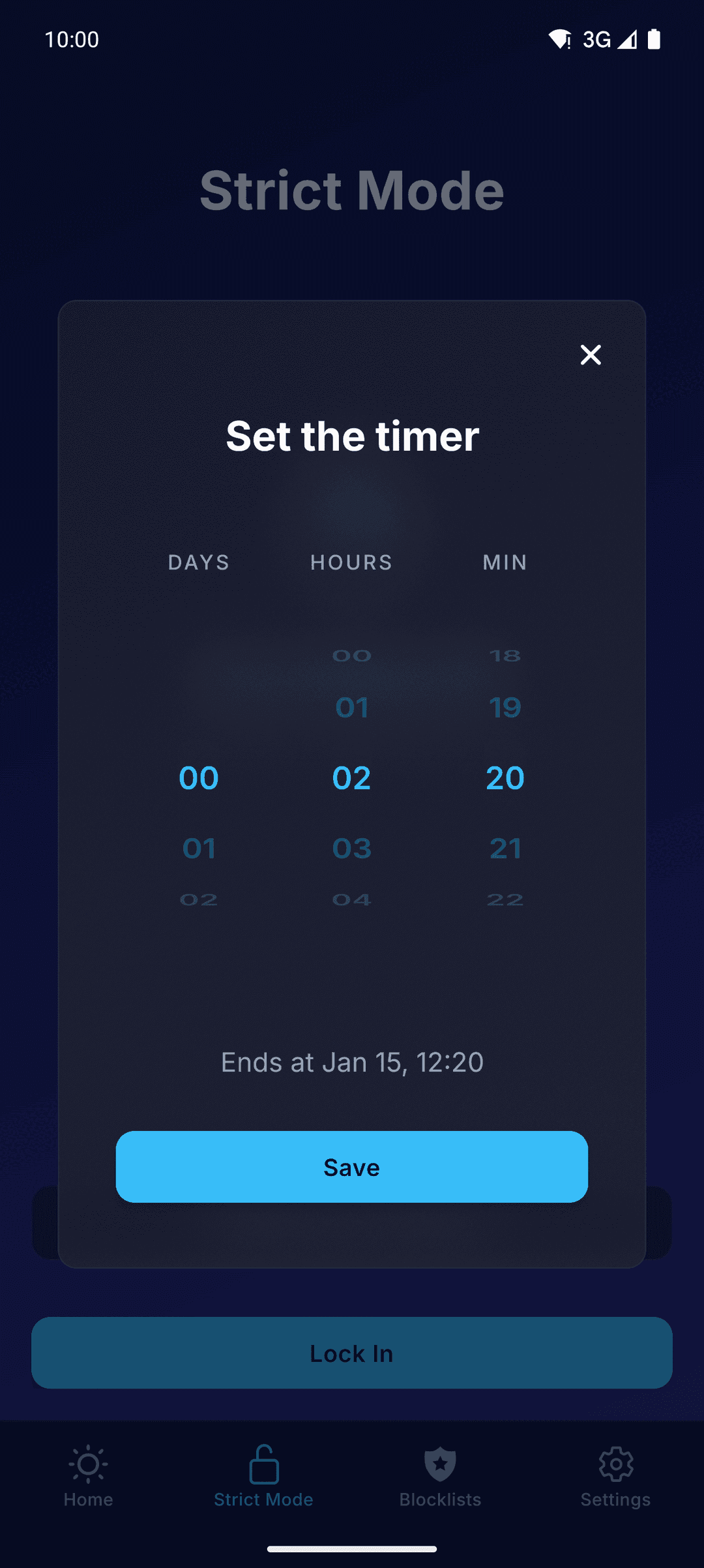
 Timer-locked sessions
- Emergency calls always work
- Nothing leaves your device
- Sessions end on their own
People who took back control
What people say once the apps stop winning.
I deleted Instagram 3 times before finding TiedSiren. Now I can't cheat even if I want to. That's the whole point.
Marc D.
Software engineer
Strict Mode is no joke. I tried everything to get around it during a session. Nothing works. My screen time dropped 40% in a week.
Sarah K.
University student
Other blockers are suggestions. TiedSiren is a lock. I schedule a 2-hour block every night and I'm finally reading again.
James L.
Product manager
Everything you need to stay focused
Built for people who are serious about breaking phone addiction.

Strict ModeCore
Lock your session. No pause, no override until the timer ends. Needs TiedSiren Pro, which starts with a 7-day free trial.

Custom Blocklists
Block Instagram, TikTok, YouTube, or any app, and the websites too. Build lists for work, study, or sleep.

Scheduled Sessions
Set daily or weekly recurring schedules, or keep a block on all day. Your blocks activate automatically.

Focus Timer
Built-in timer for focused work sessions. See exactly how long you've been distraction-free.
Questions & answers
Not from your phone, once the timer is running. Blocked apps and websites will not open and the timer will not be shortened. Two optional locks close the usual ways out. The uninstall lock stops TiedSiren from being removed. The Settings lock keeps the Settings app closed, and the Wi-Fi, Bluetooth and permission screens with it, until the timer ends. That trade is yours to make up front, and it is the only decision Strict Mode lets you make.
Blocking is free: apps, websites, blocklists and scheduled sessions, with no credit card. Strict Mode needs TiedSiren Pro, a subscription sold through Google Play. Both plans, monthly and yearly, start with a 7-day free trial. Cancel in Google Play before day 7 and you pay nothing. After day 7 the plan renews each month or each year until you cancel.
Android's Accessibility Service is what detects the moment a blocked app or website opens and closes it instantly. It is the only reliable way to enforce strict blocking on Android. It checks which app is in the foreground and, in a browser, the address in the address bar, to compare both with your blocklists. That is all it reads: not your messages, your passwords or anything else on the screen.
When no Strict Mode timer is running, you can pause blocking or uninstall the app like any other. While it runs, your blocks stay locked until the timer ends, and if you turned on the uninstall lock, TiedSiren cannot be removed before then either. That is the whole point. Emergency calls and services always work, even mid-session.
Minimal. The app uses Android's accessibility services efficiently and runs lightly in the background. In practice, reducing your screen time saves more battery than the app consumes.
Phone calls and emergency services are never blocked. You can always make and receive calls, send texts, and access emergency numbers regardless of your blocking session.
You need Android 8.0 (Oreo) or higher. That covers over 95% of active Android devices.
Yes. Each blocklist holds websites as well as apps, so the browser is not a side door. A blocked site closes the moment it opens, in Chrome, Samsung Internet, Firefox, Brave, Edge, Opera and DuckDuckGo. A new blocklist starts with the popular time-wasting sites already filled in. You add a site by its address, such as youtube.com, and remove one with a tap.
Absolutely. Your blocklists and session data are stored locally on your device and encrypted in transit when syncing. We never sell your data, and we don't track which apps you use.
Still have questions? Contact us
Ready to take back
your time?
Blocking is free. No credit card. Works on Android 8 and up.
Want it on iOS, macOS, or Windows? Join the waitlist for early access.