

You set up the block in the morning and meant it. By afternoon you're bored, tired, or waiting for something to load, and the app you blocked is the one you want. The blocker worked. You just turned it off faster than the urge faded.
That's the failure this list judges. For the Best Android App Locker, the useful question isn't which app lists the most features. It's which one makes a weak decision harder at that moment, fits your routine, and doesn't pretend it can remove every escape route on Android.
This roundup covers Android apps only, with some picks also working elsewhere. You'll find options for scheduled study, cross-device work, a physical barrier, and committed sessions you can't renegotiate mid-urge. Pick by your failure pattern, not by feature count.
1. TiedSiren
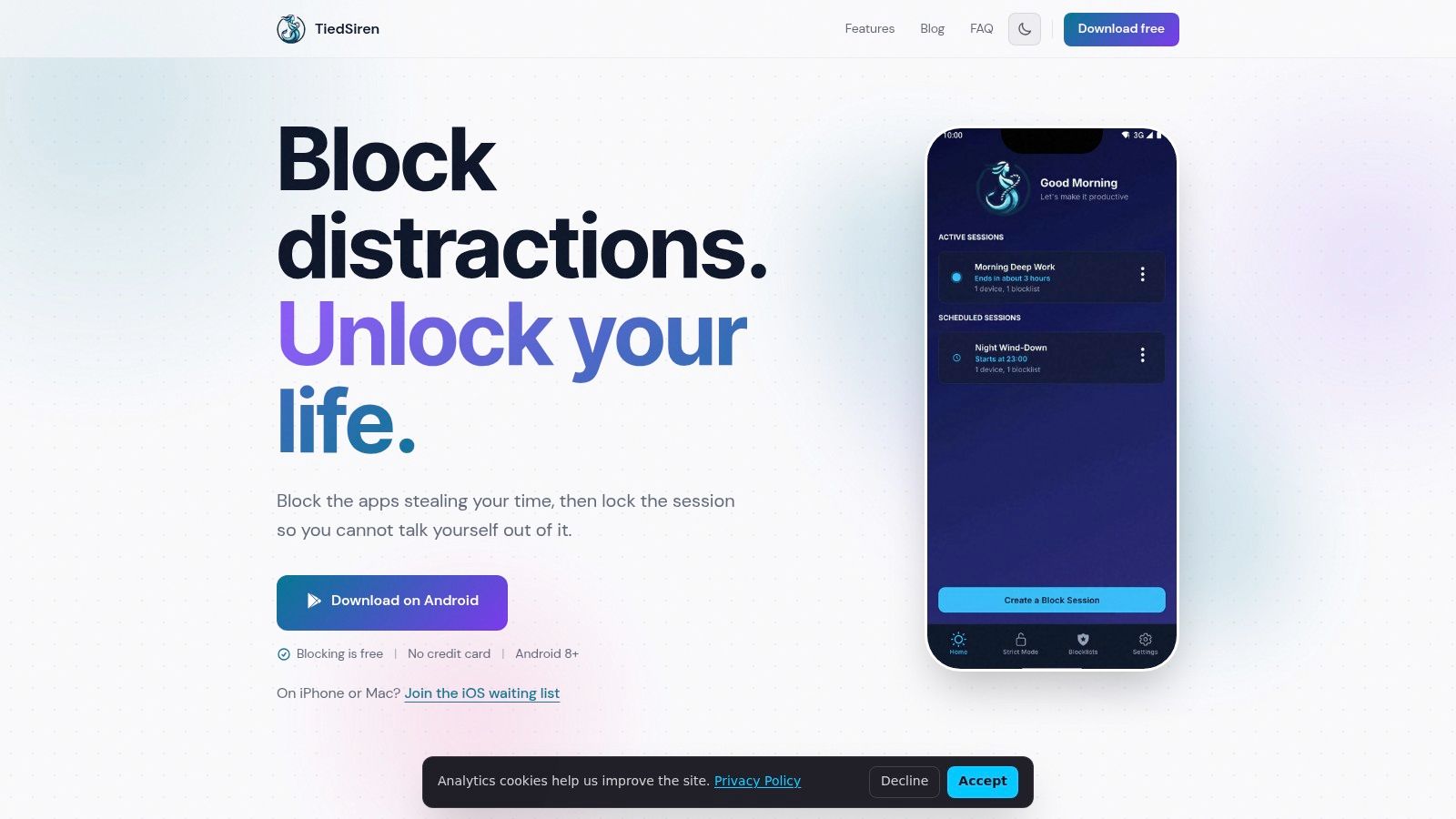
TiedSiren is a free Android app blocker for people whose problem starts after the session starts. You choose the apps to block, commit to a duration up front, and start. In Strict Mode, a running session ends when its timer ends, and nothing else ends it.
That absence of an override matters more than another dashboard. It's built to defeat the impulsive bypass in five seconds, not a planned, technical workaround. If you've already disabled blockers when it mattered, this is the most direct fit.
What Holds the Session Together
While a session runs, TiedSiren blocks the Android Settings screen, which raises the cost of turning it off through the quickest route. That aligns with evidence in a review of digital self-control research on friction and distraction, where a 30-digit task produced a larger effect (d = 0.47) than a 10-digit task (d = 0.27) or a simple warning (d = 0.13). More friction changed behavior more than a reminder did.
- Strict Mode sessions: The timer is the only exit during a running session.
- Settings blocked: The fastest disable path gets harder during the session.
- Custom blocklists: Group apps by context for study, work, or sleep.
- Scheduled sessions: Set daily or weekly recurrence so you don't restart manually.
- Focus timer: See the time left instead of guessing or checking blocked apps.
It runs on Android 8.0 and later and is free to use. Judge it as added friction, not an absolute barrier. No Android blocker can promise more than that.
Start with one short session you can finish. A completed block teaches you more than an ambitious setup you abandon.
Verdict: Choose TiedSiren if you need a committed, timer-led session with no in-app override. It's the clearest answer for impulsive disabling.
2. AppBlock
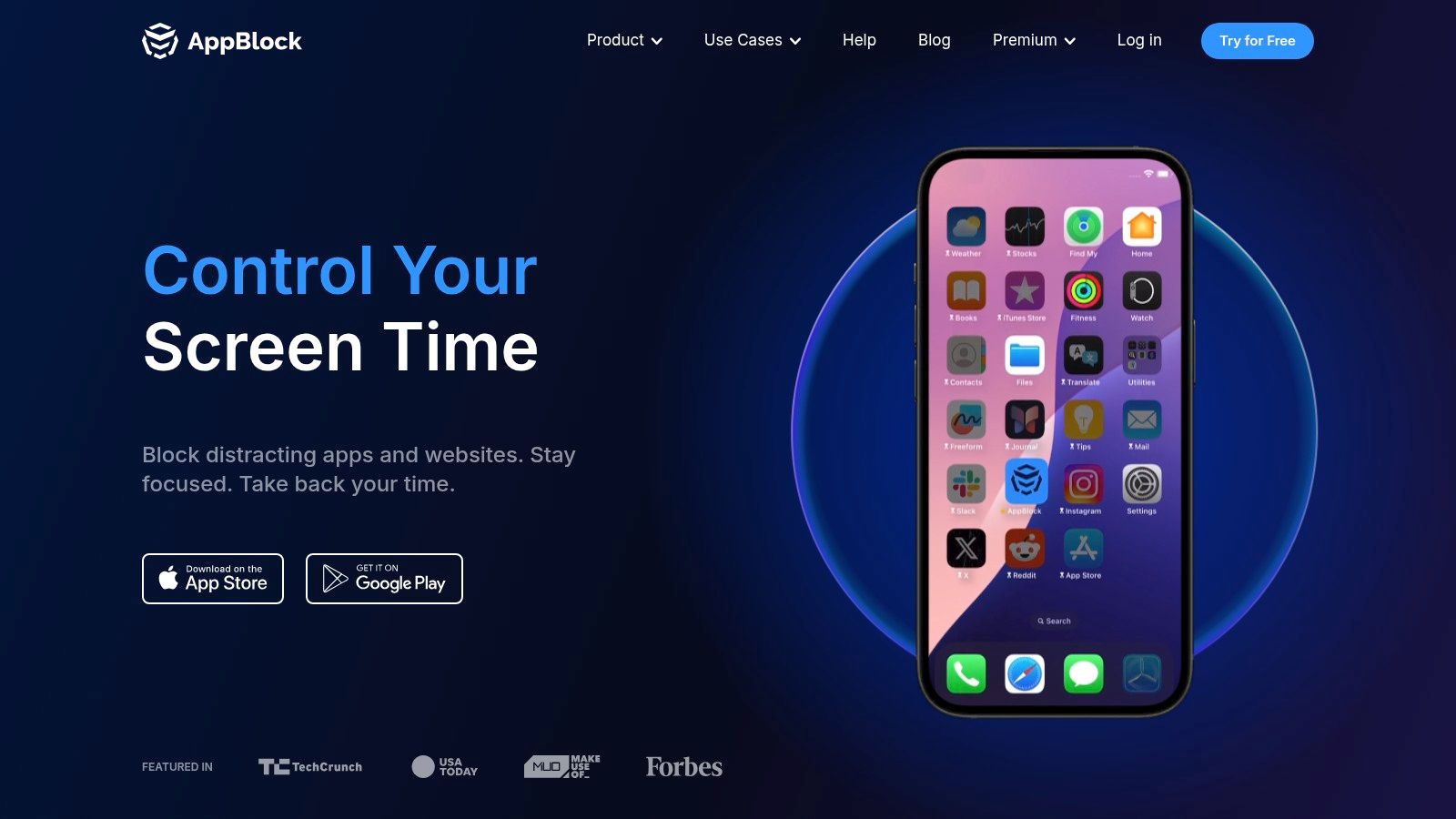
AppBlock suits people whose distractions move between apps and websites. It's phone-first on Android, with browser extensions and iOS support, so a rule doesn't have to stop at your phone screen. That breadth is its main strength.
You can build schedules, usage limits, and allowlists, then add Strict Mode to make blocks harder to disable. If you want to compare that approach with a timer-only model, TiedSiren's feature overview shows the narrower, session-based alternative.
Where AppBlock Fits Best
- Strict Mode options: Cooldown and approval options add friction before changes.
- Flexible schedules: Rules can run by time, day, location, or Wi-Fi.
- Allowlist mode: Block everything except the essentials you pick.
- Wide blocking: Covers apps, websites, URLs, and keywords.
It's strong for study, work, or a digital detox where triggers aren't limited to one app. A free tier is available, while Premium raises limits and adds options through Google Play. Some advanced Strict Mode options sit behind Premium, and pricing is managed through app stores rather than listed publicly on the site.
Verdict: Pick AppBlock if you want the broadest rule set on Android and you're willing to configure it. It's the best general-purpose option here.
3. Stay Focused
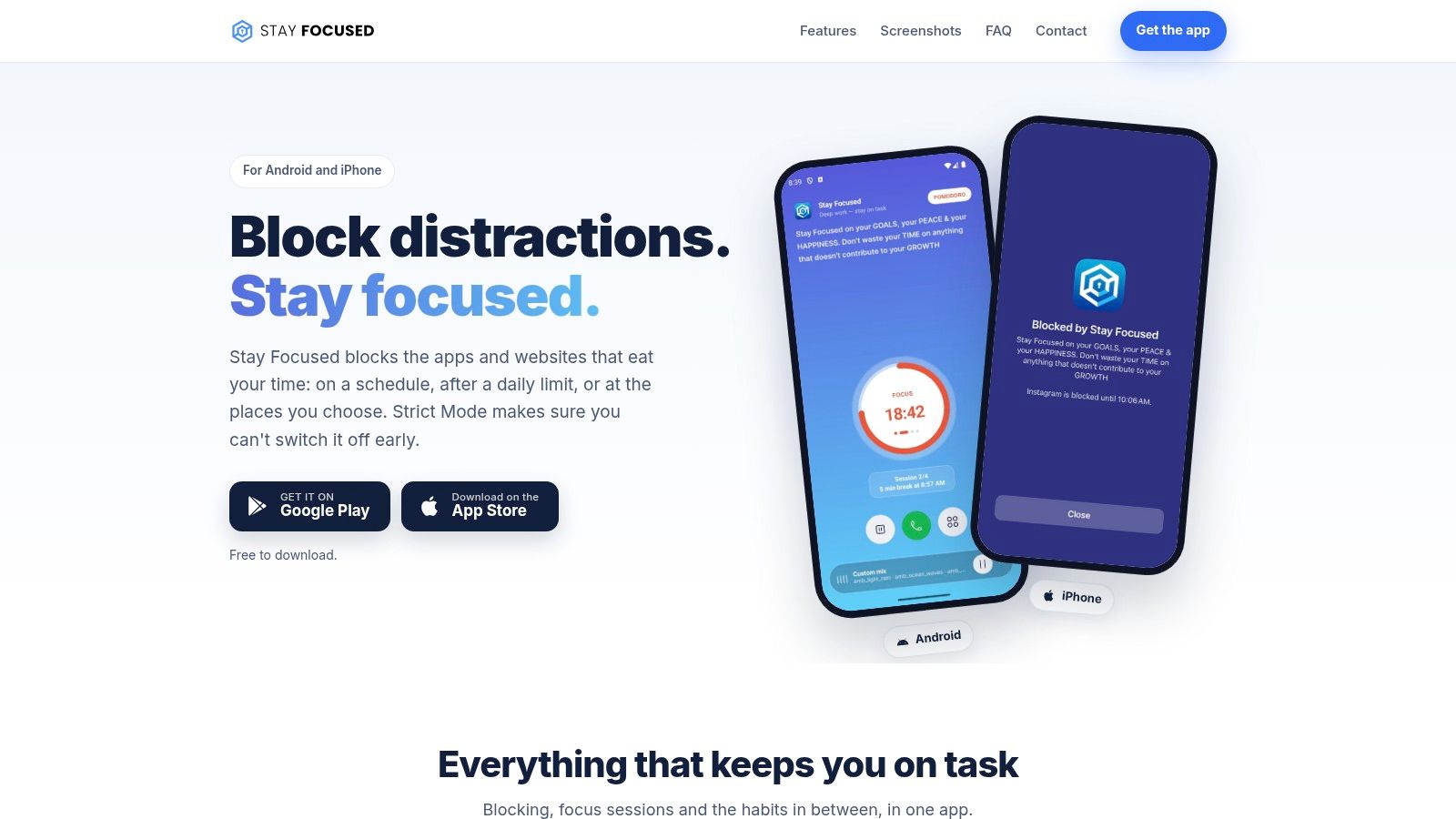
Stay Focused is for the student who doesn't need YouTube gone, just Shorts, Reels, and Stories gone. It blocks apps and websites on Android and iOS, but its granular targeting inside social apps is what separates it. You can keep messages and lose the feed.
It combines schedules, daily limits, Pomodoro tools, and location-based blocking. A structured study day maps onto it well, especially if your focus comes in repeated short blocks rather than one long session.
Practical Strengths and Limits
- Targeted social blocking: Restrict Shorts, Reels, or Stories without removing the whole app.
- Strict Mode: Makes pausing a block more difficult once it's running.
- Bypass guidance: Documentation covers power-off and home-app settings clearly.
That documentation about Android limitations is useful. It doesn't oversell what accessibility-based blocking can do.
There are trade-offs. Some manufacturers' battery-management settings can disrupt accessibility-based blocking, and split-screen or parallel use may need setup adjustments. Legacy one-time purchases may not restore after uninstalling, which is worth checking before you rely on it.
A free download is available, with Premium offered through Google Play.
Verdict: Choose Stay Focused for structured study periods and precise social-media control. It's the most surgical option on this list.
4. Lock Me Out
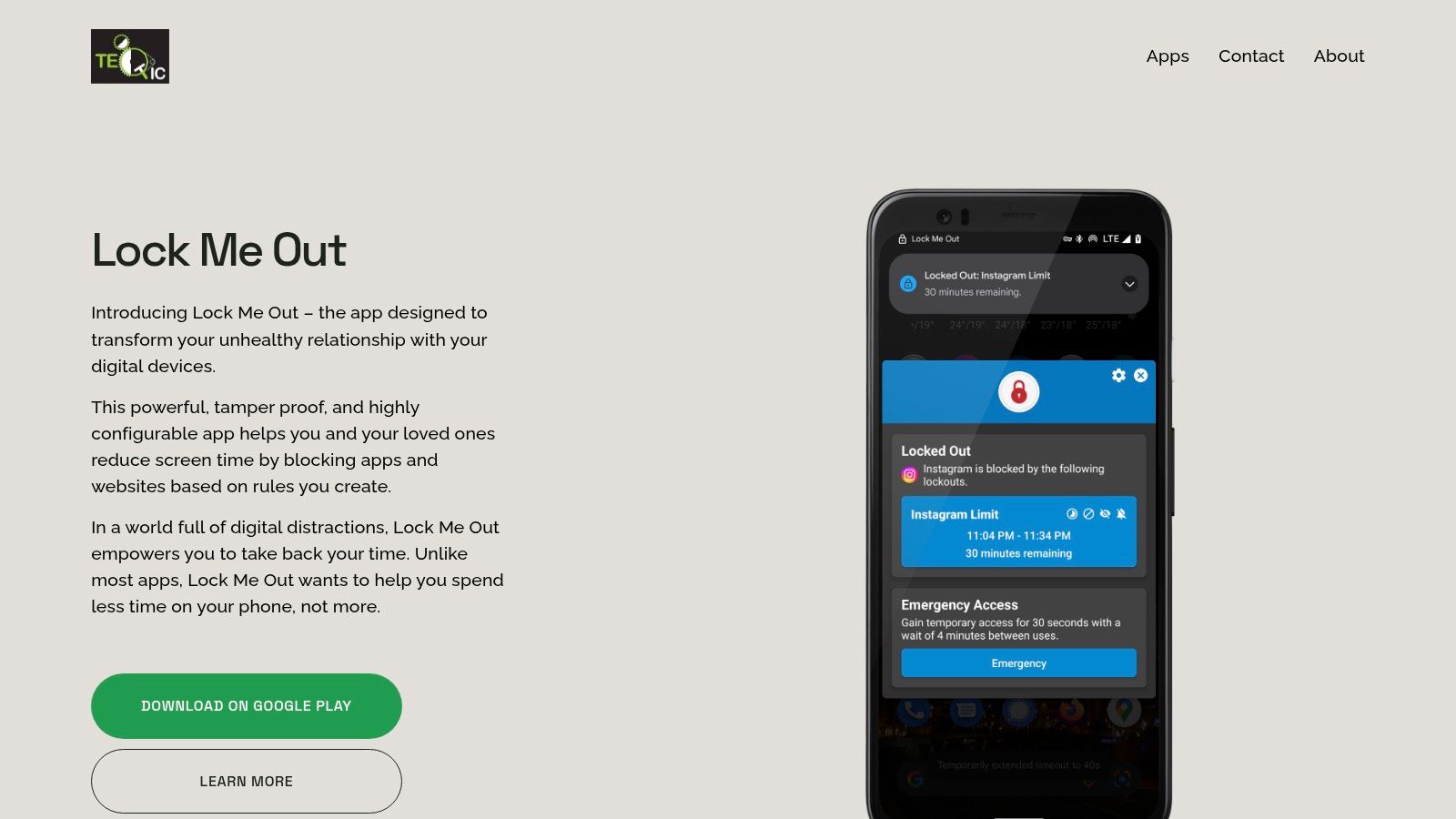
Lock Me Out is built for people whose usage creeps rather than spikes. A fixed schedule won't catch you if the problem is opening an app forty times in small bursts. This one can react to how much you've already used the phone.
It's a configurable Android app and website blocker for strict lockouts. Rules can be scheduled or triggered by usage, including time spent in apps, number of app opens, or device access. That makes the limit follow your behavior, not just the clock.
Enforcement Details Worth Checking
- Usage-based lockouts: Restrictions trigger after time, opens, or accesses add up.
- Password protection: Covers entry, uninstalling, and tampering attempts.
- Allowlists and location rules: Keep essentials available while the rest stays blocked.
- Split-screen handling: Includes support for picture-in-picture and DND integration.
The anti-tampering focus is clear, and emergency access options are included. That's a sensible balance for a strict tool.
A free tier is available. Full protection and unlimited lockouts require Premium, sold in the app as monthly, yearly, or one-time plans, with pricing shown in-app rather than as public amounts on the site.
Verdict: Pick Lock Me Out if daily limits need teeth. It's best when usage triggers matter more than a simple timed session.
5. Freedom
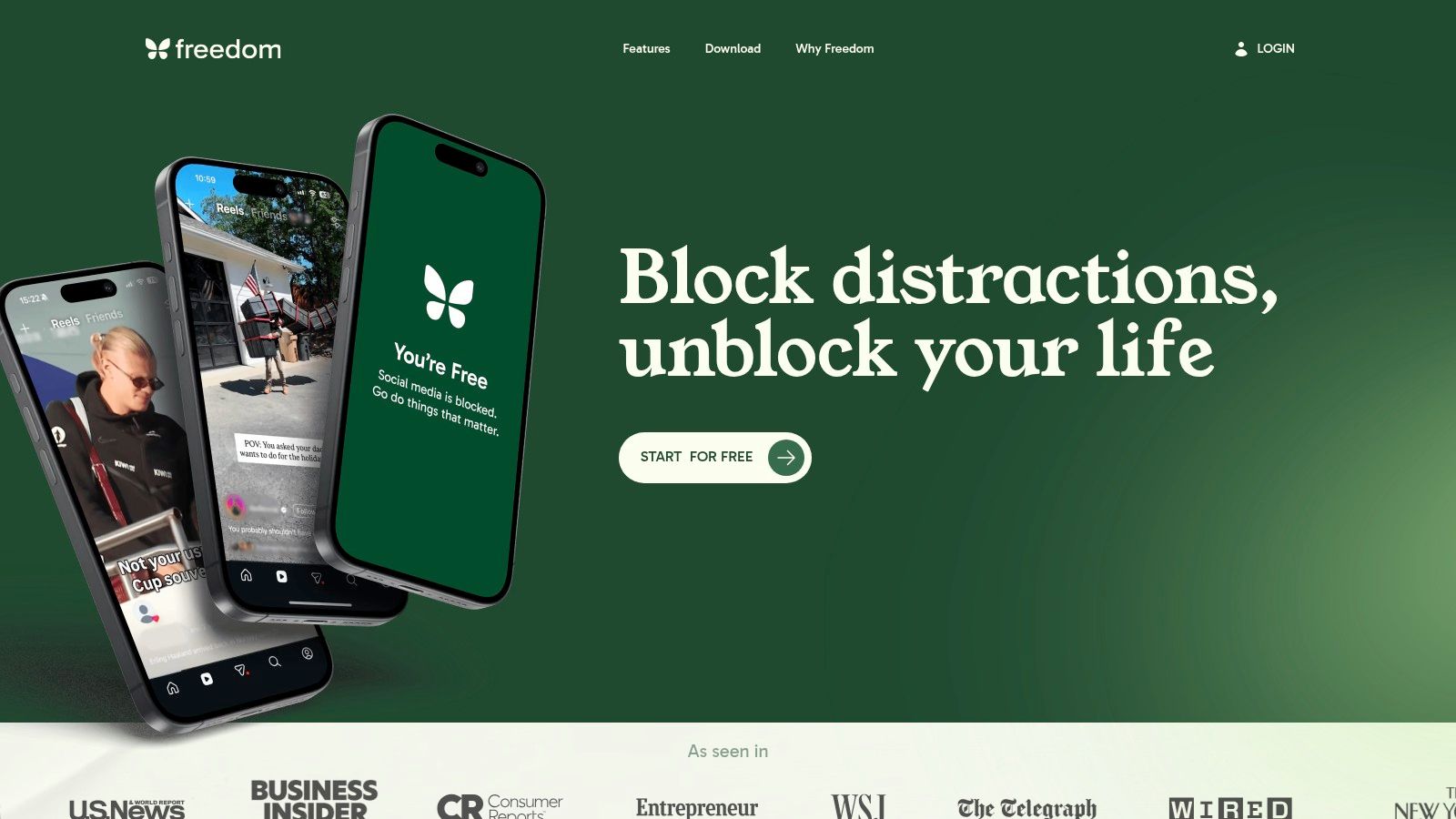
Blocking your phone doesn't help if you open the same feed on your laptop thirty seconds later. Freedom solves that specific problem. It syncs one session across Android, iOS, Windows, macOS, and ChromeOS.
You can block apps, websites, or the entire internet, then run that session everywhere at once. For Android-only use, TiedSiren's download page is the simpler path. For multi-device work, Freedom is the stronger fit.
Why Cross-Device Users Pick It
- Synced sessions: One block covers your phone and computers together.
- Scheduled and recurring sessions: Set sessions in advance for regular work blocks.
- Locked Mode: Helps prevent ending a session early once you've committed.
Published pricing makes comparison easier. The listed price is $8.99 monthly, $3.33 per month billed annually, or $99.50 for lifetime access, and a free plan is available. Scheduling and recurring sessions require Premium, and listed prices may change.
That cost only makes sense if you switch devices to dodge a block. If your phone is the whole problem, you're paying for coverage you don't need.
Verdict: Choose Freedom when several devices must follow one session. Nothing else here covers that ground as cleanly.
6. BlockSite
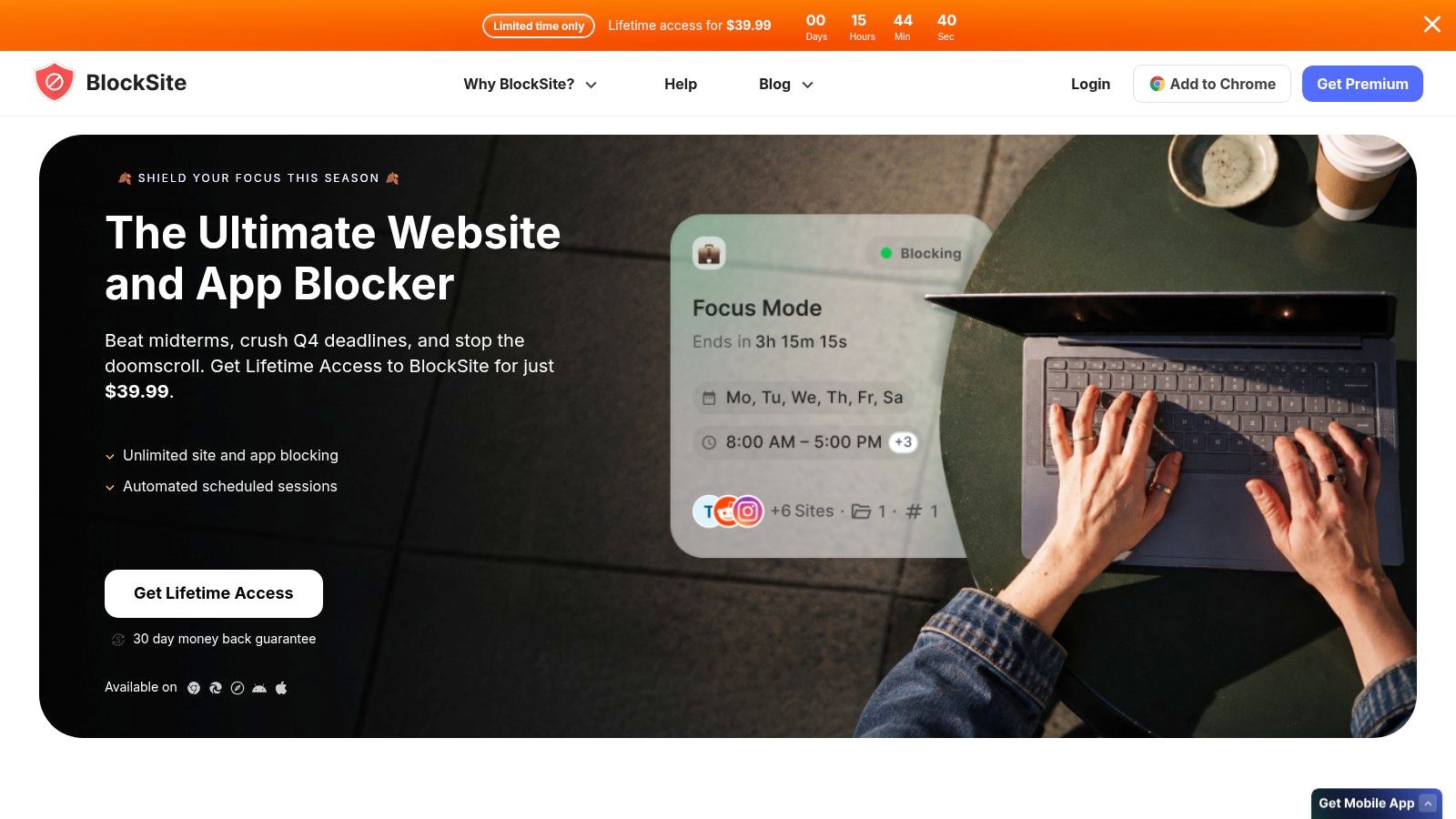
BlockSite is the straightforward pick. If you want to list the apps and sites that waste your time and block them today, without learning a rule system, start here. Setup is quick and the controls stay simple.
It offers block lists, category blocking, schedules, and Focus Mode across Android, iOS, and browser extensions. Rules sync across devices and browsers, so a site blocked on your phone doesn't reappear on desktop.
Simple Controls, Clear Limits
- Lists, categories, or keywords: Define blocks in whichever way matches your habits.
- Schedules and Focus Mode: Run blocks during set hours or focused periods.
- Site redirects: Send a blocked visit somewhere more useful.
- Browser extensions: Extend coverage beyond mobile without a second system.
Keep expectations straight. It may lack the stricter anti-tampering options power users want, so it's better for willing compliance than for fighting your own override habit. The app is free to download, Premium is billed through app stores without full pricing on the site, and a promotional lifetime offer was listed at $99.99, which may vary by region or channel.
Verdict: Pick BlockSite for simple app and website lists you will maintain. Ease is its advantage.
7. Unpluq
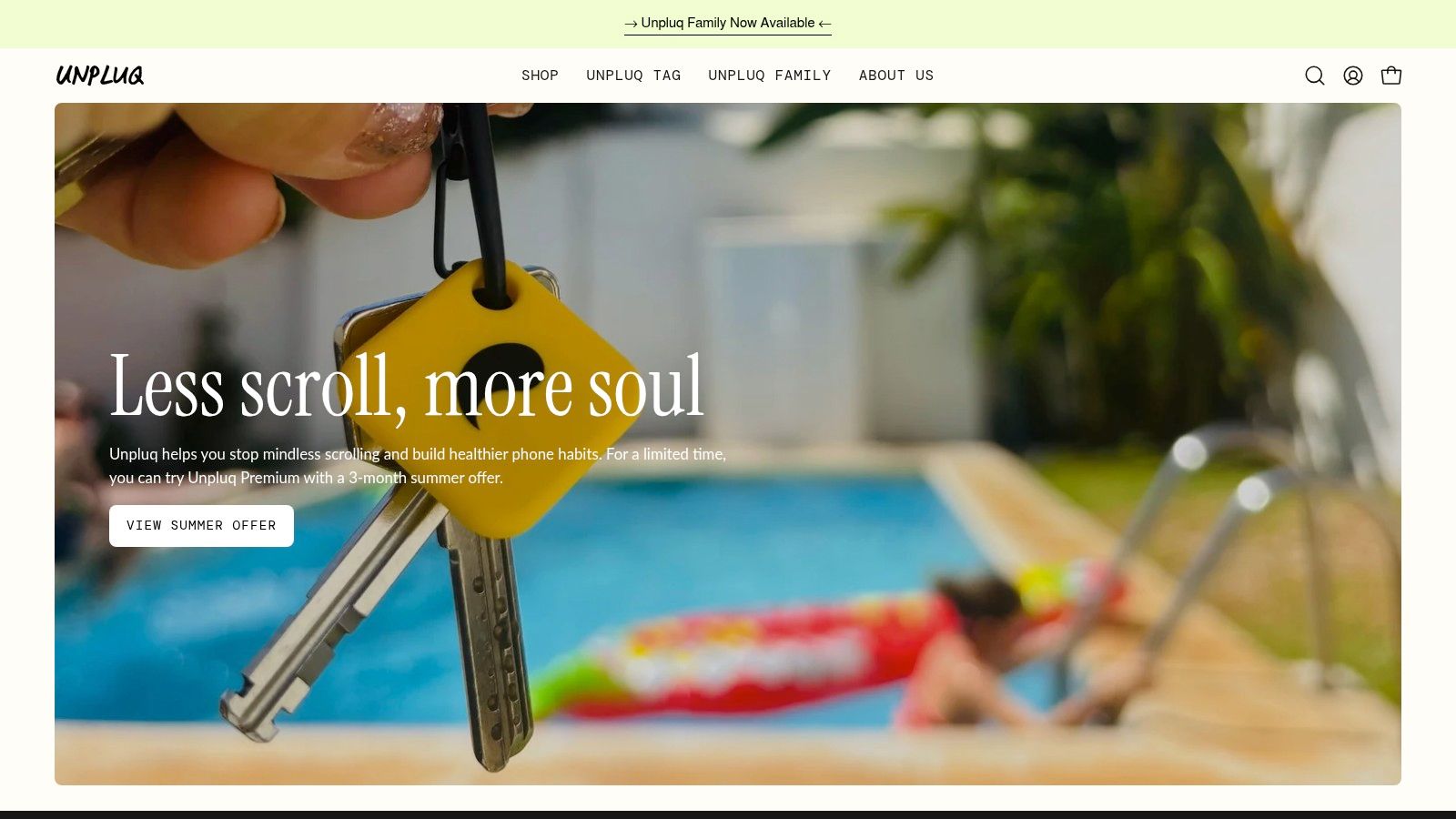
Unpluq takes friction to heart. Instead of only blocking, it puts deliberate steps before you can open a blocked app. Its optional NFC Tag acts as a physical key you must tap, so leaving the Tag in another room becomes part of the rule.
That idea fits the evidence that interruption cost matters. In material covering Google's Digital Wellbeing app-limit documentation and bypass research, adding workload at launch discouraged 46.2% of app-use encounters under the strongest condition versus 12.9% under the lightest. A physical step raises that cost in a way a prompt can't.
Software Barriers Without Hardware
- Scheduled app blocking: Set when barriers apply during your day.
- Built-in barriers: Tap buttons or shake the phone before opening blocked apps.
- Optional NFC Tag: Tap the Tag to open blocked apps during protected time.
- Settings guidance: Includes device-admin integration and settings locks.
You don't need the Tag to start. Software barriers work on their own, and the app covers Android and iPhone.
The best experience requires Premium, the Tag was listed at around $26.50 with Premium required for Tag features, and determined users can still remove protections within Android's system limits.
Verdict: Choose Unpluq if a physical barrier fits your routine. It's the most original form of friction here.
Top 7 Android App Lockers: Feature Comparison
Judge each row at the second you reach for the phone: how fast a rule turns an impulse into work, and whether that work fits a routine you will repeat.
| Tool | Fastest friction added | Best moment of temptation | Routine fit | Trade-off to accept |
|---|---|---|---|---|
| TiedSiren | High once a timed session starts | A fixed study, work, or sleep window | Set sessions ahead; Android only | Free and firm, but weaker outside the session window |
| AppBlock | High if rules are already scheduled | Predictable urges across phone and browser | Best for detailed weekly routines | More options mean more setup; advanced control sits in Premium |
| Stay Focused | Medium to high once rules are tuned | Short-form video and app-specific urges during study | Fits Pomodoro, daily limits, and place-based rules | Granular controls can need device-specific adjustment |
| Lock Me Out | High when usage triggers fire | Repeated opens and time-spent spirals | Strict Android lockouts tied to schedule or use | Stronger protection takes setup; free tier is limited |
| Freedom | Medium on one device, high when several start together | The same urge hitting phone and computer | One session across Android, iOS, and desktop | Scheduling sits behind Premium |
| BlockSite | Medium | Quick blocking without a complex ruleset | Simple lists and schedules across mobile and browsers | Easier start, fewer anti-tampering barriers |
| Unpluq | High if the Tag is out of reach; medium with software steps alone | The physical reach-and-tap moment | Android and iOS; Premium improves the setup | Hardware adds cost, and determined users can still work around Android limits |
If two rows look equal, pick the one whose barrier is already active before the urge peaks.
Pick the Rule You Will Actually Follow
Don't buy the longest feature list. Buy the rule that matches how you fail, then keep it boring enough to repeat.
Evidence should keep your expectations modest. A peer-reviewed review of digital self-control interventions in PMC found only 3 of 19 studies (16%) reported reductions in mobile-phone use, 3 (16%) found no effect, and 1 (5%) reported increased use. Across 13 evaluated apps, only 4 (31%) had evidence of effectiveness. Blocking alone proves nothing, so judge any pick by completed sessions and attempted bypasses, not downloads.
Monitoring has limits too. An Android prototype study on notifications and visualization framed a three-week experiment as proof of concept for self-reflection, not proof that reminders hold during a high-urge moment. If awareness already failed you, choose friction instead.
Here's the direct split.
- TiedSiren: Pick it for a committed, timer-led Android session with no override while it runs.
- AppBlock: Pick it for broad scheduling and the widest rule options.
- Stay Focused: Pick it for structured study and targeted Shorts, Reels, and Stories control.
- Lock Me Out: Pick it for usage-triggered limits that react to opens and time spent.
- Freedom: Pick it when several devices must follow one session.
- BlockSite: Pick it for straightforward lists across apps and websites.
- Unpluq: Pick it when a physical barrier will slow you down enough to reconsider.
If TiedSiren is your pick, get it from its verified Google Play listing. For the others, install from the official site linked in each entry above.
Choose one distraction, one realistic duration, and one session you can complete. Finish that before you design anything elaborate. A small rule you keep beats a strict system you abandon by Thursday.
If you keep turning blockers off at the moment they matter, TiedSiren gives you a free Android session where the timer, not your mood, decides when it ends. Pick your apps, set a duration you can finish, and start one session today.