
You installed a free blocker, set a work session, opened Instagram to check one thing, and turned the block off ten minutes later. The phone stayed in your hand. The problem wasn't that Android lacked a reminder. The problem was that removing the restriction was easier than keeping it.
Reminders, friction, and enforcement do different jobs. A reminder asks you to make a better choice. Friction adds steps to the impulsive choice. Enforcement sets a boundary in advance and makes the session harder to renegotiate while it runs. That distinction matters when you already know you'll ignore a prompt at the wrong moment.
Android is the relevant platform here. TiedSiren, the featured option, runs on Android 8.0 and later. iPhone, Mac, and Windows users need different tools.
This comparison ranks ten free or free-to-start Android blockers by the distance between an impulse and the control that ends the block. The practical tests are simple: what ends a session, whether the Android Settings screen is covered, how scheduling works, and what the free version provides. No tool is an absolute lock on Android. The useful question is how much effort a bypass requires when motivation has already disappeared.
1. TiedSiren
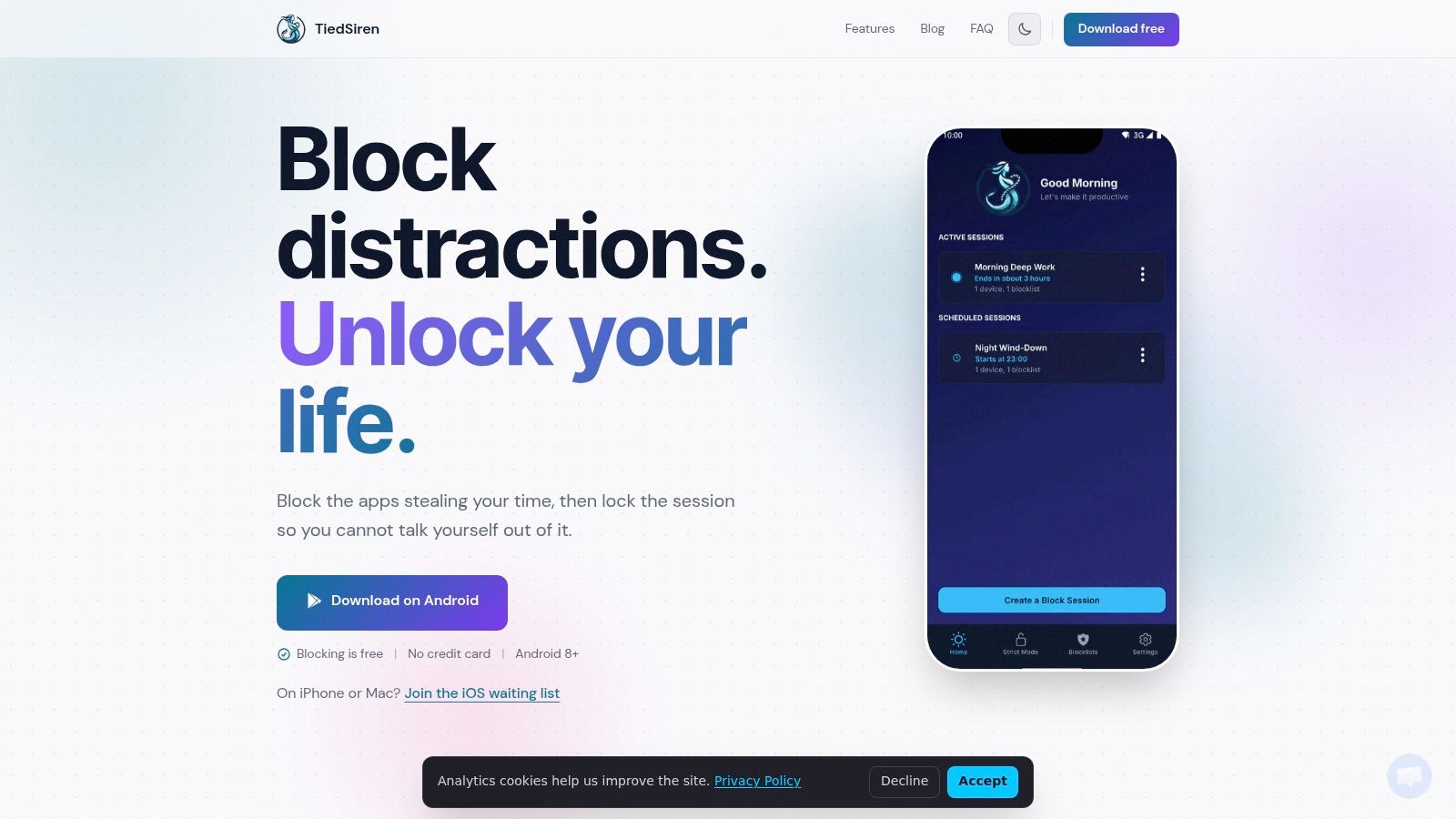
TiedSiren suits the moment when a blocker has already been switched off at the wrong time. Before a session begins, you choose the apps and commit to a duration. Once it starts, the timer controls the end. The app doesn't offer an in-session button to cancel early.
That puts the decision before the distraction, rather than after opening TikTok or Reddit. Set the block for work, study, sleep, or recovery, then let the committed window run.
Why it ranks first for committed sessions
During an active session, TiedSiren also blocks the Android Settings screen. That adds friction to the fastest undo route, since changing access isn't immediately available through the usual interface. Android still needs to provide a way to manage accessibility services through Settings, so this remains friction rather than an absolute lock, as Google's Android accessibility documentation explains.
A determined user may still work around Android restrictions through methods such as ADB or safe mode. The practical benefit is narrower: TiedSiren makes the quick, impulsive bypass harder to complete.
Custom blocklists can be grouped by context, including work, study, and sleep. Daily and weekly recurring sessions handle repeated routines without manual restarts. A focus timer shows when access will return, so the restriction has a visible endpoint.
Practical rule: Use TiedSiren when a session needs to hold. Choose a softer limit when access must change during the day.
It is free on Android 8.0 and later, and suits fixed commitments better than flexible daily caps. Install it from the TiedSiren Google Play listing.
2. Google Digital Wellbeing
Google Digital Wellbeing is the sensible first stop because it may already be on your Android phone. Its Focus mode pauses selected apps on demand or on a schedule, while app timers provide daily caps and the usage dashboard shows where your time goes. Bedtime mode reduces interruptions and notifications during a chosen routine.
For many users, that low setup cost is the main advantage. You don't need another app, another account, or another system layer. The controls are integrated with Android and generally have little resource impact.
Where the baseline stops
Digital Wellbeing is designed as a gentle control system. It pauses apps and shows limits, but it doesn't provide the same committed-session model as TiedSiren. The person trying to avoid a feed can still reach the settings that control the restriction.
Availability and feature depth vary by Android version and device manufacturer. The official Google Digital Wellbeing overview is the right place to check what applies to your phone.
Choose it if you want awareness, basic schedules, and a free starting point. Choose something more friction-heavy if you've already proved that a visible limit won't survive an urge.
3. AppBlock
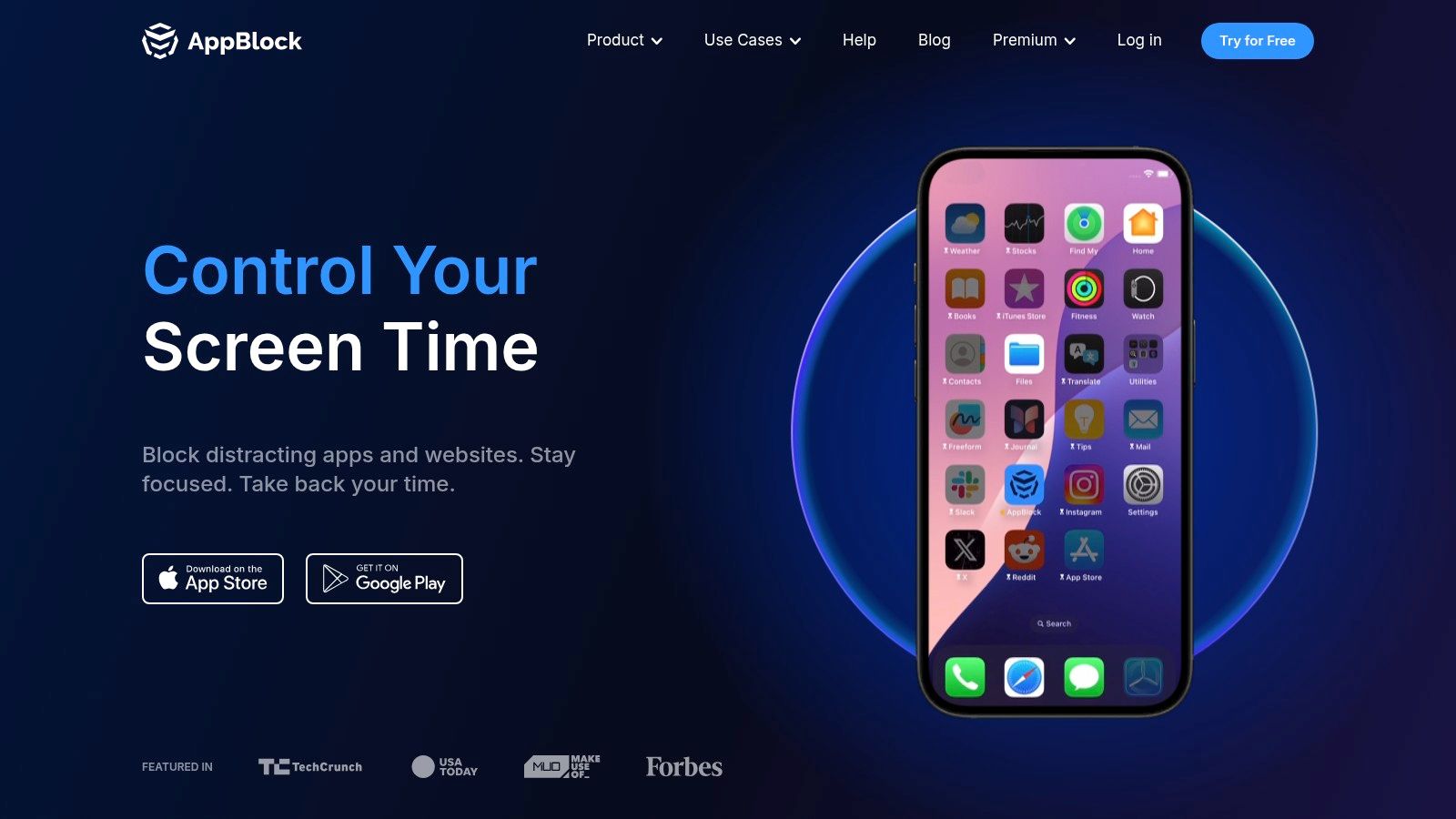
AppBlock is a mature choice for people who want detailed conditions rather than one simple block. It can block apps and websites by time or schedule, start a temporary Quick Block, and apply location-based rules. That makes it useful when the trigger depends on context, such as social apps during work or games during study.
Its strict options are designed to reduce changes while an active block is running. The distinction matters, but the free tier doesn't expose every advanced control. Stronger enforcement and deeper configuration are part of the paid offering.
Best for detailed rules
AppBlock works well when you want several profiles and conditions. You can build a work block that differs from a sleep block, or use a quick temporary session when a scheduled routine isn't enough.
It also supports iOS and browser extensions, so it can make sense for someone whose distraction moves between devices. The trade-off is complexity. More conditions mean more setup, and the most serious controls may require Premium. Its AppBlock website explains the current split between free and paid capabilities.
AppBlock blocks solidly. It isn't fair to call it weak because it has a paid tier. The more useful comparison is that TiedSiren puts its distinctive value in the fixed session and Settings-screen friction, while AppBlock puts more weight on configurable rules.
4. Stay Focused by Innox Apps
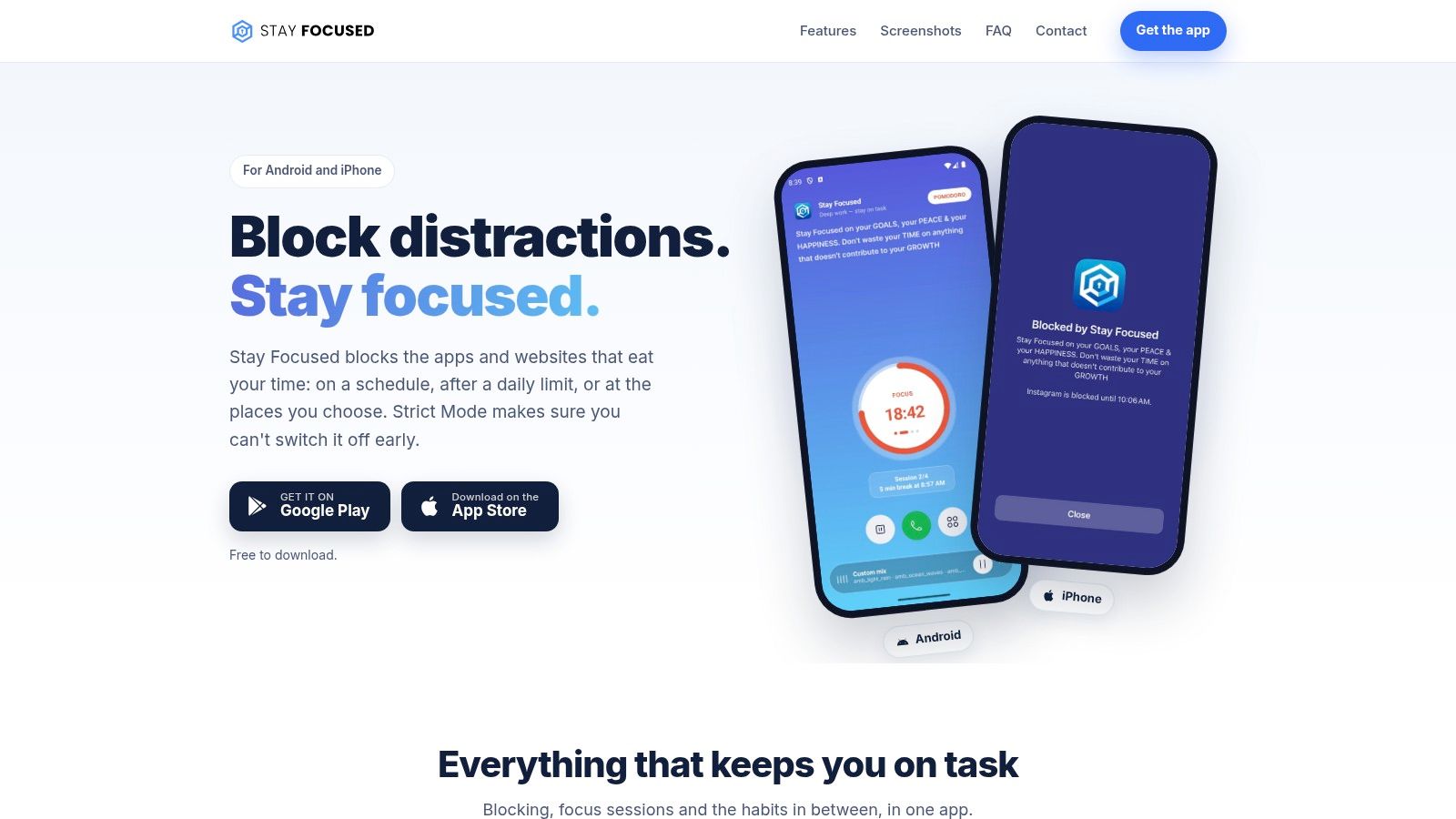
Stay Focused suits users who want to tune the blocker around specific habits. It can block apps and websites through schedules and usage limits, create custom blocklists, and hide attention-heavy surfaces such as YouTube Shorts or Instagram Reels. That feature-level approach can be more practical than blocking an entire service.
The app is also relatively candid about Android's limits. Its documentation explains that determined users can work around platform restrictions, which is a more useful expectation than a promise of perfect control.
Good configuration, paid edges
The free tier gives you a workable starting point, but some stricter controls sit behind paid upgrades. That makes Stay Focused a good fit for gradual experimentation, not necessarily the first choice for someone who already knows soft limits fail.
Its value is breadth. You can target websites, apps, schedules, and particular in-app surfaces rather than treating every distraction as the same problem. Read the Stay Focused features alongside the official Stay Focused site before choosing it.
Use it when you want to understand and shape your triggers. Use a committed timer when you don't want to decide again during the session.
5. BlockSite
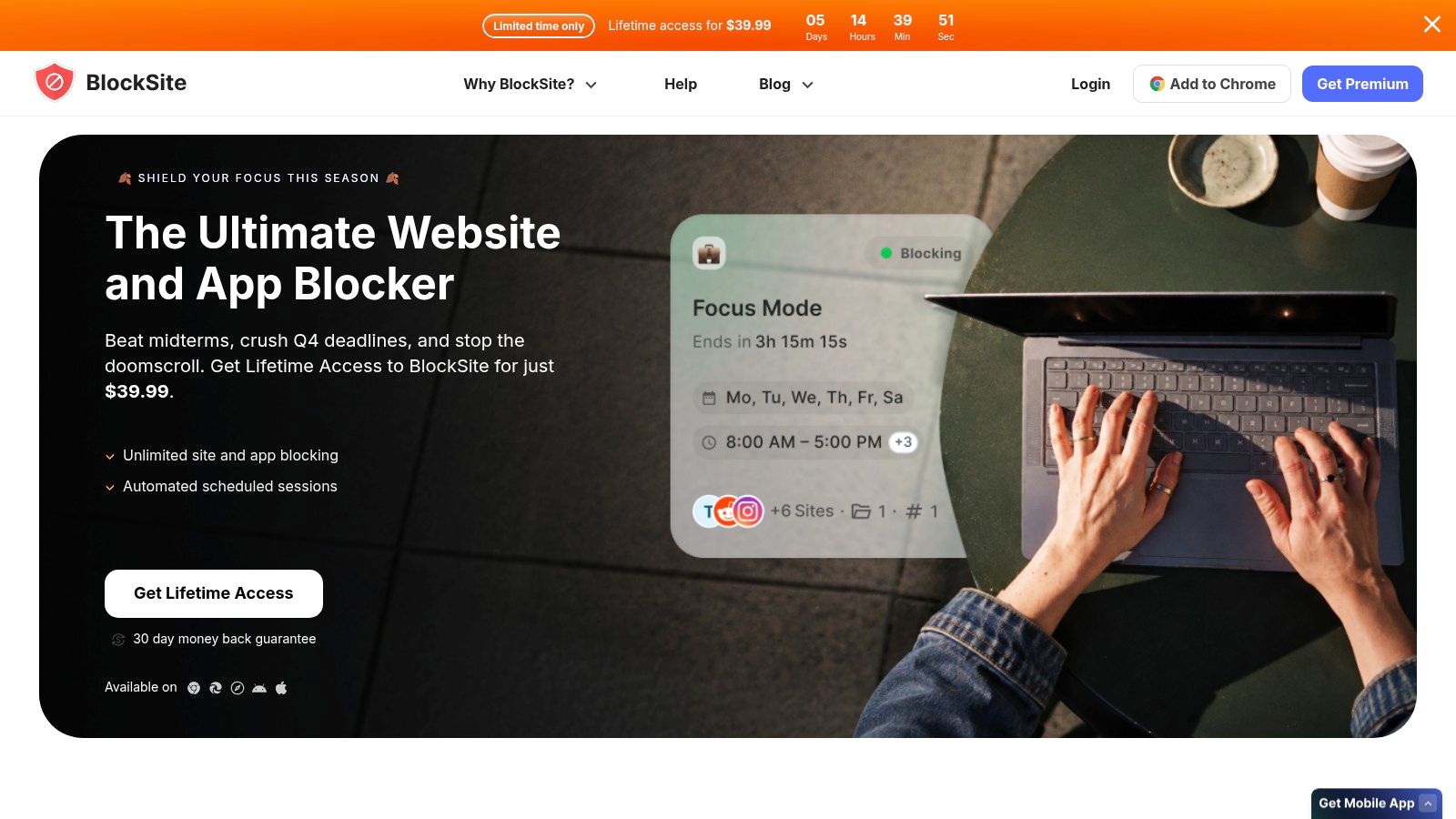
BlockSite is convenient for people who want app and website blocking across a wider device setup. It supports keyword-based and category blocking, schedules, browser-extension syncing, and basic PIN or protection options. The category approach is useful when individual blocklists become tedious.
The mobile apps are free to download on Android and iOS. Its broader ecosystem is the main reason to consider it, especially if your phone isn't the only place where a distracting site appears.
Useful across devices, less focused on one hard session
BlockSite's free access is convenient, but the more advanced capabilities generally require a subscription. Its privacy policy also deserves a look because mobile blocking tools can involve data collection choices that differ from one product to another.
It blocks solidly, but its core appeal is consistency across apps, websites, and browser extensions rather than a single Android session whose timer is the only exit. Check the BlockSite website for current platform and plan details, then download TiedSiren if your immediate problem is one Android phone and one recurring failure point.
6. Lock Me Out by TEQTIC
Lock Me Out takes a stricter, schedule-driven approach. It can schedule lockouts for selected apps or the entire device, add location-based rules, and define granular exceptions. That makes it suitable for people who want a phone-wide boundary rather than a small list of feeds.
Anti-tampering options and uninstall protection are available as Premium features. The free version can still be useful, but the strongest protection isn't all included at no cost.
Strong control with more setup
Lock Me Out is a good candidate when the problem is broad phone access, not one particularly sticky app. The number of controls can also make configuration less comfortable for someone who wants to start a block immediately.
Its development history and changelog are visible, and the developer provides information about flexible pricing help for people on low incomes. Those details matter if you need an actively maintained tool and expect to configure unusual rules.
The TEQTIC Lock Me Out site gives the current feature and pricing context. Compare the free controls carefully before assuming that anti-tampering protections are included.
7. Detox Procrastination Blocker
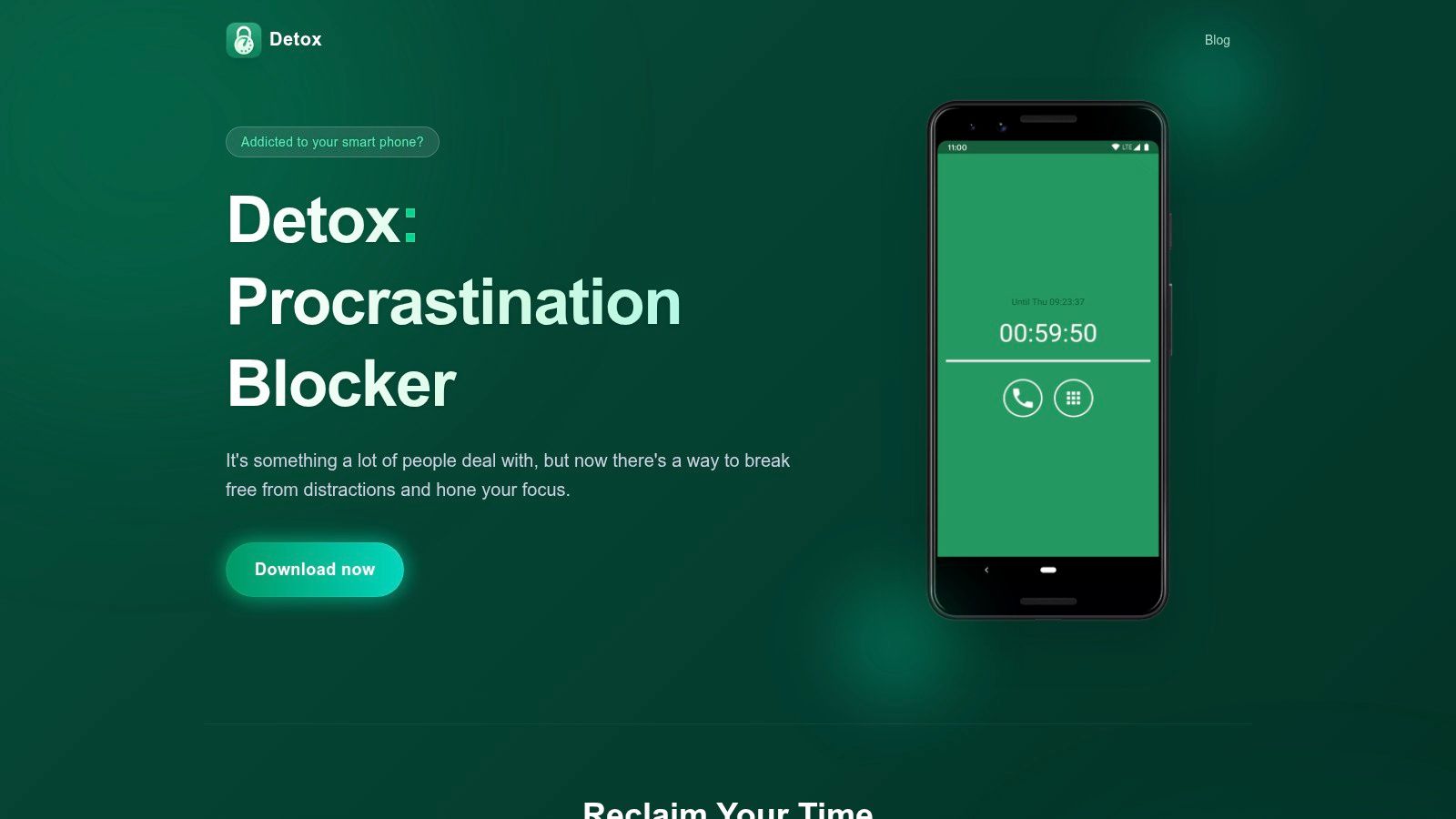
Detox is built around a narrow use case: start a timed session, block selected distracting apps, and stay inside the commitment until the session ends. That simplicity is its advantage for a study sprint or a short work block.
It also offers optional cheating protection through Accessibility overlay controls. The approach adds resistance to early cancellation without turning the app into a large dashboard of usage data and conditions.
Better for sprints than routines
Detox is straightforward when you need a fixed commitment now. It is less suitable for complicated recurring schedules or a large set of context-specific rules.
Android-level paths can still be used to bypass a blocker with enough effort. That doesn't make the tool useless. A short session only needs to make the immediate escape less convenient than returning to the assignment.
The Detox Procrastination Blocker website is the place to check its current approach. Pick it for minimal setup and time-boxed focus, not for extensive schedule management.
8. Digital Detox Focus and Live
Urbandroid's Digital Detox focuses on timed lock-ins rather than extensive analytics. You can run fixed Detox sessions that block chosen apps or phone usage, use optional cheating protection, and define per-app limits and whitelists.
That focus makes it easier to understand the product. You set a boundary for a period, protect the session as far as Android allows, and return to the device after the timer has finished.
A lightweight strict-session option
Digital Detox has an active user forum and developer support through Urbandroid's project pages. The core app is free with optional in-app purchases, which keeps the initial test straightforward.
The compromise is scheduling. Daily and weekly recurrence is less flexible than in tools built around ongoing routines. Accessibility-based protections also remain subject to Android's platform limits.
The Urbandroid project page provides the current product context. This is a reasonable choice for users who want a focused lock-in without a larger parental-control-style suite.
9. StayFree Screen Time Tracker and App Limits
StayFree is the most measurement-oriented tool in this list. It combines usage analytics and visual reports with app limits, blocked access after a limit is reached, and website blocking through Accessibility services. Browser add-ons extend its reach beyond the phone.
That makes it useful when you need to see the pattern before deciding how strict the intervention should be. A daily cap can work for someone who responds to tracking and gradual reduction.
Choose it for awareness and limits
StayFree isn't a hard-lock product. Determined users can circumvent limits, and some features require in-app purchases or a subscription. Its strength is the feedback loop, not removing every decision from a high-risk session.
That distinction fits the wider evidence on restriction design. A 2025 study reported that participants limited to 30 minutes of social-media use per day returned to their earlier average use after restrictions ended, with use increasing by about one hour between the intervention and post-intervention period. The findings are described in the Frontiers study PDF. A recurring blocking window can be more useful than a one-time cap if the trigger returns every evening.
Find the current product details at the StayFree website. Pick it when analytics will change your decisions. Pick a fixed session when analytics already told you enough.
10. Unpluq
Unpluq adds deliberate barriers before a blocked app opens. Depending on the setup, the barrier can involve a shake, pattern, scroll, QR action, or a physical NFC Tag. Its purpose is to interrupt automatic openings rather than create a classic timer-based lockdown.
The Android free plan provides basic blocking, while subscriptions and the physical Tag expand the available setup. Scheduling can start blocking windows automatically, so the friction appears when the selected period begins.
Friction instead of a sealed session
Unpluq is a strong fit for someone who wants a pause before opening an app. It isn't the same as a session where the timer is the only exit. The user can still complete the barrier, which is the point for gradual awareness and the limitation for someone who overrides every prompt.
The free plan is also narrower than the full product. Check the Unpluq website for the current Android differences and paid options.
If your main failure is opening an app automatically, added effort may be enough. If you need a precommitted window that doesn't offer an in-product override, compare it with the TiedSiren approach.
Top 10 Free Android App Blockers, Feature Comparison
| Product | Core features | UX / Enforcement (★) | Target audience (👥) | Unique selling points & value (✨) | Price & availability (💰) |
|---|---|---|---|---|---|
| 🏆 TiedSiren | Strict Mode (timer-only exit), blocks Settings, custom blocklists, scheduled sessions, focus timer | ★★★★, strong moment-of-weakness enforcement | 👥 Users who disable blockers at the critical moment; deep-work & study focus | ✨ Strict timer + Settings blocker; honest about bypass limits; recurring schedules remove daily decisions | 💰 Free on Android 8.0+; no CC, no trial; iOS/macOS/Windows waitlist |
| Google Digital Wellbeing (Focus mode) | Focus mode, app timers, bedtime mode, usage dashboard | ★★★★, system-integrated, low overhead | 👥 General Android users seeking baseline controls | ✨ System-level integration; stable and battery-friendly baseline | 💰 Free / built into many Android devices |
| AppBlock | Time & schedule blocks, Quick Block, location rules, 'strict' options | ★★★★, granular controls, mature feature set | 👥 Power users who want cross-platform rules | ✨ Granular conditions + cross-platform support; well-established app | 💰 Free tier; Premium for advanced enforcement |
| Stay Focused (Innox Apps) | App/site blocking, schedules, hide Shorts/Reels, custom modes | ★★★★, highly configurable enforcement | 👥 Users who want deep customization and UI-level blocking | ✨ Hides addictive UI surfaces; transparent Android guidance | 💰 Free + paid upgrades for stricter features |
| BlockSite | App/site & keyword blocking, category rules, browser sync, PIN options | ★★★, simple, multi-device consistency | 👥 Multi-device users wanting consistent blocking across phone & desktop | ✨ Browser-extension sync for cross-device rules; easy setup | 💰 Free mobile download; Premium unlocks strongest features |
| Lock Me Out (TEQTIC) | Scheduled lockouts, full-device locks, anti-tamper/uninstall protection, location rules | ★★★★, focused on tamper resistance (some paid) | 👥 Users needing strict schedule-driven lockouts | ✨ Anti-tampering & uninstall protections; active dev support | 💰 Free core; Premium for advanced anti-tamper |
| Detox: Procrastination Blocker | Timed detox sessions, optional Accessibility cheating protection, minimal setup | ★★★★, effective for short sprints | 👥 Users who want short, intense focus bursts | ✨ Minimal friction setup optimized for short commitments | 💰 Free core; optional paid features |
| Digital Detox: Focus & Live (Urbandroid) | Fixed lockdown sessions, cheating protection, per-app limits, community support | ★★★★, timer-focused, community-backed | 👥 Users who prefer timer-based lockdowns with forum support | ✨ Respected dev + community; lightweight strict sessions | 💰 Free core; in-app purchases available |
| StayFree – Screen Time Tracker | App usage limits, website blocking (Accessibility), detailed analytics | ★★★, tracking-first approach | 👥 Users who prefer monitoring + gradual limits, habit tracking | ✨ Clear visuals & analytics that motivate behaviour change | 💰 Free core; some features via in-app purchase/subscription |
| Unpluq | Custom barriers (shake/pattern/QR), optional NFC Tag unlock, scheduling | ★★★★, friction-focused rather than absolute lock | 👥 Users who respond to physical or effort-based barriers | ✨ Unique physical NFC Tag and barrier mechanics to deter impulses | 💰 Free plan (2 apps); subscription & Tag expand features |
Picking the Blocker You Won't Switch Off
The right free Android blocker depends on where your failure happens. If you forget to set a limit, scheduling matters. If you set one and remove it during the urge, session rules and control-path friction matter more. If you want to understand your behavior before imposing a hard boundary, analytics and daily caps are the better starting point.
The tools also differ in what ends a session. Digital Wellbeing and StayFree are built around app timers, limits, or focus controls. AppBlock, Stay Focused, BlockSite, and Lock Me Out add schedules and more granular conditions. Detox and Digital Detox center on timed commitments. Unpluq uses an intentional barrier. TiedSiren makes the timer the only in-product end point for a running Strict Mode session.
The Android platform sets a ceiling for all of them. Accessibility controls remain available through Android Settings, and Android's compatibility documentation describes the requirement for an accessible mechanism to manage third-party accessibility services. A blocker can cover the Settings route and raise the effort required to undo it, but no honest comparison should promise an absolute lock.
Use Digital Wellbeing if you want a free baseline and haven't tested whether a system control is enough. Use StayFree if tracking and visual reports will help you change a daily cap. Use Unpluq when a deliberate pause can interrupt automatic openings. AppBlock, Stay Focused, BlockSite, and Lock Me Out suit people who want broader rule systems, though free tiers and stricter controls vary.
Choose Detox or Digital Detox for short, timed focus sessions. Choose TiedSiren when you already know the problem is the control you reach for after the block starts. Its free Android app combines a committed duration, Settings-screen friction, custom context blocklists, recurring daily or weekly sessions, and a remaining-time display.
Start with one recurring window, not a complete redesign of your phone. Set the block before the vulnerable period, select only the apps that pull you away, and let the session run. If that is the failure point you've been trying to fix, install TiedSiren from the Google Play listing.
TiedSiren offers free committed app-blocking sessions on Android 8.0 and later, with Strict Mode, Settings-screen friction, recurring schedules, custom context blocklists, and a focus timer. If ordinary limits keep getting turned off during work, study, or sleep, visit TiedSiren and test a session that makes the decision before the impulse arrives.