
At 11 p.m., your phone is already in your hand. You open the browser before you've decided to, tap the familiar site, and watch it load. The blocker you installed last week is still there. So is the off switch.
That's web site control problem. You don't need another list of distracting domains. You need a pause between the urge and the destination, especially when your attention is tired and your decision has already started moving.
The Real Problem With Web Site Control
Approaching web site control as a list-management task is common. An administrator adds a site, saves the rule, and assumes the work is done. Then the bad moment arrives, and editing the list takes less time than deciding whether to keep browsing.
A blocklist fails when the person who wants access also controls the settings. The same person can remove the domain, disable the extension, switch browsers, or shut down the blocker. That isn't a technical mystery. It's a predictable failure built into self-managed tools.
Willpower tools fail for the same reason. They ask a depleted brain to make one more good decision at the exact moment the user wants relief, stimulation, or escape. A reminder can be useful earlier in the day. At 11 p.m., it's usually just another screen to dismiss.
Practical rule: Design for the five-second bypass, not the determined attack.
The useful question is whether the control makes the next action slower and more deliberate. A password you don't have memorized, a timer that must expire, an extra settings barrier, or a scheduled no-access window can interrupt the impulse loop. None of these needs to be permanent to be valuable.
The off switch matters more than the list
A browser-wide shutdown can sometimes survive a bad night better than a carefully curated list of forbidden sites. If you can remove every rule with one tap, the list's precision doesn't matter. If the control makes you stop, find another device, wait, or ask someone else, it has changed the decision.
That distinction also explains why website control has become a broader governance practice rather than a simple blocklist. The Hindu reported that website-blocking orders in one major market rose from 62 in 2013 to 6,954 by October 2023, a more than hundredfold increase, and described how direct takedown orders to social platforms and content providers changed the count for 2022 from 228 websites to 6,775 actions when layered enforcement was included. The Hindu's report on website-blocking orders shows why “blocked” can mean several different enforcement layers.
For personal use, the same principle applies at a smaller scale. Start with the trigger, identify the fastest undo, then add friction to that specific route. The next sections separate the layers so you can choose controls that match the person using the device and the failure you're trying to prevent.
What Web Site Control Actually Covers
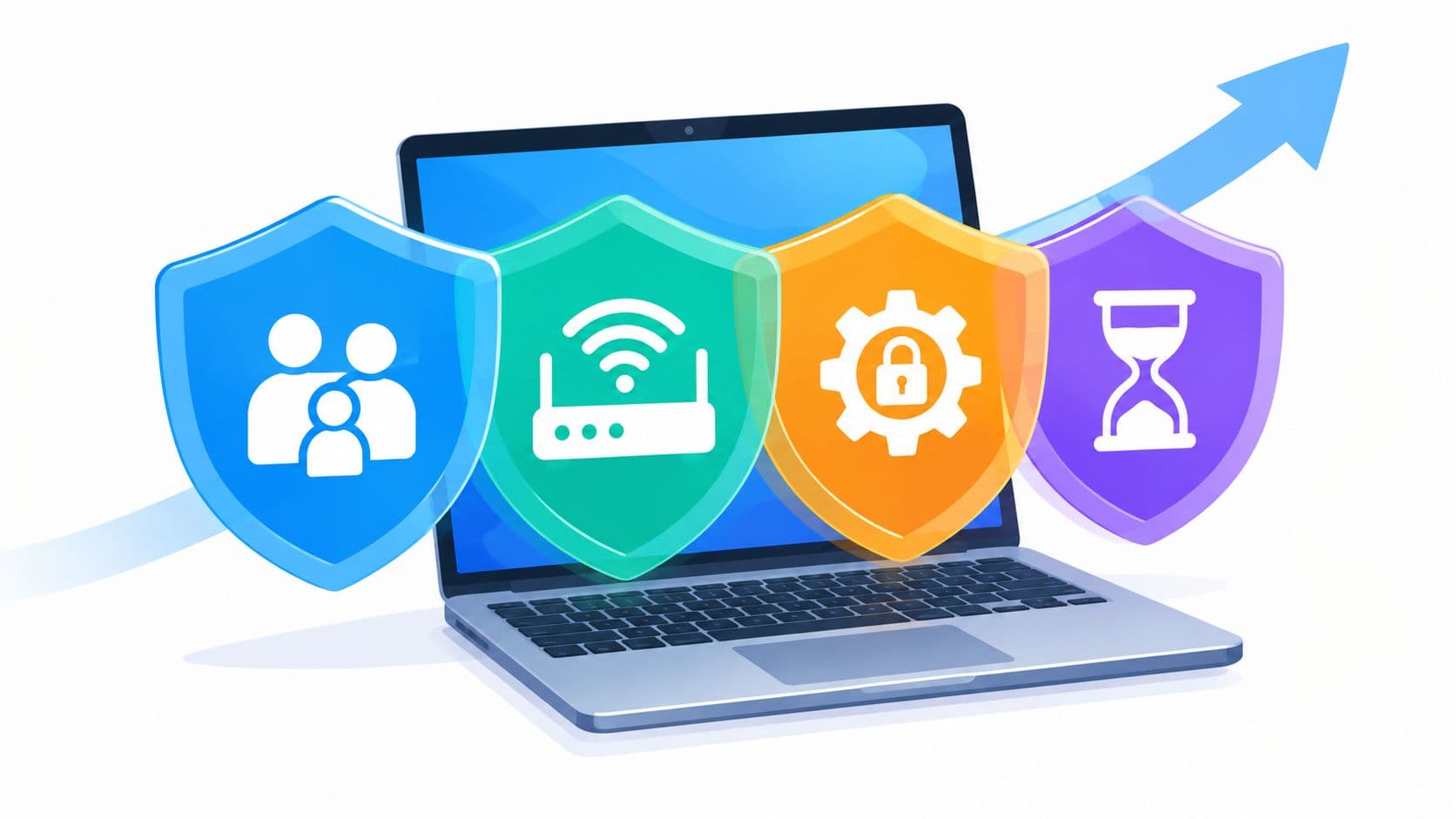
Web site control covers more than a browser extension. It can live on the device, inside an account, at the router, or in an administrator's policy. The important difference is who owns the override.
Parental controls
Google Family Link and Apple Screen Time work well when a parent manages the account and the child doesn't hold the administrator password. A parent can set app limits, manage allowed content, and control access from outside the child's immediate decision.
That arrangement changes the threat model. The child can still want the restricted content, but the fastest override isn't available on the same terms. For a family device, this is usually the sensible starting layer.

Network-level filtering
CleanBrowsing DNS and OpenDNS apply policies at the network level. A router can pass that policy to devices connected to the home Wi-Fi, which makes the control useful for households with several phones, tablets, and computers.
The weakness is location. A device that leaves the home network may no longer inherit the same filter. Network control is therefore strong for a fixed environment, but it isn't a complete personal-device policy.
Admin policies
Schools and workplaces use administrator-controlled systems such as group policy objects, mobile device management profiles, and Chrome enterprise controls. The user operates the device, but another person or team sets the rules and holds the override.
This is the cleanest structure when an organization owns the hardware or account. It becomes less useful on personal hardware because technical administration, account separation, and ongoing maintenance are required.
Self-imposed tools
Cold Turkey, LeechBlock, One Sec, and similar tools serve users who make their own rules. That makes them flexible, but it also creates the central weakness: the rule maker and rule breaker are the same person.
Self-imposed control works best when it creates delay instead of pretending to create an absolute denial. A scheduled block can protect a work window. A deliberate wait can stop an impulsive visit. The tool earns its place by making the unwanted action inconvenient at the right moment.
These layers can stack. A parent might combine router filtering with device controls. A worker might use workplace policy alongside a personal focus session. Real control usually comes from putting the override somewhere the impulsive version of you can't reach instantly.
The Four Control Mechanisms Compared
No control mechanism wins every situation. Compare them by override ownership, reset behavior, location, and failure mode.
| Control Mechanism | Who Holds Override | Survives Factory Reset | Works Off-Home Wi-Fi | Weakness Under Impulse |
|---|---|---|---|---|
| Parental controls | Parent or account manager | Usually no, unless reconfigured after reset | Device and account dependent | The user may switch devices or regain account access |
| Network filters | Router owner or network administrator | Yes for the router, no for a reset or alternate network | No, not by itself | A different network avoids the policy |
| Admin policies | School, employer, or administrator | Often tied to managed enrollment, not ordinary personal hardware | Depends on device management | Setup is demanding and personal devices may be outside policy |
| Self-imposed blocklists | The same person using the device | No | Usually yes, depending on the tool | The user can remove, disable, or work around the control |
Parental controls are convenient for families because they move the password away from the child. They still need maintenance when a device is reset, replaced, shared, or used under another account. A borrowed phone can also bypass a carefully managed home setup.
Network filters have a different tradeoff. They're difficult to sidestep casually while you're on the home connection, but they don't follow you automatically to a coffee shop, school, or mobile connection. They protect a place more reliably than they protect a person.
Admin policies offer the strongest structure when the organization controls enrollment and configuration. They're excessive for an adult trying to stop late-night browsing on a personal phone, and they offer no automatic protection for unrelated personal hardware.
Self-imposed blocklists look weakest on paper because the user can often remove them. Yet they can be the right fit for motivated adults whose main problem is casual drift rather than deliberate evasion. A small delay is enough when the urge is shallow.
The choice isn't “Which system is strongest?” It's “Which failure can you live with?” Review TiedSiren's feature overview alongside the control layer you already use, then choose the smallest intervention that puts the override outside your automatic reach.
What Restriction Actually Delivers
Restriction changes access. It doesn't repair the reason you wanted to escape in the first place.
A 2025 randomized trial found that blocking mobile internet for two weeks improved sustained attention, subjective well-being, and mental health, with some benefits persisting after access returned. The trial summary from US Right to Know supports a useful distinction: a temporary restriction can affect more than the immediate browsing session, but it still shouldn't be treated as a permanent cure.
The practical effect is simpler. A restriction removes the easiest path, forces a deliberate bypass decision, and protects a defined period from ambient distraction. That's valuable during study, writing, sleep preparation, or any task that collapses when you check one familiar feed.
| Restriction Type | Measured Effect | Duration of Effect | Failure Mode |
|---|---|---|---|
| Temporary mobile internet blocking | Improved sustained attention, well-being, and mental health in the cited trial | Some benefits continued after access was restored | Access can return, and the original habit can return with it |
| Scheduled website or app blocking | Creates protected work or rest windows | Limited to the active schedule | The user can disable the control if the override stays nearby |
| Network filtering | Applies a shared policy to connected devices | Continues while the device uses that network | Another network or connection can avoid the filter |
| Admin policy | Moves control to an organization or account manager | Depends on enrollment and policy maintenance | It doesn't cover unmanaged personal devices |
Don't measure success only by whether the control remains technically active. Track whether sessions finish with fewer interruptions and whether you re-engage with the blocked content immediately afterward. Those outcomes tell you whether the friction is doing useful work.
Restriction stops helping when the user treats it as a moral test. If someone wants access badly enough, a delay may become a project. That's why permanent lockdown is often the wrong first move. Use a bounded session, observe the failure, and adjust the layer rather than demanding perfect compliance from a tool.
Setting Up Web Site Control on Android
Start with the controls already built into Android, then add a blocker that addresses the route you use to undo restrictions. The setup should take the off switch seriously.
Google's official Digital Wellbeing Focus mode instructions let you choose distracting apps, set a schedule, and use “Take a break” during an active session. Google Play also describes Focus mode as a way to pause selected apps and schedule it for work, school, or home in the Digital Wellbeing listing.

Start with the baseline
Open Settings and find Digital Wellbeing. Set an app timer for the browser or for the specific apps that pull you away, such as YouTube. Use Focus mode for a defined work window, choose the distracting apps, and set the schedule for the days and times you want protected. The schedule screen supports a start time, end time, and selected days, as described by Android Police's Focus mode coverage.
Use grayscale if color is part of the pull. It won't solve the habit, but it can make the screen less rewarding while you're trying to stay with the task.
Add a deliberate barrier
If the built-in timer is too easy to dismiss, install a friction-based blocker such as BlockSite or Cold Turkey. Grant the permission it requires, then add the exact sites or apps that cause the problem instead of relying on a vague category list.
Test the undo immediately. Try reaching Settings, disabling the relevant control, and uninstalling the blocker. You're not trying to defeat your own setup for sport. You're finding out whether the barrier survives the exact impulse that previously beat you.
For a stricter Android session, download TiedSiren. It supports Android 8.0 and later, uses custom blocklists, offers scheduled daily or weekly sessions, shows the remaining focus time, and provides Strict Mode, where the running session ends when its timer ends and nothing else ends it. During a session, it blocks the Android Settings screen, which raises the cost of the quickest disable route. That's friction, not an absolute lock.
Schedule before motivation disappears
Set recurring sessions for work, study, or sleep rather than rebuilding the same rule every day. Put the start and end times in place when you're calm. A control that depends on your tired self remembering to activate it is already too late.
The Android platform preserves maintenance paths. The Device administrator documentation shows that major device builds expose a Device admin apps screen where an administrator app can be deactivated. Security guidance also describes safe mode and ADB as routes that can enable device-side intervention, as covered by MalwareFox's Android administrator analysis.
Choose friction with your actual failure in mind. If you can undo the whole setup in thirty seconds, it won't protect the thirty seconds when you need it most.
What These Tools Cannot Do
Website control tools don't create an impossible-to-bypass device. Anyone promising that usually ignores the difference between an impulsive user and a determined one.
A person with physical access and enough technical patience may reset a device, use safe mode to remove a third-party blocker, switch browsers, or use a VPN. Alternate access paths can include Wi-Fi without a SIM, VPNs, and third-party APK installation, depending on the filtering layer, as discussed in research on bypassing mobile app filtering.
Android's own maintenance design matters here. Device administrator controls can remain reachable through system settings, while accessibility overlays and similar approaches may hide the obvious route without eliminating recovery or debugging paths. The platform needs those paths for legitimate maintenance, so a personal blocker can raise the cost without turning the phone into a sealed appliance.
Use the right threat model
These tools work against the late-night reach for a familiar site. They slow the user who wants access now, not the user who has decided to spend time researching a workaround.
They also help parents maintain a consistent baseline across ordinary use, but they can't govern every second device, shared login, or alternate connection. The more determined the person, the more the problem shifts from impulse management to account ownership, device management, and supervision.
The useful lock is the one that stops the automatic action long enough for you to choose again.
Ask whether the extra friction is worth the setup for the actual user. For a child on a managed family device, stronger external control may justify its maintenance. For an adult trying to protect a writing session, a scheduled delay may be enough. Don't pay the complexity cost of enterprise administration to solve a five-second habit.
Choosing the Right Layer for Your Situation
Choose based on the failure you've already observed, not the control that sounds most impressive.
Students who lose study hours to YouTube or Reddit usually need a friction-based blocker paired with a timed network filter. The main risk is casual drift, so a defined study window and a slower bypass are more useful than a heavy managed-device deployment.
Knowledge workers who check Slack or Twitter during deep work should start with app-level time limits and hard cool-downs. If the employer already filters content at the network edge, adding another broad network policy may create noise without addressing the personal habit.
Adults with ADHD who have repeatedly failed willpower-based approaches need friction plus accountability. A scheduled reporting arrangement or another person who knows the intended session can address the recurring failure pattern more effectively than adding a stricter-looking list.
Parents of younger children should accept the maintenance cost of a full stack. Router-level filtering, device parental controls, and supervised accounts cover different routes, so relying on a single layer leaves obvious gaps.

Escalate from history, not fear
Pick the lightest layer that has previously failed you, then move up one step if it fails twice. If a browser list is enough to stop casual browsing, keep it. If you've disabled every reminder at the first urge, use a timed session with a harder-to-reach settings path.
Android 8.0 remains a live platform version, accounting for 2.62% of devices in the market data cited by Market.us's Android phone statistics summary. Check compatibility before choosing an Android tool, especially if an older phone is still your primary device.
For teams building or integrating their own control workflows, TiedSiren's developer resources are the relevant place to evaluate the available product surface. For everyone else, keep the decision practical: identify the trigger, locate the fastest undo, and add enough delay to interrupt the automatic move.
TiedSiren is a free Android app blocker for Android 8.0 and later that lets you choose apps, set a duration, and run scheduled sessions with custom blocklists and a focus timer. If your problem is turning off a blocker at the moment it matters, visit TiedSiren and use its Strict Mode and Settings-screen friction to make the impulsive undo harder.