
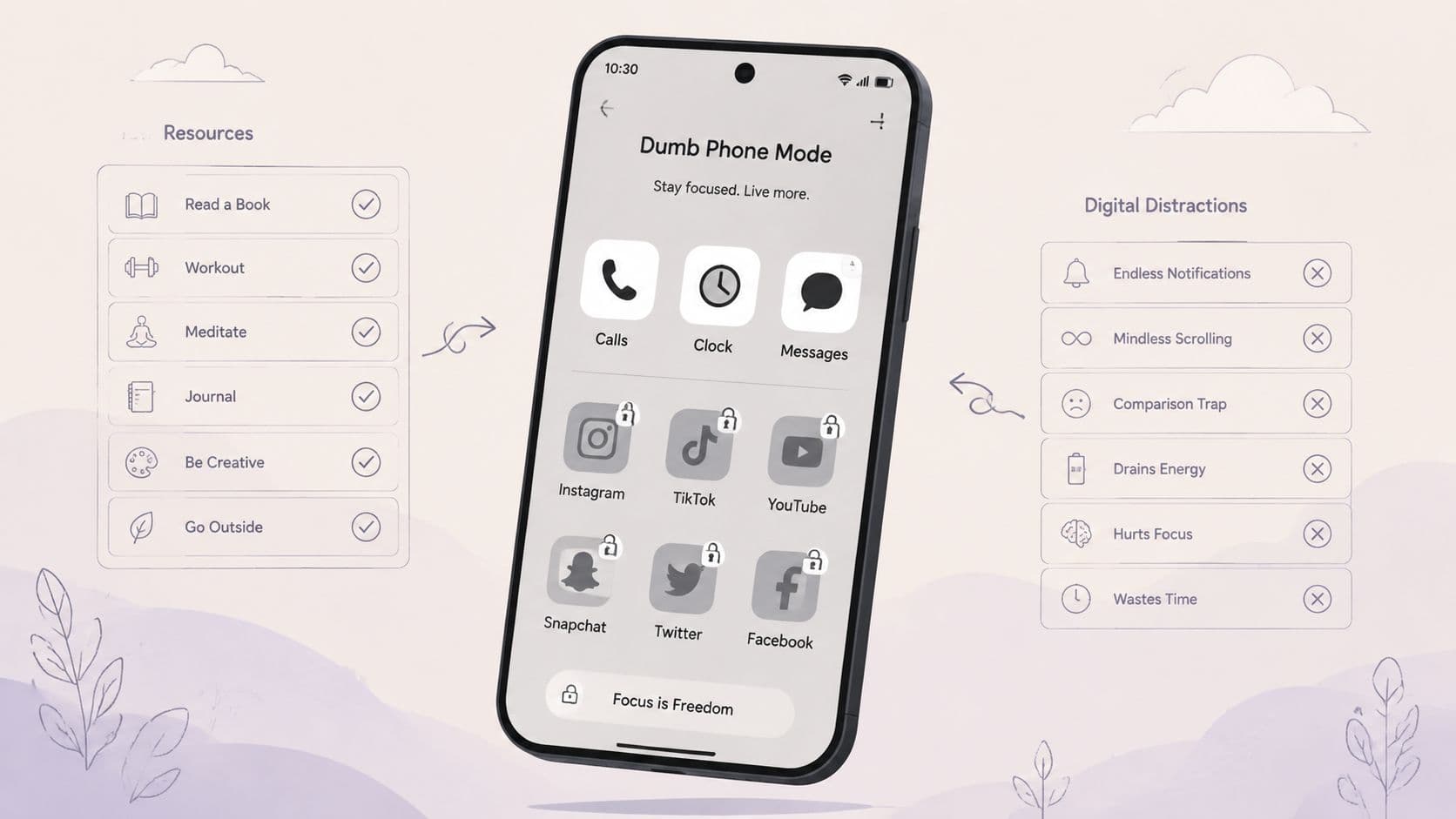
You already know the move. You install a blocker, get a clean thirty seconds, then the urge hits and the off switch is sitting there in your hand. That's where most dumb phone app setups fail, not because they don't look calmer, but because they don't make the override costly enough when you're tired, bored, or angry.
A real dumb phone app strategy can work in different ways. Some tools calm the home screen. Some delay access. Some enforce a session you commit to up front. Others add a physical barrier so you can't undo the choice without leaving the couch. The practical question isn't which one sounds strict. It's which kind of friction survives the moment you want to cheat.
That distinction matters because distraction is still a huge device problem. The smartphone remains the main place where excessive screen use shows up, with a 2025 Frontiers in Psychiatry study reporting 48.4% overall prevalence of excessive digital screen time, including 29.4% for smartphones (Frontiers in Psychiatry). And the broader habit is stubborn, since a 2025 ITU presentation reported 38% of respondents at more than five hours of daily recreational screen time, with 41% among young adults (ITU presentation).
1. TiedSiren

TiedSiren is the one I'd point to when the problem is the five-second undo. It's a free Android app that blocks the apps you choose for a duration you commit to up front, and in Strict Mode the session ends when the timer ends, not when you get bored of the plan. That matters because most soft blockers still leave room for negotiation in the middle of a bad impulse, while TiedSiren is built to remove that renegotiation window. See the product details on the TiedSiren site.
It also raises the cost of the classic escape route by blocking the Android Settings screen while a session runs. That lines up with Android's own help, which shows Settings as the control surface for app permissions, privacy controls, and app activity controls under Settings > Apps and related menus, so cutting off Settings makes sense as friction, not magic (Android help).
Why it holds up in practice
TiedSiren's strongest use case is boring and specific. You set a work list, a study list, or a sleep list, then let the clock decide. It also gives you scheduled sessions with daily or weekly recurrence and a focus timer that shows time remaining, which is useful because the fewer times you re-enter the decision, the less often you can talk yourself out of it.
Practical rule: use enforcement for the window where you usually break your own rules, not all day. If you only fail at 11 p.m., don't build an all-day system and pretend that's the same problem.
TiedSiren is also honest about its limits. It's Android 8.0 and later, and it doesn't pretend to be impossible to bypass. The point is narrower, and more useful. It defeats the impulsive bypass, the one where you disable the blocker before you've even decided to do it.
Pros, in plain English, are the ones that matter at the moment of weakness. Timer-locked sessions, Settings-screen friction, custom blocklists, and recurring schedules all reduce the odds of an immediate undo. The downside is equally plain. It's not a physical lock, and it's not a cross-platform system. But for Android users who keep disabling blockers in the first minute, that's exactly the problem space it targets.
2. Minimalist Phone

Minimalist Phone works differently from a hard blocker. It turns the home screen into a calmer list, then layers in app blocking, opening delays, and schedules so the phone feels less grabby before you even start tapping around. That makes it a strong fit if your problem starts on the home screen itself, not just inside the app you keep reopening.
The reason this category matters is simple. A clean launcher can stop autopilot, but it doesn't always stop a determined override. That's why tools in this lane are best when they combine a minimal interface with real blocking, not just a prettier app drawer. Their site lays out the Android launcher approach clearly, and you can compare it with TiedSiren if you're deciding between calmer layout and stricter session enforcement.
What it does well
Minimalist Phone gives you a text-first feel that makes the phone look less like a feed machine. It also supports scheduled routines and session-based blocking, so it's not just visual discipline. That mix is useful when you need the device to feel quieter without giving up the apps you still rely on.
It's also one of the few options in this list that tries to solve both sides of the problem, the visible clutter and the actual access control. That's helpful for people who don't want to jump between a launcher and a separate blocker.
The weak point in launcher-based setups is usually the same one. If the app can be opened fast enough, the old habit comes back.
3. Before Launcher

Before Launcher is a calmer home screen first, enforcement second. It replaces the usual icon grid with a cleaner text-based list, filters low-priority notifications, and makes it harder to stumble into distraction just because the phone is in your hand. The product has been around long enough to feel mature, and that matters if you want a launcher you can live with.
This is the kind of tool people keep after they've already learned what their bad habits look like. It doesn't need a dramatic pitch. It reduces the number of obvious taps between you and whatever usually steals your attention. The official site is Before Launcher, and if you want a blocker paired with it, TiedSiren is the stricter companion path.
Where it fits
Before Launcher is strongest for users who want their phone to look and feel less inviting, but who still want normal Android behavior underneath. It can hide or pin apps, create folders, and keep essentials visible. That gives you a calmer front door without forcing a full lifestyle reset.
The trade-off is obvious. It's not hard blocking by itself. If your failure point is a reflexive uninstall or a quick Settings change, a launcher won't solve that on its own. It lowers friction. It doesn't create the kind of session lock that closes the loop.
4. BoredPhone
BoredPhone is a good example of a tool that knows its own lane. It's aiming for a calmer default screen, not for full enforcement. Essentials stay obvious, the rest gets pushed out of sight, and the whole design leans on reducing temptation rather than blocking every path.
That's useful if your current setup is too loud. A lot of people don't need a stricter lock right away, they need a home screen that stops provoking them. BoredPhone's strength is that it makes the phone feel less like a slot machine and more like a utility. Its website is BoredPhone.
What to expect
The best thing about BoredPhone is also its limit. It's intentionally light. If you want a phone that looks calmer during the day, that's a real benefit. If you need a blocker that can survive your weakest hour, this isn't that category.
It's the right choice for someone who wants low-friction experimentation. You can try the minimalist layout, see whether the calmer default helps, and back out without having built a heavy system around it. That makes it a decent starting point, not a final answer.
5. Brick

Brick changes the moment of override by moving it into the physical world. You pick the distracting apps, tap the phone to the Brick, and those apps stay locked until you physically tap the Brick again. That's a different class of friction from software-only tools, because it adds a second object, a second action, and a break in the impulse loop.
That physical pause is the whole point. If you're the kind of person who can blow past a software prompt without thinking, a hardware step makes the decision feel much less casual. The product page at Brick is worth comparing against app-only blockers because the core difference isn't features, it's commitment.
Why physical friction works
Brick is good for people who keep overriding timers because the undo isn't sitting inside the same screen. You have to get up, find the device, and use it on purpose. That's enough to stop a lot of impulsive reversals.
The downside is practical. You now have another object to keep track of, and this type of tool only solves phone-based distraction. It doesn't touch desktop work, browser habits, or the rest of your attention stack. For some users that's fine. For others, it's another device to misplace.
6. Unpluq
Unpluq sits between software and hardware. It gives you distraction barriers like an NFC Tag, QR scans, and random tasks, so you can scale the amount of friction depending on how badly you want to keep yourself out of certain apps. That flexibility is the main reason people choose it.
If you know your self-control changes by context, this kind of tool makes sense. Some days you need a mild pause. Other days you need a barrier that feels annoying enough to respect. The site for Unpluq makes that barrier-first approach obvious.
Flexible, but not frictionless
The upside is obvious. You can choose the level of resistance instead of buying a one-size-fits-all lock. The downside is also obvious. More barrier types mean more things to manage, and if you rely on the NFC Tag, you've now added another object to your day.
That trade-off is why Unpluq suits people who want adjustable friction rather than hard minimalism. It's not about making the phone look simple. It's about making the override annoying enough that you pause before acting.
If the app you want to block always wins at the exact moment you feel tired, make the unlock inconvenient enough that your tired self won't bother.
7. TapBlok
TapBlok takes the same physical-friction idea and makes it more self-contained. It uses NFC or QR access methods for blocked apps, and it's open source, which will matter a lot to some users and not much to others. For Android users who want a Brick-style workflow without buying dedicated hardware, that's the appeal.
The other thing it gets right is transparency. The setup does ask for manual permission work, and that sounds annoying because it is annoying. But that annoyance is part of the model. If you want a blocker that's easy to override, you don't need TapBlok. If you want scan-based friction you can inspect for yourself, TapBlok is the right stop.
Where the friction comes from
TapBlok's safety list is practical because it protects the stuff you usually can't afford to lock away, like calling and messaging. That keeps the tool from becoming impractical in the name of discipline.
The price of that flexibility is setup work. You'll deal with sideloading and permissions. That's not glamorous, but it does make the product feel less disposable than a quick toggle app. For users who care about privacy and control, that's a feature, not a bug.
8. Lock Me Out

Lock Me Out is the blunt instrument in the group. It can block apps and websites by schedule or usage triggers, hide notifications, and tighten phone behavior until the device feels close to a dumb phone during the lock window. It's the kind of app people reach for when they already know the problem isn't awareness, it's follow-through.
That's why it belongs in a comparison like this. A calm launcher can reduce temptation. Lock Me Out is for the user who needs more than a calmer icon grid and less than a full hardware device. The product is listed at Lock Me Out, and the tighter session style is the main reason to compare it with TiedSiren.
Stronger lock, more setup
The deeper you go into rules, the more you trade convenience for control. Lock Me Out gives you app and website lists, notification hiding, and tamper protection options, but the setup can get heavy because there are more knobs to turn.
That's the right trade if you like fine control and want a mature blocker with a long track record. It's the wrong trade if you want something simple enough to set once and trust. A lot of users won't need the most complex tool. They'll need the one they're least likely to turn off.
9. Opal

Opal is the cross-platform option with a serious focus on session design. Its Deep Focus mode on iOS is the part that gets attention because it's built to be hard to cancel mid-session there, which is exactly the kind of friction people look for when they keep backing out of their own limits. It also stretches across iOS, Android, and Mac, so it suits people who don't live on just one device.
That cross-device angle matters if your distraction leaks across platforms. A blocker on the phone can help, but if your habits are shared between phone and laptop, a broader tool is more realistic. Opal's site, Opal, makes that ecosystem approach clear.
Best for people who want analytics too
Opal adds reports and a Focus Score, which helps if you need feedback to tune your routines. Some people do better when they can see the pattern after the fact. Others just use the numbers as another thing to argue with. Know which camp you're in before you pay for a data-heavy tool.
The downside is the usual one with premium blockers. The free tier is limited, and the deepest enforcement is platform-dependent. If you want the strictest version of the experience, iOS is where it's most relevant.
10. Stay Focused

Stay Focused is a broad Android blocker with app and website blocking, Focus Mode sessions, and study timers. It's popular because it gets people to something usable fast, and that matters when the problem is not motivation but starting a system and sticking with it long enough to matter.
It's also the most straightforward comparison point for people who want a standard app-based blocker. If you want broad coverage and easy setup, Stay Focused gets you there. If your pattern is that you disable blockers the minute you feel pulled, TiedSiren is the stricter session-first alternative.
Good coverage, standard enforcement
Stay Focused is useful because it covers a lot without making the experience feel exotic. That makes it an easy fit for study windows, work blocks, and recurring routines. It's a familiar model, and familiar models are easier to adopt.
The trade-off is the same one most app-based tools share. The enforcement is still software-only, so it's easier to override than a physical-key setup. That doesn't make it bad. It just puts it in the category of practical blockers, not commitment devices.
Top 10 Dumb Phone Apps: Feature Comparison
| Product | Core features ✨ | UX / Quality ★ | Price & Value 💰 | Target & USP 👥✨ |
|---|---|---|---|---|
| TiedSiren 🏆 | Timer‑locked Strict Mode, blocks Settings, custom blocklists, recurring schedules | ★★★★☆ enforcement‑first, simple focus timer | 💰 Free on Android 8.0+, no CC/trial | 👥 Students/ADHD/knowledge workers, Enforces decisions, no in‑app override |
| Minimalist Phone | Text‑first launcher, session timers, opening delays, schedules, cross‑platform | ★★★★☆ calm home, guided setup | 💰 Freemium / platform‑dependent plans | 👥 Users wanting dumb‑phone feel + launcher‑blocking combo, minimalist UI + blockers |
| Before Launcher | Text app list, notification filter, hide/pin apps, low permissions | ★★★★☆ mature, low‑friction experience | 💰 One‑time purchase option / no ads | 👥 Those wanting a calm home screen, privacy‑friendly, reduces immediate access |
| BoredPhone | Essentials‑only home, themes, on‑device settings, APK install | ★★★☆☆ beta; easy to try/revert | 💰 Free public beta; planned one‑time license | 👥 Curious users seeking minimalism, reduces temptation without hard blocks |
| Brick | NFC “key” unlock, app & notification lock, emergency unbrick | ★★★★☆ strong physical commitment device | 💰 Hardware purchase (plus app) | 👥 Users who override software timers, real‑world friction hard to circumvent |
| Unpluq | App blocking, NFC/QR/random tasks barriers, schedules, cross‑platform | ★★★☆☆ flexible barriers, mixed enforcement by platform | 💰 Free tier; Premium subscription + Tag shipping | 👥 Multi‑device users wanting scalable friction, many barrier types |
| TapBlok | NFC/QR unlock, safety list, open‑source APK, setup guides | ★★★☆☆ privacy‑friendly, manual setup required | 💰 Free & open‑source (sideload) | 👥 Privacy‑focused Android users, Brick‑style friction without buying hardware |
| Lock Me Out | Scheduled/usage lockouts, app/site lists, notification hide, tamper protection | ★★★★☆ highly configurable, steeper setup | 💰 Freemium; strict features in Premium | 👥 Power users wanting deep control, robust enforcement options |
| Opal | Deep Focus sessions, cross‑device, Focus integrations, reports | ★★★★☆ strong on iOS, good analytics | 💰 Free limited; Pro subscription for full features | 👥 Apple‑centric users & teams, strict iOS sessions + usage insights |
| Stay Focused | App & website blocking, Focus Mode, recurring schedules, usage stats | ★★★☆☆ easy to start, wide install base | 💰 Free with IAPs for premium features | 👥 General users wanting simple blocker, broad feature coverage and updates |
Choose the Friction You'll Actually Respect
If your home screen itself sends you straight into autopilot, start with a minimalist launcher. That's the right fix when the problem is visual clutter, quick access, and too many obvious taps. Before Launcher, BoredPhone, and Minimalist Phone all make the device feel less loud, but they solve a different problem than hard blocking.
If your routine is predictable, choose scheduled blocking. That's the cleanest move when you already know when you need your phone to stay out of the way, like study blocks, sleep windows, or work sessions. In that case, recurring sessions matter more than novelty, because they remove the daily argument before it starts.
If you keep overriding timers, use a stricter blocker. TiedSiren makes the most sense on Android. Its Strict Mode, custom blocklists, scheduled sessions, and the added friction around Android Settings are aimed at the exact failure mode recognized by users, the impulsive bypass done in the moment, without a plan.
If software keeps losing to your reflexes, move up to a physical or scan-based barrier. Brick, Unpluq, and TapBlok all add some kind of real-world step between you and the app you want to open. That extra step is annoying on purpose, because annoyance is often what buys you enough time to change your mind.
The best dumb phone app isn't the one with the most features. It's the one you won't casually undo when you're tired and bored. For Android users who need committed sessions and real friction around the off switch, TiedSiren is the sharpest fit. For calmer home screens, choose a launcher. For stronger commitment, choose a physical barrier. Match the tool to the moment you usually break.
If you've been turning blockers off at the worst possible time, TiedSiren is built for that exact habit. It lets you choose the apps, set the duration in advance, and keep the session locked while the timer runs, with extra friction around Settings to slow the impulsive undo. Visit TiedSiren and see whether a stricter Android session tool fits the way you use your phone.