
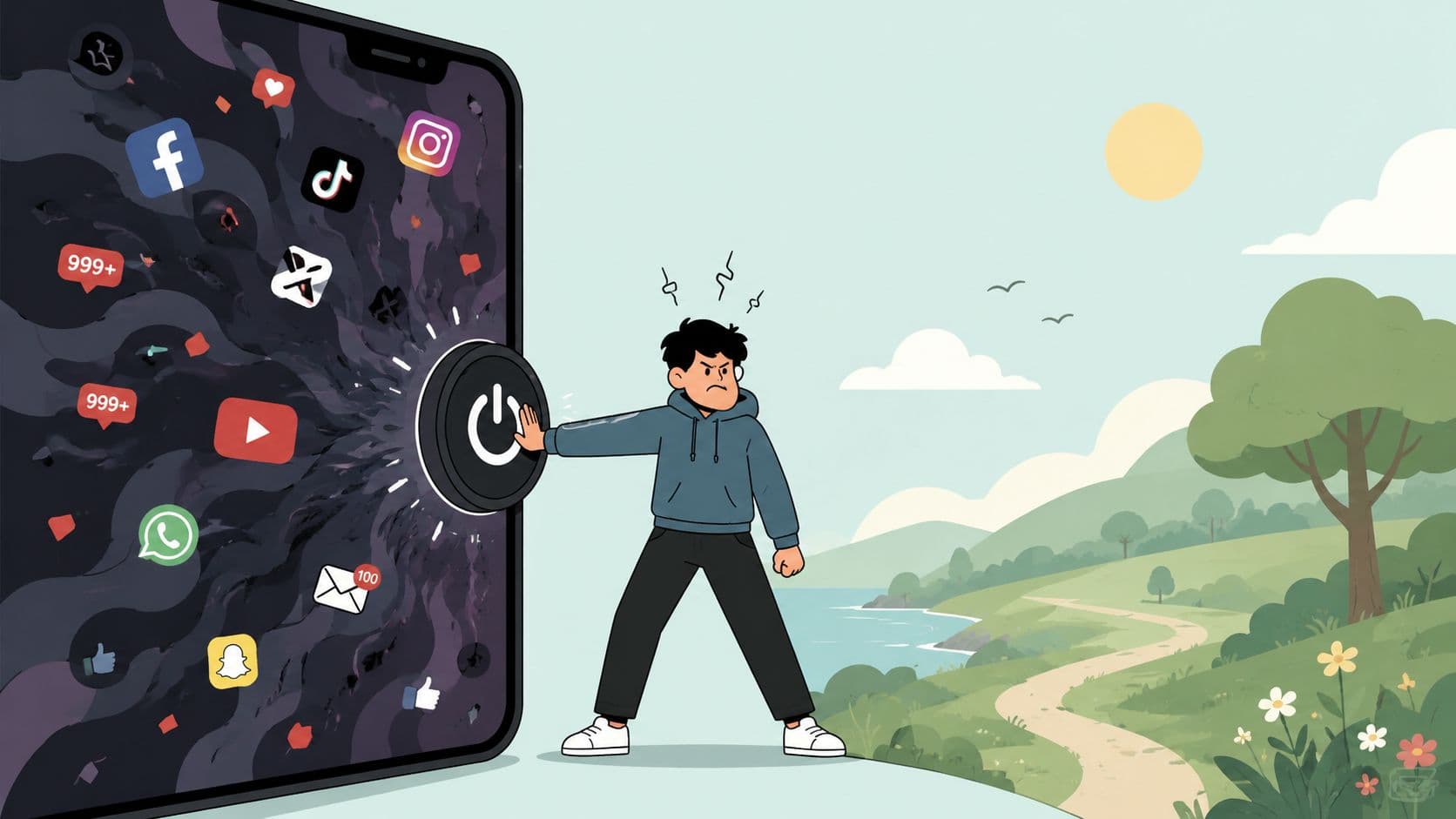
You're still scrolling because the app is sitting right there. It's late, you're tired, and you've already told yourself you'll stop after the next post. Then a notification appears, your thumb moves, and half an hour disappears. You close the app annoyed, not because every post was terrible, but because you never made a deliberate choice to stay.
That's the part most advice misses. “I hate social media” often describes the feeling after the session, while the actual problem happens earlier, when the off switch remains one tap away. Social media has become a default layer of daily life, with 5.79 billion user identities worldwide at the start of April 2026, equal to 69.9% of the world's population and 94.7% of internet users, according to DataReportal's 2026 social media analysis. You're not reacting to a niche hobby. You're reacting to infrastructure that's always within reach.
The Loop You Keep Falling Into
It's 11:42pm. You opened Instagram, TikTok, YouTube, or Reddit because you wanted ten minutes before bed. Now you're looking at a stranger's vacation photos in Crete, wondering how you got there and why you're still holding the phone.
The loop is boringly familiar:
- Open the app.
- Skim the feed.
- Hit something uninteresting.
- Feel bored.
- Notice a notification.
- Tap back in.
- Repeat until the battery drops into single digits.
You don't necessarily hate the session while it's happening. A funny clip lands. Someone you know posts an update. A headline gives you something to react to. The dislike arrives afterward, when you notice the time, the stiffness in your neck, and the fact that the thing you meant to do never happened.
At 9pm, your plan sounded reasonable: ten minutes, then bed. At 11:42pm, the plan has vanished. You're left with the familiar private complaint, “I hate social media,” aimed partly at the apps and partly at yourself.
The cost of one more scroll
The feed keeps the next action almost free. You don't need to decide what to watch, find a new page, or commit to a longer activity. You swipe, and something appears. The content may be dull, funny, upsetting, useful, or irritating. You still get another chance.
That unpredictability matters. A 2026 industry summary estimates that people spend about 2 hours and 39 minutes per day on social media, or roughly 18 hours and 36 minutes per week, with more than 15 billion hours every day worldwide, as reported in Blog2Social's social media usage summary. The precise experience varies, but the pattern is clear. Many people spend enough time in these loops for the apps to become a routine they resent.
Practical rule: If you repeatedly override your own limit at the same time of night, stop treating the problem as a knowledge gap. Treat it as a friction gap.
The loop survives because access is immediate. Your intention at 9pm has to compete with a button at 11pm, when your patience and attention are already lower. Naming that loop matters before you start blaming your character for losing to it.
Why Your Brain Treats the Feed Like a Slot Machine
A feed doesn't reward every scroll equally. One swipe gives you a friend's news. The next gives you a meme. Another gives you an argument, a shocking headline, or a post that makes you compare your life with somebody else's. The payout changes without warning.
That pattern is called variable-ratio reinforcement in behavioral psychology. In plain language, the action sometimes produces a rewarding result, but you can't predict which attempt will pay off. B.F. Skinner's work with variable reinforcement schedules is the familiar historical reference behind the slot-machine comparison. Modern feeds use a similar shape of uncertainty, even when the reward is social approval, novelty, outrage, or relief from boredom rather than money.
Research on problematic social media use describes cue-reactivity and changes in reward, executive-control, and attention networks, including signals involving the ventral striatum, amygdala, orbitofrontal cortex, and posterior insula, as detailed in this systematic review of neurobiological findings. The important point isn't that a single notification controls you. It's that repeated pairings can make the icon, sound, vibration, or familiar thumb movement feel like a reason to check before you've considered whether checking makes sense.

Why bad content still pulls
The reward doesn't have to feel pleasant. Outrage can hold attention because it creates a strong reaction. Status comparison can keep you checking because you want to know where you stand. Anxiety can send you back for more information, even when the information makes you feel worse.
Researchers have linked excessive smartphone and social media use with altered functional networks across executive, frontoparietal, visual, auditory, sensorimotor, and language systems. Reviews also discuss reward designs that resemble variable reinforcement schedules, which helps explain why reminders alone often fail during a strong urge. The relevant evidence is summarized in research on brain networks and problematic smartphone use.
That's why self-blame is a poor diagnosis. You're responsible for the choices you make, but the feed is built around repeated cues, uncertain rewards, and nearly frictionless re-entry. The schedule is doing part of the work.
Three Different Kinds of Hate
You can hate social media for different reasons, and the distinction matters because each kind of fatigue needs a different response. Recent research separates cognitive fatigue, emotional fatigue, and motivational fatigue instead of treating every bad reaction as one general feeling.
Cognitive fatigue feels like mental residue. You close the app and struggle to read a page, finish a task, or hold a thought in place. The feed didn't necessarily upset you. It left your attention scattered.
Emotional fatigue is more charged. You feel irritated by arguments, envious of people you barely know, guilty about doomscrolling, or tense before opening a group chat. You may still care about the people on the platform while resenting the emotional atmosphere around the interaction.
Motivational fatigue is quieter and often more troubling. Offline activities that used to happen naturally, walking, cooking, calling someone, reading, or starting a project, now feel harder to begin. The app hasn't only taken time. It has displaced the first step of something else.

A study of social media fatigue found that information and system overload mainly drove cognitive and motivational fatigue, while social overload mainly drove emotional fatigue. It also found that motivational fatigue directly predicted the intention to stop using social media. That gives you a useful diagnostic question: what exactly feels damaged after you use the app?
Name the dominant problem
A person can hate the time cost without hating the content. Another person can enjoy the content but feel exhausted by comparison and social obligation. Someone else may be fine during the day and lose control only at bedtime.
These categories overlap. Emotional strain can make concentration worse, and cognitive exhaustion can make a quick feed feel easier than an offline task. Still, identifying the dominant form of fatigue tells you which lever to pull. Notifications may be the main problem for emotional fatigue. Access during work may drive cognitive fatigue. Unstructured evening access may be feeding motivational fatigue.
Three Levels of Pulling Back
The right intervention isn't the one that sounds most disciplined. It's the one that adds enough friction at the point where you usually relapse.
Level one, passive limits
Start with grayscale mode, disabled notifications, and moving social apps away from the home screen. These changes reduce cues and make the phone less visually rewarding. They're easy to set up and useful when your habit is mild or your main problem is interruption.
They're also thin protection at 11pm. If you're already holding the phone, opening a folder or searching the app takes little effort. Passive limits work best when you still make the final decision calmly.
Level two, scheduled blocks
A scheduled block moves the decision earlier. You choose a recurring window for work, study, sleep, or another context, and the apps stay unavailable during that period. Daily or weekly recurrence prevents the same negotiation from happening every night.
This level handles predictable routines well. It breaks down when your schedule changes, when you need access for a legitimate reason, or when the blocker offers an immediate ignore option that your tired self accepts.
Level three, strict sessions
A strict session adds the most friction. You choose the apps, commit to a duration, and let the countdown decide when access returns. During the session, TiedSiren's Android app blocker can use Strict Mode, block the Android Settings screen, organize custom blocklists by context, run scheduled sessions with daily or weekly recurrence, and show the time remaining. It supports Android 8.0 and later, a practical boundary because Android 8, also known as Oreo and API 26, appeared with 95.4% distribution in one Android snapshot published by Worldmetrics.

Strict sessions cost flexibility. You can't treat the timer as a suggestion and still expect it to solve the same failure mode. The benefit is narrower and more practical: it defeats the impulsive bypass, the one done in five seconds without premeditation. It isn't an absolute lock against someone determined to work around it.
Choose based on your actual relapse pattern. If you forget and drift, use passive limits. If you relapse at predictable times, schedule blocks. If you install blockers and turn them off when the urge hits, use a strict session.
What Sets an Enforced Blocker Apart
The meaningful difference appears at 11pm, not during setup.
You tap the social app. A standard screen-time tool displays a limit message and offers an option such as Ignore Limit. You tap it because the decision is still available, and the session continues. The blocker has reminded you, but it hasn't changed the moment.
An enforcement-style setup changes the next action. A committed session is running, the selected apps remain blocked, and access returns when the scheduled window opens or the hard session ends. The question isn't whether a determined person can eventually find a workaround. On Android, no blocker should claim that. The useful question is whether the impulsive workaround takes almost no thought or requires enough effort to interrupt the urge.
| What Happens at 11pm | Standard Screen-Time Blocker | Enforcement-Style Blocker |
|---|---|---|
| You tap the app while tired | A limit message may offer an override | The selected app stays blocked during the session |
| You want to renegotiate | The decision remains available immediately | The timer or schedule controls access |
| You reach for Settings | Settings may remain available | The Android Settings screen is blocked while the session runs |
| What it demands from you | Repeated present-moment restraint | An upfront commitment and tolerance for waiting |
The trade-off is obvious
Standard blockers cost less psychologically. They're good for people who respond to reminders and want flexible limits. They're a poor fit when the exact problem is overriding the reminder during a strong urge.
Enforced blockers cost more upfront because you have to choose the apps and duration before the session starts. In return, they move the argument away from the weakest moment. TiedSiren's feature details describe that model through Strict Mode, session timing, Settings-screen blocking, custom blocklists, and recurring sessions.
Use a standard blocker if a prompt is enough. Use an enforcement-style blocker if you already know you'll tap through the prompt.
Why Deleting Your Accounts Usually Fails
Deleting everything can work. If your friends, work, events, and useful contacts don't depend on those platforms, and you're comfortable leaving the accounts behind, deletion creates real distance. Reinstalling, recovering an account, and rebuilding access can be enough friction for some people.
It often fails for a simpler reason: deletion removes the account or app, but it doesn't remove the cue-response pattern. After a while, you reinstall the app “just to check one thing.” You recover the account because a group chat moved there. You open the service in a browser because the habit doesn't care whether the icon is installed.
The platform also carries genuine social connections. Telling someone to delete everything can ignore work announcements, event details, communities, or relationships that live inside the service. The answer isn't always permanent disappearance. Sometimes it's controlled access.
Keep the account, remove the instant return
Scheduled windows let you retain access without allowing the feed to occupy every empty moment. Enforced sessions go further by making a relapse cost waiting time rather than a complete reset. That distinction matters after a bad night because you don't have to make a dramatic decision while frustrated.
The next morning, you can inspect what happened and adjust the schedule. You don't need to declare the whole experiment ruined because you opened an app once.
Relapse is information about where the access is too easy. It isn't proof that you're incapable of changing the routine.
A browser tab can become the same bypass as an app icon, so decide what access you're trying to control. If the main failure happens at bedtime, create a bedtime block. If it happens during study, protect the study window. A durable plan survives the night when your resolve doesn't.
A Realistic 7 Day Reset Plan
This plan is designed for someone who has already tried willpower. Keep each day concrete, and finish the task before you add another rule.
Day one, inventory
Write down every social account and app you use. Include the last time you logged in, the time of day the urge peaks, and what you usually feel before opening it. Don't judge the list. You're looking for the repeatable moment.
Day two, triage
Put each app into one of three groups:
- Keep with limits: useful connections, work, or information that you still want available.
- Scheduled only: apps you want during a defined window but not during work, study, or sleep.
- Delete candidates: services that give you little value and repeatedly trigger the same loop.
Make the categories based on behavior, not what you think you should want.
Day three, install one enforcement blocker
Choose one Android blocker and configure a default 20-minute daily window for each app you're keeping. TiedSiren is one option. Its free Android download supports Android 8.0 and later, with selected apps blocked for a duration you commit to up front. Use one tool, not a pile of overlapping settings that you'll forget how to change.

Day four, schedule the window
Create a recurring calendar event called scroll window. Put it at the time you're most likely to use the apps intentionally, not at the time you usually lose control. Let the session timer decide when the window closes.
Watch this short walkthrough before you configure the routine:
Day five, replace the reflex
Book one offline activity into the time slot when you usually scroll. Pick something specific, such as a walk around the block, cooking one meal, stretching, or calling a friend. Leave the materials visible so starting requires less effort than searching for a feed.
Day six, remove the alerts
Turn off every badge, sound, and lock-screen preview you don't need. Check each app individually. A notification that never appears can't start the loop while you're doing something else.
Day seven, review and extend
Look at the week without turning it into a character assessment. Identify the worst trigger, extend the schedule around that period, and write one sentence for the next relapse: “If I open the app outside its window, I'll put the phone down and wait until the next scheduled session.”
The Reframe That Actually Helps
Hating social media doesn't mean you're antisocial, lazy, or incapable of managing technology. It often means the medium has grown larger than your intention at the exact moment you need intention to work.
Your fixes keep failing when they depend on present-moment resolve. At 9pm, you can make a sensible plan. At 11pm, the app presents an immediate reward, the phone is already in your hand, and the override is one tap away. A reminder asks you to negotiate with the same impulse that brought you back.
Treat attention as something you schedule, not something you steer perfectly in real time. Pre-commit the window, the duration, the apps, and your response to boredom. The feeling may not disappear. It doesn't have to.
The useful change is smaller and more concrete. Make the off switch harder to reach when you're tired. A fixed session, a recurring block, and a replacement activity won't make you love social media. They can stop the same dislike from repeating every night.
TiedSiren is a free Android app that lets you choose apps, set a duration, and run committed blocking sessions with Strict Mode, recurring schedules, custom blocklists, a remaining-time timer, and Android Settings-screen blocking during active sessions. If you're tired of installing a blocker and disabling it at the moment of weakness, visit TiedSiren and set your first session before tonight's scroll begins.