

You sit down to the hard task. The phone is already within reach. The feed is open before you notice that you decided to open it.
You don't need another chart of your screen time. You need a way to improve impulse control that starts with the kind of urge in front of you. Most blockers fail because they were installed for the wrong trigger. They cut access, and they do nothing when the driver underneath is avoiding a task.
These steps work on any phone. The blocking app is Android only. TiedSiren is a free Android app for Android 8.0 and later. On an iPhone or a desktop, run the same routine with the tools you already use.
Work Out Which Impulse You Are Dealing With
You didn't fail a character test. You hit a trigger, and the first move has to match it. Deleting an app, setting a reminder, or sitting still for a minute all miss when the urge is boredom, a task you don't want to start, or a feeling you don't want to sit with.
A 2025 study of 275 adolescents, 144 with ADHD and 131 controls, found higher smartphone-addiction scores in the ADHD group. Inside that group, cognitive avoidance and behavioral avoidance were positively associated with problematic smartphone use, while stronger problem-solving skills predicted lower scores. If the phone is how you dodge a messy task, cutting the app only covers the exit. The task is still sitting there.
I sort the urge before I touch a tool. Four types cover almost every reach for the phone.
Stimulation craving or boredom shows up with no task in front of you. The feed is the easiest hit.
Task avoidance shows up the second a hard email or an unclear problem appears.
Emotional discomfort shows up right after a stressful message or a tense conversation.
Failed precommitment shows up when you turn off a limit you set on purpose, in the minute you meant to keep it.
| Trigger type | What it looks like | First move |
|---|---|---|
| Stimulation craving or boredom | You open the feed with no task in mind | Move the app off the home screen and block it for the next work window |
| Task avoidance | You reach for the phone the moment a hard email or problem appears | Write the smallest next action on paper before touching the phone |
| Emotional discomfort | You pick up the phone right after a stressful message or conversation | Name the feeling in one sentence, wait ten minutes, then decide |
| Failed precommitment | You disabled a limit or blocker in the moment you meant to keep it | Move the rule into a session you cannot end early |
Look at your last three urges. Find the row that fits most of them. Use that row's first move before you add a second tactic.
A blocker changes access. It does nothing for an avoided task or a feeling you haven't named.
Everything after this assumes you've picked a row.
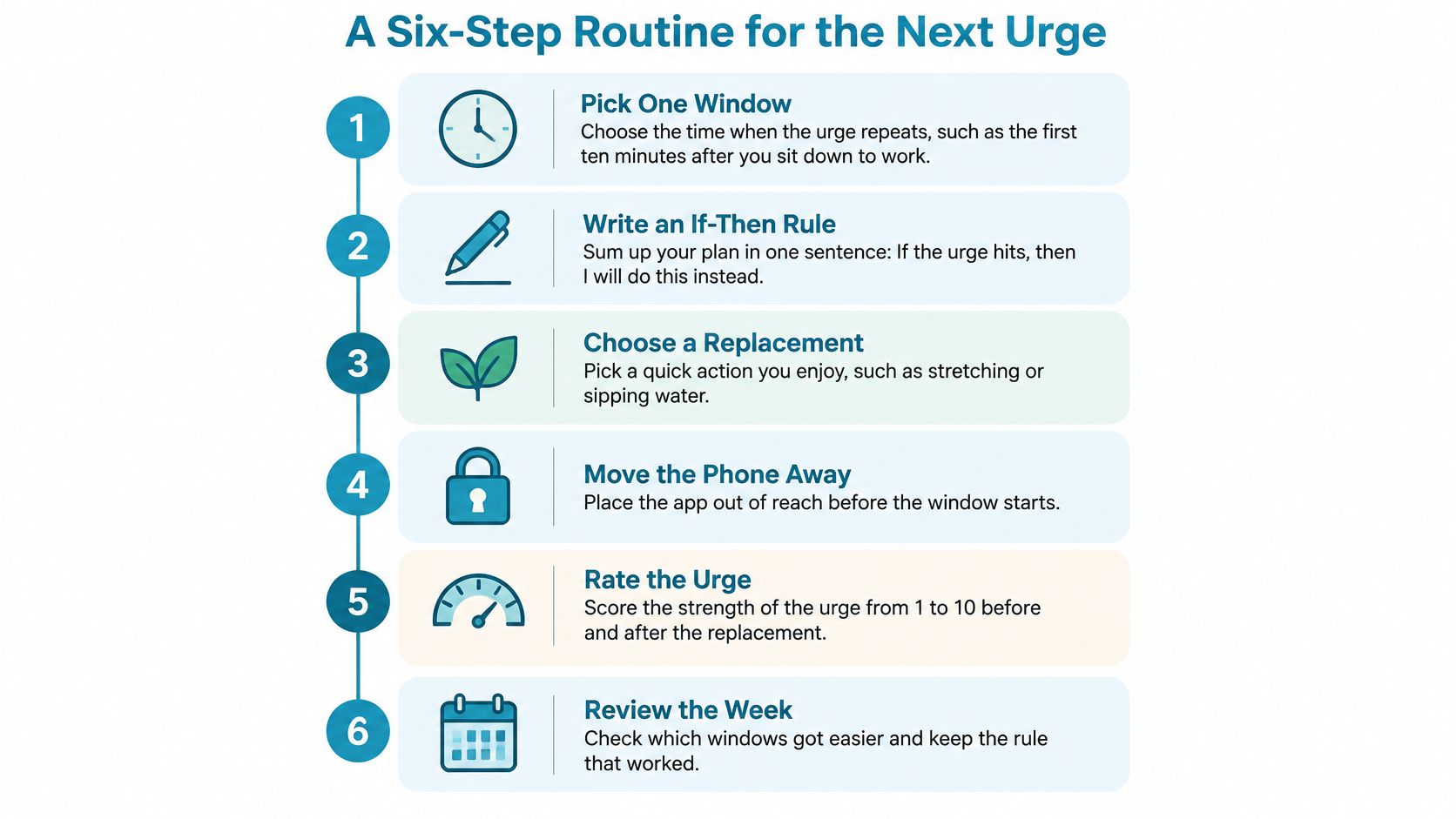
A Six-Step Routine for the Next Urge
An if-then plan beats a choice made while the urge is already loud. A meta-analysis of 94 independent studies found that implementation intentions, which connect a situation to a planned response, improved goal achievement with a medium-to-large effect size of d = 0.65. Those plans were especially useful for starting what you meant to do, protecting work already underway from distractions, dropping a strategy that wasn't working, and saving effort for later.
One window at a time. A vow that spans the whole day is too vague to keep, and too easy to rewrite once the urge shows up.
Write the rule before the window
Pick one window where the urge repeats. The first ten minutes after you sit down to work is a common one. A single slot is small enough to watch. If you try to police every hour, you'll quit the log by Wednesday.
Write an if-then rule in one sentence. If I reach for Instagram before my first task block, then I open the task file and type one heading. The slip is writing that sentence after the urge has started. By then you're negotiating, not following a plan.
Name the smallest next action. It has to be concrete enough to start in under a minute. "Finish the report" is too big, so you bounce. "Type the heading" is small enough to begin while the urge is still hot. Match it to the row you picked. A boredom urge needs a blocked app. An avoidance urge needs the tiny task on paper.
Let the rule run without a fresh vote
Start a blocking session before the window opens. The rule then runs without a new decision. The setup steps later in this piece show how to build that session. Starting it after the app is already open is the slip. You've already talked yourself into "just a minute."
When the urge hits, do the named action, then write what the urge was. Mark it as stimulation, escape, or a feeling. That note tells you whether tomorrow's first move still matches the row. If you skip the note, you only remember the win or the fail, not the trigger.
After seven days, keep the rule if it worked. Change the window or the action if it didn't. One bad afternoon isn't proof the rule is useless. Seven misses in the same slot means the window or the action is wrong, not that you lack discipline.
Decide the response while you're calm. Don't leave the choice for the minute your hand is already on the phone.
If the rule keeps dying in the same ten minutes, shrink the action again before you add a second rule.
Put Distance Between Your Hand and the App
The impulsive reach takes less effort than any plan you wrote yesterday. Friction works because it adds a step between your hand and the app. It doesn't ask you to win an argument with yourself at the moment of contact.
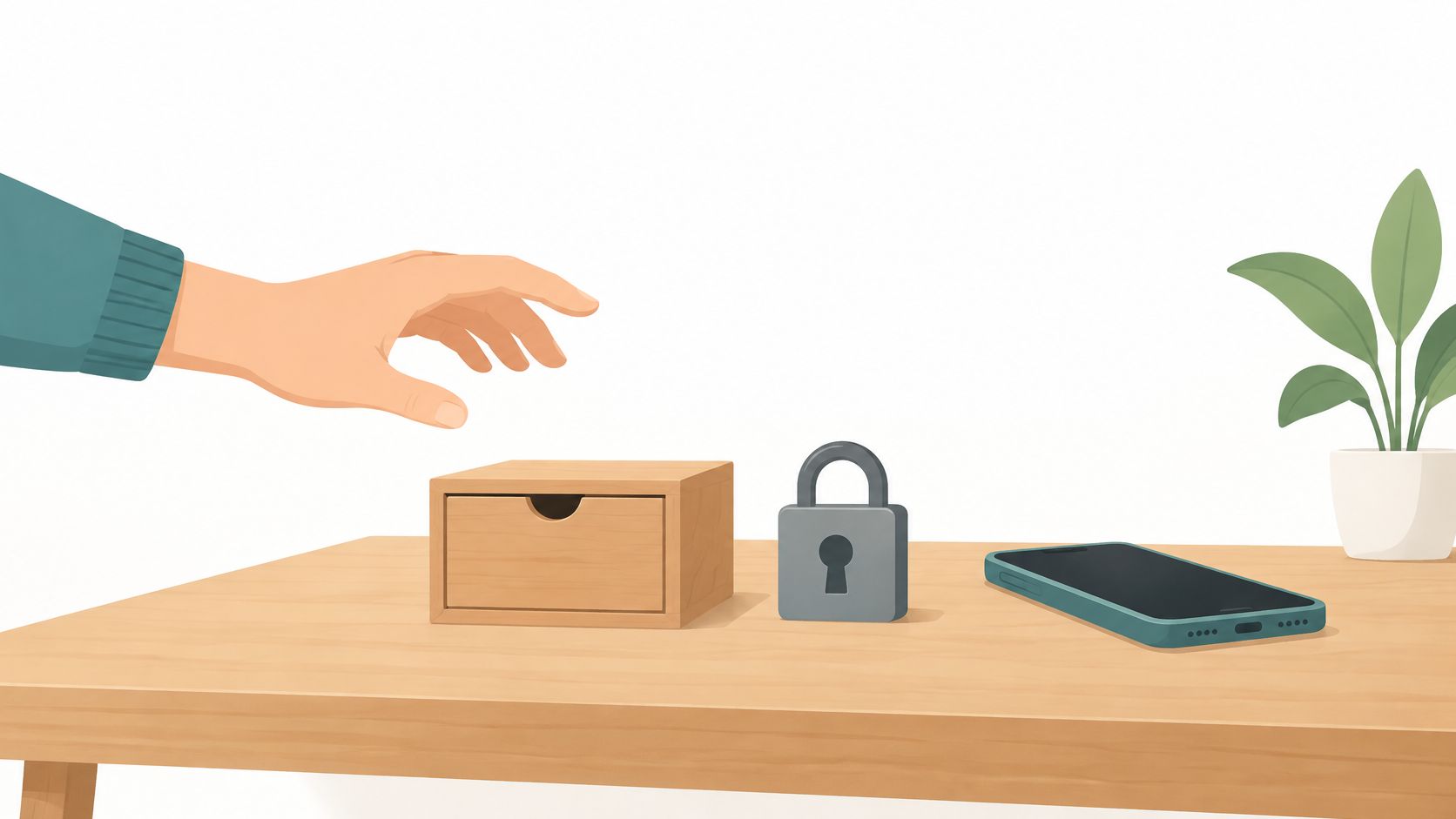
Three placements cover most desks and bedrooms.
Move the app. Put it in a folder on a later home screen, not on the first page your thumb lands on.
Move the phone. Charge it outside the room where you sleep or work, so standing up is part of the reach.
Kill the badges. Turn off badge counts so a red number doesn't pull your eye back to the icon.
When the urge changes screens
A randomized study of 205 people found that making smartphones less accessible cut average smartphone-use duration during observed sessions from 29 minutes to 15 minutes. That drop was statistically significant (p = 0.002, Hedges' g = 0.34). Average computer use rose from 3 hours 58 minutes to 4 hours 27 minutes, because some non-work activity shifted to the computer.
Blocking one route doesn't erase the want for stimulation. It moves it.
Check the laptop and the tablet you use in the same window. If the phone is in another room and the browser is one click away, you didn't add friction. You changed the glass.
List the one device you pick up without thinking. Put the friction there first. The second device can wait until the first one stops being automatic.
A short pause, practiced before the hand moves, is the same idea in physical form.
Build a Replacement Habit Instead of a Wall
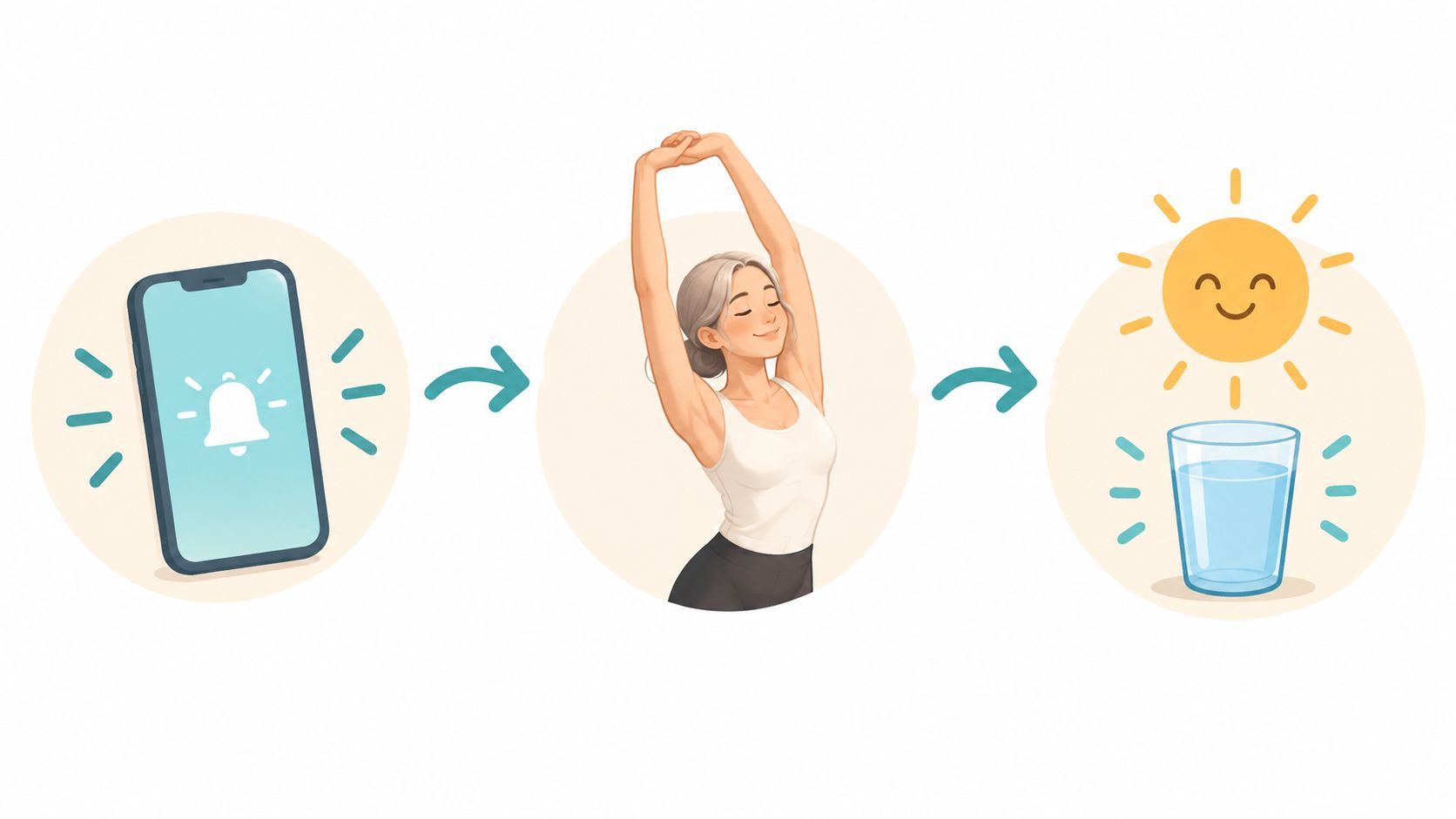
Every urge has a cue, a routine, and a reward. The cue is the hard task, the empty minute, or the stressful ping. The routine is opening the app. The reward is something else to look at for a few seconds. Take the app away and the cue is still there. The urge hunts for the nearest substitute, often a browser tab or a second screen.
Pick a replacement that sits as close as the old habit. A glass of water. Standing up. Opening a paper notebook. A two-minute tidy of the desk. It has to be easier than the scroll, or you won't choose it when you're tired.
A study summarized by the British Psychological Society followed 96 undergraduates who repeated a new health behavior once a day for 84 days. Among the 82 who finished, the average time to reach maximum measured automaticity was 66 days. Individual estimates ran from 18 to 254 days. About half still hadn't reached a high enough automaticity score to count the behavior as a habit after 84 days.
Expect weeks, not a fixed day when it suddenly feels easy. The replacement will feel awkward for a while. That awkwardness is the repetition doing its job, not a sign you chose the wrong stand-in.
- Attach it to a routine you already do. After you sit down, the water comes before the laptop opens.
- Put the cue in the same spot as the old one. Leave the notebook where the phone used to lie.
- Keep the replacement easier than the scroll. If it needs setup, you'll skip it on a tired day.
Track the Attempts That Matter
Daily minutes are a weak signal on their own. You can be on a phone for hours and still be in control, answering people and finishing the work in front of you. Someone else can check in short bursts all day and lose every task they started. The second pattern is the impulse problem. The first is just a long day.
A 2025 pilot on digital markers found that participants with and without ADHD did not differ significantly in total phone-use time or the number of new apps downloaded. Raw duration is a poor stand-in for impulsivity. Log the attempts, not just the clock.
| Measure | What it tells you | How often to review |
|---|---|---|
| Failed intentions per day | Whether the if-then rule is holding | Daily |
| Time to the bypass attempt | How long the rule survives after the urge starts | Weekly |
| Context of each attempt | Which time, place, mood or task keeps breaking the plan | Weekly |
| Recovery time after an interruption | How fast you return to the task after a lapse | Weekly |
| Total daily minutes | A weak background signal, not a verdict on control | Weekly |
How to read the log
If failed intentions drop but recovery time rises, the rule is holding and the way back to the task is too long. Shorten the reset. A single line in the notebook beats a ten-minute "restart ritual."
If the same window keeps failing, change the window. Don't ask for more grit inside a slot that has already lost a week. Move the hard task, or move the block, so the cue and the rule aren't colliding in the same ten minutes.
Minutes tell you where the time went. Failed intentions tell you whether you still had a choice.
Set Up One Blocklist and Start It Before the Window
A blocker helps when the urge is to open a specific app. It will not fix avoidance, boredom, or a task you do not know how to begin. Diagnose the impulse first: if the problem is reaching for a feed during work or study, restrict access to those apps during that window. If the impulse has another trigger, a blocklist may add friction without addressing the cause.
Friction raises the cost of a bypass you make without thinking. It cannot guarantee that a determined person will never get around a block. The aim is narrower: make the impulsive undo harder during a weak moment.
Different blocking approaches fail in different places. A reminder can be dismissed while the app stays open, so it may help you notice a pattern but does little when your hand is already moving. A blocker with a pause or override option lifts the restriction as soon as you use that escape route. A blocker you can switch off in three taps is not a commitment device.
TiedSiren's Strict Mode keeps the apps you choose blocked until the countdown ends. During an active session, it also blocks the Android Settings screen, adding friction to disabling the block. That makes an impulsive undo less convenient, though it does not remove every possible route around the restriction.
| Blocking type | What happens at the urge | What the reader can still do |
|---|---|---|
| Reminder notification | The app stays open after an alert is dismissed | Ignore the alert and keep scrolling |
| Blocker with a pause or override option | The block lifts when the option is used | Use the override, even within seconds |
| TiedSiren Strict Mode session | Chosen apps stay blocked until the timer ends | Wait for the timer to end; the session has no in-app early exit |
What you set once
Group the apps that pull you in into custom blocklists for specific contexts, such as work, study, or late evening. One focused list per context is easier to maintain than a list containing every app on your phone. Leave out tools you need for the task, such as calls or maps.
Scheduled sessions can recur daily or weekly, so a blocking window can start without a fresh decision each day. The focus timer shows the remaining time in an active session. With the built-in Focus Timer, you choose a duration and start the session; the apps stay locked until the countdown ends, and then the lock releases. The TiedSiren feature list describes these blocking options.
Starter setup
Choose the window where your last three failures happened. If you already turned off a blocker, start with the same context. It is the clearest sign that the current setup does not hold when the urge arrives.
Build one blocklist for that context. Include the apps that drew you in during those failures, not every app on the phone. Keep the list narrow enough that it blocks the trigger without getting in the way of what you need to do.
Schedule a session for that window with daily or weekly recurrence. Decide on the schedule while calm, rather than reconsidering it at your desk each morning.
Start the session before the window opens. Starting five minutes early puts the block in place before the urge is active. That timing matters: once you are already reaching for the app, you are more likely to bargain with yourself about whether to start.
Log the first failed intention alongside your other attempts. A miss on day one gives you a reason to examine the window, list, or trigger. It does not mean the whole approach has failed, and deleting the schedule without reviewing the attempt teaches you nothing about what needs to change.
TiedSiren is free on Android 8.0 and later, with no credit card and no trial.
Tomorrow morning, set up the blocklist before opening the app that usually pulls you in. If the repeated impulse is to reach for a feed during study or deep work, a timed session can keep those apps blocked for the window you chose. For app-blocking features and session details, visit TiedSiren.