
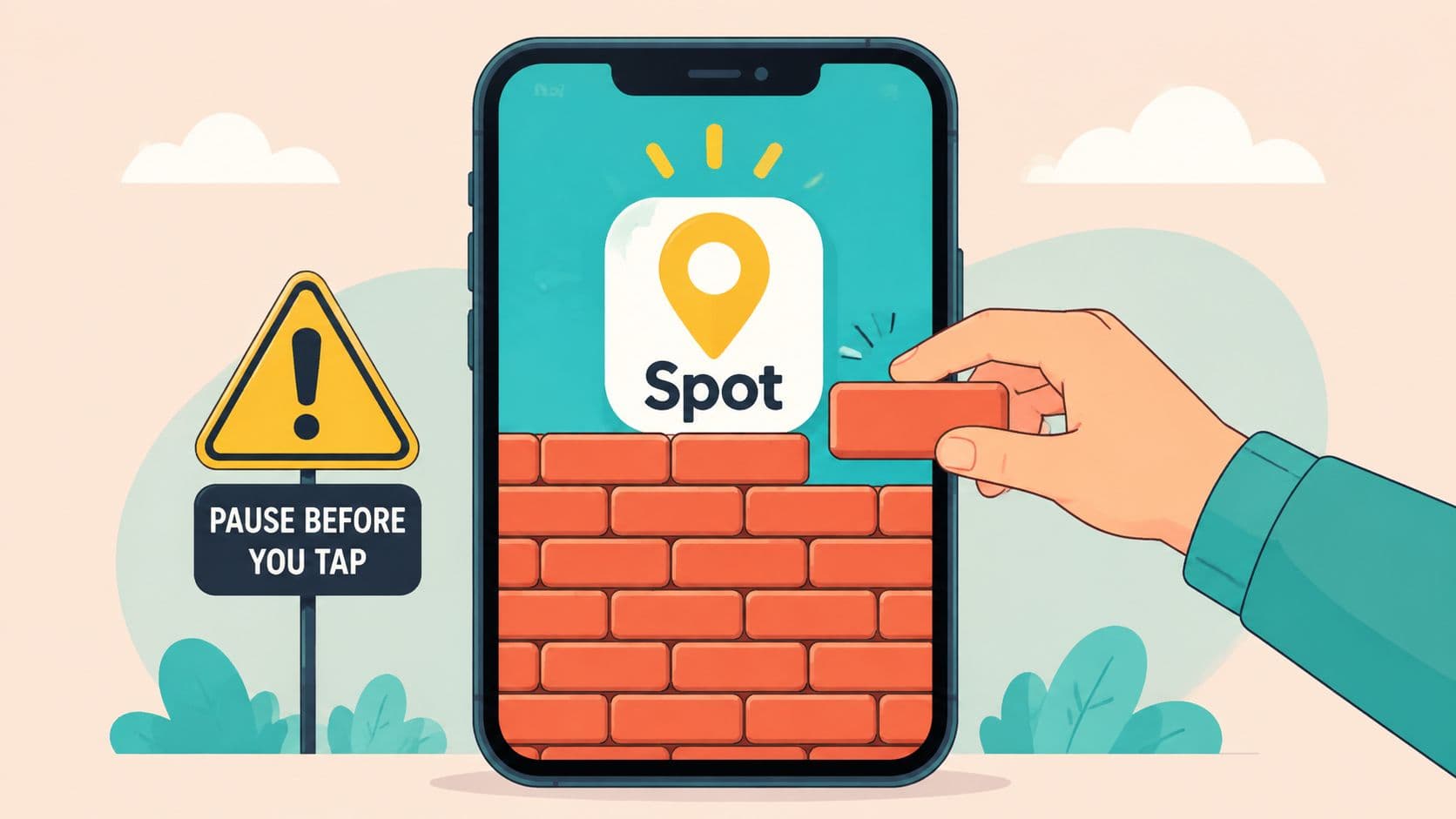
You installed an app blocker, chose the problem apps, set a session, and felt reasonably confident. Then 11pm arrived. You opened the blocked app, saw the restriction, went to Settings, tapped through the permission screen, and turned the blocker off before you had time to think about what you were doing.
That's the failure most app-blocking advice misses. The blocker worked. The off switch worked better.
The useful question isn't whether a tool can display a warning or count down a timer. It's whether the tool creates enough friction between the urge and the escape route to give your better judgment time to return. That's the practical meaning of block the spot on Android, block the exact apps during the exact windows when you usually surrender, then make the five-second undo harder.
The Moment Your Blocker Failed You
The setup usually looks responsible. You pick Instagram, TikTok, YouTube, Reddit, or a game. You choose a work block, study period, or bedtime window. You read the permissions, allow the service, and start the session.
For a while, it works.
Then the difficult moment arrives. Maybe you're stuck on a paragraph while studying. Maybe a build is running and you reach for your phone. Maybe you're tired in bed and want one quick scroll. The blocked app appears, and the blocker offers an escape route through a notification, a confirmation screen, or Android Settings.
You take it.
There's no dramatic decision. You don't sit down and formally revise your priorities. You don't tell yourself that scrolling is more important than sleep or work. You follow the shortest available path from discomfort to relief.
Practical rule: Judge a blocker by what happens during the urge, not by how polished the setup screen looks.
This is why repeated failure can feel personal. You blame discipline because the tool did everything it advertised. It blocked the application, displayed the warning, and reminded you of the plan. You still disabled it, so the obvious conclusion is that you lack willpower.
That conclusion is too simple.
A reminder assumes awareness will change the decision. But you were already aware. You knew what you were doing when you opened Settings. The problem was the distance between intention and action. Your intention existed when you configured the session. The bypass happened later, under a different emotional and attentional state.
Mainstream digital-wellbeing controls evolved around that softer model. Apple introduced Screen Time in 2018, while Google and Android followed with Digital Wellbeing-style controls that track categories, usage, and limits rather than fully enforcing a hard lockout. The market's baseline therefore grew around measurement and gentle nudging, not strict prevention, as described in this historical and research context on smartphone-use measurement.
That model is useful when you need information. It's weaker when you already know the problem and keep renegotiating with yourself at the worst time.
The blocker didn't fail because it lacked another chart. It failed because the exit was still convenient.
Why the Off Switch Is the Actual Problem
At 11 p.m., a blocker can be working exactly as configured and still lose. You tap the app, meet the warning, open Settings, and turn the restriction off before you have time to reconsider. The failure is not the block itself. It is the five-second bypass that remains available during the urge.
Many blocking tools treat distraction as an awareness problem. They show usage summaries, send notifications, suggest breaks, and ask you to confirm that you want to continue. These features can help someone recognize a pattern, but recognition does not reliably stop an impulse already in progress.
Self-knowledge is less reliable than people assume. In one study using directly measured screen time, self-reported and actual screen time correlated only moderately, at r = .33. Only 37% of participants estimated their daily screen time within one hour of the measured value, while 19% underestimated and 24% overestimated by at least two hours. Those findings appear in the study on perceived and objectively measured smartphone use.
Awareness arrives too late
A usage report appears after the behavior. The bypass decision happens inside it. A chart can show that an app consumed too much time, but it cannot stop a hand already opening Settings.
The broader evidence also does not support treating total phone time as a complete measure of harm. Researchers in one large adult study analyzed more than 250,000 days of objectively measured smartphone usage from over 10,000 U.S. adults across four weeks. They found that the overall effects of smartphone use on mood were weak or statistically insignificant, according to the published research reference.
That does not make distraction harmless or blocking pointless. The useful target depends on the person and context. A study session, writing window, or bedtime may need protection without assuming that every minute of phone use damages well-being.
The narrower behavioral problem is clear: you made a decision in advance, then abandoned it when keeping the decision became uncomfortable.

Cost beats intention during an impulse
Independent research links self-control with lower excessive internet use and impulsive digital media use, with correlations ranging from -0.187 to -0.581. The same research found that self-control was a stronger predictor than sense of control, with β = 0.40 versus 0.15, as documented in this Frontiers in Psychology research article.
Feeling in control is not enough if the product offers a fast override. The practical design question is how much effort reversing the commitment requires.
A two-tap bypass preserves the impulse. A restricted Settings route adds a pause, extra navigation, and a more deliberate choice. It will not stop every determined escape. It can stop the unplanned five-second undo that happens before rational thought catches up.
How Android Permissions Create Bypass Paths
The blocker can work perfectly until the five-second escape route appears. Android blockers often depend on accessibility access, which lets an app observe parts of the interface and respond when a selected application opens. That reach comes with a trade-off: the user can manage the permission from Android Settings.
Open the relevant Settings page and accessibility access can be disabled. Depending on the device, the permission may also be revoked through ADB, or bypassed by restarting in Safe mode, which loads only system apps and disables third-party apps. The specific escape routes are covered in this guide to disabling accessibility access on Android.

The practical distinction is between impulsive bypass and deliberate bypass. Someone prepared to use technical tools, restart into Safe mode, or work through Android's recovery paths may still find an exit. Someone tired, frustrated, or avoiding difficult work is less likely to take those steps unless the route is placed directly in front of them.
Why ordinary apps can't own Settings
Android's DevicePolicyManager provides the system API for device-policy enforcement. Apps serving as a Device Owner, Profile Owner, or Device Policy Controller can apply user restrictions and manage app behavior, as documented in the Android DevicePolicyManager reference.
Those privileges differ sharply from the permissions granted to an ordinary consumer app. A standard blocker can add friction through its permissions and interface, but it cannot reliably hide or lock the entire Settings application as an enterprise-managed device can.
Claims of an unbreakable consumer blocker therefore deserve skepticism. Android retains control of the deepest administrative paths, so consumer tools can raise the cost of escape rather than guarantee permanent enforcement.
Android 13 adds a useful checkpoint
Android 13 introduced restricted settings for sideloaded apps. Google's help documentation says users must open the app's info page, choose the three-dot menu, and select Allow restricted settings before enabling certain protected permissions, as explained in Google's Android restricted-settings guidance.
The escape becomes a sequence rather than a single tap. The user must open Settings, find Apps, select the target app, open its menu, and explicitly allow the restricted setting before changing the protected permission.
That still does not create absolute enforcement. It inserts enough distance between the urge and the escape to give the original decision a chance to hold.
Comparing Blocking Approaches by Enforcement Strength
Blocking tools look similar in app stores because they often share the same surface features. They let you select applications, define a period, and start a restriction. The meaningful difference appears later, when you try to undo the restriction during the exact window you created it to protect.
A reminder-based tool adds information. A timer-based tool adds a boundary, but may still let you override it. A strict session removes the in-product negotiation and makes the timer the condition for release.
Cold Turkey, Stay Focused, and VerippBlock all block solidly. They shouldn't be dismissed as ineffective tools. The comparison belongs at the bypass layer, where each product's permissions, override design, and system integration determine how much effort an impulsive exit requires.
| Approach | Bypass Cost | Override Path | Best For |
|---|---|---|---|
| Reminder-based limits | Low | Notification, prompt, or settings change | People who need awareness |
| Countdown timer with override | Low to moderate | Confirmation or manual stop | Short tasks and flexible routines |
| Strict timed session | Moderate to high | Session ends when its timer ends, with system-level escape routes still possible | Users who repeatedly disable blockers |
| Settings-friction session | Higher for an impulsive exit | Requires navigating around the blocked Settings route | High-risk work, study, and sleep windows |
What happens at 11pm
A confirmation prompt asks whether you really want to stop. At 11pm, the answer is usually yes. The prompt feels like accountability, but it still makes the desired action easy.
A countdown is more useful when it represents a commitment rather than a suggestion. If the session can be paused or shortened from inside the product, the user still has a convenient renegotiation path.
A stricter design changes the question from “Can I override this?” to “Am I prepared to work through the operating system's escape routes?” That difference is the point.
TiedSiren uses a committed session model on Android. Its Strict Mode runs until the timer ends, blocks the Android Settings screen while the session is active, supports custom blocklists grouped by context, and offers daily or weekly recurring sessions with a focus timer showing the remaining time. You can review those mechanics on the TiedSiren feature overview.
No tool should promise that determined users can never bypass it. The useful comparison is more honest: which tool makes an impulsive bypass inconvenient enough to interrupt the habit?
Setting Up Scheduled Sessions That Run Themselves
Manual blocking creates a daily decision. You have to remember the session, choose the apps, start the timer, and repeat the process when the routine changes. That works on a good day. It breaks when you're rushed, tired, or already reaching for the distracting app.
Recurring sessions remove that negotiation. Android scheduling supports repeat patterns such as daily, weekdays, weekends, selected days, and weekly recurrence, as shown in this Android alarm scheduling documentation.

Build lists around situations
Don't create one giant blocklist if your problem changes by context. Group the apps that interfere with work separately from the ones that pull you away during sleep or study.
- Work list: Add social feeds, video apps, games, or any installed application that repeatedly interrupts focused tasks.
- Study list: Keep the list narrow enough that you can still access tools required for coursework, research, or communication.
- Sleep list: Block the applications you open in bed when you intended to stop using the phone.
The point isn't to make the phone useless. It's to remove the particular triggers that derail the routine you're protecting.
Commit before the urge arrives
Set the duration while you're calm. A session started during a study plan should represent the full work window you chose, rather than a period you can shorten after the first difficult task.
For a knowledge worker, that might mean a recurring block around the part of the day reserved for writing or coding. For a student, it might follow the actual study timetable rather than an idealized schedule that never happens. For someone with ADHD, a visible focus timer and a preselected list can reduce the number of decisions required once attention starts to drift.
Use daily recurrence for stable routines. Use weekly recurrence when your high-risk windows change across the week. Then check whether the schedule protects a real behavior, not an aspirational version of your life.
The Case for Friction Over Absolute Locks
An unbreakable consumer blocker isn't a credible standard on Android. Accessibility access can be changed from Settings, ADB can provide another route on many devices, and Safe mode can disable third-party apps. A product that claims otherwise sets the wrong expectation.
The better standard is friction. Does the tool stop the immediate, unplanned bypass? Does it make the user slow down before undoing a commitment? Does it turn an automatic gesture into a conscious decision?
Android's own accessibility guidance places core accessibility controls inside the Settings application, with the path documented as Settings > Accessibility for multiple device actions. That relationship explains why blocking the Settings screen during an active session matters, as shown in Google's Android accessibility guidance.
A good blocker doesn't need to defeat every determined attack. It needs to interrupt the bypass you perform without thinking.
Blocking Settings targets the central doorway rather than merely adding another warning inside the blocker. The user may still find a technical path, but the ordinary route becomes less immediate. That pause can be enough to expose the choice: continue the task, go to bed, or deliberately abandon the session.
This approach also keeps the product honest. Strict Mode can remove the pause, override, and five-minute escape inside the session, while the Android platform still defines what a determined user can do outside the app. The value lies in closing the convenient route, not pretending to control the entire device.
You can examine that friction-based approach through TiedSiren, a free Android blocker for people who want to commit to a timed block instead of relying on a reminder at the moment of weakness.
The outcome should also be measured carefully. A 2025 PNAS study covering more than 10,000 U.S. adults and more than 250,000 days found little evidence of a strong link between objective smartphone use and adult mental well-being, while a separate 2024 randomized grayscaling intervention reduced screen time by about 20 minutes per day without improving productivity or sleep quality, as summarized in this report on the recent evidence.
That suggests a practical test. Measure whether you finish the protected task, keep the bedtime boundary, or stop opening one specific app. Minutes saved can matter, but they aren't the only outcome.
Your Next Steps to Block the Spot
The blocker usually fails during a five-second decision. Identify the app you open automatically, the time the urge appears, and the task you are avoiding. Then configure one intervention around that moment.
- Choose the trigger apps. Create a context-based list for work, study, sleep, gaming, or one app you are trying to quit.
- Map the risky window. Mark when you tend to disable protection, such as late at night, during difficult coursework, or in the middle of focused work.
- Commit before starting. Select a timed session while calm. Do not wait until the urge has arrived.
- Add recurring sessions. Daily or weekly schedules remove the need to remember to start each block.
- Test the escape route. During an active session, check whether Android Settings remains a quick path to disabling the blocker. If it does, add friction there.
- Review the result. Measure whether you finished the protected activity or kept the bedtime boundary, not only whether total screen time changed.

TiedSiren is a free Android app for devices running Android 8.0 and later, a platform baseline documented in Google's Android Oreo documentation. You can get it from the TiedSiren download page.
The practical target is a harder bypass. Keep the urge, add enough delay to choose, and let scheduled sessions handle protection when memory and willpower are least reliable.
TiedSiren lets you select apps, commit to a timed session, and use Strict Mode while it runs. Visit TiedSiren to set up recurring Android blocking that makes the impulsive five-second exit less convenient.