
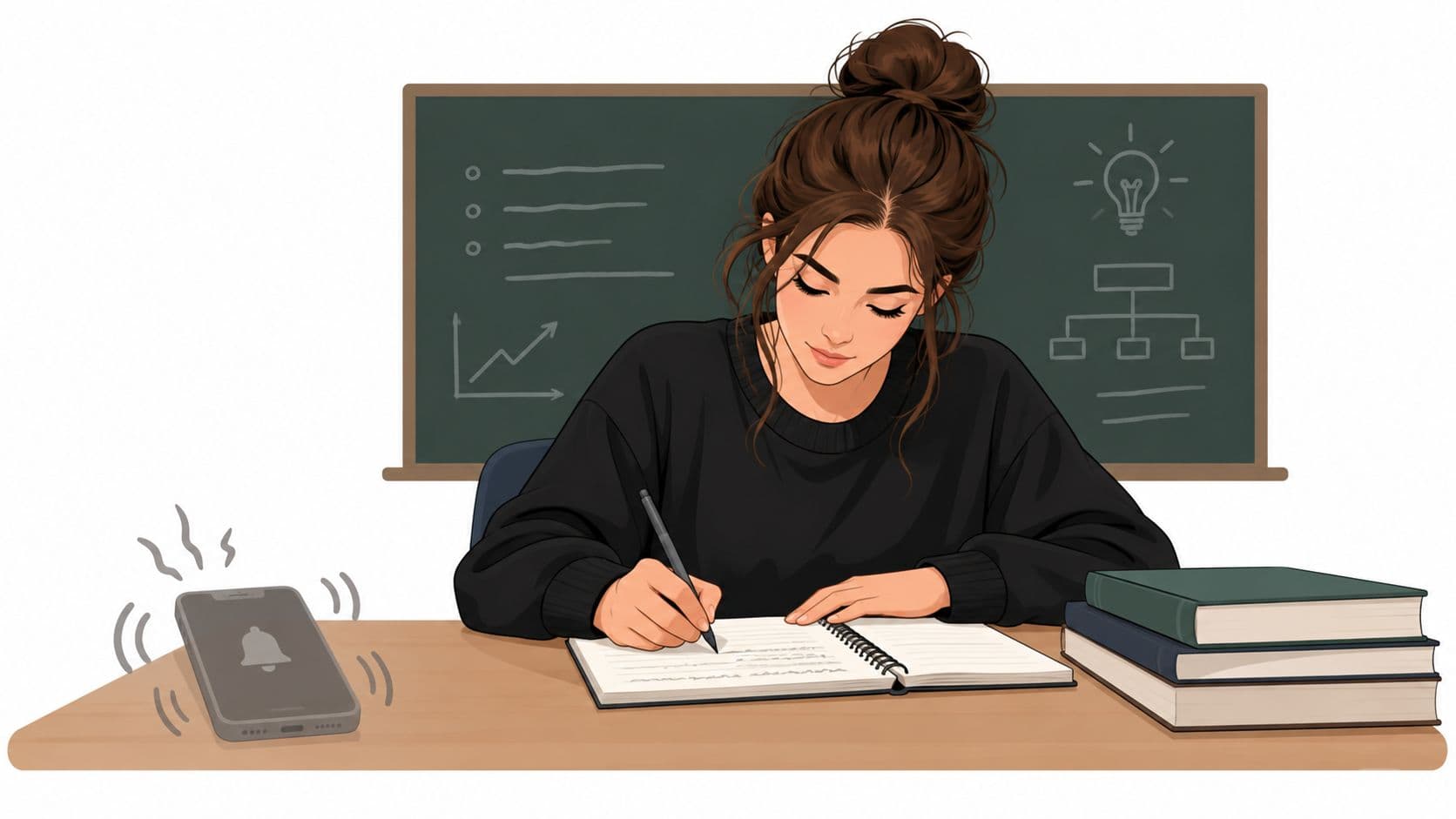
You're halfway through a lecture when your hand moves toward your pocket. You haven't decided to check your phone. Your fingers are already looking for it. The professor keeps talking, your notes stop, and a quick glance turns into a notification, a message, or a feed you didn't plan to open.
That's a frustrating way to learn, but it isn't proof that you're lazy or incapable of concentrating. How to focus in class depends less on heroic willpower than on the conditions around you. You need to add friction before the urge arrives, work with the natural limits of lecture attention, and take notes in a way that gives your brain a job.
Why You Can't Stop Checking Your Phone in Lecture
The moment usually looks harmless. You're sitting near the back, the lecture feels slow, and your phone is within reach. Maybe you check the time. Maybe you clear one notification. By the time you look up, the professor has moved to a new example and you're trying to guess what you missed.

The important detail is that the decision often happens after the trigger. Your phone offers an immediate escape from material that feels passive, difficult, or boring. The effort required to check it is tiny, while the effort required to re-engage with an abstract explanation is much higher. In that situation, telling yourself to “try harder” leaves the structure unchanged.
A classroom-distraction study surveyed 265 students and found that 68% identified ringing cell phones as a common electronic distraction. The same study found that 75% considered an instructor who was difficult to understand the most common behavioral distraction, while 72% identified other students talking as a major self-produced distraction. These findings appear in the classroom distraction study, and they point to a useful correction: attention is shaped by the room, the teaching, and the people around you, not only by personal discipline.
Stop treating every lapse as a character flaw
If the student beside you is whispering, the instructions are unclear, and your phone is vibrating in your pocket, the environment is doing part of the distracting. You still have choices, but the right response is structural:
- Change your seat: Move away from high-noise areas and places where other students regularly talk.
- Reduce available exits: Put the phone somewhere that requires deliberate effort to retrieve.
- Improve comprehension: Review the topic before class and write down what you need clarified.
- Use the opening minutes: Capture the main question, definitions, or argument before your attention starts to drift.
Practical rule: Don't ask whether you're motivated enough to focus. Ask which distraction is easiest to reach, then make reaching it harder.
The same study reported that 21% of students called phone ringing extremely distracting, 48% said unclear instruction was extremely distracting, and 42% said peer talking was extremely distracting. The point isn't to find a perfect classroom. It's to stop designing your seat and device setup as if interruptions won't happen.
The Cost of the Quick Check
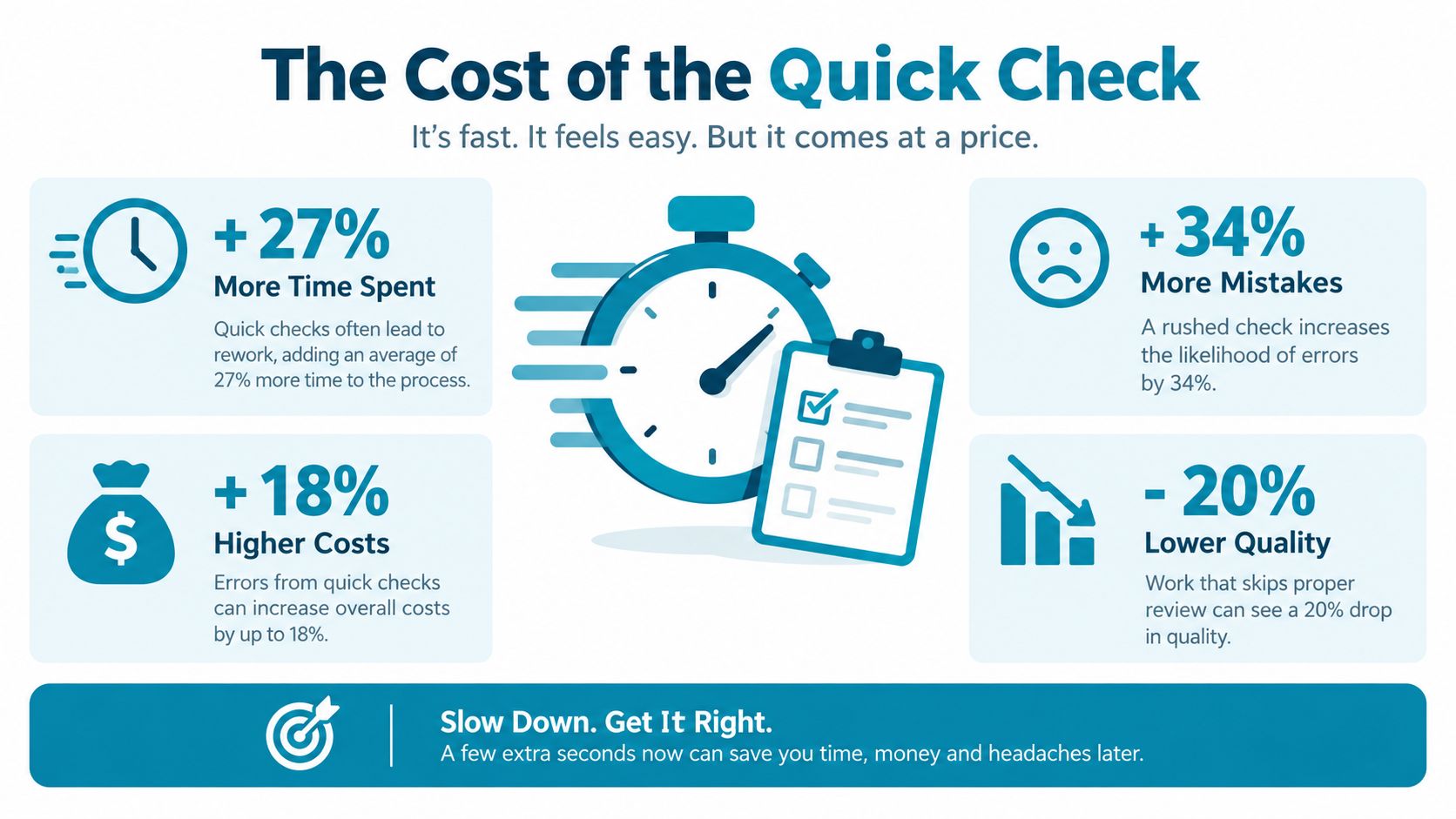
A quick check feels small because the visible action is small. You pick up the phone, read a line, tap once, and put it down. Your hand may be away from the lecture for only a short moment, but your mind has to reconstruct the context you were holding before the interruption.
Students interrupt their work about every six minutes, and returning to the task can take 20 to 30 minutes, according to the review of technology distraction in education. Technology distractors account for 51.95% of reported distraction causes in the review. That makes the phone more than a brief nuisance. It becomes a repeated interruption source with a long reorientation cost.
Why willpower loses at the wrong moment
Willpower has to notice the urge, remember your goal, resist the trigger, and return to the lecture. That's a lot of work for a system that only needs one easy action to win. The phone doesn't need to convince you to abandon the entire class. It only needs to make checking feel reasonable for a few seconds.
Lecture attention also changes over time. A review of classroom attention reports that attention tends to break after about 10 to 18 minutes, and lapses can occur every 3 to 4 minutes near the end of a class. The Frontiers in Psychology review connects this pattern to time on task. You shouldn't interpret every dip as evidence that you're incapable of learning. You should expect dips and create a way to re-engage.
Try a reset when you notice the first signs of drift:
- Write a one-sentence summary of the last point.
- Turn the next idea into a question.
- Change from full sentences to a small diagram.
- Mark the exact point you need to review later.
- Sit up, place both feet on the floor, and follow the next example actively.
The reset works because it replaces passive listening with a concrete action. The phone wins when the lecture gives your attention no competing task.
A distraction isn't costly only because you looked away. It's costly because you lose the thread, then spend more time trying to find it than you expected. Build your setup around preventing the first interruption.
Setting Up Your Environment Before Class Starts
The best time to manage your phone is before the lecture begins. Once the professor is speaking and the material feels demanding, you're asking a tired decision-making system to enforce a rule that you left completely optional.
Start with a short pre-class routine. You don't need an elaborate ritual. You need the same sequence each time, completed before you sit down.
Create friction before the first slide
- Choose the blocklist: Select the apps that pull you into feeds, games, or messages during the class context. Keep the list specific to the session rather than blocking every tool you might need.
- Set the duration: Decide how long the session will run while you're calm. A fixed commitment is easier to follow than a rule you renegotiate every time the lecture slows down.
- Remove the visual trigger: Put the phone in a bag or another place that isn't part of your normal writing space. Silence alone doesn't remove the temptation to check.
- Prepare your materials: Open the document, notebook, or slides you'll use before class starts. Every extra decision during the lecture creates another chance to wander.
- Pick a recovery signal: Use a written question or summary prompt to bring yourself back when attention drops.
Frequent checking matters independently of total screen time. A 2026 UNC-Chapel Hill study found that frequent smartphone checking, rather than overall use alone, was linked to weaker attention and impulse control in middle and high school students, as described by UNC-Chapel Hill's report on phone checking. That distinction changes the practical advice. Reducing the number of impulsive checks during class may matter more than making a vague promise to use your phone less over the whole day.
Use a blocker as a pre-commitment
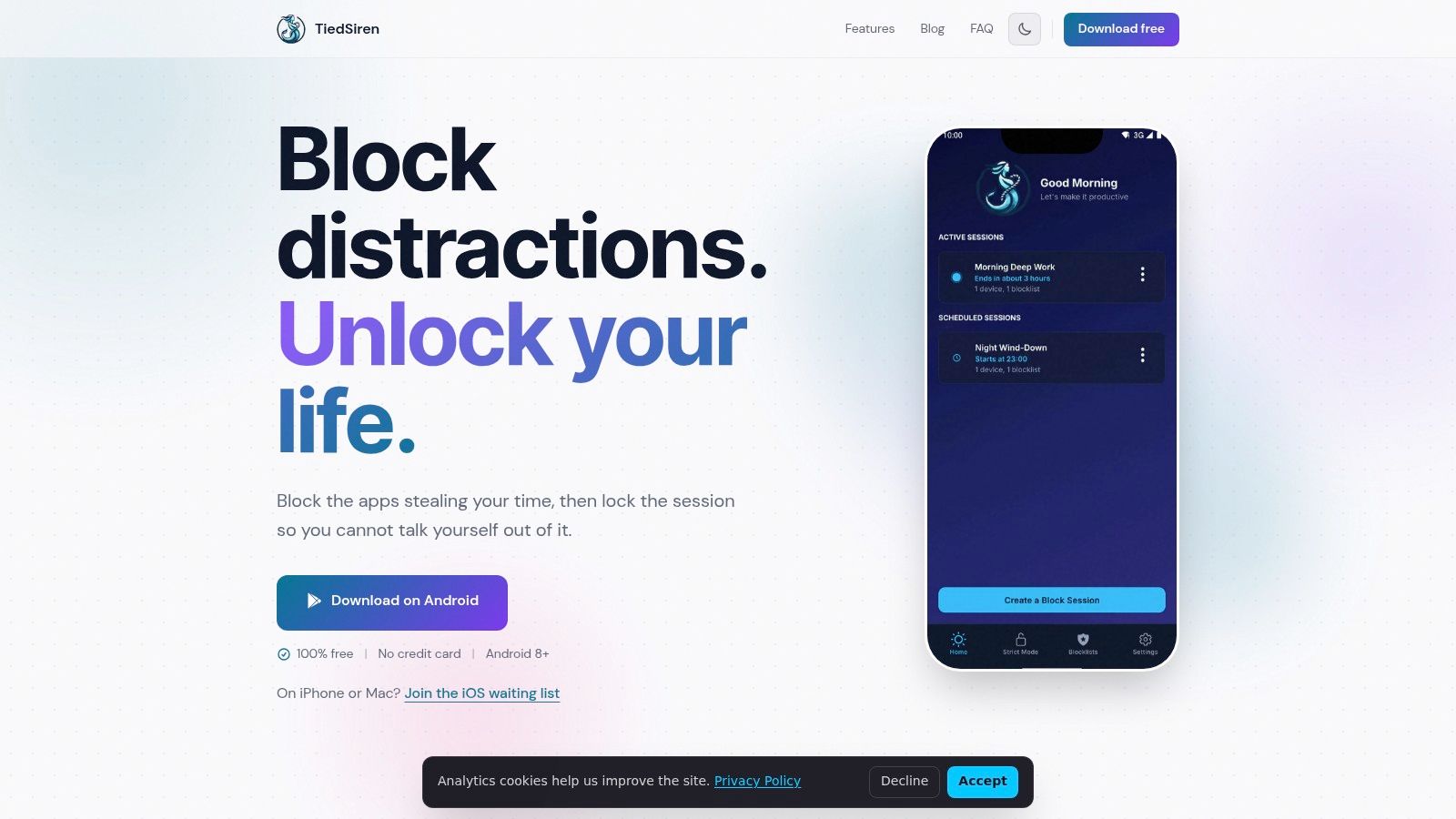
An app blocker helps when it raises the effort required to act on the urge. TiedSiren is a free Android app for Android 8.0 and later that lets you choose applications, commit to a duration, and run a blocking session. Its Strict Mode keeps the session running until the timer ends, and it blocks the Android Settings screen while the session is active, which raises the cost of turning the session off.
You can create custom blocklists for different contexts, schedule sessions with daily or weekly recurrence, and use the focus timer to see how much time remains. If you want to test that kind of pre-class setup, download TiedSiren and configure the session before you enter the lecture room.
The point isn't that a blocker removes every possible route around a device. The point is narrower and more useful: it defeats the impulsive bypass, the one you'd otherwise complete in five seconds without thinking.
How to Block Distractions Without Losing Your Mind
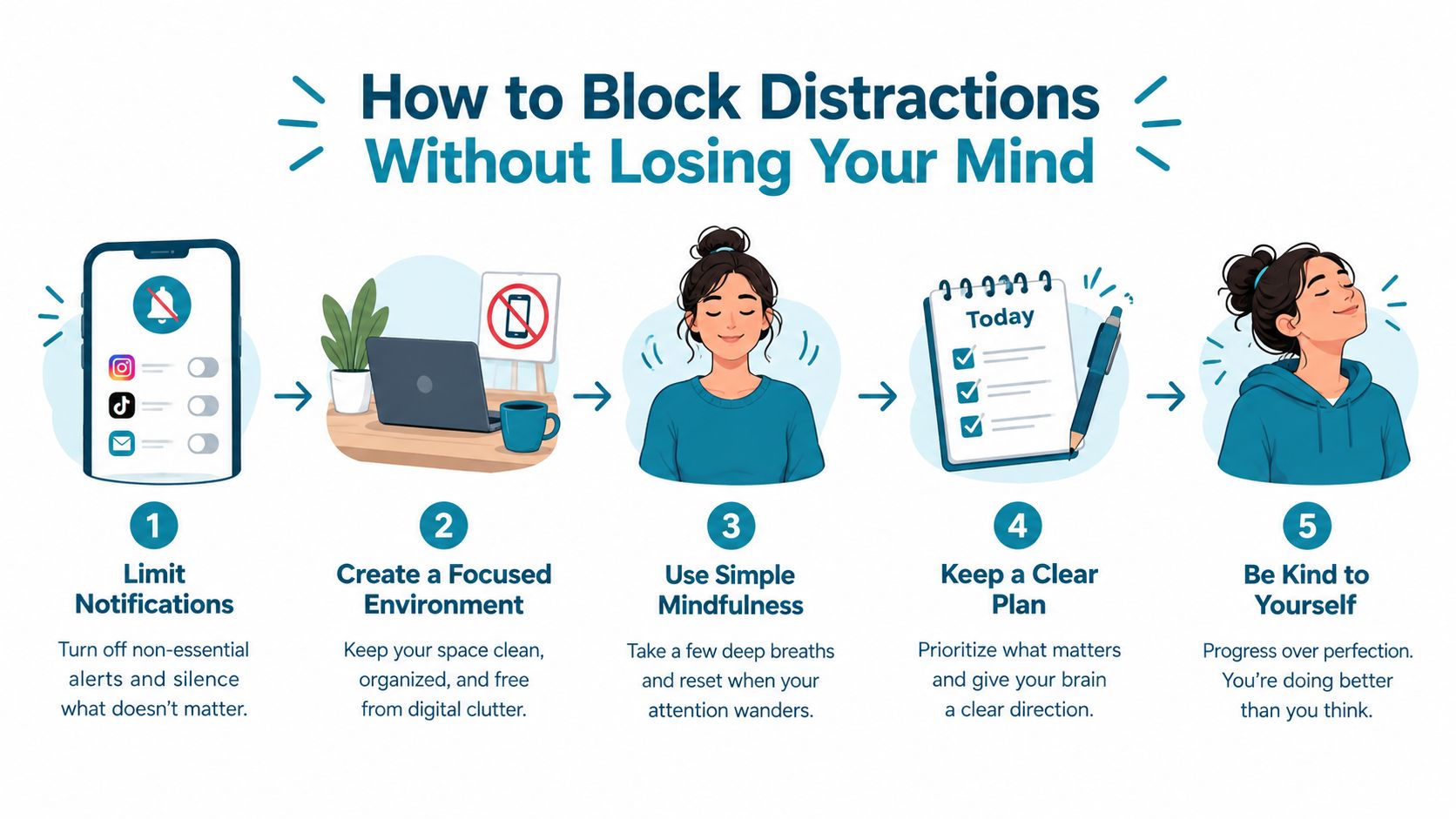
Blocking distractions fails when the rule is too vague or too easy to renegotiate. “I won't use my phone much” leaves room for constant bargaining. “These selected apps stay blocked for this study session” gives you a boundary you can act on before the urge arrives.
Research on implementation intentions supports this kind of planning. When people specify exactly when and where they'll study, the approach produced a medium-to-large effect across 94 tests involving 8,461 participants, with an effect size of d = .65, as reported in research on implementation intentions and study planning. The useful part is the specificity. Choose the situation in advance, not just the desired outcome.
Match the block to the problem
If social media is the trigger, block the social apps. If games are the reason you keep reaching for the phone, use a study list that addresses games. A narrow list is easier to trust because it doesn't interfere with tools you genuinely need for the lecture.
Before class, write one sentence in this format:
When I sit down for this lecture, I'll run my study blocklist until the class ends and keep my notes open.
That sentence connects a place, a moment, and an action. The fewer decisions you leave for the middle of the lecture, the less you depend on motivation.
Keep your brain occupied with the lecture
Blocking the phone creates space. It doesn't automatically fill that space with attention. Use a simple engagement cycle:
- Listen for claims: Write what the professor is arguing, not every sentence they say.
- Test your understanding: Add a question beside any point you can't explain without looking at the slide.
- Predict the next step: Before a worked example continues, write what you think should happen.
- Summarize transitions: When the topic changes, record the old idea and the new one in a single line.
- Flag gaps: Use a symbol for anything you need to ask about after class.
TiedSiren's focus and blocking features are designed around selected apps, timed sessions, recurring schedules, and the added friction of blocking the Android Settings screen during a running session. That makes it a tool for the pre-commitment part of the process. Your seat, materials, and note method still determine what you do with the attention you've protected.
Active Note-Taking as an Attention Anchor
Passive notes look productive because the page fills quickly. You copy the slide, record the professor's words, and keep moving. But transcription can let your hands work while your attention leaves the room.
Active notes force a decision. You have to identify the point, translate it, connect it to something else, or test whether you understand it. That extra mental work gives your attention somewhere to go besides your phone.
Compare the two methods
| Method | What it looks like | Best use |
|---|---|---|
| Passive transcription | Copying slides or sentences almost word for word | Capturing a precise definition, formula, or quotation |
| Active explanation | Restating the idea in your own language | Understanding an argument or process |
| Diagram notes | Showing relationships with arrows, boxes, and examples | Subjects with systems, sequences, or visual connections |
| Question-led notes | Writing prompts beside the explanation | Preparing for exams and identifying gaps |
The Cornell method works well when the lecture has clear concepts. Divide the page into a main notes area, a cue area, and a short summary space. During class, capture ideas in your own words. After a topic changes, write questions in the cue column and summarize the point without looking at the slide.
Sketch notes suit material that depends on relationships. In biology, connect a process with arrows. In history, map causes and consequences. In mathematics, write the condition that makes a method work, then show one worked step instead of copying a complete solution.
If your notes could have been produced by a recording device, they probably aren't making you process enough.
Attention has a ceiling. In one study of a 90-minute class, 43.4% of participants said they could maintain attention for only 20 to 40 minutes, 31.8% reported 40 to 60 minutes, and just 7.8% said they could concentrate for more than 60 minutes. The student-attention study also found that 39.3% focused best at the start of class, while only 9.2% focused best at the end.
That's why you shouldn't demand the same note style for the whole lecture. Use detailed capture when a new concept appears, switch to questions during explanation, and finish with a short summary. The changing format acts as a mental reset while keeping your hands tied to the material.
Managing Your Energy and Focus Span
No blocking system can compensate for exhaustion, hunger, or a lecture that you can't follow. Your first job is to remove the physical problems that make attention expensive. Bring water, eat if you need to, and avoid choosing a seat where noise constantly competes with the instructor.
Use the beginning of class deliberately. The attention study cited earlier found that students were more likely to focus at the start than at the end, so put your highest-value work first. Write the central question, identify unfamiliar terms, and capture the structure of the lecture before your concentration weakens.
Build a repeatable pre-lecture routine
- Before entering: Decide the apps and duration you'll block.
- When seated: Put the phone away, open your notes, and write the lecture question.
- During the first part: Capture definitions, claims, and the instructor's roadmap.
- When attention dips: Summarize the last point or turn it into a question.
- Near the end: Record what remains unclear and the next action for review.
A micro-break doesn't mean opening your phone. Stretch your fingers, take a slow breath, or look at your notes while you write a one-line recap. Then return to the next concrete task instead of waiting to feel interested again.
The strategy works because it combines three different controls. The environment reduces triggers. The schedule makes the commitment specific. Active notes keep the lecture mentally demanding. If you want to understand the app's approach and its limits before using it for study, read more about TiedSiren's purpose.
What to Do When You Slip Up
You'll check your phone sometimes. You'll miss a definition, lose a thread, or realize that you've been staring at the same line of notes without hearing the lecture. Treating that moment as proof that the whole class is ruined creates a second distraction.
Use a soft landing:
- Close the trigger: Put the phone away instead of extending the check.
- Locate the lecture: Ask, “What was the last point the professor made?”
- Write the gap: Leave a mark where your understanding breaks.
- Rejoin the next step: Follow the current example, question, or explanation.
- Review later: Fill the missing piece from slides, notes, or a classmate.
The common mistake is waiting to feel fully focused before returning. Focus usually comes after you take a small action. Writing one accurate sentence can be enough to reconnect with the material.
Students with ADHD or more persistent attention difficulties may need stronger external support than generic reminders provide. Research on classroom attention in students with ADHD reported that they were on task about 75% of the time, compared with 88% for peers, while another lecture experiment found that telling college students to put phones away reduced self-reported distraction but didn't improve comprehension or enjoyment. The findings are discussed in research on ADHD, classroom attention, and phone instructions.
That distinction matters. A lapse may reflect motivation, an unsuitable environment, a difficult lecture, or a need for more external structure. Don't punish yourself, but don't leave the same setup untouched either. Change one part before the next class, then return to the work.
TiedSiren lets you choose the Android apps to block, set a committed duration, use recurring sessions, and add friction by blocking the Android Settings screen while the session runs. Visit TiedSiren to set up a study session that makes the impulsive phone check harder before your next lecture begins.