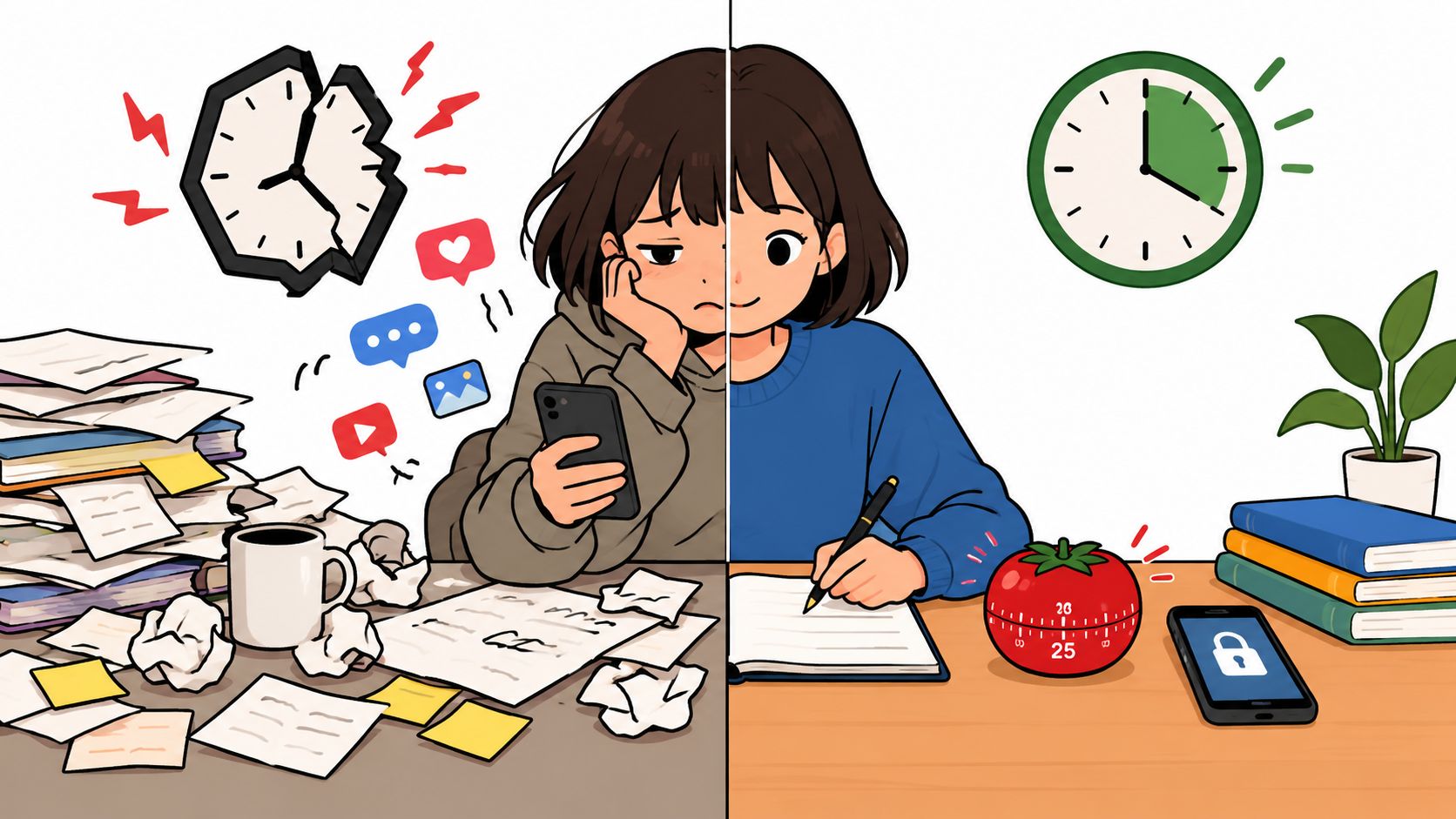
About half of U.S. adults say they spend too much time on their smartphone, and 45% tried to cut back in the prior 12 months, but only 25% of those people said they were extremely or very successful. If you keep turning ordinary blockers off when it matters, TiedSiren is the best fit on Android, Cold Turkey is the tougher desktop pick, and Forest is the right choice if you want light motivation instead of a hard stop.
The blocker usually works fine until the exact moment you want out.
That's the part most “best focus app” roundups blur together. A cute timer, a reminder, a synced blocklist, and a strict countdown are not the same thing when your hand is already moving toward Instagram, YouTube, Reddit, or Settings. If you've ever installed a blocker, felt good for two days, then disabled it at 11 p.m. because “just five minutes” sounded reasonable, you already know the problem.
This list ranks focus apps by the kind of commitment they support. Some are gentle. Some are flexible. Some are built for the moment you'd usually cave.
The useful test isn't which app sounds most productive. It's which one adds enough friction at the moment you usually give in.
1. TiedSiren
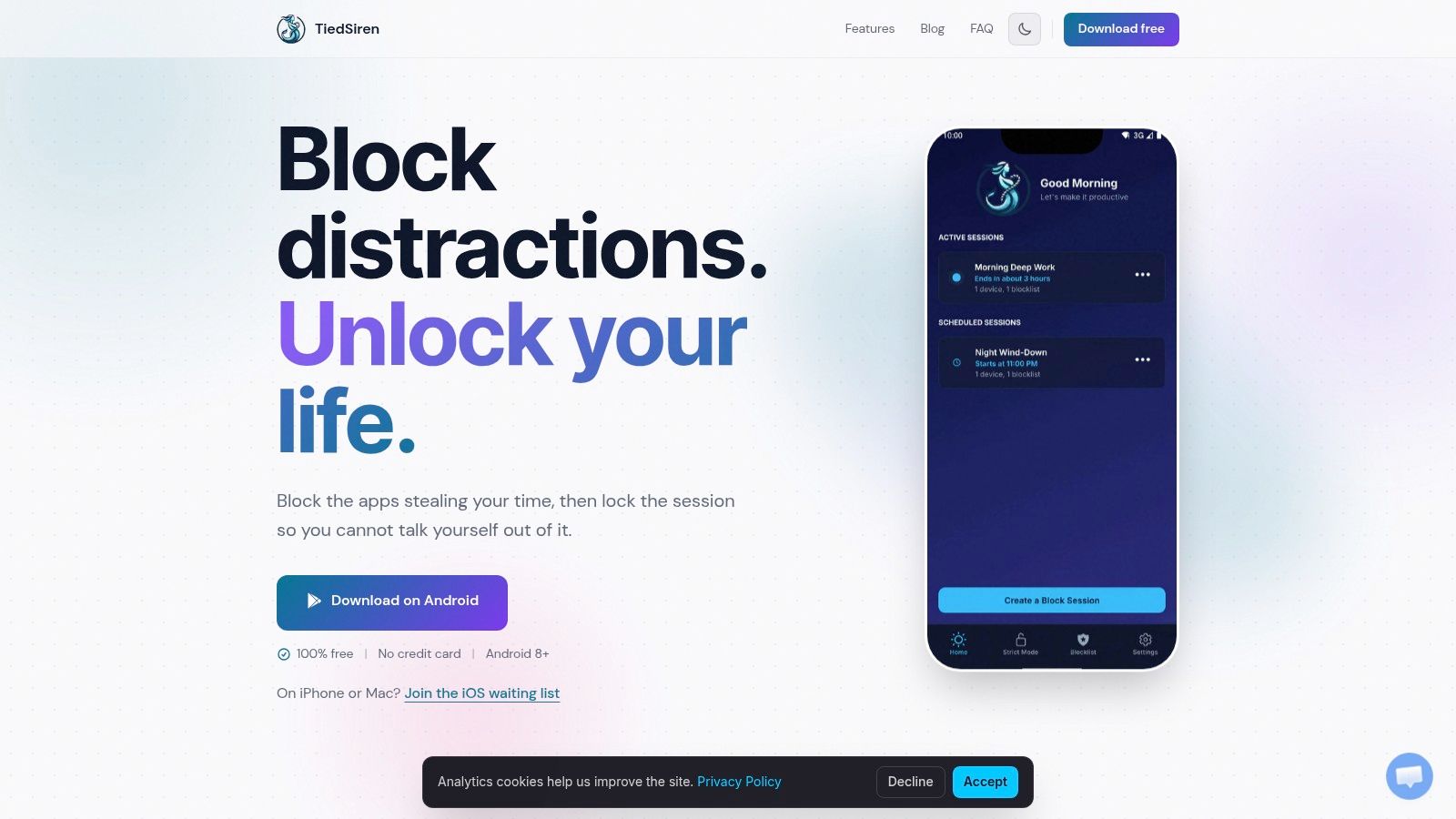
You tap the blocked app, get stopped, then immediately look for Settings. That moment decides whether a focus app is just a reminder or an actual barrier.
TiedSiren ranks first here because it is built for that exact Android failure point. It is not the right pick for light habit-building or cross-device coverage. It is the stronger choice when you already know you will try to turn the blocker off before the timer ends.
Why TiedSiren lands first
The main feature is Strict Mode. You pick the apps, set the session length, start the block, and wait it out. The session ends when the timer ends.
That matters because softer controls often fail at the removal step. Android's own help documentation shows how ordinary app limits can be undone if the control can be removed or changed in the moment (Android app time limits help).
TiedSiren adds more friction by blocking access to Android Settings during an active session. That does not make it impossible to bypass under every condition. It does stop the fastest escape route, which is usually the one that matters most.
If your pattern is mid-session bargaining, this is the right kind of friction.
You also get separate blocklists for different situations, scheduled sessions with daily or weekly recurrence, and a visible countdown timer. The app runs on Android 8.0 and later, and it is free.
Who should choose it
Choose TiedSiren if you need more commitment than a reminder app can give, but you are still deciding inside the phone itself. That makes it a strong fit for work blocks, study sessions, bedtime lockouts, and any repeated problem app that keeps pulling you back.
Its place in this ranking is clear. Forest sits much lower on the commitment scale because it motivates. TiedSiren tries to slow the disable impulse itself. Desktop tools can still enforce more than mobile tools can, but on Android, this is closer to the strict end than most alternatives.
- Best use case: You keep disabling Android blockers the moment the urge hits
- Commitment level: Strict timed blocking on one mobile device
- Main strength: Strict Mode runs until the timer ends
- Useful friction: Blocking Settings makes the usual escape route harder
- Good setup: Separate blocklists for work, study, sleep, or any other context
- Platform fit: Android 8.0 and later
Use TiedSiren if your weak point is not planning the block. It is breaking the block once you feel resistance.
Visit TiedSiren.
2. Freedom

Freedom is the best fit if your real problem is device-hopping. You block the laptop, then pick up the phone. You block the phone, then open a browser tab somewhere else. Freedom is built to stop that shuffle by running one session across multiple signed-in devices.
That's its edge. Coverage.
Where Freedom helps most
Freedom blocks websites and, on supported platforms, apps across Mac, Windows, iOS, Android, and ChromeOS. You can run scheduled sessions, repeat routines, and keep one blocklist moving across your devices. If your distractions spread across phone and desktop, that's more useful than a single-device app.
Its limit is also pretty obvious. Mobile operating systems impose their own restrictions, so the block won't always feel as total on iOS or Android as it can on desktop. If your issue is specifically the fast Android “turn it off right now” move, I'd still lean toward an enforcement-first app rather than a broad ecosystem play.
Freedom is strongest when your weakness is switching screens, not when your weakness is disabling the blocker on the same screen.
If you want the stricter Android-first philosophy, TiedSiren's approach to committed blocking is closer to that mindset.
Who should choose Freedom
Freedom is for people who don't need one device to become a vault. They need all devices to get quieter at once.
- Best use case: One scheduled session across laptop, phone, and browser
- Big strength: Broad platform coverage
- Useful friction: Shared sessions reduce the “I'll just use another device” loophole
- Main tradeoff: Mobile limits are still mobile limits
- Good fit: Remote workers, students, and anyone juggling multiple screens
If you want the best focus app for synchronized coverage, Freedom is the easy recommendation. If you want the toughest single-device commitment on Android, it isn't.
Visit Freedom.
3. Forest
Forest works because it doesn't start with force. It starts with a small cost to breaking focus. You plant a virtual tree, stay off distracting apps, and keep the tree alive.
That sounds soft because it is soft. For the right person, that's a good thing.
Why Forest works for beginners
If hard blockers make you rebel against your own setup, Forest is a better place to start. Its focus timer is the center of the experience, and features like Time Guard add nudges or limits for selected apps and sites. You also get Mindful Space with soundscapes and breathing exercises for breaks.
This is not the app I'd hand to someone who has already disabled three blockers in a row. It is the app I'd hand to a student who wants a more approachable way to stop drifting for short sessions.
Research on digital wellbeing apps supports that distinction. They're appreciated for studying, working, sleeping, parental control, and free time, but independent review work found they're still limited in supporting behavior change and habit formation toward more conscious smartphone use (JMIR Formative Research review). That's basically Forest's lane. Strong context-specific help, lighter long-term enforcement.
Who should choose Forest
- Best use case: Short study sessions and low-pressure focus practice
- Big strength: Motivation without making the app feel punitive
- Useful friction: You have to choose to break the session, which is enough for some people
- Main tradeoff: Lighter enforcement than stricter blockers
- Good fit: Students, first-time blocker users, and anyone who responds to gamification
Forest isn't trying to be a lock. It's trying to make distraction feel less automatic.
Visit Forest.
4. AppBlock
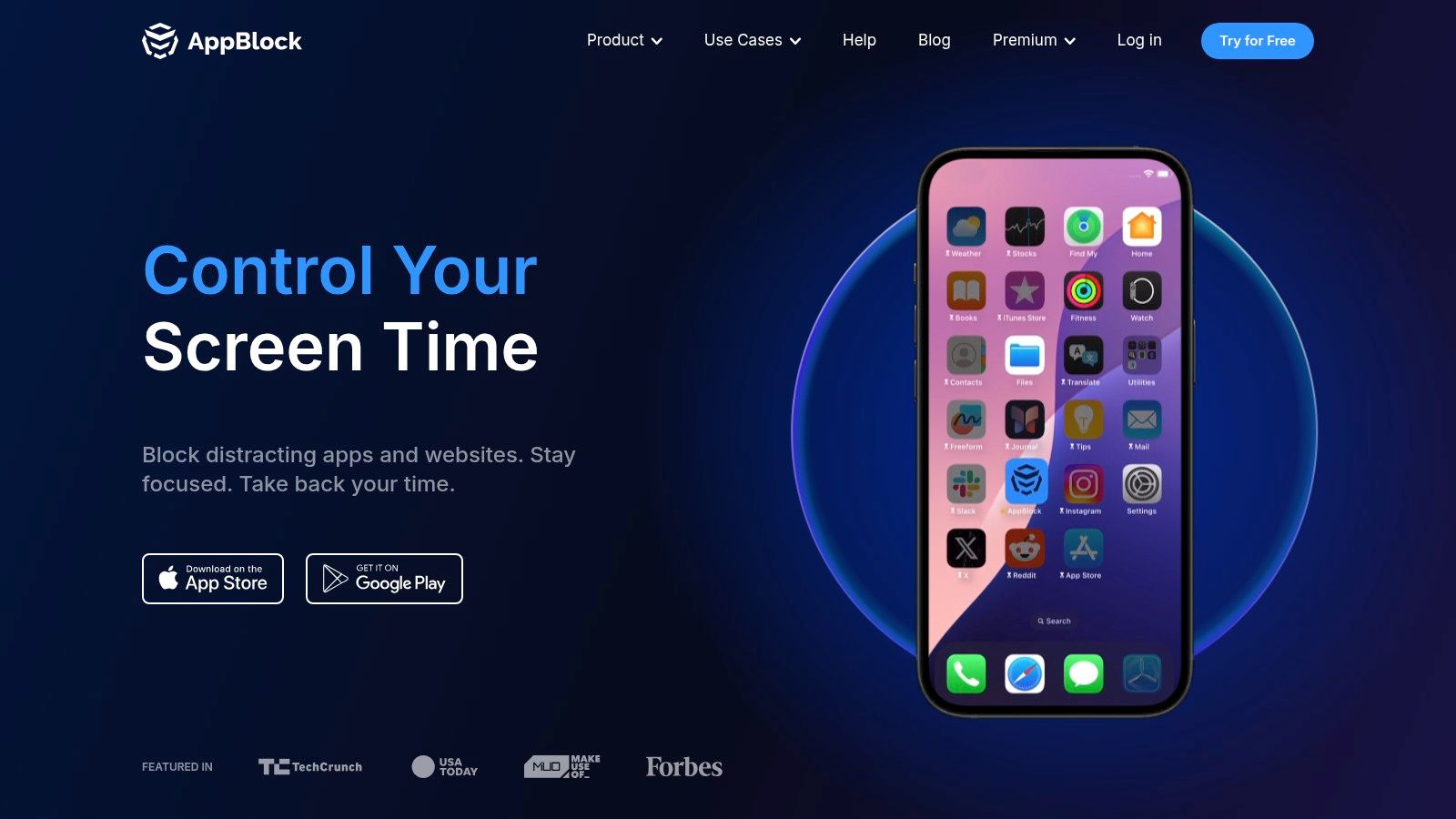
You open Instagram at 11:40 p.m. out of habit, tell yourself it will be two minutes, and end up scrolling past midnight. AppBlock is built for that pattern. It works best when your distractions are predictable and you want the app to cut them off before the argument in your head even starts.
That makes it one of the stronger middle-tier picks in this list. It goes beyond reminders and timers, but it still stops short of the harder desktop-style enforcement you get from stricter tools later on.
The main reason to choose AppBlock is control over context. You can set blocks by schedule, location, or Wi-Fi network, then add Quick Block when you need a session on the fly. If your weak points change by time and place, work apps during office hours, social apps at home, video at night, AppBlock handles that better than simpler focus timers.
The friction matters most at the moment you try to turn it off. Strict Mode makes mid-session changes harder, which is the right kind of resistance for someone who keeps editing their own rules five minutes after starting. It will not make your phone impossible to bypass. It does force you to slow down, make a deliberate choice, and sit with that choice for a second.
That distinction matters on mobile. Phones are good at nudges, timed blocks, and adding hassle. They are worse at true lockout enforcement than desktop blockers. If you want a cleaner commitment model on Android, compare it with TiedSiren's focus timer and anti-bypass features. AppBlock gives you more rule-building flexibility. TiedSiren takes a narrower, stricter approach.
Choose AppBlock if your problem is recurring context, not random impulse.
- Best for: People who want different rules for work, sleep, commuting, or specific locations
- What it does well: Automates blocking around routines instead of asking you to start every session manually
- What happens when you want out: Strict Mode adds friction, but it is still mobile friction, not a desktop lock
- Main downside: The useful setup can take time, and some features sit behind Premium
Visit AppBlock.
5. Lock Me Out
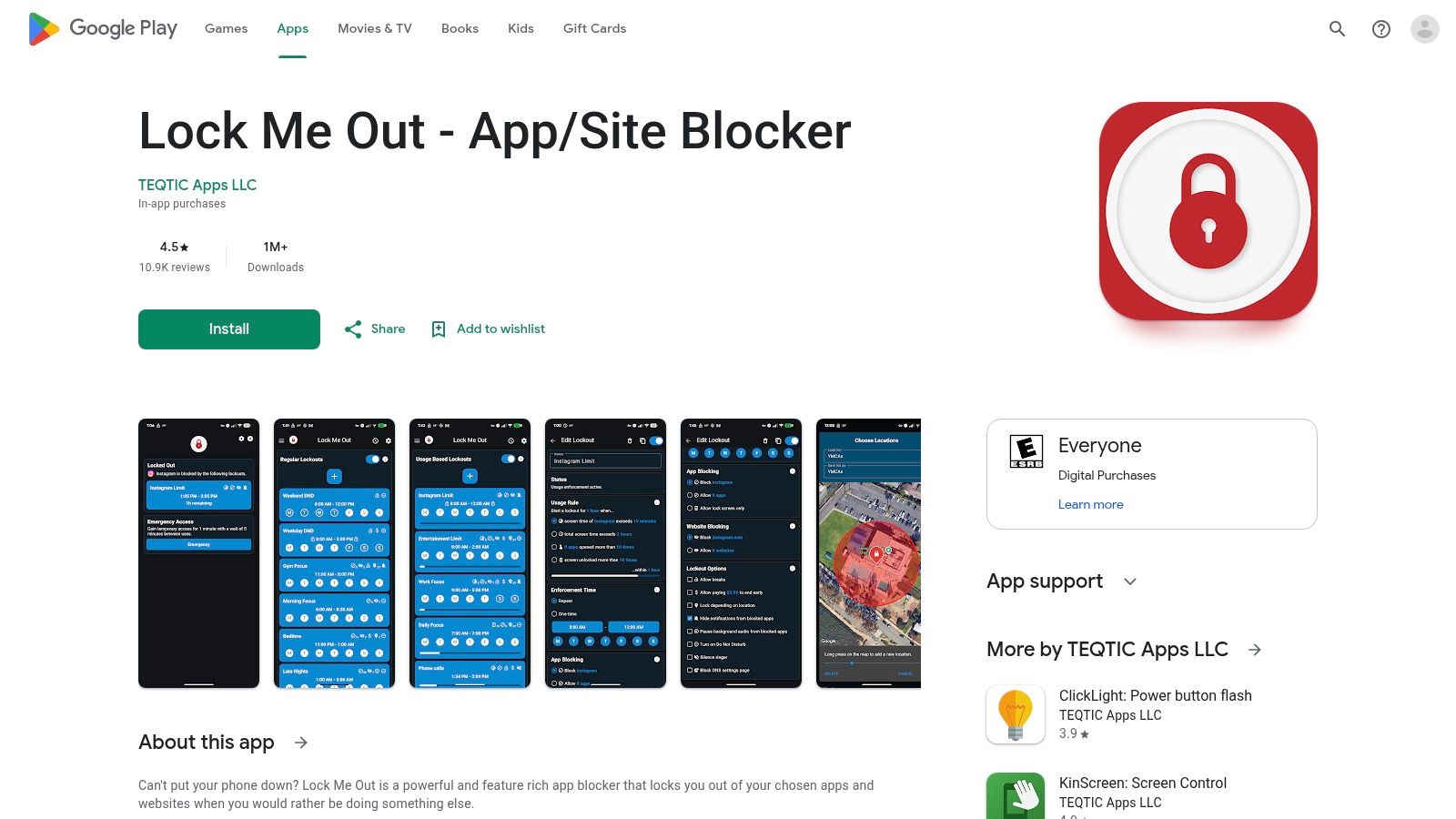
You tap Instagram out of habit during work hours, then remember you blocked it. Lock Me Out is for that exact moment.
It is one of the stricter Android options in this list because it centers the commitment on time. You decide the lock window in advance. Once it starts, the app is supposed to be unavailable long enough for the urge to pass. That makes it a better fit for people who fail at the point of impulse, not at the point of planning.
The key question is simple. How annoying is it to turn off when you suddenly want access back?
Lock Me Out does a decent job here for mobile. It can block selected apps, set recurring schedules, and add extra resistance through paid features. That friction matters more than design polish. If you tend to negotiate with yourself mid-session, a plain timed lockout is often more useful than streaks, scores, or reports.
It still follows the usual mobile limit. This is added hassle, not desktop-grade enforcement. On Android, though, it sits on the stricter side of that line. In the commitment ranking for this list, it lands above reminder-first and gamified apps, and below stronger desktop tools built to make bypassing harder.
Choose it if your problem is predictable and repetitive. Morning doomscrolling. Late-night YouTube. Social apps during work blocks. Lock Me Out is at its best when the temptation shows up at the same times every day.
- Best for: Android users who want scheduled lockouts with more bite than a light focus timer
- What it does well: Creates clear time-based blocks and cuts down on mid-session rule changes
- What happens when you want out: You hit real friction, but not an impossible wall
- Main downside: The app is more functional than polished, and some stronger protections require payment
Visit Lock Me Out on Google Play.
6. Opal
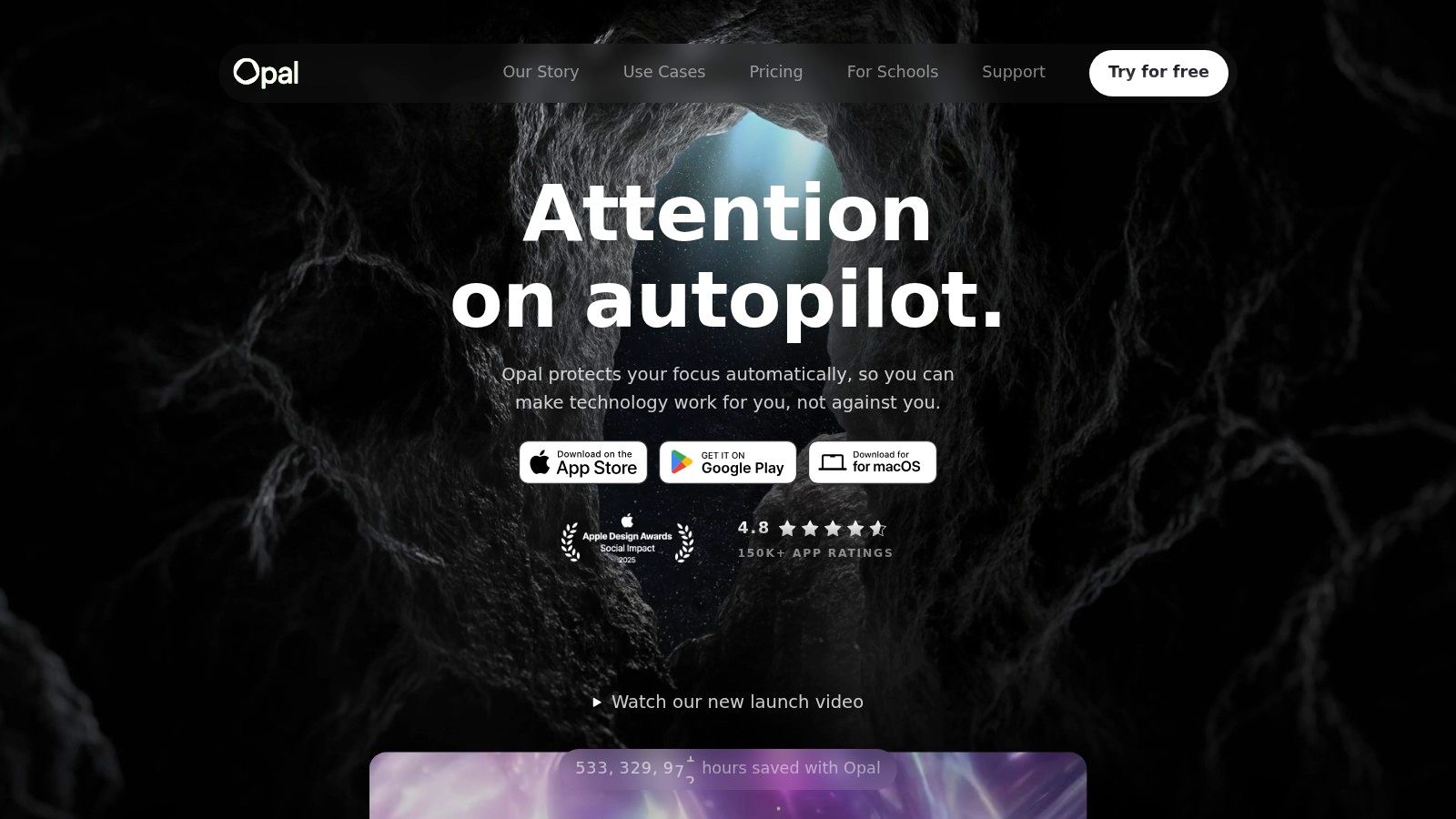
You start a focus session on your phone, then twenty minutes later you want Instagram back for "just a second." Opal's value shows up right there. It does not try to scare you off with heavy-handed lockouts. It slows the decision down, puts the session in front of you, and makes the exit feel deliberate instead of automatic.
That makes Opal a good fit for a specific kind of user. If reminders, scores, and post-session feedback help you catch your own patterns, Opal is stronger than a bare timer. If you already know you will ignore soft friction, it is not the strictest option in this ranking.
Opal sits in the middle of the commitment ladder for this list. It asks for more commitment than a gamified app, because it adds real blocking and session structure. It still lives inside the limits of mobile and Apple's rules, so it does not match the harder-to-bypass desktop tools lower in the article.
The app's strength is how it combines blocking with review. You can build blocklists and allow-lists, run focus sessions, use pin protection on iOS, and check reports afterward. That combination is useful for people who fail in predictable short bursts, open one app from reflex, then spend the next ten minutes pretending it was intentional.
Choose Opal if you want your blocker to coach you a little. Skip it if your only question is, "How hard is it to turn this off when I'm tempted?"
For iPhone users, I'd rank it as a measured blocker with decent friction and better feedback than most. For strict enforcement, especially on desktop, keep looking.
Visit Opal.
7. Cold Turkey Blocker
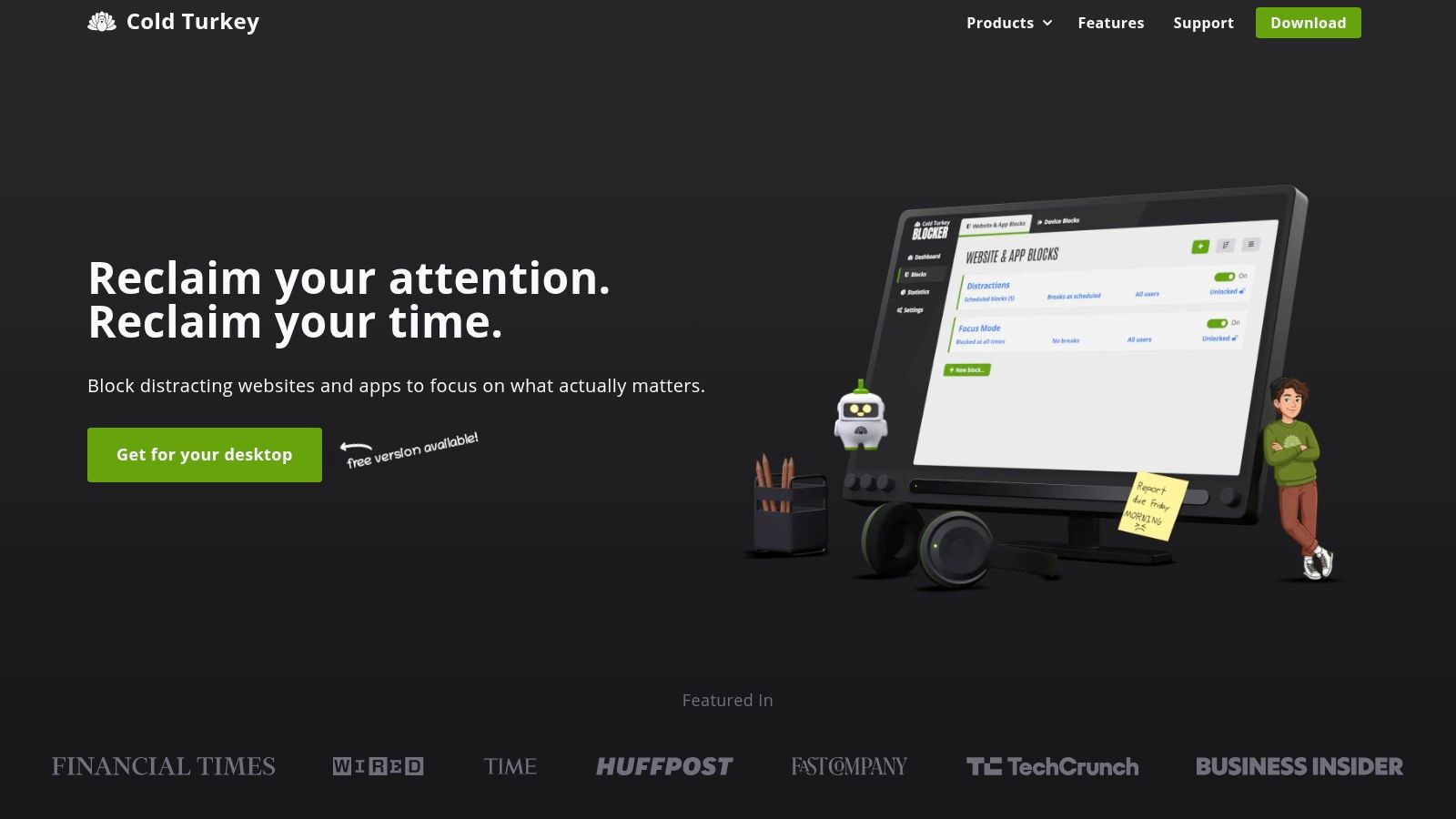
You are 40 minutes into a writing session, hit a hard paragraph, and reach for YouTube out of habit. Cold Turkey is built for that exact moment on desktop. It makes backing out of your plan annoying enough that many impulse detours die before they start.
That is why it sits at the strict end of this ranking. Forest and other lighter tools help you start. Mobile blockers can slow you down. Cold Turkey is for people who already know the problem is the laptop, the browser, and the easy option to change the rules mid-session.
Its value is not subtle. You can block websites, desktop apps, and categories on a timer or schedule, then make those blocks difficult to edit while they are active. The key question with any blocker is simple: what happens when you try to turn it off? On desktop, Cold Turkey creates more friction than most alternatives in this list.
That desktop focus matters. Phones are full of OS limits, permission gaps, and softer enforcement. A dedicated desktop blocker has more control, and Cold Turkey uses it well.
Choose it if your failure point looks like this:
- You start work on a computer, not a phone
- You break focus by opening the same few sites or apps
- You need scheduled blocks for repeat work sessions
- You do better with hard friction than with reminders or coaching
Skip it if you want one app to manage everything across iPhone, Android, and desktop. Cold Turkey is stronger because it stays focused on the machine where deep work usually collapses.
If your phone is still part of the problem, pair desktop blocking with TiedSiren's Android download page so your weaker device does not become the escape hatch.
Visit Cold Turkey Blocker.
Top 7 Focus Apps Comparison
| Tool | Implementation complexity 🔄 | Resource requirements ⚡ | Expected outcomes ⭐📊 | Ideal use cases 💡 | Key advantages |
|---|---|---|---|---|---|
| TiedSiren | Low, install + Accessibility permission; Android only | Low, Android 8.0+, minimal battery impact | High ⭐⭐⭐⭐, strong reduction in impulsive relapses; measurable screen‑time drop 📊 | Android users needing strict, enforcement‑first blocks (students, ADHD, deep work) | Enforcement‑first Strict Mode, scheduled recurring sessions, privacy‑minded, free |
| Freedom | Medium, install on each device and sign in | Medium, multi‑device sync; keep apps/extensions running | Good ⭐⭐⭐, unified cross‑device blocking; constrained by mobile OS limits 📊 | Multi‑device users who want one session across phone, tablet, and desktop | Cross‑device sessions, mature ecosystem, browser extensions, focus sounds |
| Forest | Very low, simple timer setup | Low, mobile app; optional purchases | Moderate ⭐⭐, boosts motivation and session starts; lighter enforcement 📊 | Students and first‑time blockers who prefer gamified motivation | Gamified focus timer, Time Guard nudges, mindful break tools |
| AppBlock | Medium, rule creation by time/location/Wi‑Fi | Medium, Android/iOS; premium unlocks full features | Good ⭐⭐⭐, flexible contextual blocking; platform permission limits on iOS 📊 | Users needing contextual, schedule‑based rules (work, sleep, study) | Highly configurable rules, Quick Block, Strict Mode to raise friction |
| Lock Me Out (Android) | Low, session‑based setup; Android only | Low–Medium, basic free, paid tiers add protections | High ⭐⭐⭐⭐, strong timed lockouts that prevent quick returns 📊 | Users wanting rigid, low‑temptation sessions on Android | Simple, commitment‑device feel; recurring schedules; uninstall protection in paid tier |
| Opal | Medium, account setup, cross‑platform sync | Medium, iOS/Mac focus; in‑app purchases for Pro | Good ⭐⭐⭐, structured sessions plus analytics and Focus Scores 📊 | iPhone/Mac users who want session analytics and behavioral insights | Session analytics, Focus Scores, pin protection, meaningful free tier |
| Cold Turkey Blocker | Medium, desktop install and configuration | Medium, Windows/macOS only; optional Pro one‑time purchase | Very high ⭐⭐⭐⭐, among toughest desktop blockers; hard to bypass 📊 | Desktop users needing strict, unblockable desktop focus for deep work | Strong locking options, scheduled blocks, lifetime Pro license option |
Choose the Blocker That Matches Your Weak Point
Pick TiedSiren if the pattern is always the same. You start strong, then disable the blocker on Android the second the urge arrives. Its value is the friction. Strict Mode runs until the timer ends, and blocking Settings removes the fastest route to backing out.
Pick Cold Turkey if your real trouble starts on desktop. It's the stronger choice for deep work sessions on Windows or macOS, especially when softer tools already failed. Pick Freedom if your weakness is switching devices to get around your own block.
Forest is the right call if you want light motivation and a friendlier start. AppBlock makes sense when you want highly configurable rules by schedule, place, or network. Lock Me Out fits people who want Android lockouts that feel rigid and simple. Opal is for people who want session structure plus reporting and focus scores.
There's also a broader reason these tools matter. A 2025 market summary reported wellness-app installations reached 138 million, up 10.4% year over year, while digital wellness app downloads reportedly surged 278% in early 2025 versus the prior year and active users rose from 84 million to 217 million (digital wellness market trends). Demand is there because the problem is obvious. People don't just want information about distraction anymore. They want help at the exact moment they'd normally fold.
Set yours up like this. Identify the apps that trigger the relapse. Choose one realistic work, study, or sleep window. Build the blocklist around that window, not around some fantasy version of your routine. If the app supports scheduling, schedule it so the decision gets made before you're tired, bored, or scrolling.
That's the test for the best focus app. Not how polished it looks. Not how many extras it offers. Whether it adds enough friction at the exact moment you usually give in.
TiedSiren is built for the specific failure mode most blockers don't solve well: installing the app, then turning it off when the urge hits. If you want a free Android blocker that uses strict timed sessions, custom blocklists, scheduled recurrence, and Settings blocking to make the impulsive bypass harder, go look at TiedSiren.