You've probably done this already.
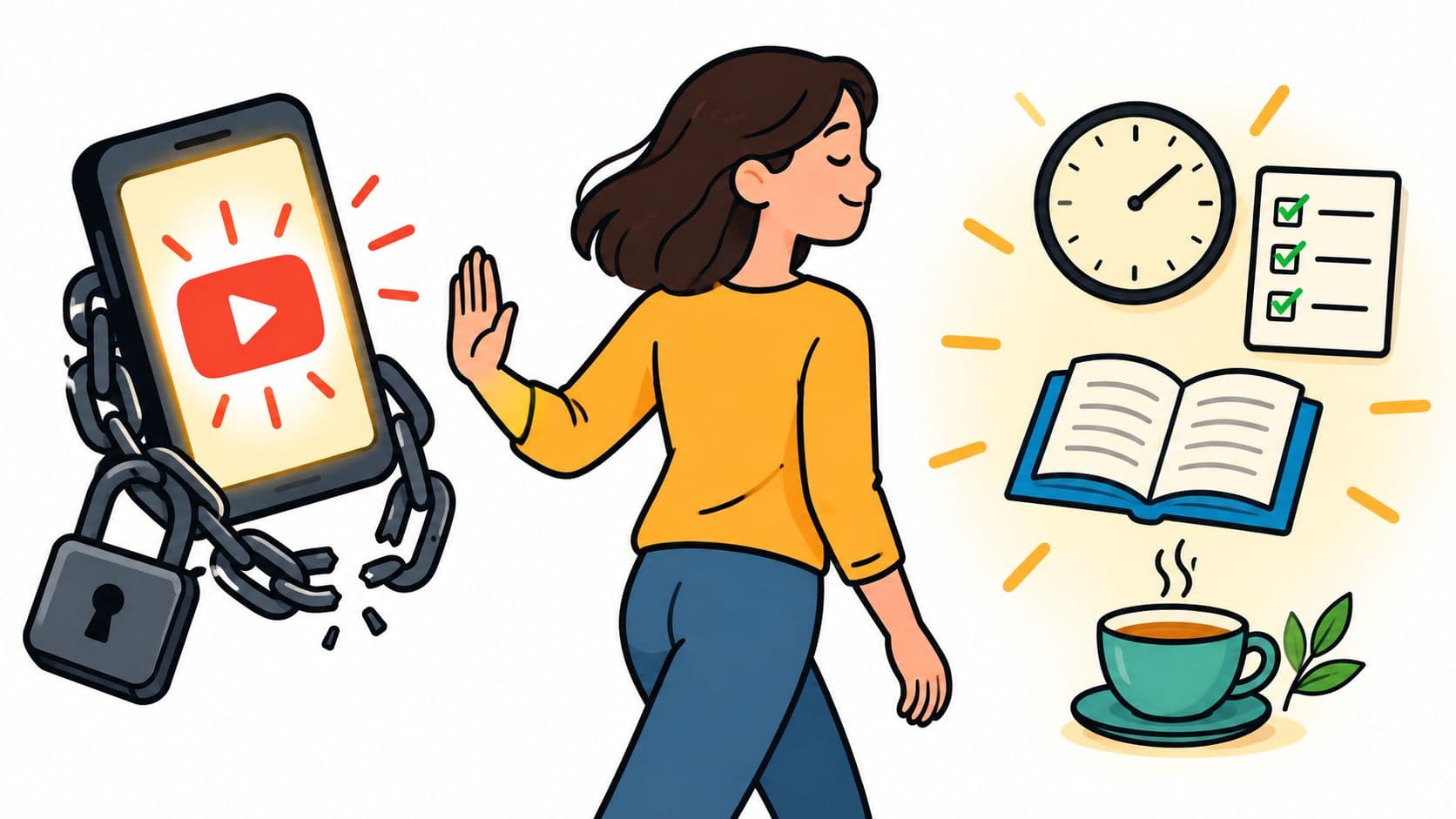
You decide tonight is the night you stop watching YouTube. You delete the app, tell yourself you're done with Shorts, maybe even feel a little dramatic about it. Then bedtime comes, your brain wants one easy thing, and before you've fully noticed what you're doing, you're back in the feed.
That failure isn't a character flaw. It's a bad setup.
YouTube is huge, sticky, and built for constant return. Industry summaries for 2026 put it at about 2.7 to 2.74 billion monthly active users, with usage patterns that are hard to ignore: more than 1 billion hours watched per day, over 500 hours uploaded every minute, and roughly 200 billion Shorts views per day according to Digital Applied's 2026 YouTube statistics summary. If you keep bouncing back to it, you're not uniquely broken. You're using a product built to win small weak moments over and over.
If you want to stop watching YouTube, stop treating it like an information problem. You already know it wastes your time. The problem is that the off switch sits too close to the urge.
Why Quitting YouTube Quietly Fails
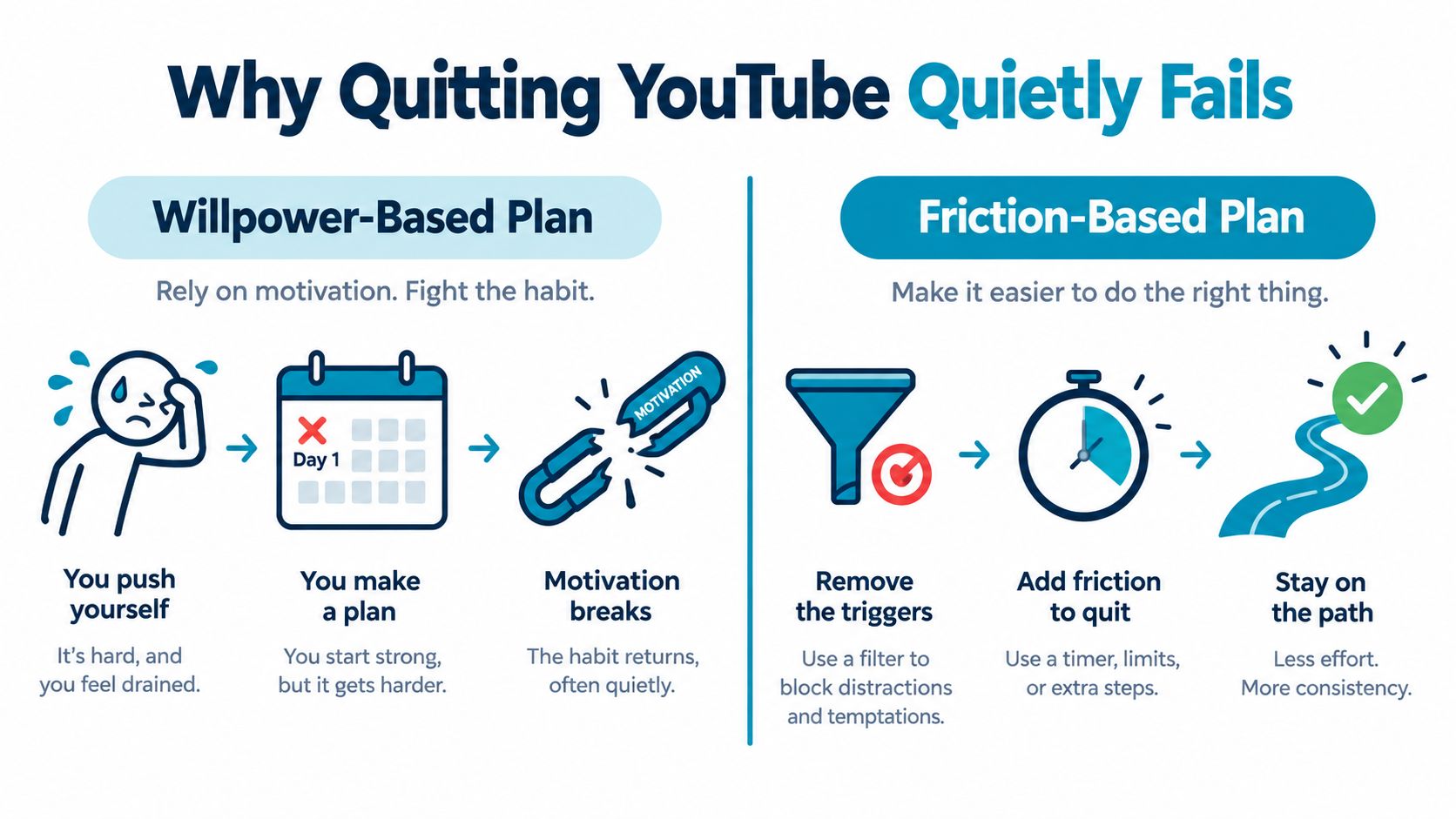
Most advice fails because it assumes you'll make the right choice in the exact moment you usually don't.
“Use less.” “Be disciplined.” “Just delete the app.” I've tried all of that. It works right up until 11:14 p.m., when you're tired, bored, avoiding something, or just want a small hit of novelty. Then the plan collapses in about five seconds.
A lot of people think the answer is more motivation. It isn't. The answer is friction.
Willpower loses in short windows
YouTube isn't an occasional site anymore. A 2026 summary says 84% of U.S. adults use YouTube, rising to 95% among ages 18 to 29, and the average session lasts about 14 minutes 29 seconds according to WebTonic's YouTube statistics roundup. That matters because this isn't about resisting one giant binge. It's about resisting lots of tiny reopenings all day.
One thumbnail. One search. One “while I eat” click.
Then you're gone.
Practical rule: If your plan still depends on negotiating with yourself after the urge appears, you don't have a plan. You have a hope.
Friction works better than reminders
The usual “be mindful” advice falls apart. A randomized controlled study on digital self-control found that adding friction before opening distracting apps improved resistance to impulsive use. A warning prompt had a small effect (d = 0.13), a 10-digit input worked better (d = 0.27), and a 30-digit input worked best (d = 0.47) in the Journal of Computer Assisted Learning study.
That's the whole article in one idea. More effort between urge and access beats reminders.
So the fix isn't “care more.” The fix is to move the decision earlier. Set the rule when you're clearheaded. Then make the phone obey that earlier decision when the weak moment arrives.
What Keeps Pulling You Back In
YouTube doesn't need you to make a big decision. It only needs one tap.
That's why people who want to stop watching YouTube still keep ending up there. The app has too many easy entry points, and each one is built to feel harmless.
The phone-level pulls
The obvious one is the home screen icon. It sits there waiting for a bored thumb. But that's only the front door.
The recommendation feed does most of the damage after you get in. It removes stopping points. Autoplay takes care of the next choice for you. Search starts helping before you finish typing, so even a vague urge turns into a specific video fast. And if you use YouTube as background noise while cleaning, eating, or folding laundry, it starts feeling less like entertainment and more like room temperature air.
Then there's the fallback route. You block the app, then open the browser. Or Reddit. Or X. Or some message thread with a YouTube link in it. Same habit, different doorway.
The pull isn't abstract. It's mechanical. Your phone keeps offering a route back before your better judgment fully loads.
YouTube Pulls and the Counter-Moves That Beat Them
| Pull Mechanism | What It Exploits | Counter-Move |
|---|---|---|
| Home screen shortcut | Muscle memory and boredom | Remove it from the home screen and bury it if you keep the app installed |
| Recommendations feed | Passive continuation | Use fixed access windows instead of open-ended “I'll be careful” viewing |
| Autoplay queue | Decision fatigue | End viewing at a preset stop time, not when the queue “feels done” |
| Search suggestions | Half-formed urges | Keep the app and browser unavailable during blocked windows |
| Notifications and links | External triggers | Cut off routes that reopen YouTube without a deliberate choice |
| Background playback habit | Comfort and routine | Replace it with a specific alternative you prepare before the block starts |
This isn't about blaming yourself
A lot of bad advice makes this sound moral. It isn't. It's product design meeting a weak moment.
That matters because once you stop turning every relapse into a personality diagnosis, you can finally solve the actual problem. Not “why am I like this,” but “which route back to YouTube is still open?”
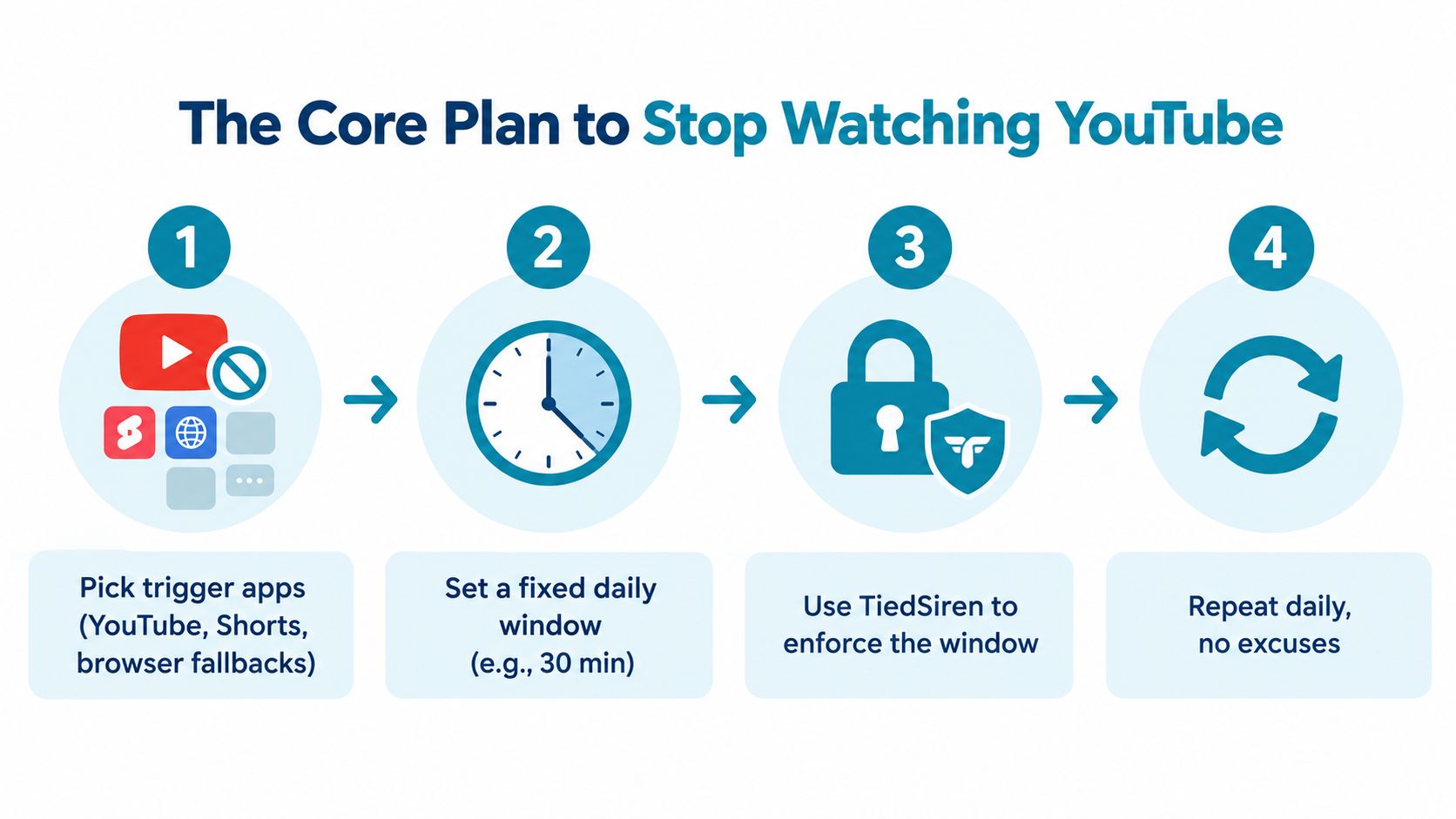
The Core Plan to Stop Watching YouTube
If you want something that holds up in real life, keep it simple and repeatable. Not heroic. Not elaborate. Just something you can run every day without needing a fresh burst of discipline.
Step one is bigger than just YouTube
Start by listing every route you use to get there.
That usually means the YouTube app, Shorts inside YouTube, and browser fallbacks. For some people it also means Reddit, X, or the Play Store because the urge starts there and then jumps. If you only block the main app, your habit will just reroute.
Write the list down. Don't trust yourself to “remember the problem apps.”
Step two is fixed windows, not vague limits
Don't give yourself an all-day permission slip with a soft cap. Set a specific viewing window or a hard block window.
A time-boxed rule works better because it removes constant bargaining. “I can watch between these times” is clear. “I'll try not to watch much today” is fake structure.
A goal-directed smartphone intervention tracked for 21 days reduced smartphone time by 32 minutes per day, from 228 to 196 minutes, among retained participants, according to JMIR mHealth and uHealth. That doesn't prove one perfect method for everyone, but it does support the broader point: structured rules beat vague intentions.
Step three is raising the escape cost
This part is boring, which is why it works.
- Remove shortcuts: Take YouTube off the home screen.
- Tighten the front page: Keep your first screen plain. Fewer tempting icons, fewer reflex opens.
- Break the hand path: If you always open it while lying in bed or standing in the kitchen, change what's within reach in that spot.
Hard lesson: The fewer taps between boredom and YouTube, the more often you'll lose.
Step four is an enforcement layer
Stop relying on your future self to be honest.
Use an app blocker that forces the decision to happen earlier and makes the impulsive bypass harder in the moment. One option is TiedSiren, a free Android app that blocks apps you choose for a duration you commit to up front, with scheduled sessions, custom blocklists, a focus timer, and a strict mode that keeps a running session going until the timer ends.
That's the loop. Identify routes. Set the window. Raise escape cost. Enforce it.
Then repeat it daily instead of reinventing your plan every night.
Setting Up TiedSiren as Your Enforcement Layer
The whole point of an enforcement layer is simple. You make the decision before the urge hits, not during it.
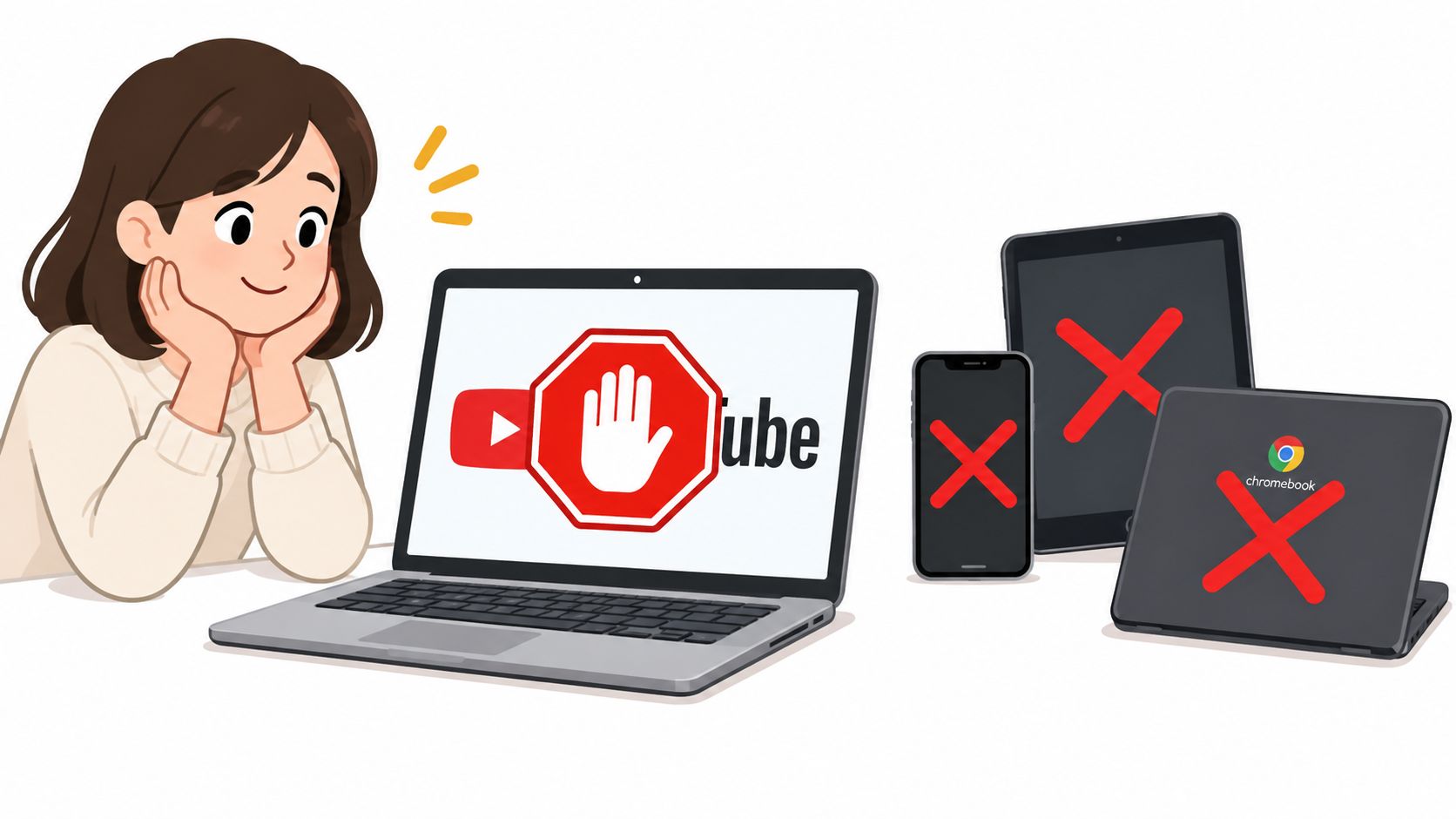
If you're on Android, start with the install from the TiedSiren download page. It runs on Android 8.0 and later, and Android's own help pages show that app limits and related controls live under Digital Wellbeing and parental controls in Settings, which is useful context because that's also the place people usually go to undo their own limits according to Google's Android help documentation.
Build the blocklist like you mean it
Don't just add YouTube and call it done.
Add the companion routes you use when you're trying to sneak around your own rule. For some people that's Chrome. For others it's Reddit, X, TikTok, or the Play Store. The exact list depends on your habits, but the principle is the same: if a detour gets you back to YouTube in under a minute, it belongs on the list.
Group blocklists by context if your problem changes by time of day. Study is one context. Work is another. Late-night doom-clicking is its own category.
Use schedule first, not mood
Set recurring sessions so the block starts whether you feel disciplined or not. Google Family Link supports recurring app limits, and Android guides commonly describe schedules enforced by day or weekday, which lines up with daily or weekly recurrence according to Google Family Link help.
That matters because nightly decisions are where plans die. A recurring schedule removes one more chance to “make an exception.”
Turn on Strict Mode and leave it alone
This is the key setting.
With Strict Mode, a running session ends when its timer ends, and nothing else ends it. During a session, TiedSiren also blocks the Android Settings screen, which raises the cost of disabling the block in the moment. That's not magic and it's not an absolute lock. It's friction. But it's the right kind of friction because it beats the impulsive bypass, the one done in five seconds without premeditation.
Use the focus timer as your visible endpoint. Seeing time left matters. It turns a vague deprivation feeling into a bounded session with a finish line.
Set the rule when you're calm. Let the timer handle the version of you that isn't.
Your same-night checklist
Keep this part short and mechanical.
- Install it: Put the blocker on your phone before bedtime, not tomorrow morning.
- Create the blocklist: Add YouTube and every fallback route you use.
- Set the schedule: Pick daily or weekly recurring sessions that match your danger hours.
- Enable Strict Mode: This is the setting that stops the quick “I'll just turn it off” move.
- Put the phone away: Charger across the room or in another room if nights are your failure point.
Done. No drama.
What Your Phone Can and Cannot Do for You
Built-in tools are fine when you're being honest. They're weak when you're not.
That's the dividing line.
What the stock tools handle well
Android's built-in screen time controls can set app timers from the dashboard, and common Android guides describe the hourglass-style limit where the app is blocked once the daily time is used until reset, as outlined in this Android Digital Wellbeing guide.
That's useful for light guardrails. If your problem is casual overuse and you generally respect your own rules, that may be enough.
Built-in tools vs. TiedSiren for stopping YouTube
| Capability | Digital Wellbeing / Screen Time | TiedSiren |
|---|---|---|
| Daily app limits | Yes | Yes, through scheduled sessions and chosen durations |
| Recurring schedule | Yes, in standard Android ecosystem patterns | Yes, daily or weekly recurrence |
| Focus timer | Basic time-limit patterns exist | Yes, shows time left in the active session |
| Custom blocklists by context | Limited by built-in tool design | Yes |
| Settings blocked during session | No standard built-in equivalent described here | Yes |
| Session ends only when timer ends | Not the core model of built-in timers | Yes, in Strict Mode |
You can see the difference more clearly on the TiedSiren features page.
The blunt verdict
Use built-in tools if you mostly need a reminder.
Use a stricter setup if your real pattern is opening the limit tool and undoing it at the exact moment it matters. That's a different problem.
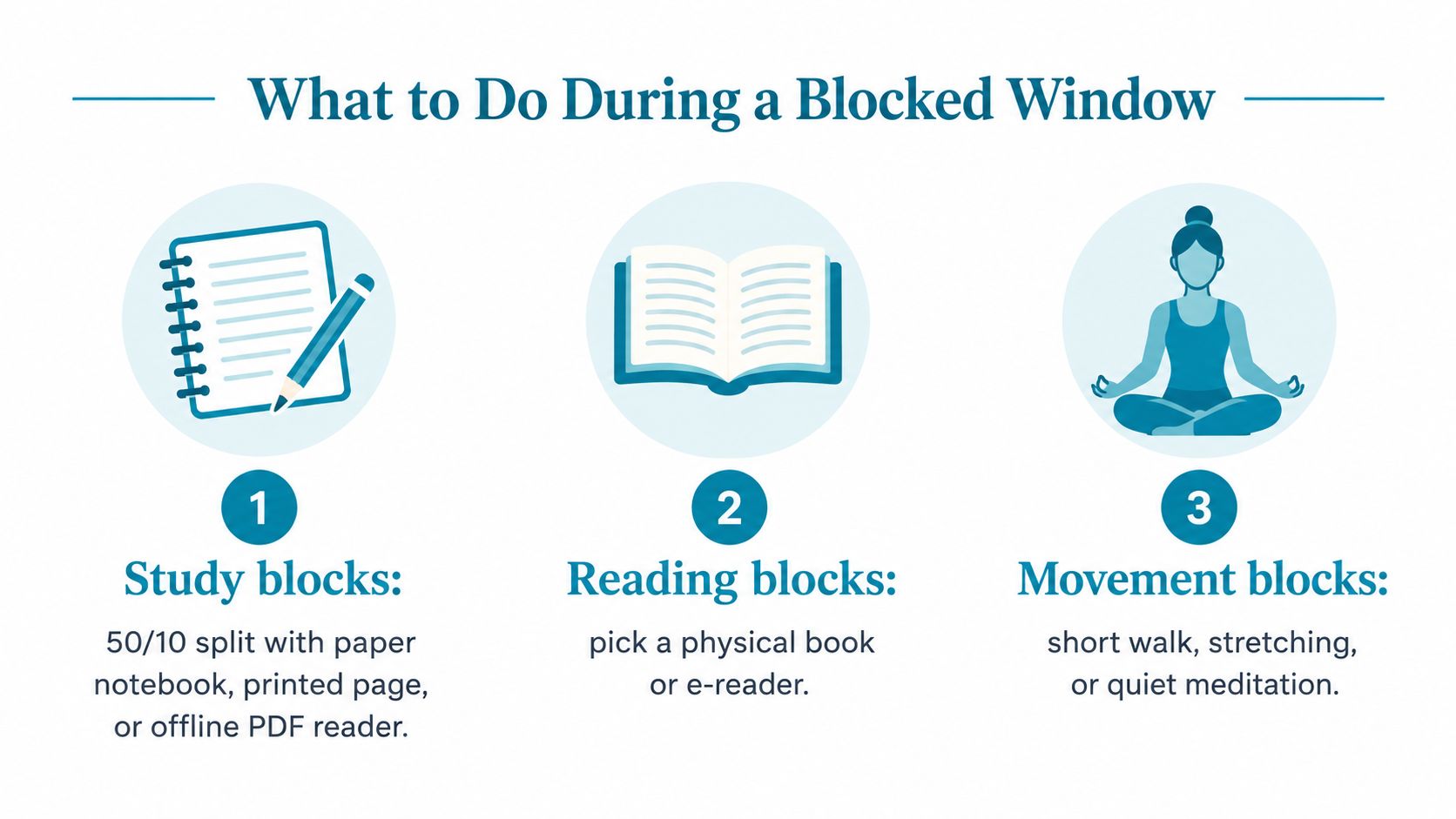
What to Do During a Blocked Window
A blocked window with nothing ready inside it is unstable. Boredom will start negotiating on YouTube's behalf.
So don't just block. Replace.
Make the replacement concrete
For study, use a 50/10 split and put a paper notebook, printed page, or offline reading material on the desk before the block starts. The goal isn't to become a monk. The goal is to make sure the most available object in reach isn't your phone.
For work, write one task on a sticky note and leave one real desktop tab open for that task. Then put the phone on a charger in another room.
For evenings, make a two-item wind-down list. Shower. Book on the nightstand. That's enough. If loneliness is part of the trigger, add one social anchor like a call with a friend.
Match the swap to the trigger
- Boredom: Use movement. Walk, stretch, pace, clean one surface.
- Loneliness: Call or message one person on purpose.
- FOMO: Give yourself one fixed check-in window earlier in the day.
- Doomscroll reflex: Keep a paperback or e-reader where the phone usually sits.
The replacement has to be ready before the block begins. If you choose it inside the block, you'll usually choose YouTube.
Recovering When You Slip and Sticking With It
You slipping doesn't mean the whole plan failed. It means one mechanical point failed.
Maybe the schedule was too loose. Maybe you left a browser route open. Maybe you disabled the block in a tired mood and told yourself it was just for a minute. Fine. Fix the mechanism.
What to do right after a slip
Don't panic-delete everything. Don't punish yourself with some absurd all-day lockout you won't keep. And don't treat one bad night like proof that you can't stop watching YouTube.
Do this instead:
- Restore the previous setup: Put the same schedule back instead of inventing a new one in a guilty mood.
- Tighten one variable: Shorten tomorrow's allowed window by 15 minutes.
- Write one sentence: Note what opened the door. “Opened Chrome in bed.” “Clicked a Reddit link after dinner.” Keep it plain.
The short post-slip check
Run this every time.
- Confirm the schedule is active
- Verify Strict Mode is still on
- Check the blocklist for the route you just used
- Restart the plan that same day or the next block window
The point is speed. Fast repair beats emotional analysis.
Two habits that stop quiet backsliding
First, do a short Sunday review of your YouTube minutes. Not to feel bad. Just to catch drift early.
Second, rotate your blocklist once a month. Habits migrate. If YouTube stops being the main route and Chrome becomes the problem, update the system.
You don't need a perfect streak. You need a setup that survives bad nights.
If you've already installed blockers and turned them off when the urge hit, that's exactly the problem TiedSiren is built for. It's a free Android app that lets you decide in advance, then adds enough friction to stop the quick impulsive bypass that usually breaks your plan. If that's the gap you need to close, visit TiedSiren.