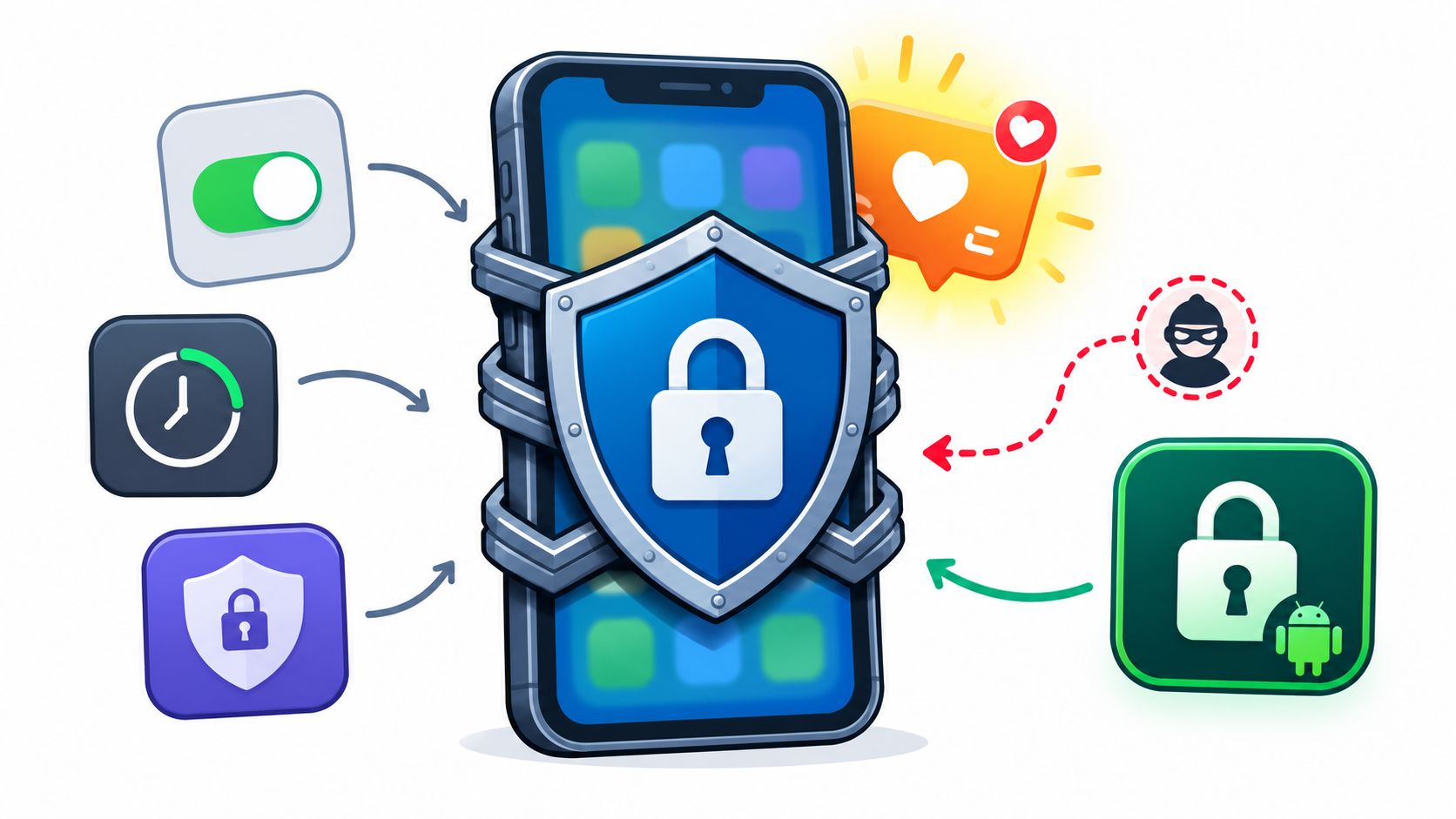
You picked up your phone to check something useful. Before you put it down, the feed was open again. The blocker you installed was still there, but you'd already turned the limit off.
If you're working out how to stay off social media after that, another reminder won't fix the weak point. You need to decide when access ends while you still agree with the decision, then make that commitment harder to undo when you want to scroll.
TiedSiren runs on Android 8.0 and later. If you use an iPhone or computer, use the planning, replacement, and review steps below, and skip the Android-specific app advice.
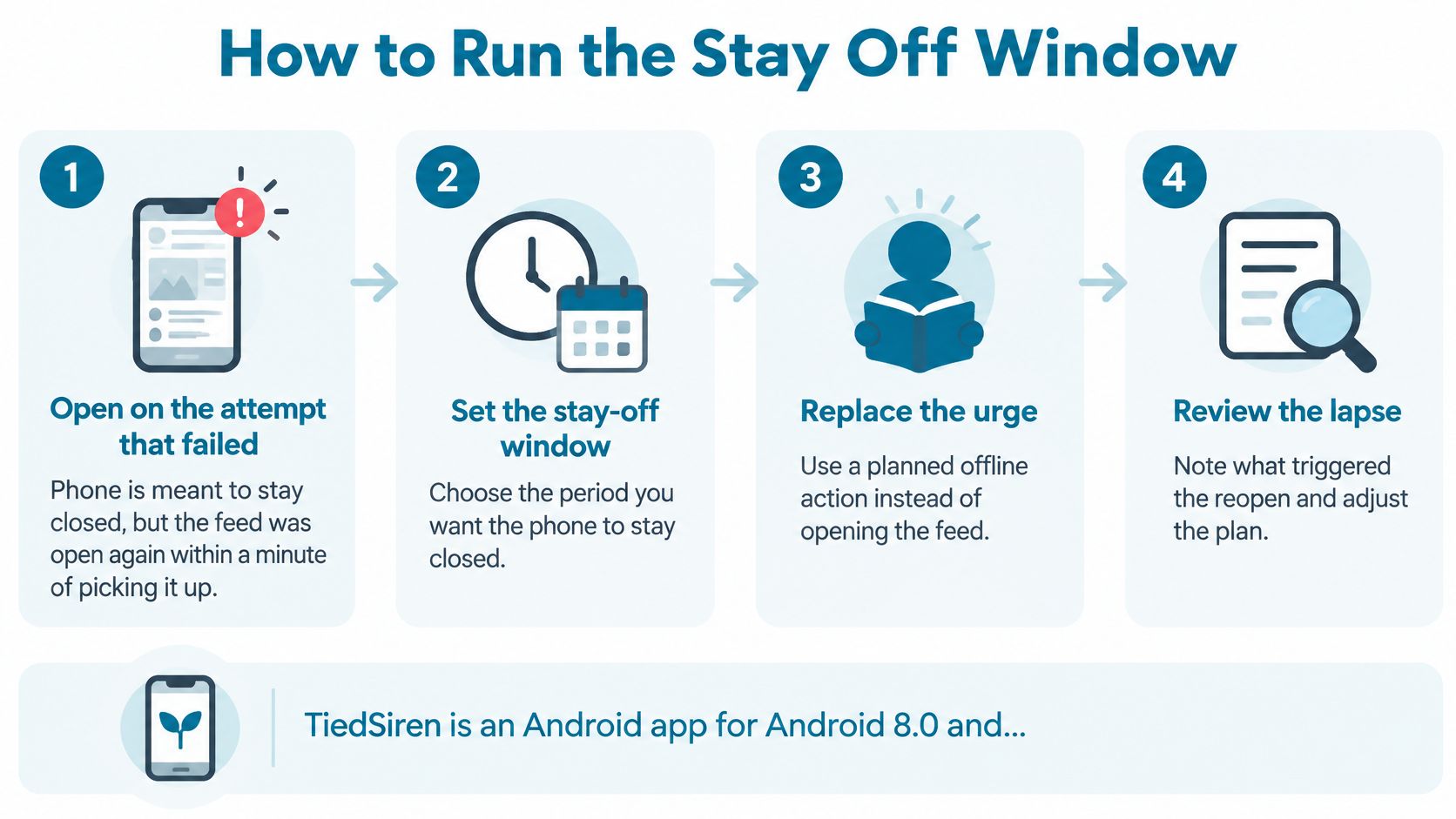
How to Run the Stay Off Window
A stay-off window is a defined period when selected social apps are out of reach. It has a start, an end, and a reason. You're protecting a study session, finishing work, eating without scrolling, or keeping the phone away from bed.
The surrounding habit can be persistent. Pew Research Center's survey of U.S. teens ages 13 to 17, conducted September 18 to October 10, 2024, found that 46% were online almost constantly, nearly double the 24% reported a decade earlier.
That's context, not a diagnosis of your behavior. Your own phone history should determine which apps you block and when.
Build the window around actual use
Follow these steps in order. Don't start with a permanent ban and work backward from the punishment.
Record your baseline before changing everything. For 7 to 14 days, use your phone's screen-time tools to record platform minutes and app-opening counts where available, alongside device activations. Note whether each unwanted check happens at bedtime, while studying, or during your commute. The measurement-and-review protocol described alongside the 2025 JAMA Network Open detox study also calls for checking for rebound at 30 and 90 days; the study itself found that 265 of 295 completers, or 89.8%, reduced social-media time during a one-week intervention, with mean use falling from 1.9 to 0.5 hours daily, but it had no randomized control group or long-term follow-up, and the accompanying evidence review found that only 3 of 12 abstinence programs improved youth well-being.
Choose the apps, start, and finish. Use the platforms that appear in your log. Write down when access stops and when it returns, then remove vague exceptions such as checking messages whenever necessary. If messages are necessary, arrange access outside the window rather than deciding during an urge.
Remove easy entry routes before you begin. Sign out, turn off notifications, and remove saved logins while you still agree with the plan. These changes don't require you to feel disciplined later. They make opening the feed less automatic.
Put the phone outside the room. For a desk session, leave it away from the desk room. For bedtime, keep it outside the bedroom if your circumstances allow. If you must remain reachable, arrange a place where you can hear a call without keeping the screen beside your hand.
Assign a substitute you already do. Choose a familiar walk, a paper book already on your shelf, or a call to a named person. Don't make learning a new hobby part of the same commitment. The substitute needs to be available when you reach for the phone, not after shopping, preparation, or another decision.
Start the Android session for the duration you chose. Check the selected apps and necessary access before committing, then leave the session running until its timer ends. Choose a window you can reasonably finish rather than a dramatic duration you already expect to regret.
Compare the result with your baseline. Check the actual app minutes after the window and note any route you used to reach another feed. Keep the longer-term review dates in your calendar. A successful session tells you that the arrangement worked during that session, not that the habit is permanently gone.
Make the commitment small enough to understand
The first useful question is whether you protected the activity you named. Did you finish the reading? Did dinner stay phone-free? Did you leave the phone alone while getting ready for bed?
Don't combine every possible improvement into the first attempt. Blocking feeds, changing your sleep schedule, starting an exercise routine, and banning all entertainment would leave you unable to tell which part was workable.
The process below keeps the commitment tied to a specific window and a review.
Keep necessary access separate from habitual access. If you need a social app for work, finish the required task before the window or schedule the window around it. Don't block an essential responsibility and then treat disabling the block as proof that you lack discipline.
For example, say Instagram holds messages you must answer. Answer them before your study period, tell anyone who needs you how to reach you, and then protect the study period. Don't write an exception broad enough to reopen the entire app whenever you feel uncertain.
Keep a record you'll actually read
A useful note doesn't need a dashboard. It needs enough detail to show what you intended and what happened.
| Apps | Start | End | Protected activity | Substitute | Result |
|---|---|---|---|---|---|
| Instagram, TikTok, Reddit | After dinner | When the planned reading ends | Course reading | Paper book during breaks | Record app minutes and any attempted bypass |
Use concrete boundaries rather than waiting until you feel ready. If your schedule changes often, tie the window to a reliable event such as arriving at the library or finishing dinner, then choose the actual end before starting.
For Android implementation, compare the available session and blocklist features with the commitment you've written. The tool should support your chosen boundary, not determine how much of your life you suddenly promise to change.
Copy the row into a note and choose a window you can run next. You're arranging a test, not announcing a permanent ban.
Raise the Cost of Opening the App
The feed is one tap away, and so is the route around a limit. Choose the friction before the urge arrives. The right change depends on how you usually get back in.
Match the commitment to the failure point
| Failure point | Change before the urge | What you test |
|---|---|---|
| Opens the app on autopilot | Sign out and remove saved logins | App openings, where available |
| Turns the limit off | Use a session that ends only when its timer expires | Whether the window finishes |
| Reinstalls after deleting | Block the installed app on a recurring schedule | Whether you reinstall it |
| Switches to another feed | Add substitute apps to the same blocklist | Whether you switch to another app |
| Checks from bed or the desk | Leave the phone outside the room during the window | Whether the slot stays empty |
Change one variable at a time. If you delete apps, move your phone, and change your evening routine all at once, you won't know which change helped.
For predictable study periods or the stretch before bed, set a recurring daily or weekly window. Mute trigger-app notifications before work begins, too. Interruptions can disrupt focus, even when total device time is low.
Choose enforcement for the route you keep taking
AppBlock, BlockSite, Cold Turkey, and Stay Focused are options to compare against your device and the way you bypass limits. Another brand won't necessarily address the route you use.
TiedSiren is a free Android app blocker. In Strict Mode, blocked apps and websites stay closed until the timer ends. The optional Settings lock must be enabled before the session starts; it keeps the Settings app closed while the timer runs, raising the cost of switching the block off. That adds friction to an impulsive bypass, but it isn't an absolute lock.
Custom blocklists let you group apps by context, and the focus timer shows how much time remains. Use this Android screen-time app guide to assess whether that approach fits your recurring distractions.
Don't make abstinence a contest
A review of 23 intervention studies in JMIR found varied results from full abstinence: some trials showed benefits, some no effect, and others mixed effects. In one included study, participants who couldn't abstain for more than two days were excluded. Another randomized study found that participants asked to reduce use and replace it with another leisure activity increased social-media use by 25 minutes daily, while the reduction-only group decreased use by 37 minutes.
A replacement activity may help, but adding one doesn't guarantee you'll follow through. Test the access change first, with a familiar activity ready for the window.
Replace the Job the Feed Was Doing
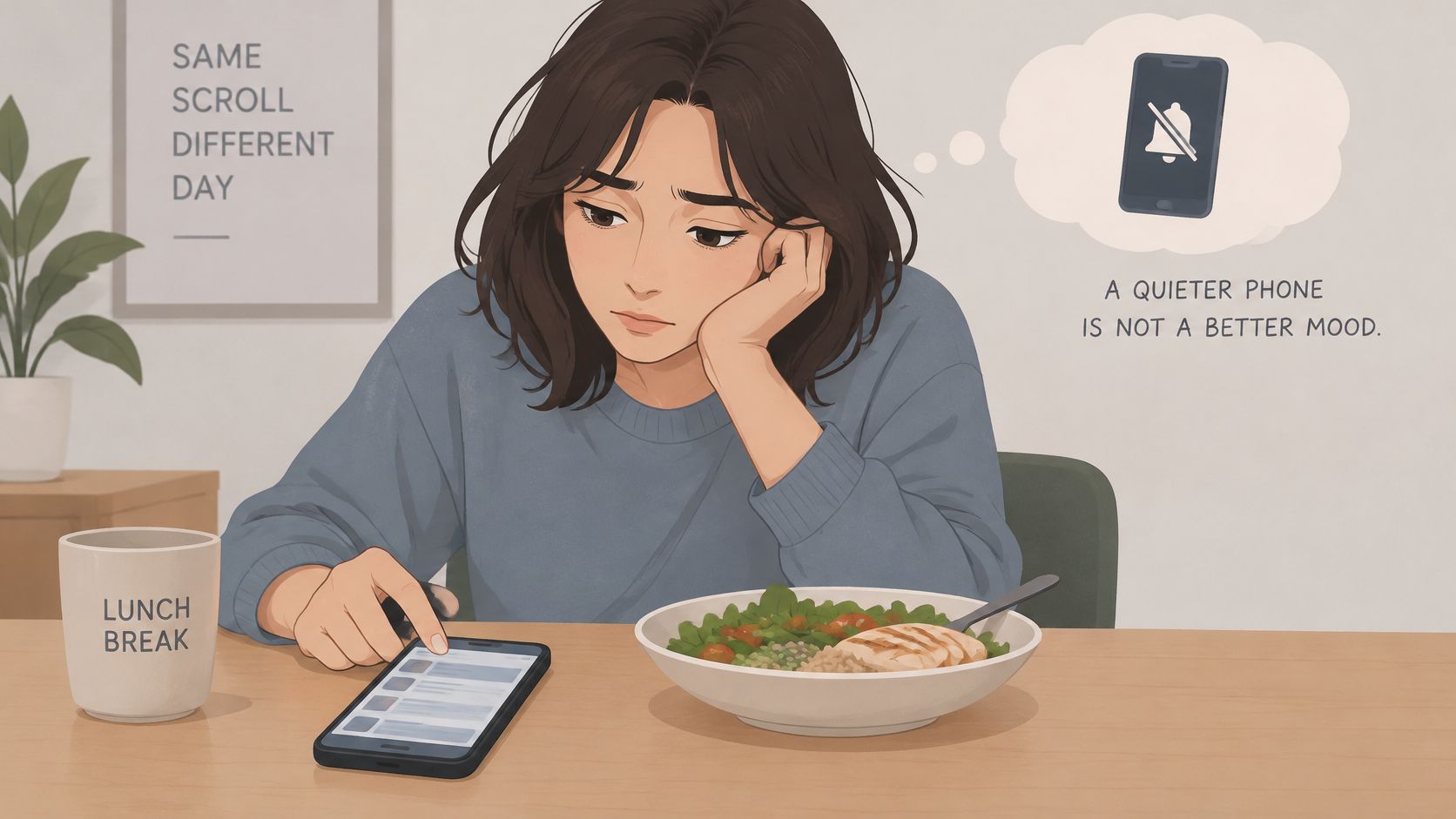
At lunch, you take out your phone and open the feed before deciding what you want. You might be bored, lonely, stressed, or just filling the gap between eating and going back to work.
Removing access leaves that gap visible. A quieter phone doesn't guarantee a better mood.
The reach can look the same even when the need underneath it is different.
Judge control before happiness
A 2025 meta-analysis published in Scientific Reports, covering 10 studies and 4,674 participants, found no significant overall effect of social-media abstinence on positive affect, negative affect, or life satisfaction across breaks lasting 1 to 28 days, according to the News-Medical account of the review. A separate 2025 daily-diary experiment involving 280 users found no significant well-being benefit from full or partial abstinence after seven days, as described in Reason's coverage of the experiment.
A 2024 study testing 14 days of abstinence found reduced screen time and body-image dissatisfaction, but changes in depression, anxiety, fear of missing out, and loneliness weren't significantly different from the comparison group.
So judge the first window by fewer checks, protected work or sleep preparation, and whether you kept the boundary you chose. Don't sell yourself a break as treatment, then abandon it because you still feel ordinary frustration.
Give the missing activity a practical substitute
Motive and the replacement that fits
| Motive | Replacement | Limit |
|---|---|---|
| Boredom | A short physical action already available, such as stairs or a stretch | Length of an old scroll |
| Loneliness | A call or walk with a named person | A specific contact, not a group chat |
| Stress | A set task with an end, such as tidying the kitchen counter | Fixed finish, no open browsing |
| News | A named source, such as your chosen newspaper | A named daily check-in |
| Relationship in an app | A narrow exception written before the window | A direct-message check at lunch, outside the committed session |
A replacement has to match the job. Reading headlines won't address wanting to hear from a friend. Cleaning may give a stressful break some structure, but it shouldn't become another demand you use to judge yourself.
If a relationship depends on an app, preserve the relationship deliberately. Arrange the message check before or after the block rather than assuming you'll interrupt a committed session.
For another perspective on separating useful social access from scrolling, watch the discussion below.
You don't need to fill every quiet moment. A substitute gives you something concrete to do when you want it; it doesn't create an obligation to stay productive throughout every break.
Write the motive beside tomorrow's window, then name the replacement. Be specific enough that you won't need to search your phone for something else to do.
When You Go Back or Feel Worse
Say you reinstall the app on a weeknight. You feel restless, open it, and start scrolling again. That's a reason to inspect the plan, not enough evidence to diagnose yourself.
Discomfort after removing access is possible, but dramatic withdrawal isn't universal. Keep those distinctions intact.
Separate discomfort from diagnosis
A 2025 university-student study reported withdrawal discomfort in more than 22% of participants and a return to previously uninstalled social platforms among more than 70.55%, with higher relapse among women; the same discussion describes other work in which reducing use from roughly three to four hours daily to about 30 minutes didn't increase cravings, and physiological reactions to interrupted Instagram use that could reflect arousal or frustration rather than clinical addiction.
A controlled study of 51 moderate-to-heavy social-network users found no general withdrawal syndrome during a week of sharply reduced use and no substantial effect on explicit cravings, cue-reactivity, approach bias, time distortion, or effort spent seeking social media, although negative affect and boredom decreased somewhat alongside reduced positive affect.
A defined block can protect time without making every urge disappear. You don't need to feel indifferent to the feed for the window to be useful.
Treat the return as a route to inspect
In the weeknight example, write down what happened immediately before reinstalling. Were you avoiding an unfinished task? Was the phone beside the sofa? Had you blocked Instagram while leaving another feed available?
Use a graded response:
- Name the risky period. Choose the hour your log identifies, rather than blocking the entire evening out of frustration.
- Target the actual apps. Include the substitute feed if that's where you went.
- Prepare the immediate alternative. Put the book out or arrange the call before the window.
- Record the bypass route. Note the time and action that restored access, then change that route for the next attempt.
A lapse tells you where access returned. It doesn't erase the time you already protected.
Don't restart from zero as a penalty. Don't extend the block out of guilt, either. An angry commitment is still a commitment you'll have to live with after the anger passes.
Expect to maintain the arrangement
A 2025 randomized smartphone-reduction study capped use at two hours daily for three weeks: the intervention group averaged 129.46 minutes daily, compared with 264.19 minutes in controls, a gap of 134.73 minutes, while reducing its own use by 155.25 minutes daily and showing small-to-medium improvements in well-being, depressive symptoms, sleep quality, and stress; the screen-time difference disappeared from week seven onward.
That intervention concerned overall smartphone use, not social media alone. Its practical warning is still useful: don't assume a temporary reduction will maintain itself after the arrangement ends.
Leave yourself a short note containing the bypass route, the hour, and the change for the next window. If distress is severe, persists, or interferes with daily life, seek qualified support rather than treating a longer block as the answer.
Set the Next Window Before You Need It
Schedule the next window while you still agree with it. Use the change you wrote down after the lapse, not a fresh promise to be more disciplined.
The decision should fit in a line: named apps, a start, an end, a familiar substitute, and a review. Check minutes when the window finishes, and keep the follow-up dates already entered in your calendar.
Resolve necessary access before committing
Before the next session, check the practical details:
- Essential contact. Arrange how people who need you can reach you.
- Required tasks. Finish app-dependent work or place it outside the window.
- Available substitute. Put the replacement within reach before access disappears.
- Reasonable duration. Commit to the period you intend to finish, not the longest period you can tolerate imagining.
A stronger commitment has a trade-off. Removing the chance to change your mind also means you need to think through genuine needs beforehand. Don't choose a duration casually and expect the tool to distinguish an urgent responsibility from an urge.
Make the next start a settled decision
For a predictable routine, a scheduled session removes the need to negotiate again at the start. Use daily or weekly recurrence for a stable slot, and choose a separate window when your commitments change.
Keep context-specific blocklists narrow enough to understand. A study list should contain what interrupts studying; a bedtime list should address what keeps you reaching for the phone. Adding unrelated apps makes the commitment harder to evaluate.
When your duration and blocklist are ready, you can install from Google Play. Create the account, build the blocklist, and start the session without inventing a larger system around it.
You don't have to decide whether you'll stay off social media forever. You need to decide what deserves your attention during the next vulnerable part of the day, then arrange access accordingly.
TiedSiren is a free Android app that blocks the apps you choose for a duration you commit to up front, with scheduled sessions and a focus timer to support a defined stay-off window. Visit TiedSiren, choose your apps and duration, and start the session before the next high-risk hour, not after you're already in the feed.