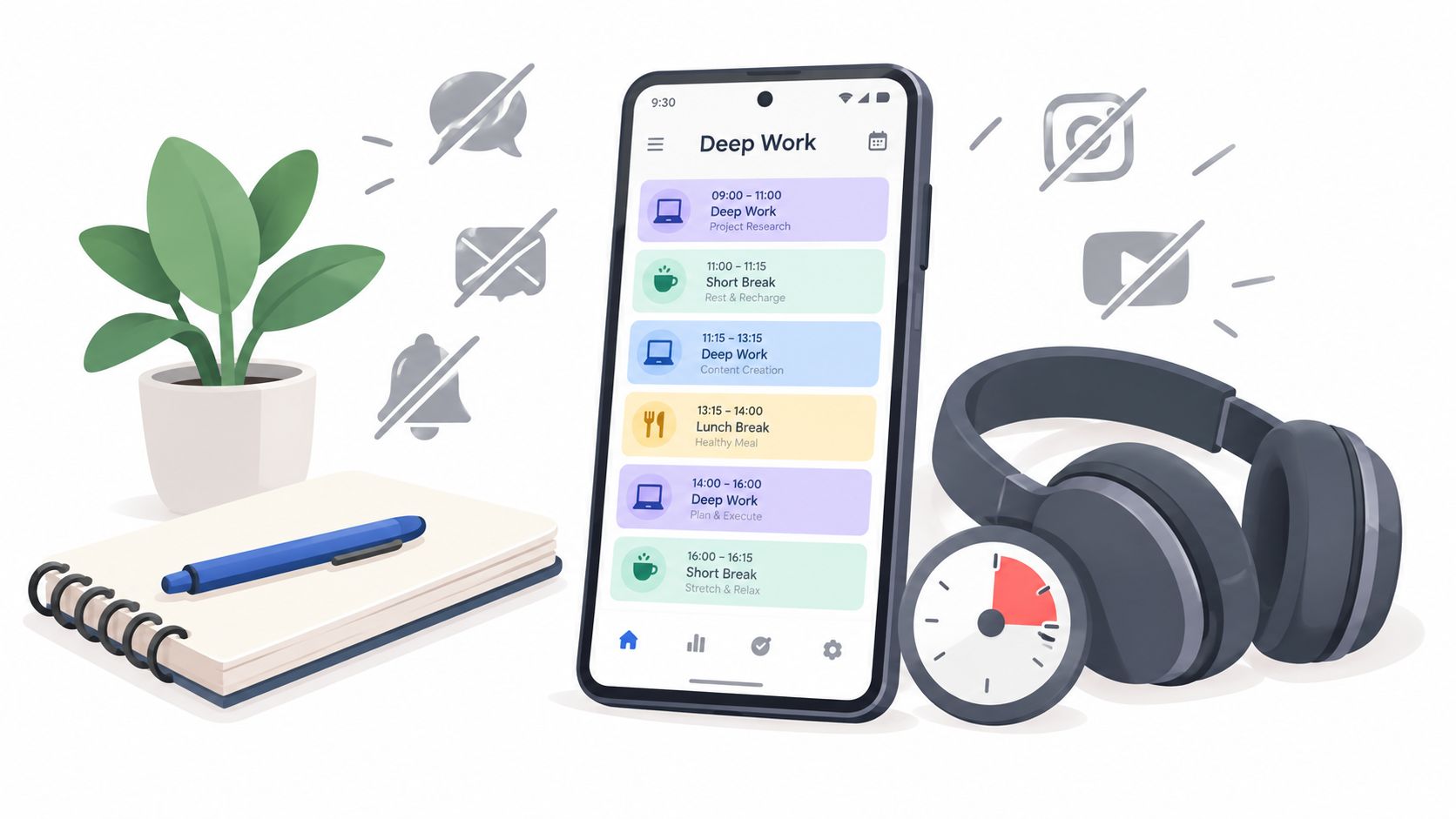
You sat down to finish a report, opened your laptop, and reached for your phone before the document fully loaded. One notification became three. Then a quick check of a group chat turned into whatever the algorithm had ready for you next. Now the work is still open, your blocker is somehow off again, and you're annoyed at yourself in that very specific way that comes from repeating the same mistake.
If you can't concentrate at work, that loop probably feels familiar.
Most advice treats this like a character problem. It isn't. A lot of the time, the underlying issue is simpler and uglier: the thing that protects your attention is weak, and the thing that breaks it is one tap away.
The Off Switch Is Always One Tap Away
It usually doesn't look dramatic.
You mean to check one message. Your thumb moves before the thought is finished. The lock screen offers a shortcut to exactly the apps that waste your afternoon. The work in front of you is slightly hard, slightly boring, or slightly unclear, and the escape route is already signed in and warmed up.
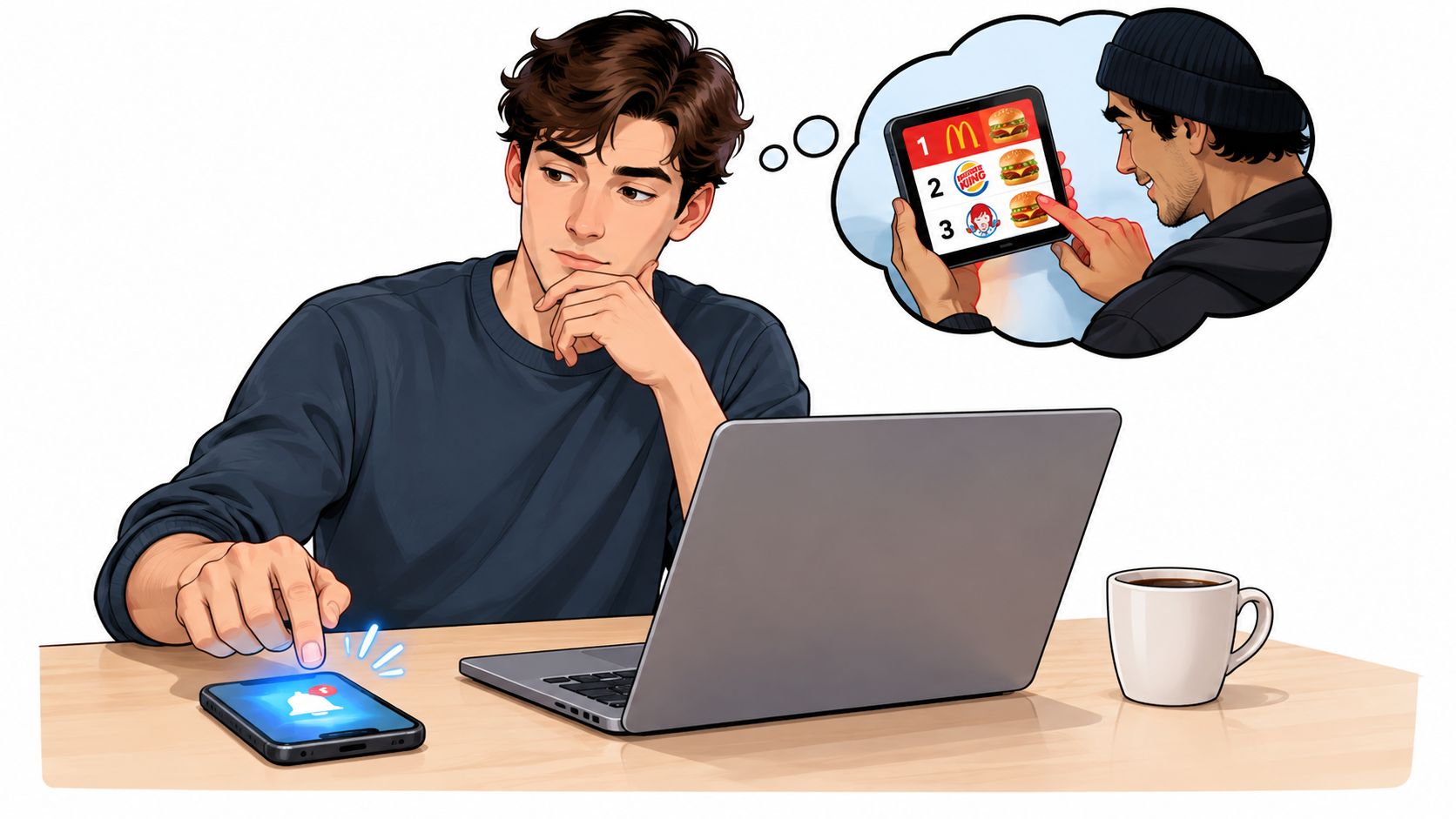
That small sequence matters more than people admit. Most focus failures aren't grand acts of procrastination. They're tiny, cheap reversals. You install a blocker on Tuesday. On Thursday, you disable it in a bored minute because the report is annoying, email feels easier, and your phone is right there.
Cheap escape routes beat good intentions
The part that gets missed is cost.
If the off switch is visible, fast, and familiar, you'll use it when the urge hits. Not because you're uniquely weak, but because you built a setup where backing out has almost no friction. The phone lives in your hand. The distracting apps are logged in. The blocker can be undone before the impulse has time to cool off.
Practical rule: Don't judge your focus plan by how it feels at 9:00 AM. Judge it by what happens at 2:47 PM when you're tired and already reaching for the phone.
I've found that the usual fixes fail for one reason. They rely on making the right decision in the exact moment when you most want to make the wrong one.
What this changes
So the useful question isn't "how do I become more disciplined?"
It's "how do I make the impulsive undo expensive enough that I don't do it automatically?"
That shift sounds minor. It isn't. Once you treat attention as a friction problem, your choices get more practical. You stop looking for better inspiration and start removing easy exits.
Why Your Brain Will Not Settle Down
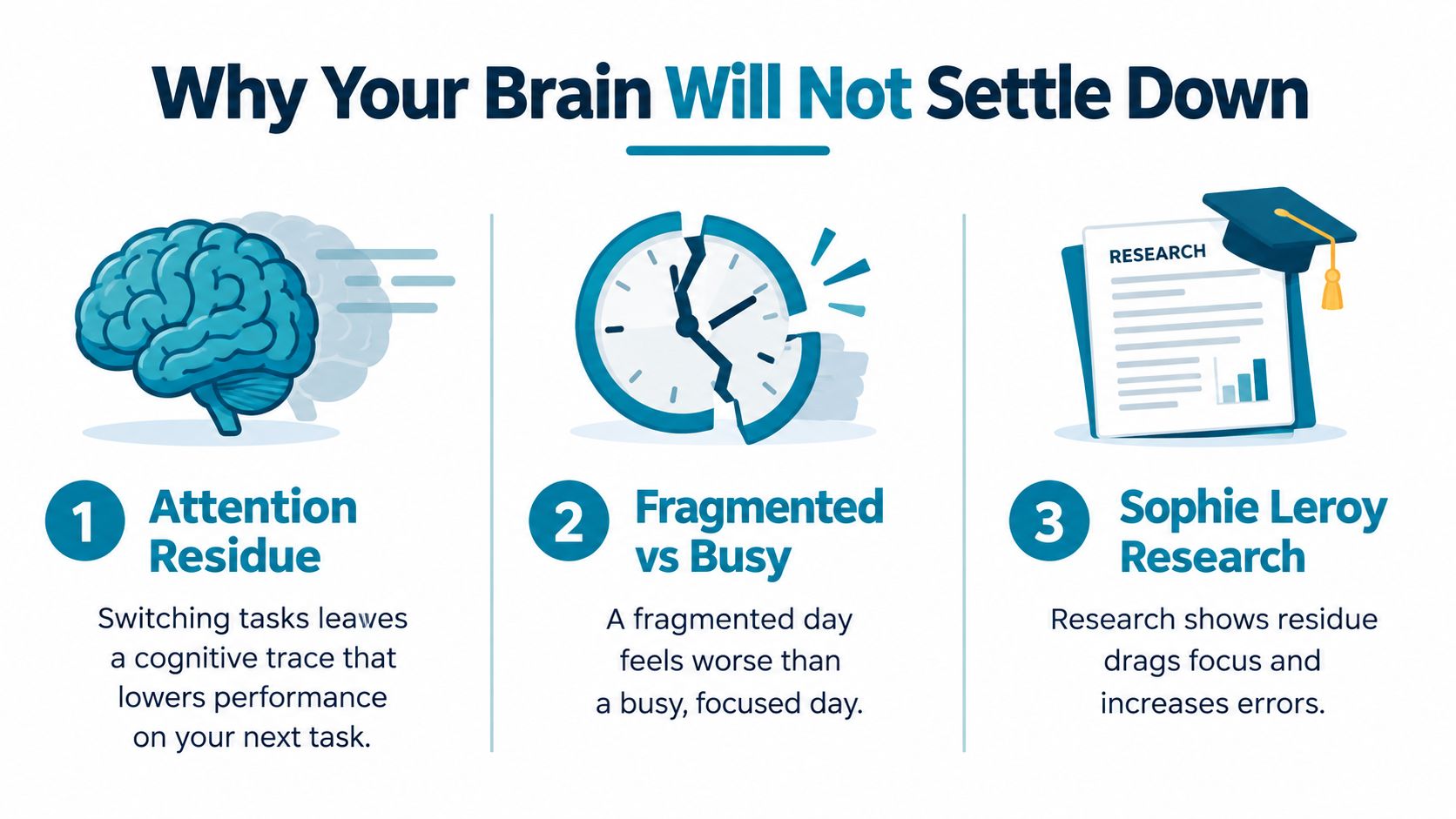
A fragmented day feels worse than a busy day because your mind doesn't fully switch cleanly from one thing to the next.
Research on interruptions points to attention residue, where part of your attention stays attached to the previous task and drags down performance on the current one. In a set of experiments summarized in this work-interruptions review, people performed worse on the interrupting task when they expected to return to the first task under time pressure, and a simple ready-to-resume plan reduced that effect.
You're carrying pieces of old tasks around
This explains that drained-by-midafternoon feeling better than laziness ever could.
You answer a message, return to the spreadsheet, remember the message again, then click to email, then back to the spreadsheet while still half-tracking the email. Even if each interruption looks small, the mental carryover stays. The problem isn't only lost minutes. It's that the next block of work starts with part of your attention already occupied.
Workers often think the issue is motivation. A lot of the time, it's residue from the last interruption plus anticipation of the next one.
A one-week field study of information workers also found that software blocking online distractions during work hours led to higher self-rated focus and productivity, and participants said they could focus for longer when distractions were blocked, according to Microsoft Research's field study. But that same line of work also points to a limit: blocking non-work distractions helps, yet it doesn't erase the residue from unfinished work or constant switching between active tasks.
Why trying harder doesn't work
If you can't concentrate at work, forcing yourself to "focus harder" inside a broken interruption pattern usually fails.
What helps is reducing the number of switches in the first place, and handling the unavoidable ones cleanly. That means fewer open loops, fewer check-ins, and fewer chances for your attention to get split before it ever settles.
Fix the Room and the Calendar First
Before you touch a blocker, fix the setup around the blocker.
A lot of bad focus advice starts inside your head. That's late. The urge has already arrived by then. It's easier to change the room and the calendar than to negotiate with yourself every few minutes.
Start with the phone
Put the phone in another room if you can. If you can't, put it face down in a bag instead of on the desk. You want a physical gap between the impulse and the action.
Then close every communication channel you don't need for the next hour. Set chat apps to away. Close the email tab. Silence notifications at the operating system level. Leave open only what the task requires.
The point isn't to look productive. The point is to make interruption less available.
Name the work block
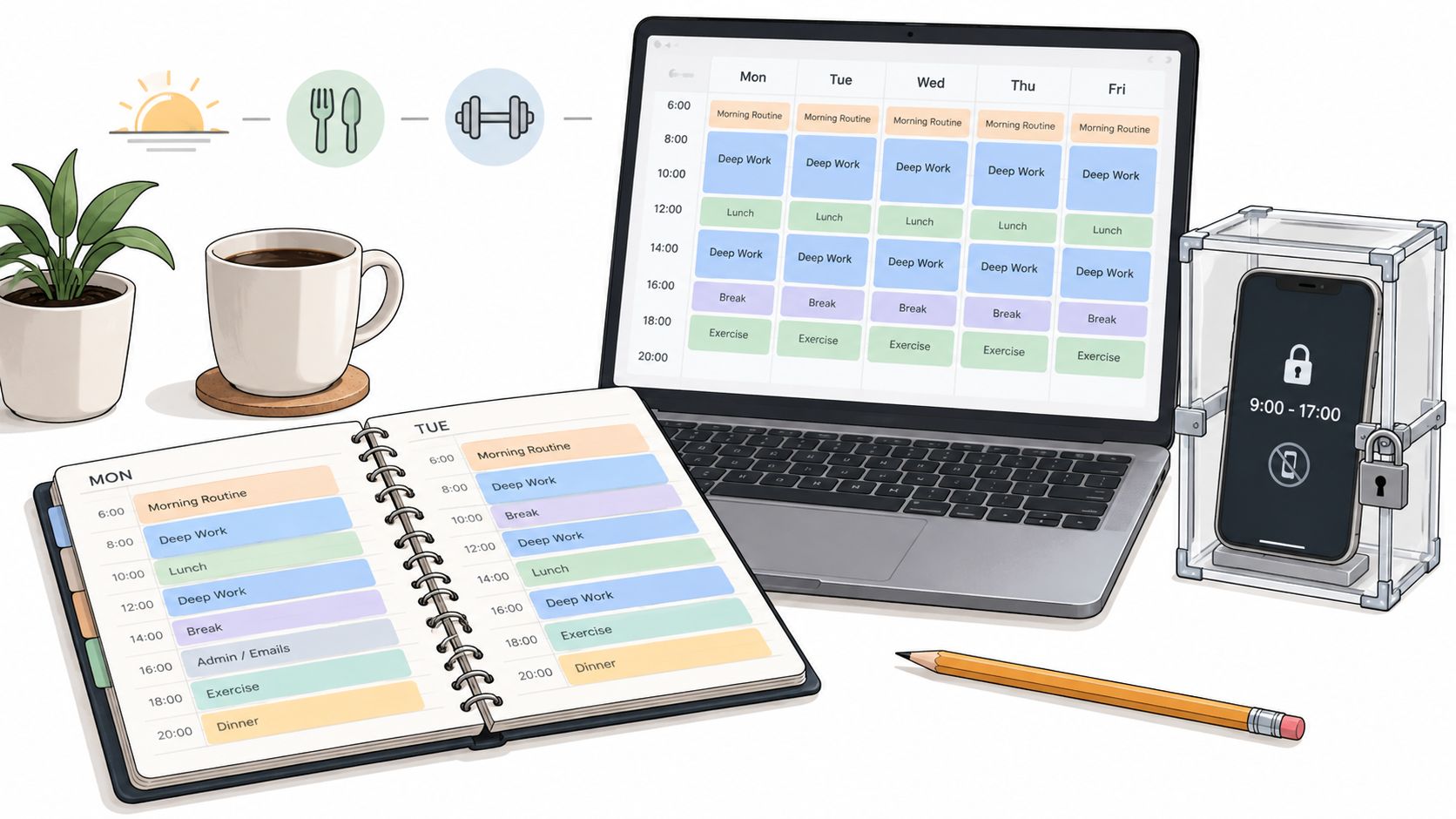
Open calendar space is dangerous because your brain reads it as unclaimed. A named block is harder to bargain away.
Use task-specific blocks like these:
- Draft Q3 review: Better than "focus time" because it tells you what to do when the block starts.
- Finish budget notes: Better than "admin" because it removes the startup decision.
- Review client edits: Better than an empty hour that gets consumed by messages.
This matters more than it sounds. Vague blocks invite drift. Specific blocks shorten the distance between sitting down and starting.
A good calendar block does one job. It removes the need to decide what this hour is for.
Clean up what your eyes can reach
Use one browser window. Keep only the tabs needed for the current task. Not tabs you might need later. Not tabs that feel adjacent. Just the ones required.
Keep water within reach too. That sounds trivial until you notice how many fake breaks begin with standing up for something small and end with checking your phone on the way back.
None of this is glamorous. That's why it works.
Run Real Deep Work Sessions
A deep work session isn't a timer slapped on top of a messy desk and a browser full of junk.
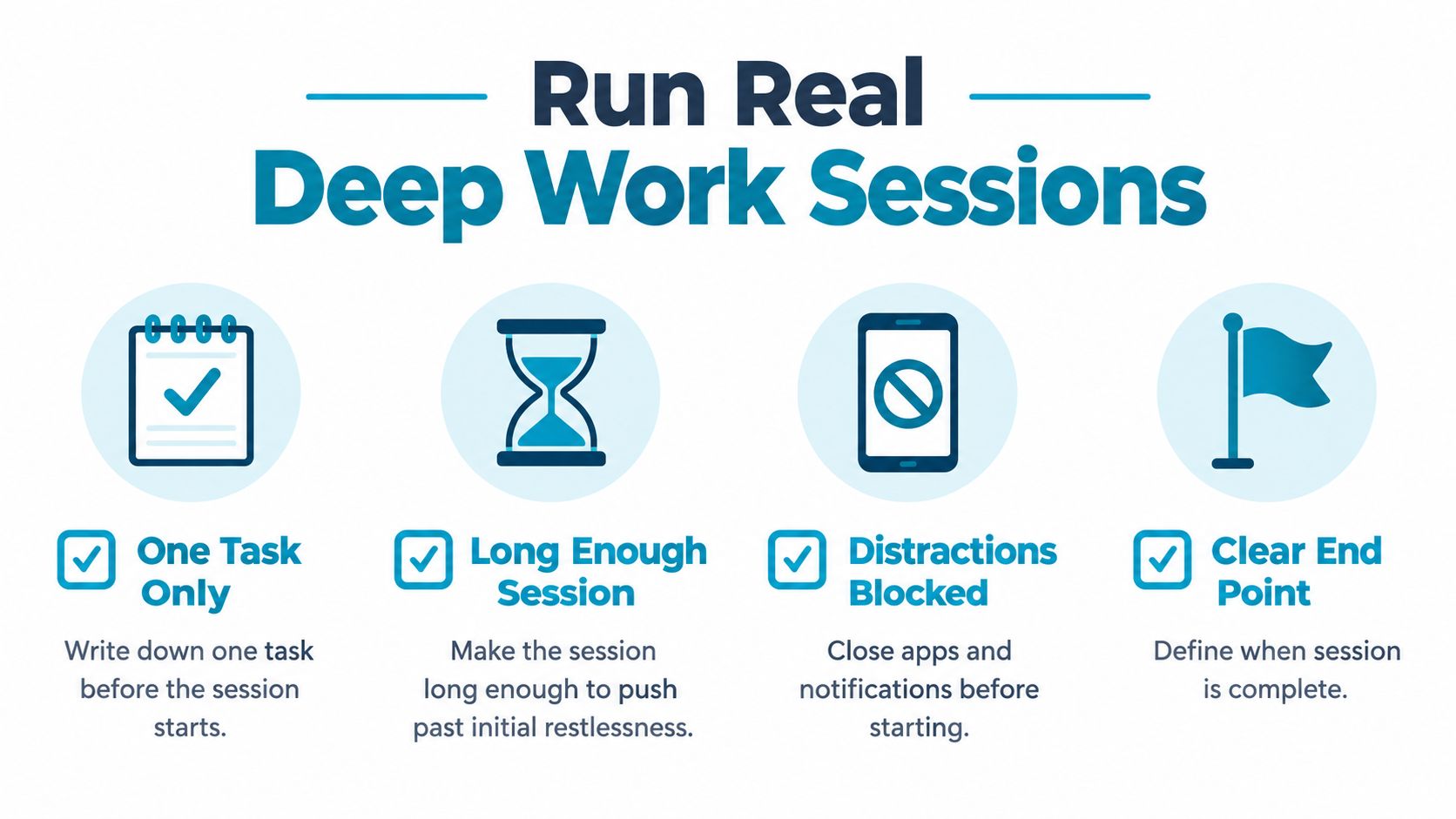
It's a closed container. One task. A defined length. A rule for what happens when the urge to check something hits. If that rule isn't decided in advance, the urge will make the decision for you.
Use longer blocks than your restlessness wants
For real concentration, short sessions often stop right when your mind is finally settling. A better range is 45 to 90 minutes. Long enough to get past the first wave of resistance. Short enough that you can still keep the rules intact.
Write down the single task before the session starts. Not a category. Not a project. A task.
Good examples:
- Write the first draft of the client summary
- Clean up slides 4 through 12
- Review and reply to the contract comments
Bad examples are anything fuzzy enough to invite wandering.
Decide what happens at minute twelve
For a lot of people, the first serious urge to check something shows up surprisingly early. Don't answer it with a speech about discipline. Answer it with a script.
Try this:
- Notice the urge: Name it without following it.
- Write the thought down: If you suddenly remember something else, capture it on paper.
- Finish the sentence you're in: Don't break mid-line.
- Continue until the session ends: Let the timer, not the mood, decide.
A simple written protocol matters because you won't invent a good one while distracted.
For a fuller look at how structured sessions work in practice, TiedSiren's features page shows the mechanics behind scheduled sessions, blocklists, and a visible focus timer.
A quick walkthrough helps if your sessions keep collapsing into tab switching:
End cleanly
Stop on purpose.
When the session ends, don't slide directly into random browsing just because the pressure is off. Mark what you finished. If the task is half done, put the next step on tomorrow's list. One task per session keeps the edges clean, and clean edges make the next session easier to start.
Block the Phone Before You Need To
The failure usually happens before the task starts.
You sit down to work, tell yourself you'll just check one message first, and hand the next hour to whatever app is best at keeping your thumb busy. By the time you notice, the useful part of your attention is gone. That is why phone blocking has to be set before the urge shows up. Once you're already bargaining with yourself, cheap off switches win.
Android's built-in tools can help. App timers and Focus mode cover the basic case. If distraction on your phone is occasional and mild, that may be enough.
Easy exits stay easy
The problem is not whether a blocker exists. The problem is what it costs to turn it off when you're already restless.
Focus mode works for people who mainly need a reminder. It works less well for the pattern a lot of knowledge workers know too well: install blocker, feel trapped ten minutes later, disable blocker, scroll. In that pattern, two taps is still a permission slip.
That trade-off matters. Low-friction tools are easier to adopt, but they are also easier to abandon right at the worst moment.
Raise the price of the impulse
A better setup makes the impulsive undo annoying enough that you do not bother.
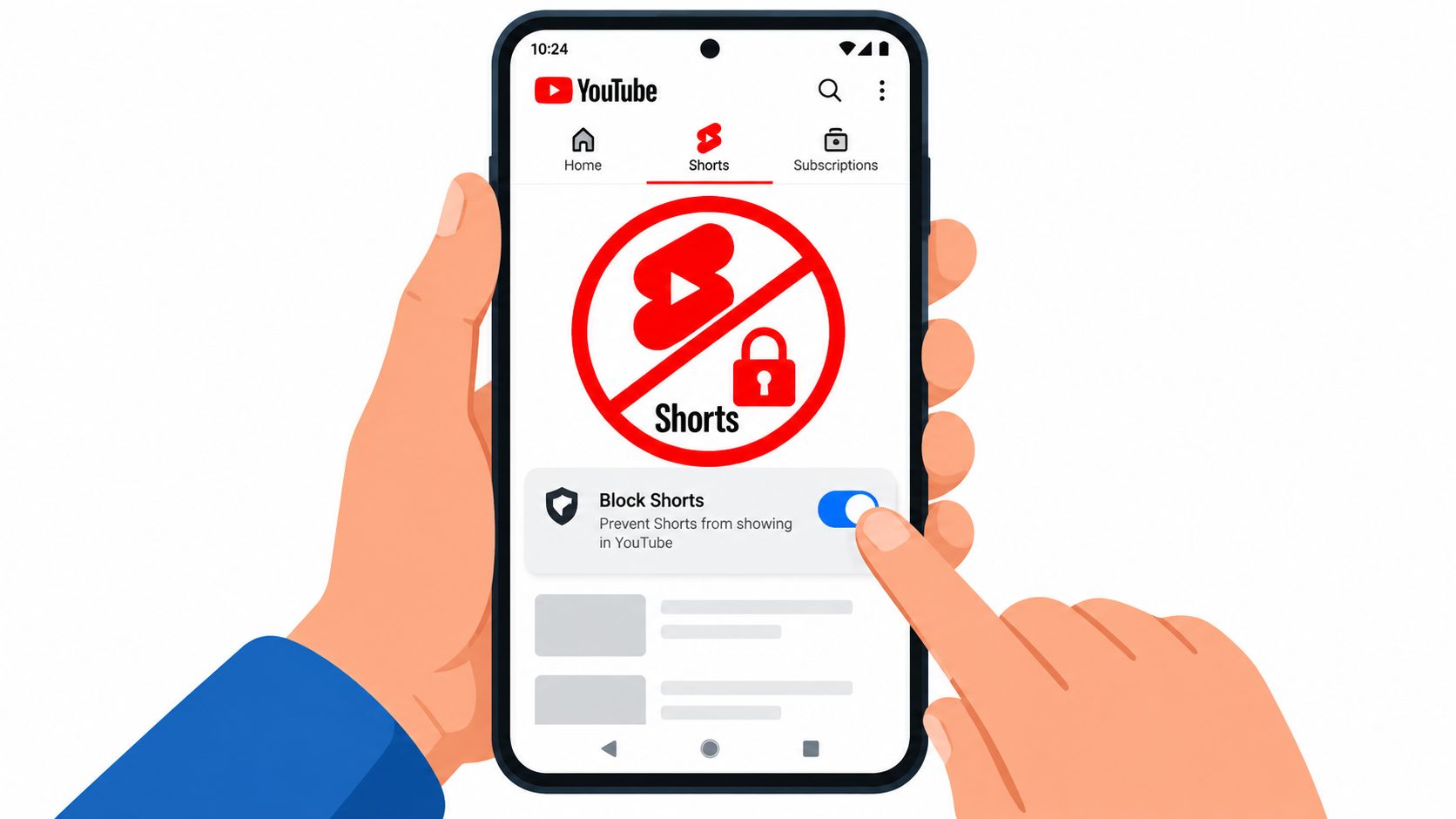
One option is TiedSiren for Android focus sessions. It lets you block chosen apps, set the session length up front, run scheduled sessions, and use Strict Mode, where the session ends when the timer ends. During a session, it also blocks access to Android Settings, which removes one of the usual escape routes. That does not make distraction impossible. It makes it inconvenient at the exact moment convenience used to beat you.
| Action at moment of weakness | Android Focus mode | TiedSiren strict mode |
|---|---|---|
| You want to open a blocked app | Focus mode pauses selected apps | Blocked apps stay blocked for the session |
| You want the block to end right now | You can turn Focus mode off from the phone flow | The session runs until the timer ends |
| You want the setup to happen automatically | Scheduling is available | Daily or weekly scheduled sessions are available |
| You want quitting to feel harder than a quick impulse | Lower friction | Higher friction |
The useful distinction here is mechanical, not moral. If the phone can be reopened with almost no resistance, distracted-you will usually do that. If backing out takes enough effort, many urges pass before you act on them.
Set Up TiedSiren on Day One
A good first setup is boring on purpose. You want something you'll keep using on a normal Tuesday, not an idealized system built for a future version of yourself.
Build the first schedule around real work
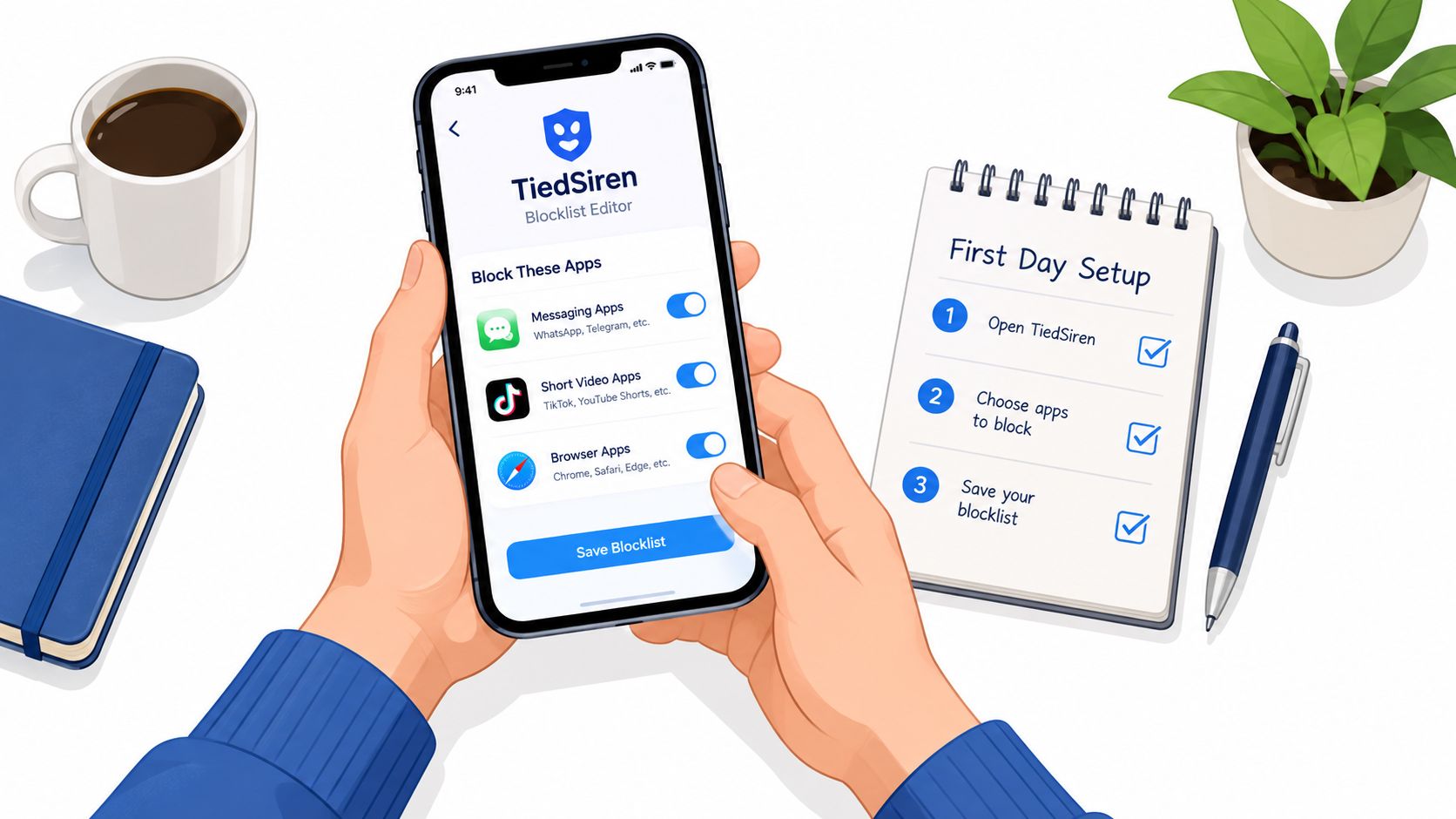
Start by installing it from the TiedSiren download page. Then set up blocklists by context, not by vague ambition. Work apps and distraction apps usually change by situation, so separate lists help.
A practical first pass looks like this:
- Work blocklist: Messaging apps, short video apps, social feeds, and any browser that reliably becomes a detour.
- Study blocklist: The same idea, but trimmed to whatever wrecks a reading or writing session.
- Evening blocklist: Apps that keep you in the phone long after the day is over.
Then create scheduled sessions that match the work blocks you already named in your calendar. Don't start with an all-day lockdown. Cover the hardest block first.
Use Strict Mode where your track record is worst
If there's a part of the day when you always fold, use Strict Mode there.
Set the duration to cover the whole deep work block. Put the phone face down once the session starts. Watch for one thing only: whether the friction is high enough that you stop doing the reflexive five-second undo.
The right setup doesn't make you noble. It makes the dumb escape route slightly more annoying than staying with the task.
Leave a short gap between sessions. Five minutes is enough to stand up, write the next task down, and reset without drifting into a new app spiral.
Handle collisions without blowing up the system
Schedules will occasionally run into real life.
If a block conflicts with a meeting, adjust the schedule before the session starts instead of treating every collision like a reason to abandon the system. If you forgot to schedule a one-off block, start a manual session for that window. What matters is consistency in the hard moments, not perfection in the easy ones.
Your First Week of Focused Work
Don't rebuild your whole workday at once. Many people burn out on focus systems because they make them too heavy too early.
A first week should prove one thing: that your default can change if the setup changes.
A simple seven-day rollout
Use this progression:
- Day 1: Install the blocker, create one blocklist, and run a single short test session just to make sure the setup behaves the way you expect.
- Day 2: Move the session to the morning, before email gets the first bite of your attention.
- Day 3: Add a second session later in the day and keep the phone in another room during both.
- Day 4: Turn one of those sessions into a longer deep work block with one clearly written task.
- Day 5: Audit the blocklist. If an app or browser path slipped through and keeps stealing time, add it.
- Day 6: Put two sessions near each other with a short gap between them and see how much cleaner the second start feels.
- Day 7: Review what held. Keep the parts that changed behavior. Drop the decorative stuff.
What success looks like
Success isn't perfect adherence.
It's fewer impulsive reversals. Fewer accidental app opens. Fewer work blocks that collapse because your future self had access to a cheap exit. The point isn't to become a monk. It's to make focused work the obvious default often enough that the week stops feeling like a string of recoveries.
If you can't concentrate at work, start there. Not with inspiration. Not with guilt. With friction.
If your main problem is that you already know what to do but keep turning the blocker off when it matters, TiedSiren is built around that exact failure mode. It lets you block the apps you choose, commit to a session duration up front, and add enough friction that the impulsive undo stops being the easy move.