
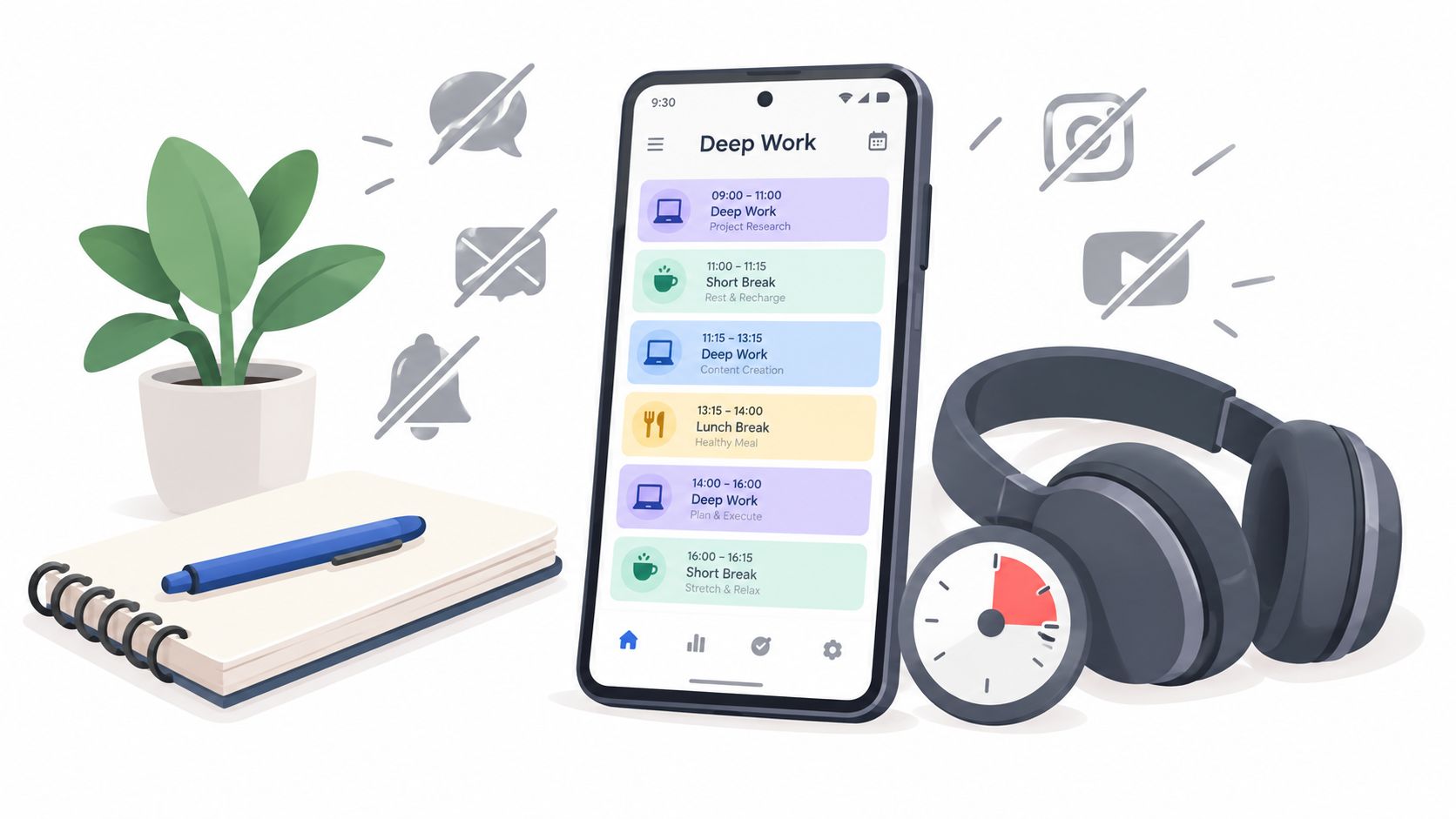
At 10:14, Priya's calendar says she's in a protected deep work block. She's a senior developer, her headphones are on, and Slack is set to do not disturb. In reality, a colleague has asked about a build, her phone has surfaced a calendar reminder she created herself, and an email preview has put a new problem in front of her. The first 90-minute block is already gone.
The schedule existed. The focus didn't.
That failure is familiar if you've installed a blocker, then turned it off at the exact moment it mattered. A calendar event protects the calm hour before work begins. It doesn't protect the moment when attention is frayed and checking one app feels cheaper than returning to a difficult problem. A useful deep work schedule has to manage interruptions, not merely announce good intentions.
The Problem With Most Deep Work Schedules
Most schedules assume the user will behave differently once the block starts. They reserve time, add a meeting title such as “Focus,” and rely on motivation to handle every notification, impulse, and legitimate request that appears during the session.
That's backwards. The difficult part isn't deciding at 8:00 that you want to concentrate at 10:00. The difficult part is refusing the phone at 10:14, when the task has become demanding and the distraction requires one tap.
Priya's calendar failed because it treated focus as a time allocation problem. She didn't lack a 90-minute window. She lacked a system that made breaking the window costly enough to interrupt the impulse.
Practical rule: Design the schedule for the weakest moment inside the session, not the confident moment when you create it.
The distinction matters for anyone doing complex reasoning. Sophie Leroy's research on task switching describes attention residue, the part of your attention that remains attached to the previous task after you move on. Her experiments found that performance on the next task drops as that residue increases, as summarized by Wharton's explanation of deep work and task switching.
A calendar block can't clear that residue. It can only mark the time you hoped to use.
The practical target is an interruption-management system with three jobs:
- Reserve attention: Place demanding work in a defined window.
- Reduce decisions: Decide the allowed apps, duration, and recurrence before the session.
- Add friction: Make the impulsive bypass slower than continuing the task.
This doesn't mean every block must be severe. Some work needs communication, research, or a browser. It means the schedule should reflect the actual failure mode. If the off switch remains one tap away, the plan still depends on willpower.
Why Interruptions Beat a Good Calendar
“Block your calendar and silence notifications” is reasonable advice. It's also incomplete for phone-based work. The device that carries your calendar usually carries Slack, email, chat, social feeds, news, and every other low-effort escape route.
The interruption environment is dense. Microsoft-linked workplace reporting describes employees receiving a ping roughly every two minutes during core work hours, adding up to about 275 interruptions in a typical workday, as reported by CNBC's coverage of Microsoft's Work Trend Index. A separate summary reports that workers may fail to reach even one 30-minute stretch of continuous distraction-free work, which makes a protected focus window an exception rather than a default.
The cost doesn't end when you close the notification. Leroy's attention-residue findings explain why a quick check can damage the next attempt to focus. Gloria Mark's workplace research is also widely cited for finding that knowledge workers interrupt or switch tasks about every 3 minutes and 5 seconds on average, as summarized by Wharton's account of fragmentation and concentration.
The asymmetry that defeats willpower
Opening Slack takes almost no effort. Reconstructing the state of a complex bug, argument, or paragraph takes much more. The distraction wins because the two actions aren't competing on equal terms.
| Action | Effort to start | Attention residue after |
|---|---|---|
| Open a message or feed | Very low | Leaves attention attached to the new item |
| Resume a difficult technical or written task | High | Requires rebuilding the previous mental context |
| Check one notification | Very low | Can create another switch before re-entry |
| Continue the planned block | Moderate | Preserves the current line of reasoning |
ActivTrak's focus data points in the same direction. Only 3% of employees sustain focus sessions longer than 50 minutes, while more than 70% of sessions occur in 0 to 20-minute bursts, according to its workplace focus and distraction report. Collaboration tools account for 21% of focus disruptions and trigger about 70 distraction events per day in the same dataset.
That's why notification muting alone doesn't hold for everyone. The user can still open the app, change the setting, or negotiate with the rule. A durable schedule needs a barrier between the urge and the action.
Designing a Deep Work Schedule That Survives the Day
Start with the schedule you can obey, not the one that looks impressive.
Choose a block length you can repeat
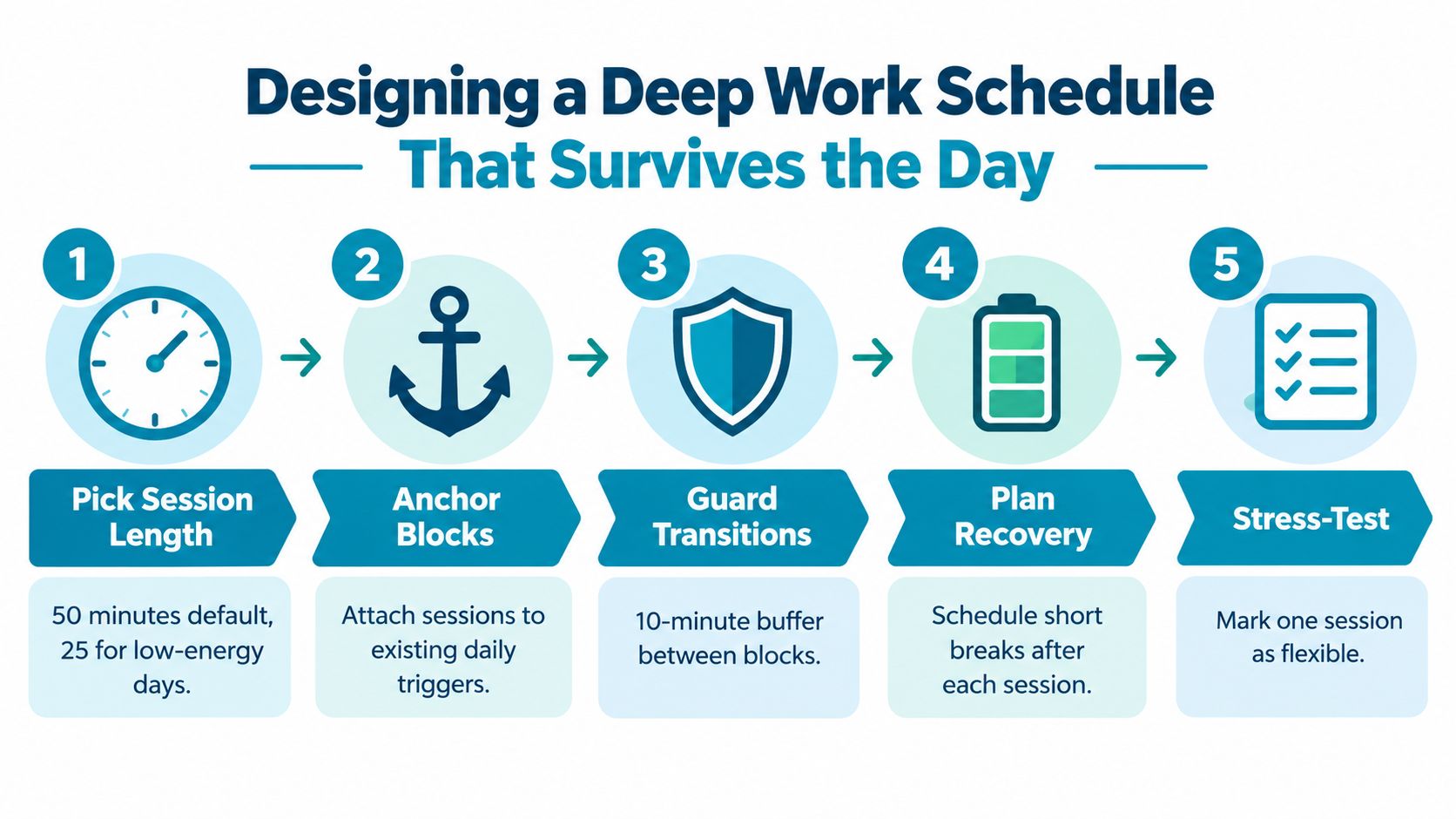
Use 50 minutes as a practical default for demanding knowledge work. Choose 25 minutes on a low-energy day or when long, self-managed sessions regularly fail. Adults with ADHD and people with low executive function often benefit from visible timers, body doubling, and shorter externally structured blocks rather than being told to summon more discipline. A longer session makes sense when the task is genuinely one continuous piece, such as drafting a difficult section or working through a contained implementation.
The right duration is the one you'll start without bargaining and finish without needing an escape. Longer isn't automatically deeper.
Anchor the hardest work to your energy
Keep a simple log for a week. Note when you write well, solve technical problems quickly, or study without rereading the same paragraph. Put the longest block in that period, then move email, administration, and routine review into the troughs.
Don't copy someone else's morning routine if your attention arrives later. A schedule should describe your working brain, not an internet ideal.
Batch communication instead of negotiating with it
Create two communication windows, one in the morning and one late in the afternoon. Put Slack, email, and chat review there. Everything else goes into a queue unless it's urgent.
Add a visible cue, such as a recurring calendar event titled “Code review, phone blocked.” The title should tell you what the session is for and what state the device should be in.
Write the recovery move before you need it
A lapse shouldn't become a lost afternoon. Decide in advance what happens when the block ends or breaks. A short walk, water, stretching, or a single written note about the next action gives you a clean return path.
Leave a buffer between demanding blocks. Don't schedule the next difficult task immediately after the timer ends if you need to record progress, use the bathroom, or handle a message queue.
This is still a paper schedule. Android enforcement is what turns it into a commitment.
Turning the Schedule Into a Locked Android Session
Treat each session as an enforcement rule, not as another calendar event.
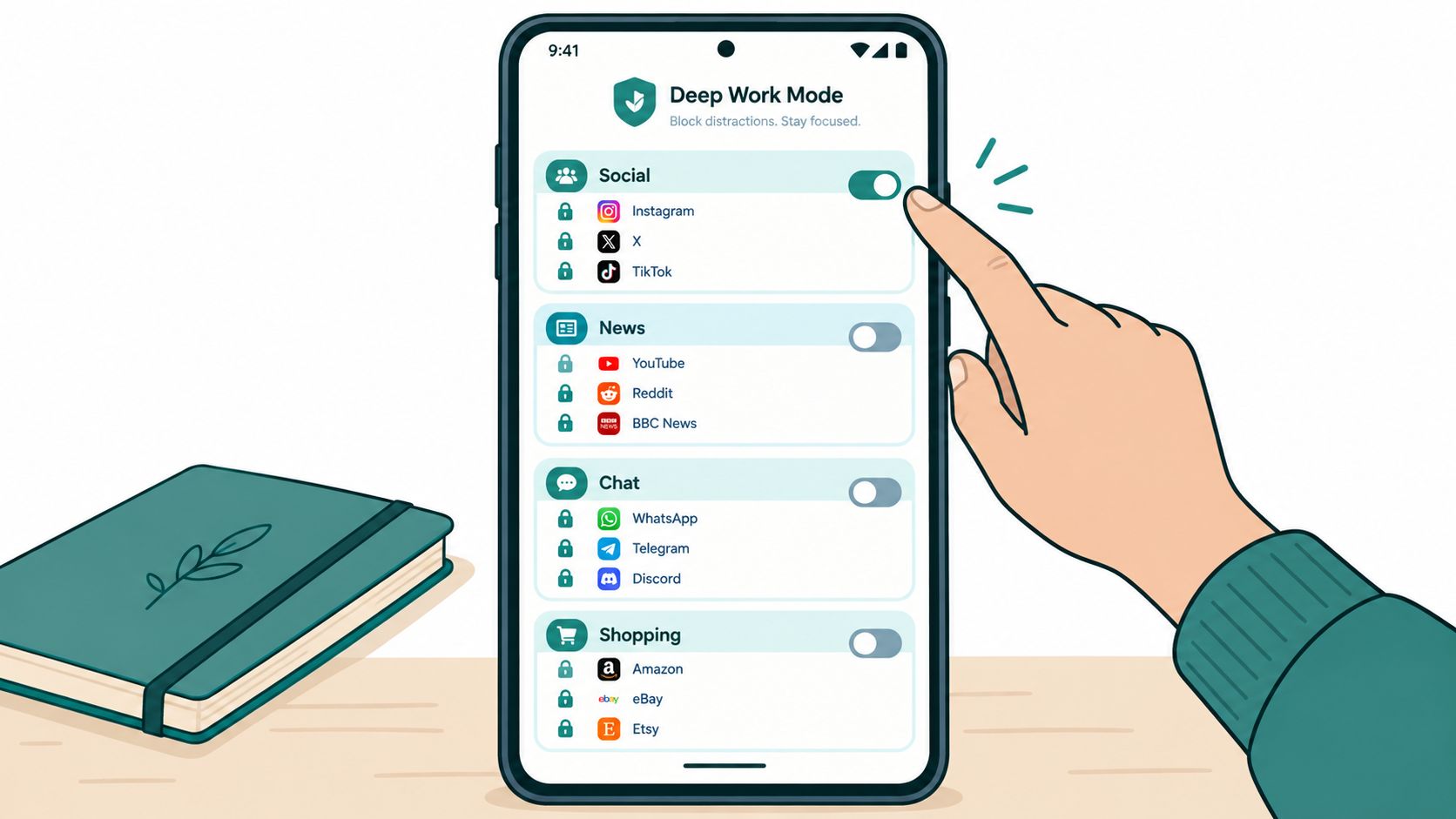
Start by creating separate TiedSiren blocklists by intent. A “Writing” list can differ from a “Code review” list, and a “Study” list can have its own boundaries. Grouping by context keeps the decision visible. You're not blocking an abstract category of temptation. You're defining what this particular block permits.
Next, match each list to the recurring schedule you already chose. If your template calls for code review on Tuesday and Thursday at 9:30, create that recurrence rather than relying on yourself to start it manually. Weekly recurrence is useful when peak work depends on specific days. Daily recurrence is better for a routine that happens every day.
Turn on Strict Mode for the sessions where renegotiation is the known failure. Once the session runs, its timer is the planned endpoint. TiedSiren also blocks the Android Settings screen during an active session, which raises the cost of changing the setup or taking the quickest route around it. That's friction, not an absolute lock. A determined person may still look for a technical bypass, but the five-second impulsive undo is no longer convenient.
Use the focus timer as the visible cue. Seeing the remaining time gives the session a clear boundary and removes the need to keep checking the clock. For a break, create a separate short blocklist containing only the apps you've decided to permit during that break. Don't let a 10-minute recovery window become an unbounded communication session.
Android's own controls illustrate why this distinction matters. Google's Digital Wellbeing guidance says app limits can be protected with a separate four-digit PIN, but the PIN protection can also be turned off later. It's a policy gate, not a committed session endpoint. Digital Wellbeing includes Focus mode and app timers, and Android app-blocking guidance describes Focus mode as immediately activatable or schedulable, while app timers impose a daily allowance.
For a practical setup, see the TiedSiren features page, then test one recurring block before building a full week.
The Android version also matters. Google says Android 8.1 and later places these controls under Digital Wellbeing and parental controls in Settings, while older versions use a different parental-controls path, as described in Google's Android family-controls documentation.
How TiedSiren Compares to Other Android Blockers
The useful comparison is enforcement shape, not visual polish. Blockers can all look effective while giving the user very different ways to revise the decision during a weak moment.
Android's Digital Wellbeing Focus mode is convenient because it's built into the phone, but its controls live in Settings and remain editable there. App timers work as daily budgets, which is a different model from a session that ends only when its committed timer finishes. Android blockers also commonly rely on an Accessibility Service, and that permission can be granted or revoked through Settings, as explained in independent Android blocker guidance.
Third-party tools have their own trade-offs. AppBlock offers flexible scheduling. Cold Turkey is widely associated with stronger desktop controls, while its Android experience is more limited than its desktop counterpart. Stay Focused uses usage thresholds, which can suit people who want graduated limits but may not fit someone whose problem is checking an app at the wrong moment. These differences don't make the tools universally good or bad.
| Tool | Scheduling model | Mid-session override friction | Uninstall protection | Break handling |
|---|---|---|---|---|
| Digital Wellbeing Focus mode | Android-native scheduled focus windows | Low, because controls remain available in Settings | Device-level settings remain accessible | Separate app timers and manual control |
| Digital Wellbeing app timers | Daily usage allowances | Low after the limit becomes inconvenient to maintain | Device-level settings remain accessible | Daily budget rather than a defined break |
| AppBlock | Flexible scheduled blocking | Depends on its configured session rules | Varies by setup | Configurable, with flexibility as the trade-off |
| Cold Turkey | Stronger desktop-oriented blocking model | More rigorous on desktop than on Android | Depends on platform and setup | Better suited to firm blocks than casual breaks |
| Stay Focused | Usage-threshold limits | Threshold model can leave room for checking | Depends on setup | Usage allowance rather than a fixed work session |
| TiedSiren | Daily or weekly recurring sessions | Strict Mode and Settings blocking raise bypass friction | Settings blocking raises the cost of changing or disabling the session | Separate context blocklists can scope a break |
TiedSiren is a free Android option for people who want the schedule to start automatically, use custom blocklists, show a remaining-time timer, and make the impulsive bypass less convenient. It supports Android 8.0 and later. The right choice depends on whether your failure mode is forgetting to start, checking too often, or turning off the blocker as soon as the task becomes uncomfortable.
More detail on the product's approach is available on the TiedSiren about page.
A Full Day Wired Into TiedSiren
Priya uses her Android phone as a second screen while she works. Her old paper schedule had reasonable intentions but no enforcement, so she converts each part of the day into a separate context.
At 8:30, a 60-minute Writing session starts. Its blocklist removes social feeds, chat, and unrelated browsing. At the end, a 15-minute Slack break becomes a separate scheduled window rather than an open invitation to keep scrolling.
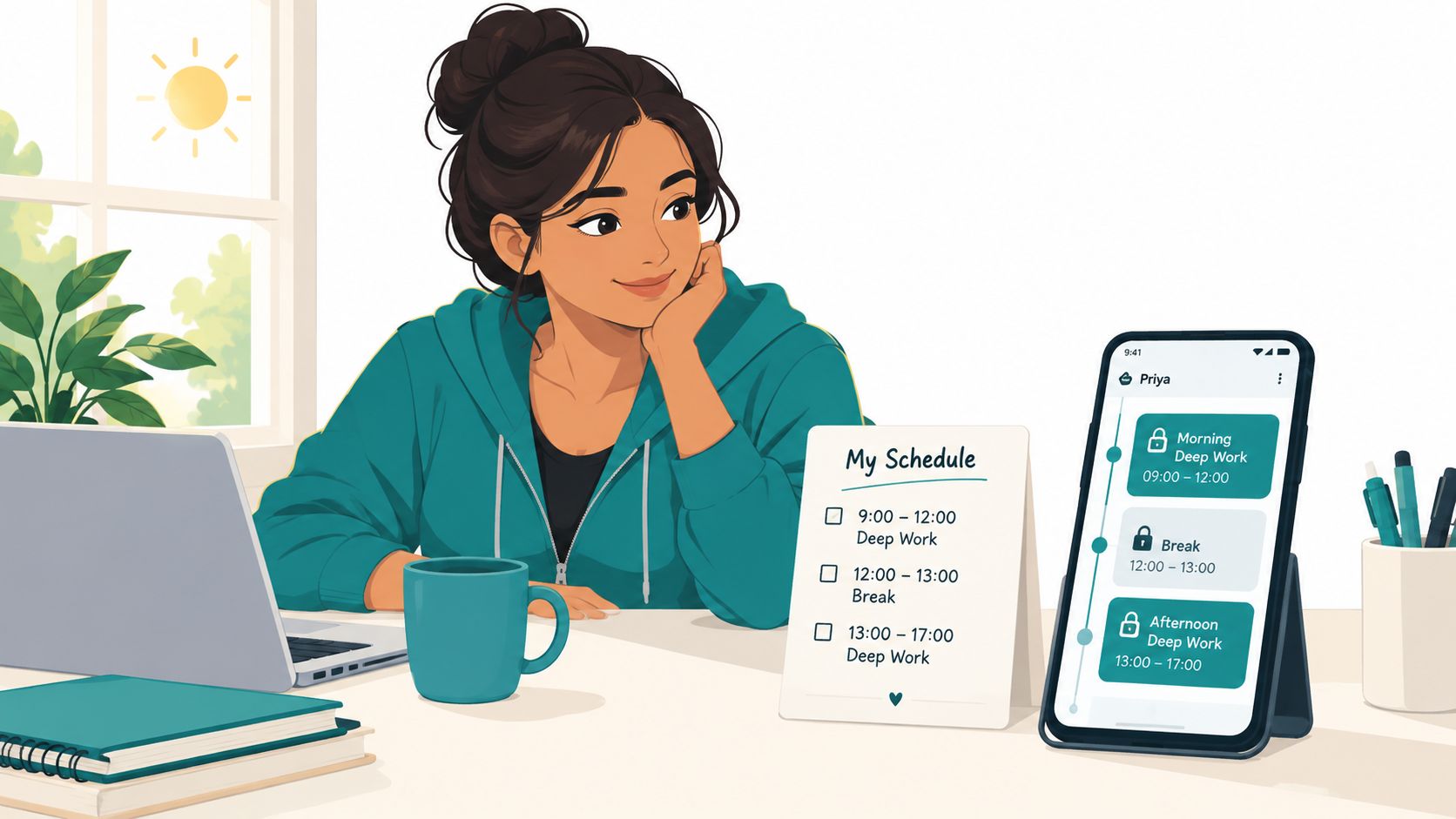
At 10:00, her first Code block begins, followed by another at 13:30 after lunch. Each uses its own blocklist, even though several blocked apps overlap. That separation helps her diagnose the schedule later. If writing holds but code review fails, she changes the code session instead of blaming the whole system.
Her afternoon is lighter. An Email batch runs at 15:30, then a Study window starts at 20:00 after dinner. The Study list blocks browser tabs that invite wandering but leaves Kindle available, because reading the assigned material is part of the task. Weekday sessions recur on the working schedule, while weekend sessions use a different recurrence so they don't impose the same structure on Saturday and Sunday.
A practical setup like this is available through the TiedSiren download page.
Later, at 11:14, Priya reaches for Twitter during the code block. The focus timer is already running. She can see the remaining session time, but the route to changing the rule isn't immediate because Strict Mode is active and Android Settings is blocked. The urge may still exist. The difference is that the impulsive decision now has enough friction for the original task to remain the easier choice.
What a Schedule Like This Actually Buys You
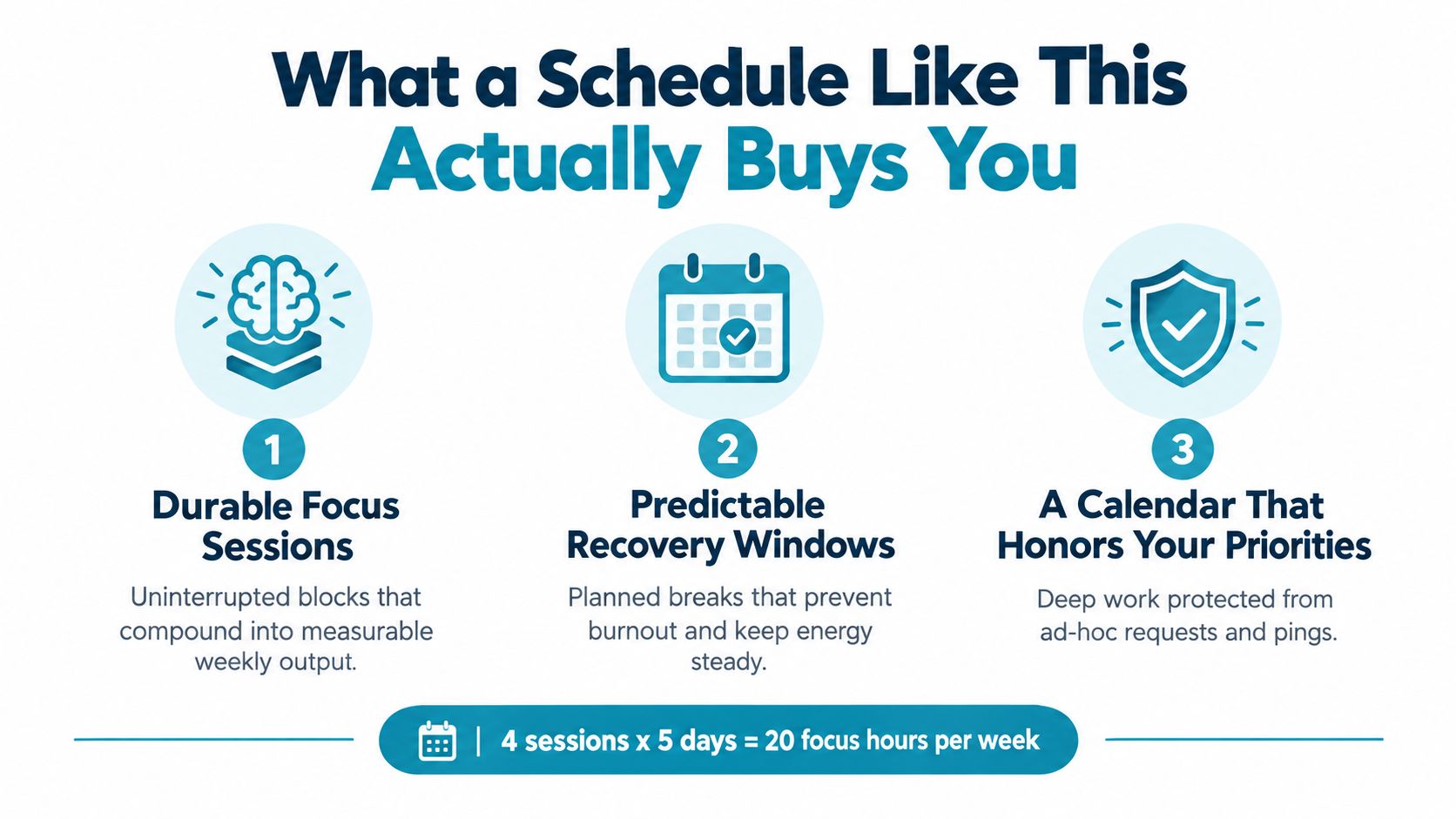
A durable deep work schedule buys continuity. Individual sessions matter, but the larger benefit comes from stacking protected work across the week without rebuilding the rules every morning.
It also buys predictable recovery. Breaks stop being accidental browsing sessions and become part of the operating plan. That distinction protects energy because the end of a block has a known next step instead of a blank space filled by notifications.
No blocker handles every situation. You may need to respond to a legitimate emergency, creative work may resist fixed intervals, and colleagues may interpret unavailability as a social signal. A schedule that ignores those costs won't survive. Keep an explicit communication window and a clear escalation route where your work requires one.
Use this checklist during the next week:
- Find peak hours: Log when your best reasoning happens.
- Batch communication: Set morning and late-afternoon review windows.
- Choose a default block: Start with a repeatable duration, then adjust it from evidence.
- Protect recovery: Leave a defined gap after demanding sessions.
- Wire the rule into Android: Use a context-specific blocklist and recurring session.
- Raise the friction: Enable Strict Mode for the sessions you repeatedly abandon.
- Review on Friday: Identify the failure mode and change the session length before making the schedule more rigid.
The schedule works when it accounts for the interruption you're most likely to obey. TiedSiren offers free Android blocking with committed timed sessions, recurring schedules, custom blocklists, Strict Mode, Settings blocking, and a focus timer. Set up one honest block this week and visit TiedSiren to make that block harder to abandon when the urge arrives.