Most advice on how to stop phone addiction starts with screen-time limits, notifications, and a promise to be more disciplined tomorrow. That advice misses the moment that matters. You already know the phone is taking your attention. The failure happens when the off switch is one tap away and the urge arrives before judgment catches up.
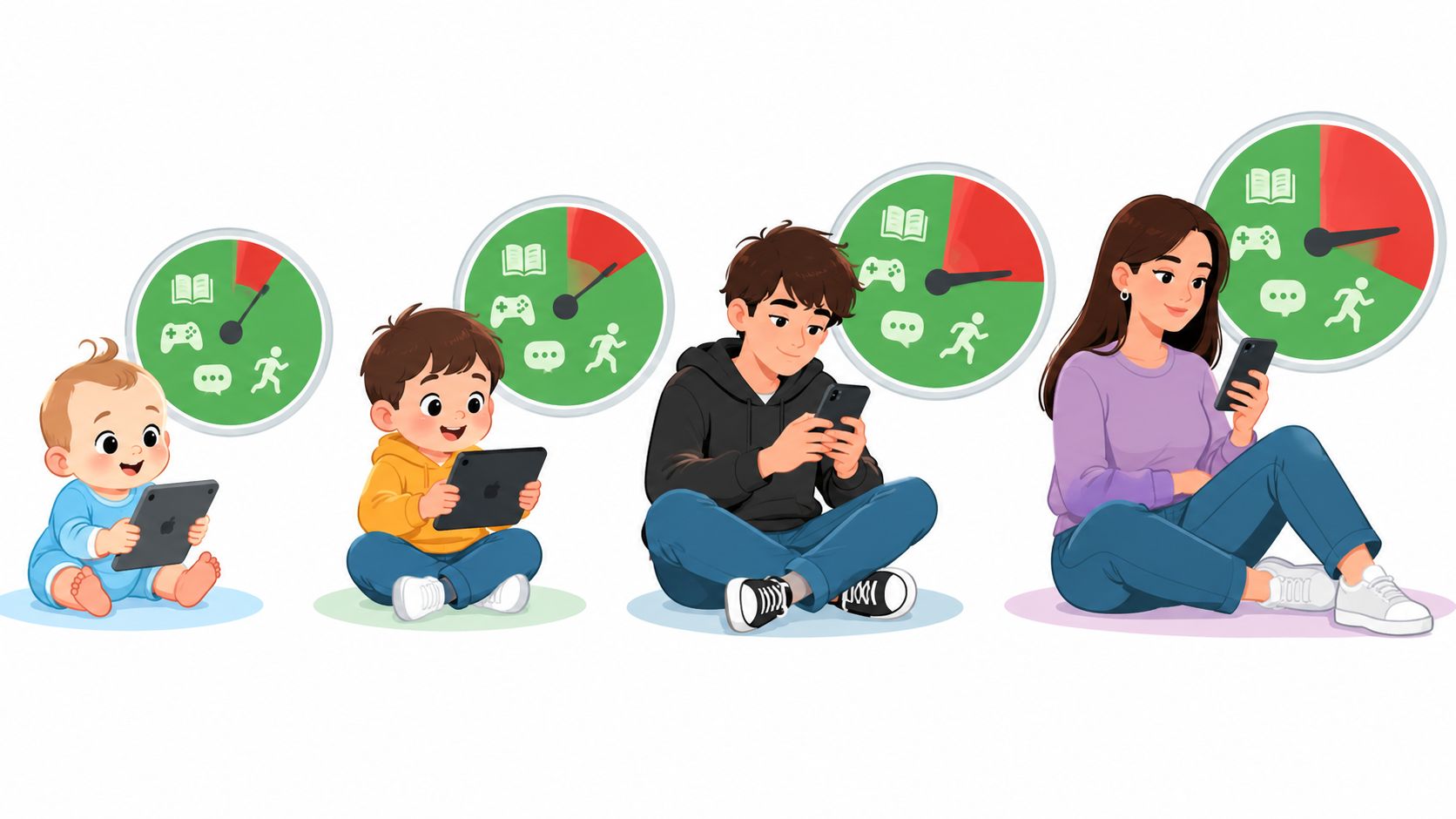
Phone overuse is a global behavioral pattern, not a niche problem confined to one country or age group. A large international analysis pooled 24 countries, 83 samples, and 33,831 participants, and found that problematic smartphone use was increasing across the world. The analysis helps explain why generic reminders rarely hold up. The environment keeps presenting the same easy action, and the user keeps having to negotiate with it.
The practical answer is to change the environment before the impulse appears. Stop relying on motivation at the exact point where motivation is weakest. Put time, distance, and deliberate steps between the urge and the app.
Why Willpower Is the Wrong Tool for the Job
Willpower sounds like a clean solution because it places the responsibility inside your head. Decide to use the phone less, set a limit, and follow through. That works while you're calm and rested. It breaks down when you're tired, bored, stressed, or avoiding difficult work.
The off switch creates the problem. A limit can appear on screen, and you can dismiss it. A reminder can tell you to take a break, and you can ignore it. The tool may have worked perfectly, but the decision still returns to you at the exact moment you want the feed more than you want the plan.
Recent usage figures show why that repeated negotiation is hard. In a 2025 U.S. survey, 43.2% of respondents said they considered themselves addicted to their phones, while the average American spent 5 hours and 1 minute per day on a cell phone, equivalent in that survey to 76.3 days per year. The same source reported 205 phone checks per day, nearly one check every five minutes while awake. Those figures describe a behavior built from repetition, not a single dramatic decision.
The weakness sits in the override
You don't need more information about screen time. You need fewer opportunities to renegotiate.
A self-imposed limit asks you to make the same decision again and again. That is inefficient by design. Each decision happens in a different mental state, so the rule changes whenever your energy, mood, or urgency changes.
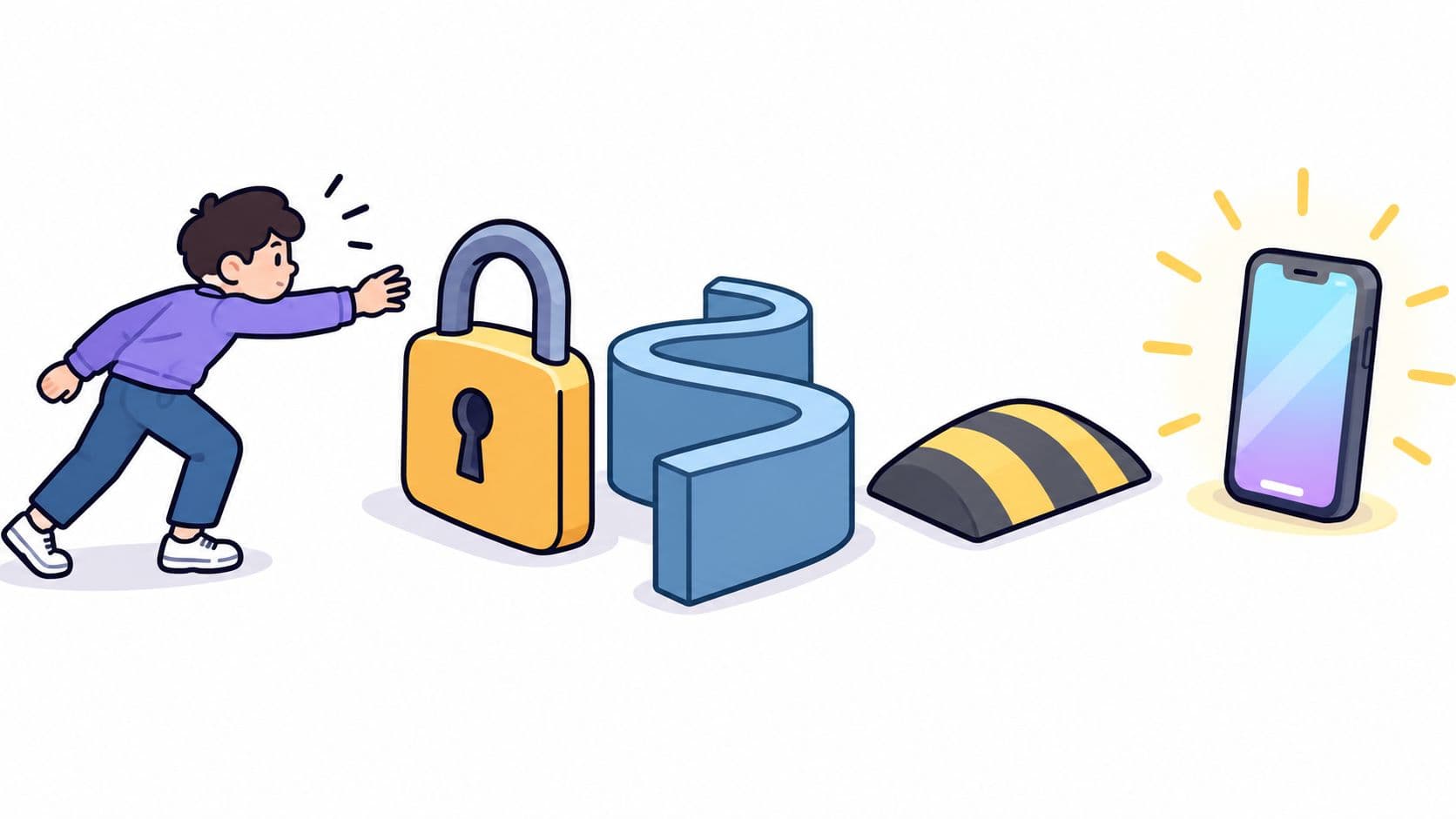
Practical rule: Make the decision before the craving arrives, then add enough friction that an impulse can't complete the whole bypass automatically.
This is why environmental changes outperform motivational speeches. Put the phone outside the bedroom. Move distracting apps away from the home screen. Use a blocker during the hours when you repeatedly lose control. These measures don't require you to feel motivated. They change the path your hand can take.
The approach described by TiedSiren's explanation of its focus is built around that failure point, the moment when a person has already decided to stop but can still undo the decision immediately. The aim isn't to make a phone impossible to use. It's to stop an automatic choice from becoming an automatic scroll.
The Anatomy of an Impulsive Phone Check
A compulsive check usually doesn't begin with a plan to lose an evening. It starts with a cue, a pause between tasks, a notification, a moment of boredom, or the sight of the phone on the desk. Your hand moves before you form a clear reason.
Research described a typical smartphone check as lasting less than 30 seconds, often involving the lock screen and access to a single app. Checks clustered around cues such as commuting, boredom, and transitions between tasks. The reported checking pattern matters because total screen time can hide the mechanism that produces it.
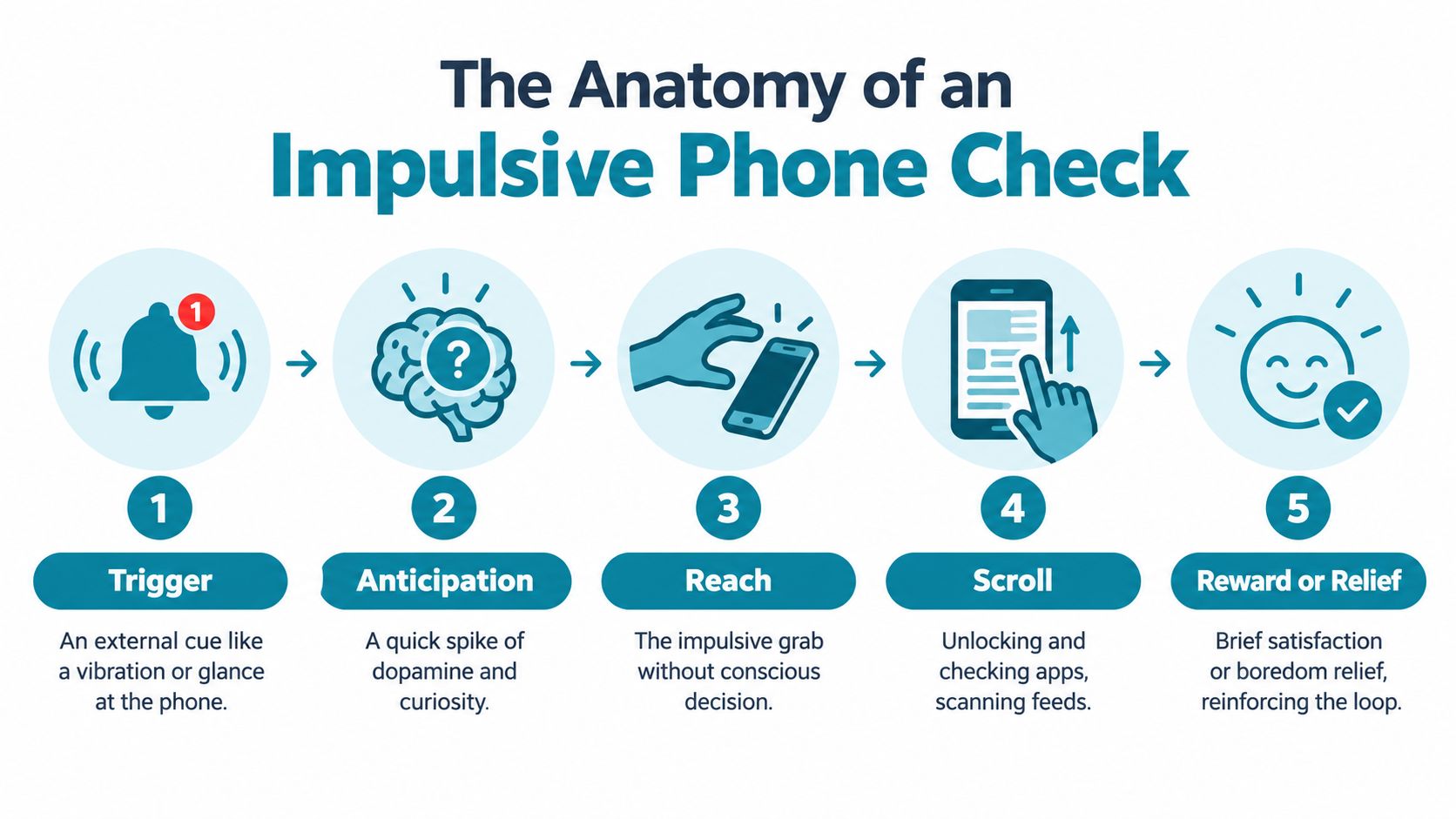
Five steps from cue to feed
Trigger: Something interrupts the current activity. It may be a vibration, a glance at the phone, or a natural transition after finishing a task.
Anticipation: Your attention shifts toward the possibility of information or reward. You don't need a useful message to create curiosity. Uncertainty is enough.
Reach: The phone is close, available quickly, and accessible without preparation. This is the point where convenience turns a passing thought into behavior.
Scroll: You check one app, then encounter other prompts, feeds, or recommendations. The original reason for picking up the phone may disappear.
Reward or relief: You get novelty, reassurance, entertainment, or a brief escape from boredom. Even when the content isn't satisfying, the relief from the pause can reinforce the next check.
The mistake is treating every check as a deliberate session. A person may decide to spend time on a social app, but many checks happen without that decision. A time limit aimed only at long sessions misses the smaller loop that keeps reopening the device.
Map the cue instead of blaming the user
Track the moment before the reach. Don't start by judging whether the check was productive. Record what happened immediately before it.
- Transition: You finished a task and reached for the phone before beginning the next one.
- Boredom: You encountered an empty minute and filled it automatically.
- Avoidance: A difficult task created discomfort, and the phone offered instant relief.
- Availability: The phone was visible, charged, and within reach.
This map gives you a practical target. Block the apps connected to the cue during that context, rather than trying to reduce every kind of phone use at once. A phone used for a planned call isn't the same behavior as reopening a feed during every pause.
High-Risk Contexts and Vulnerable Windows
“Use your phone less” is too broad to be useful. The same device can support a necessary task in the afternoon and destroy sleep at night. The intervention has to match the context, because the risky behavior isn't identical across work, study, ADHD management, and bedtime.
A recent review connects problematic smartphone use with stress, anxiety, depression, and sleep disruption. It also identifies mechanisms including dopaminergic dysregulation, social comparison, FOMO, and cognitive overload. The review supports a practical conclusion: reducing access during vulnerable windows can remove exposure to the feedback loops that keep compulsive use active.
ADHD and demanding work
People with ADHD deserve more precise advice than a generic reminder to focus. Recent reviews identify ADHD as a particularly vulnerable population for smartphone overuse, and a 2025 Hong Kong randomized controlled trial protocol was created specifically for adolescents with ADHD and smartphone overuse. The clinical protocol reflects a distinction that matters in practice. The problem may be the rapid availability of competing rewards during a task, not ignorance about the task's importance.
Deep work creates a similar vulnerability. Difficult reading, coding, writing, and exam preparation all contain stretches with delayed rewards. A feed offers immediate novelty. If the apps remain available, you have to defeat that contrast repeatedly.
Use a blocklist for the specific work window. Don't make the rule depend on whether you feel ready to concentrate. Start the protected period before opening the difficult document, so the first escape route is already closed.
Sleep requires a separate target
Bedtime checking can involve raw screen time, frequent phone interactions, or both. A 2025 study associated smartphone addiction, objectively measured excessive screen time, and phone unlocks with poorer sleep quality and shorter sleep duration. The study's findings suggest that “less phone” isn't a complete sleep strategy. You need to identify whether the problem is the long session, the repeated unlocking, or a particular app that pulls you back.
Set a sleep window that blocks the trigger apps before you get into bed. Physical distance helps, but digital friction matters when the phone is still needed for practical reasons. The point is to prevent a tired brain from making an instant decision that keeps it alert.
A study block and a sleep block shouldn't use the same assumptions. Protect the behavior that causes the damage in that setting.
Designing Friction Into Your Environment
If a cue comes from the environment, change the environment. Don't ask your mind to overpower a device that has been placed within easy reach, displays attractive prompts, and offers instant access to novelty.
Start with a simple audit. Identify the place, time, and emotional state that usually precede an unwanted check. Then add one physical barrier and one digital barrier to that exact window.

Build the gap deliberately
Physical changes work because they alter reachability. Charge the phone away from the bed. Leave it across the room during study. Keep it out of sight during meetings or meals. A lockable box can create a stronger boundary when placing the phone face down hasn't changed your behavior.
Digital changes should target the bypass. Remove the distracting apps from the immediate path, silence cues that don't require a response, and block the apps during the window where you repeatedly reopen them. These steps don't eliminate every possible decision. They make the unwanted decision slower and more deliberate.
Android's own permission architecture shows why Settings is such an important control point. Permission changes are managed through Settings > Apps > [app] > Permissions, or through the Permission Manager, so the Settings screen is part of the route used to change access. Google's permission guidance also explains that unused apps can have permissions reset automatically, showing that access can change over time.
Use a three-part map:
- Name the cue. For example, you check social apps whenever a work task becomes difficult.
- Choose the window. Protect the first work block, evening wind-down, or study period when the pattern appears.
- Raise the bypass cost. Combine physical distance with app blocking and a restriction on the fastest route to undoing it.
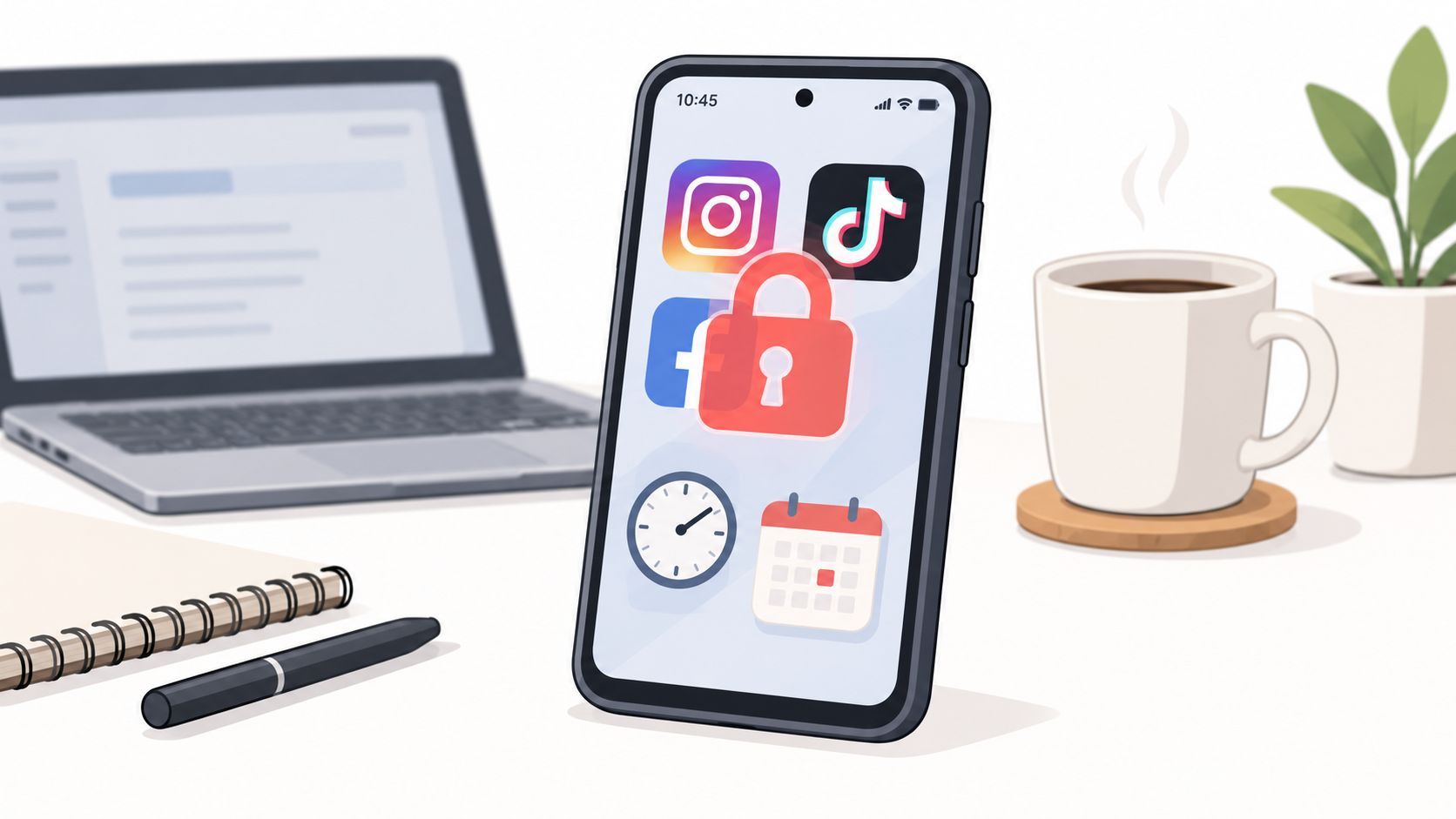
The TiedSiren feature overview describes this type of setup through committed sessions, selected applications, recurring schedules, a focus timer, and blocking the Android Settings screen while a session runs. The useful principle is broader than any one tool. Friction must appear before the reach, not after you've already opened the feed.
A short visual guide can help you think about the same sequence in practical terms.
The best barrier is the one you'll keep using. A phone locked in another room may be effective until you need it for a legitimate task. A scheduled app block may fit better during work, study, or sleep. Match the strength of the friction to the reliability you need.
Reminders Versus Strict Enforcement
A reminder is a request. Strict enforcement is a pre-commitment.
Reminder-based tools can be useful when you notice the prompt and already agree with it. They can suggest a break, display an app limit, or show a warning. The weakness appears at the point of temptation. Dismissing the message preserves the same easy path to the app.
Strict enforcement changes that interaction. The user chooses the applications and duration in advance, then the active session controls access for that period. The value isn't an absolute claim that no determined person can ever get around it. The value is that the five-second, unplanned bypass becomes harder.
Blocking mechanisms compared
| Feature | Reminder-Based Tools | Strict Enforcement Tools |
|---|---|---|
| Primary action | Suggests that you stop or take a break | Blocks selected apps during a committed session |
| Decision timing | The decision returns when the prompt appears | The decision is made before the session begins |
| Override experience | Often designed around a visible limit or prompt | Adds steps and friction to the fastest bypass route |
| Best fit | People who respond well to gentle cues | People who repeatedly dismiss limits during urges |
| Main trade-off | Easier to live with, easier to ignore | More disruptive when legitimate access is needed |
Solid blockers such as AppBlock, Cold Turkey, and Stay Focused belong in the serious-tool category. They aren't weak because they use blocking. The meaningful comparison is how much control remains at the moment when you want to stop the block.
Android provides a concrete reason to care about Settings access. Google's restricted-settings flow requires a user to open Settings, go to Apps, select the relevant app, choose Allow restricted settings, and follow additional prompts. The official Android guidance documents that multi-step route. Blocking the Settings screen during a session therefore adds real friction to the quickest attempt to undo a restriction.
Choose based on your failure pattern
If you usually respect a warning, a reminder may be sufficient. If you've installed a blocker and disabled it while tired or bored, you need a tool that addresses the override path rather than another message.
The trade-off is real. Strong enforcement can interfere with legitimate access, so your blocklist needs to be specific. Block the apps that pull you into checking, not every application you might need during the protected period.
Automating Your Focus Windows
Manual blocking depends on memory. You have to notice the upcoming work period, open the tool, choose the apps, set the duration, and start the session before distraction takes over. That routine can work for a while, but every extra decision creates another place to skip the plan.
Scheduled sessions remove that daily negotiation. Build the schedule around the context, not an abstract screen-time target.
Create blocklists by situation
Start with separate lists for separate problems. A deep work list might contain social feeds, video apps, forums, and games. A study list can use the same logic, but its schedule may differ. A sleep list should focus on the applications that keep you checking after you intended to put the phone down.
Avoid one giant list unless your phone use is consistently harmful across the day. Context-specific lists reduce unnecessary disruption and make the rule easier to follow.
Set the schedule before you need it
Choose a daily or weekly recurrence that matches your routine. Workdays may need one pattern, while exam preparation or irregular shifts may need another. The important part is that the session begins without requiring an active decision at the point of temptation.
A focus timer showing time remaining gives the session a visible endpoint. That matters because a block feels easier to accept when you know it has a defined duration. You don't need to keep checking whether the restriction is still active.
Android 8.0 introduced system-level controls that can be enforced device-wide in managed environments, including a device-wide restriction available on Android 8.0 or higher when Google Play is version 80812500 or higher. Android's managed-device documentation makes Android 8.0 a meaningful platform boundary for some restriction mechanics.
Android also applies tighter background limits to apps under Android 8.0 behavior changes, with the default behavior applying to apps targeting Android O, while users can enable restrictions manually from Settings for other apps. Google's Android 8.0 documentation explains those controls. The practical point is to check platform compatibility before building your routine around a blocker.
TiedSiren's Android download page presents a free Android app that supports Android 8.0 and later. It lets you choose applications, commit to a duration, use Strict Mode, block the Settings screen during the session, create custom blocklists, schedule recurring sessions, and view the remaining focus time. Configure the block before your vulnerable window starts, then let the schedule carry the decision.
Managing Relapse and the Impulsive Bypass
A blocking system shouldn't depend on the claim that bypassing is impossible. That claim isn't useful, and it makes one failed attempt feel like proof that the whole method has failed.
Separate premeditated access from an impulsive bypass. If you deliberately make a series of technical decisions to reach an app, you've had time to recognize what you're doing. The more important target is the unconscious move made in a few seconds, before your rational judgment catches up.
Friction creates that pause. A blocked Settings screen, a committed timer, physical distance, and a context-specific blocklist can turn an automatic action into an annoying sequence. That may be enough for you to notice the urge and choose differently.
Treat the failure as a configuration problem
When a session fails, record the exact route.
- Which app pulled you in? Add it to the relevant list if it wasn't already there.
- Where were you? Change the physical location of the phone or charger.
- When did the bypass happen? Adjust the scheduled window instead of relying on a broader rule.
- What did you need? Keep legitimate tools available and remove only the trigger apps.
Don't respond to one relapse by blocking everything. Overly broad rules create unnecessary friction, and unnecessary friction encourages people to abandon the system. A narrower blocklist that you respect is more useful than a perfect-looking setup that you disable.
The target is simple. Make the impulsive bypass slow enough for awareness to arrive. You don't need to win an argument with yourself every time you see the phone. You need to stop the automatic path from completing before you can think.
TiedSiren is a free Android app blocker for Android 8.0 and later that lets you choose apps, commit to a duration, use Strict Mode, block the Android Settings screen during active sessions, create context-based blocklists, and schedule recurring focus windows. If your current blocker keeps losing to the five-second override, visit TiedSiren and set up a protected work, study, or sleep session before the next urge arrives.