You're halfway through the semester. The PDF is open, the assignment is due, and the phone is already in your hand. You installed a blocker for this exact moment. You turned it off anyway, because the off switch was one tap away.
Most roundups of productivity apps for students start from the wrong problem. They assume you need another tool. You don't. You need something that still holds after the urge shows up.
A blocker you can cancel in one tap is a suggestion. It is not a decision.
TiedSiren, the first pick below, is an Android app for phones on Android 8.0 or later. iPhone and desktop readers can still use the planners, notes apps, and flashcard tools here. The session blocker will not run on those devices.
These ten apps are grouped by the job they do, because no single app covers focus, planning, notes, memorization, and research at once. One is for the moment you disable the block. The others are for deadlines, lecture notes, recall, citations, and the shape of the week. If last month's saved list is still untouched, that is the pattern. The closing section is about a short stack, not installing everything.
1. TiedSiren
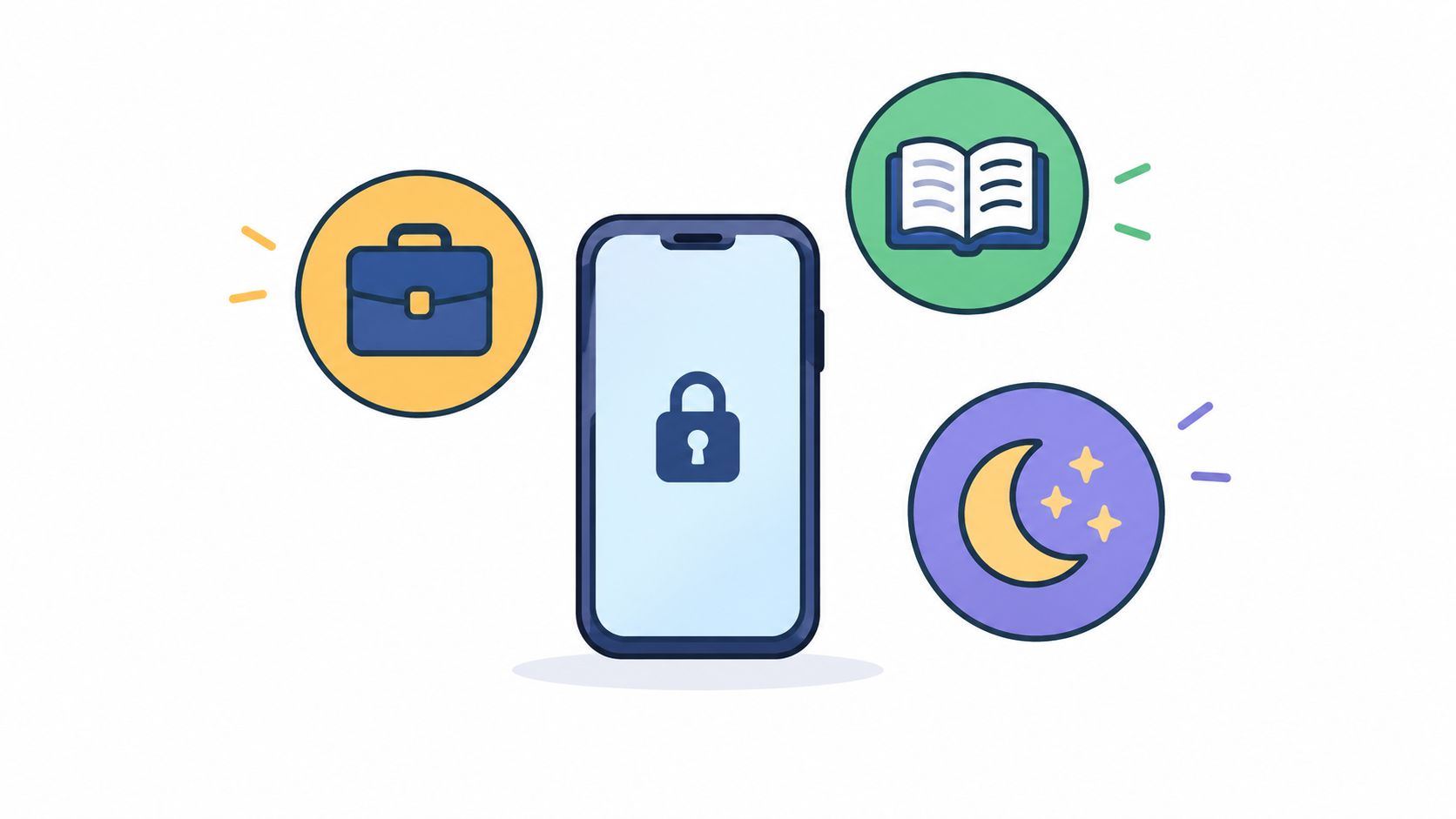
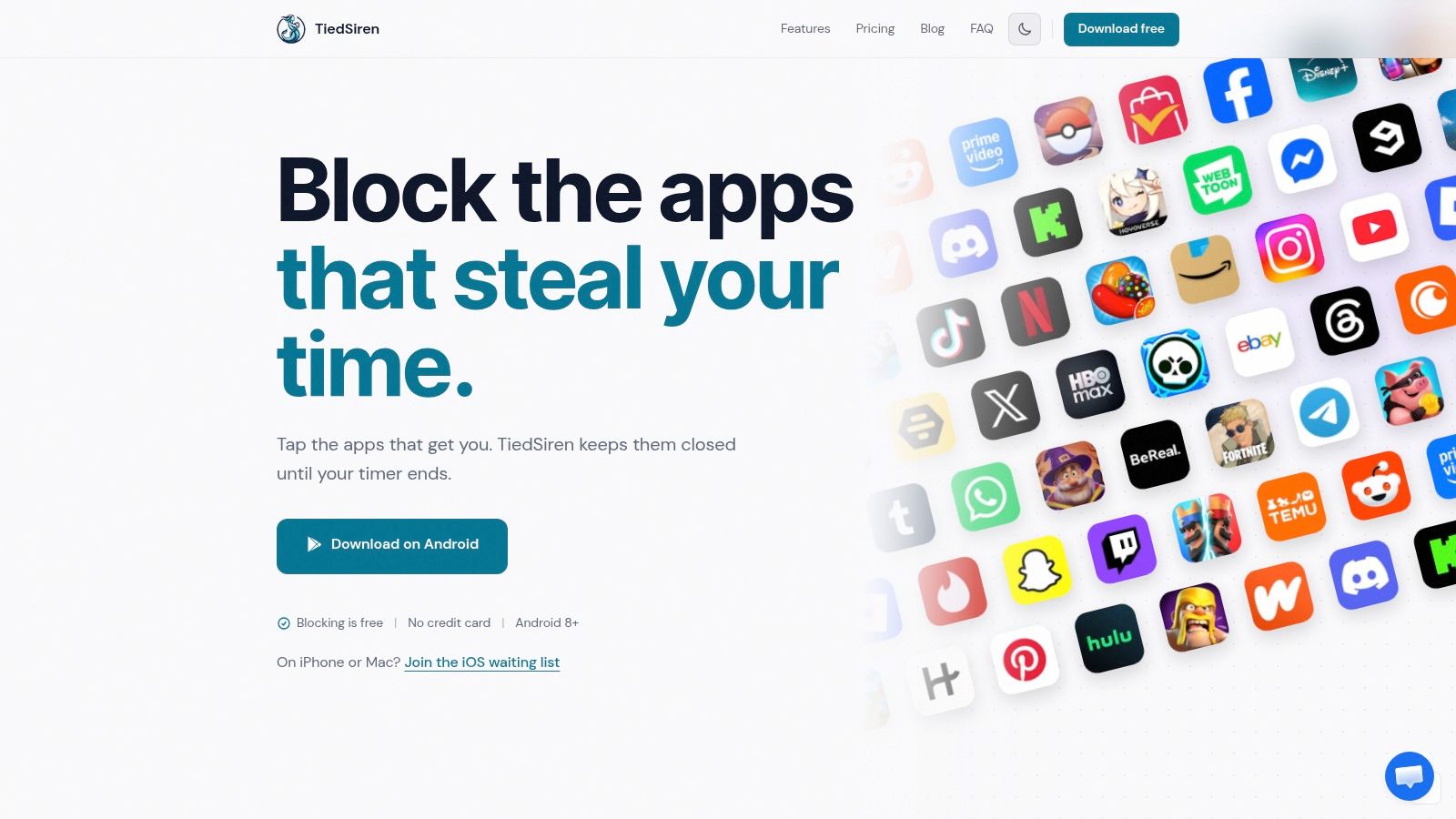
This one is for the distraction itself, not for another dashboard. You choose the apps that pull you in, group them into blocklists by context, such as study, work, or sleep, and commit to a duration before the session starts. A focus timer shows the time left. Websites can sit on those same lists, so the browser tab is not a side door around the apps.
What holds after you start
Strict Mode is the reason to look here. Once a session is running, the countdown is the only thing that ends it. While that session runs, TiedSiren also blocks the Android Settings screen, which raises the cost of turning the block off. That is friction against the impulsive bypass, the one done in five seconds without thinking. It is not an absolute lock. Someone determined enough can still get through with ADB or safe mode.
Scheduled sessions repeat daily or weekly, so a study block can start without a fresh decision every evening. Blocking apps and websites, the lists, and those schedules are free, with no ads and no credit card. Sarah K. wrote, "My screen time dropped 40% in a week." Treat that as one person's report, not a promise about your grades.
Name the apps that actually steal the hour, set the duration first, and let the timer be the exit.
In a controlled university classroom study, unrestricted smartphone access reduced learning gains, and researchers at Carnegie Mellon estimated that each 1-percentage-point increase in the share of distraction time assigned to smartphones reduced performance gain by 0.13 points. Judge a blocker on whether it changes that share during a set window, not on how many charts it draws. It runs on Android 8.0 and later. iOS, macOS, and Windows are not released.
2. Notion
Notes in one app, the assignment list in another, the syllabus as a PDF you cannot find. Notion is the workspace you build yourself: class notes, reading lists, an assignment tracker, and shared pages for group work, with pages, databases, task lists, and calendars in one place.
The trade-off is setup. A blank workspace is flexible, and flexible means you can spend a weekend designing a system instead of reading the chapter. Eligible individual students at accredited colleges and universities can get the Education Plan free with a school email, which matters because the free individual plan has a 5 MB file-upload limit. Education Plan terms and eligibility are not the same as that free plan, so read them before you migrate a semester of files.
Best fit: you want one home for your entire academic life and will maintain it.
Skip it if: you abandon tools the week they need tidying. A complicated workspace becomes another system, not a solution.
3. Todoist
When the failure is "I forgot the deadline existed," you do not need a planning cathedral. Todoist is for turning due dates into actions. Put each class in a project, break a long paper into smaller steps, and let weekly readings repeat on their own.
The free plan includes reminders and up to five personal projects, which covers a normal semester if you do not also track your entire life in it. Adding a task takes seconds, so the list survives a busy week instead of collapsing the first time you fall behind.
- Speed: capture the task when you hear it, not after class.
- Shape: list or board, whichever you will still open on Friday.
- Limit: filters, some calendar tools, and extra projects sit on Pro.
It will not replace a course planner or your notes app, and it does not try to. Use it as the action list, then stop adding features.
4. Forest
Starting the work is the hard part, and Forest prices that in. Start a timer, a tree grows, quit early and the tree dies. Plant Together sessions run the same bet alongside other people. Progress reads as a forest instead of a guilt chart.
Android users get Time Guard app blocking, and browser extensions exist, but coverage depends on the platform and the permissions you grant, and the free-versus-paid line shifts, so check what the app shows today. Download counts and store badges say the app got picked. They stay silent on whether it survives a bad Tuesday. The bigger limit is friction: the cost of quitting is one dead tree, and a symbolic loss holds some nights and loses others.
What stands between you and the quit button is emotional: a dead tree, some guilt, a smaller forest. That holds if your problem is starting. It is thinner if your problem is stopping.
Undergraduate students switched between academic work and their phones an average of 3.52 times during a 60-minute class, lab, or study session, according to a study in PMC. A visible timer makes those switches feel expensive, though it will not plan your semester. If concentration fails first, why you can't concentrate on studying covers the harder version of that problem. Pair Forest with one planner if deadlines are also slipping.
5. MyStudyLife
Rotating timetables, five subjects, exams stacked at the end of term. MyStudyLife is built around that school structure instead of a blank page. Classes, including rotating and custom schedules, sit on one calendar with homework, exams, and reminders. Web, iOS, and Android all reach the same planner.
The core timetable, calendar, homework, and exam tools are free, and the free plan includes a first timetable scan plus some Scout AI use. The ceiling is blunt: the free version limits you to five tasks at a time. Unlimited tasks, repeating tasks, calendar sync, and unlimited Scout AI require MSL+.
Check any AI plan against the syllabus and what the instructor assigned. No planner knows the reading that was announced in the last ten minutes of lecture. If the week keeps disappearing, start with time management strategies for college students and then put only the confirmed dates into the calendar. Best if you want a school planner that needs almost no setup.
6. Microsoft OneNote
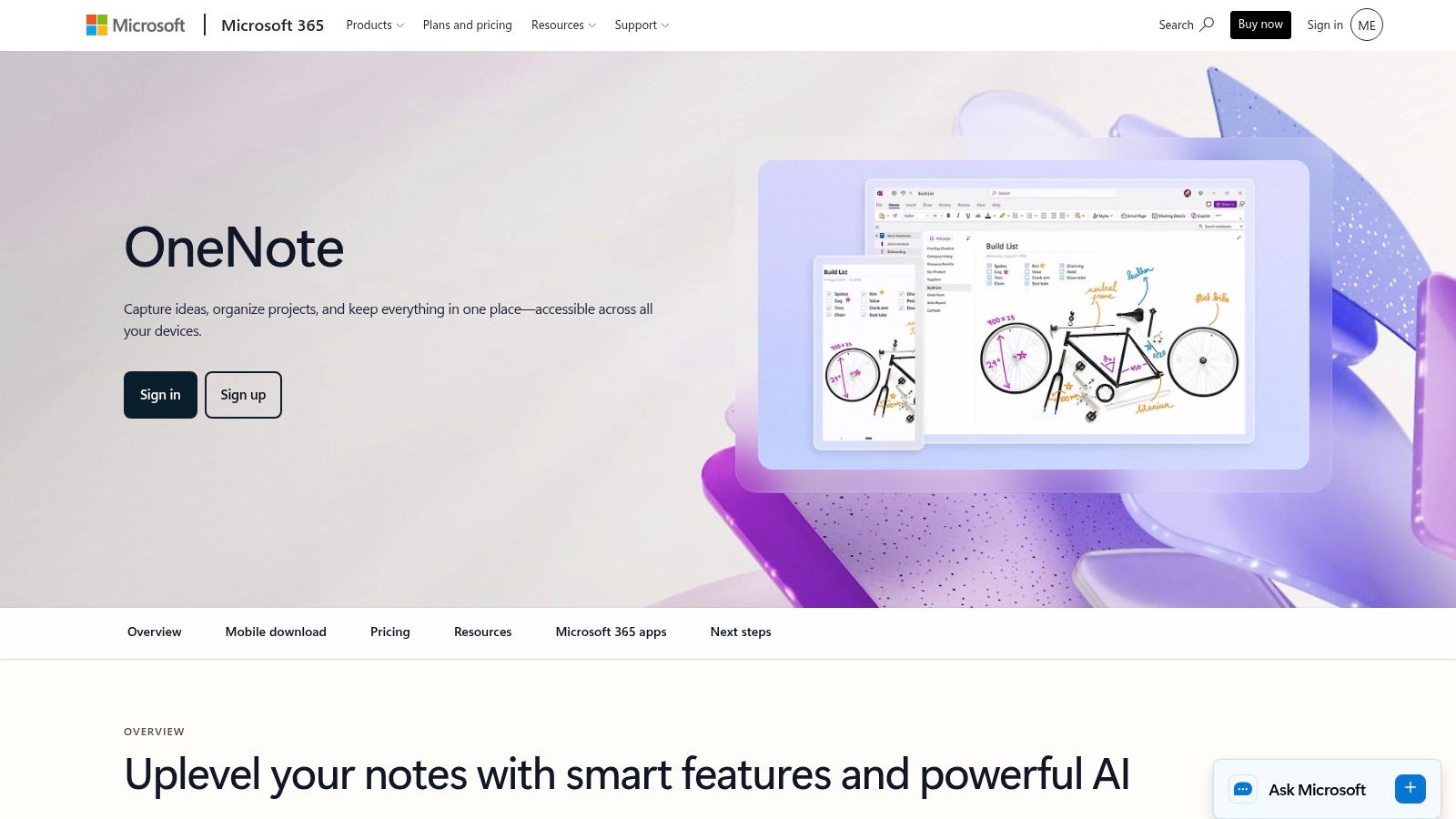
Handwritten notes and diagrams do not belong in a plain text box. Microsoft OneNote uses notebooks, sections, and pages, which maps onto classes without a custom build. Typed text, handwriting, drawings, and images can share a page. Sync runs through a Microsoft account on mobile, desktop, and web, and the Android app is free as a standalone app.
That account is required on Android. Storage, and some wider Microsoft 365 benefits, depend on the account or plan you already have.
The honest weakness is the canvas. It rewards a consistent section per class and punishes dumping every lecture into whatever page was open. Search and review get worse the longer you do that. If you use a stylus, or your lecture notes mix sketches with sentences, this is the notes app. If you only type short bullets, a simpler page is enough.
7. Anki
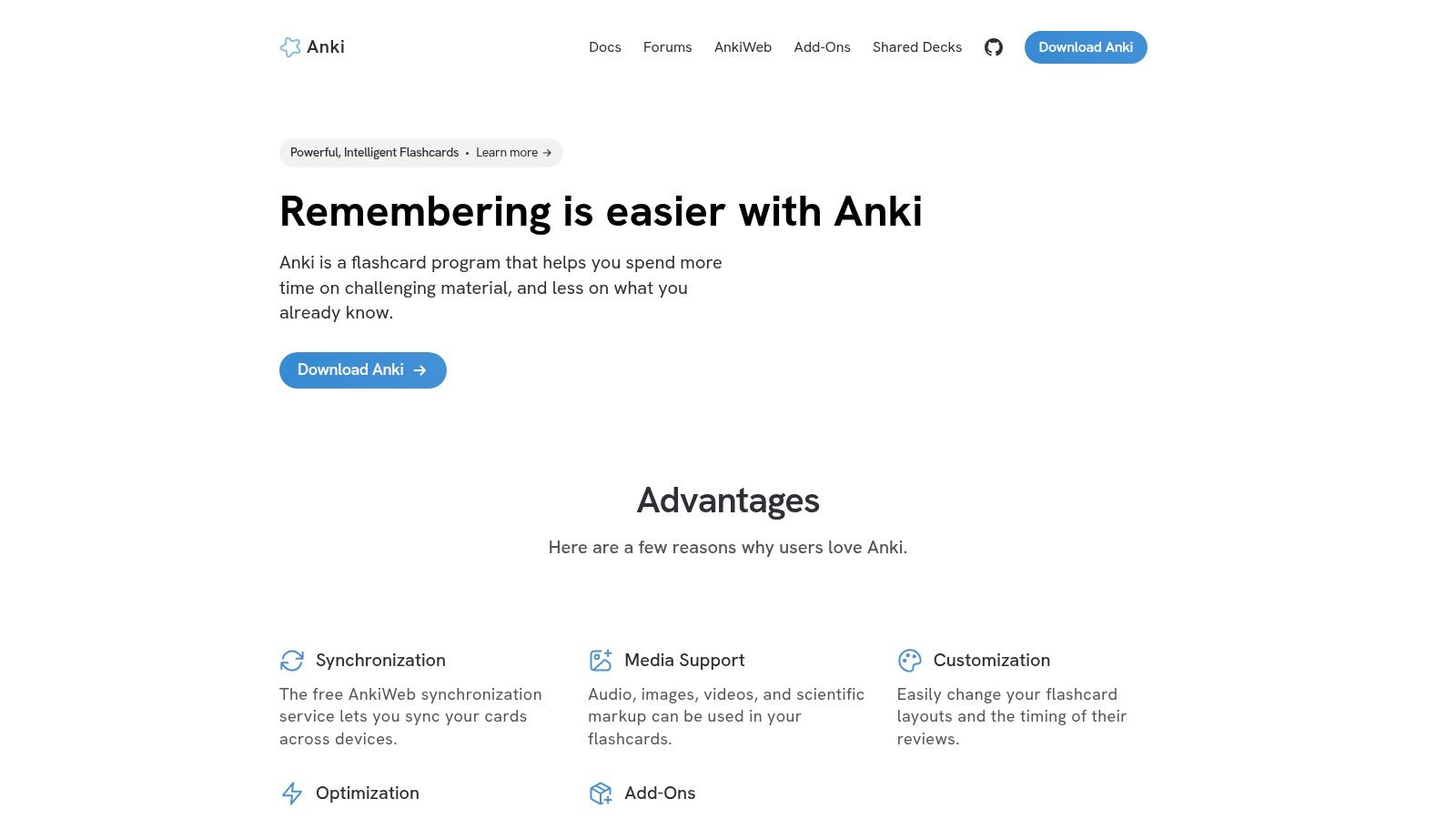
Anatomy terms, vocabulary, formulas, law definitions. Anki schedules each card by how well you recalled it, so hard cards return sooner and easy cards wait. Desktop software is free, AnkiDroid is the free Android app, and AnkiWeb sync keeps decks lined up across devices. Cards can hold audio, images, video, and scientific notation. Desktop add-ons exist if the base app feels thin.
The cost is front-loaded. Writing good cards takes real time, and the interface is less polished than simpler flashcard apps. Shared decks vary in quality and often do not match your course. Do not memorize a stranger's deck until you have checked it against your own materials.
Students who get through the first two weeks usually keep it for the rest of the degree. If you want the recall habit without drowning in rereading, how to study faster is the companion problem. Anki is the tool after you already know which facts have to stick.
8. Quizlet
You need a review set before the quiz, not a perfect system for the next four years. Quizlet lets you search an existing library, practice in several modes, and swap sets with classmates. Five minutes can get you to a usable session. That speed is the whole appeal.
Trust is the trade-off. User-created sets vary in accuracy. Anything you did not write should be checked against the lecture or the textbook before you memorize it. Some practice modes sit behind the paid tier, and what the free plan includes changes, so look at the current upgrade screen instead of an old screenshot.
Use Quizlet for a fast pass and for group study. Use Anki when the course is mostly memory and you will be reviewing for months. Running both at full effort usually means maintaining two decks and trusting neither.
9. Zotero
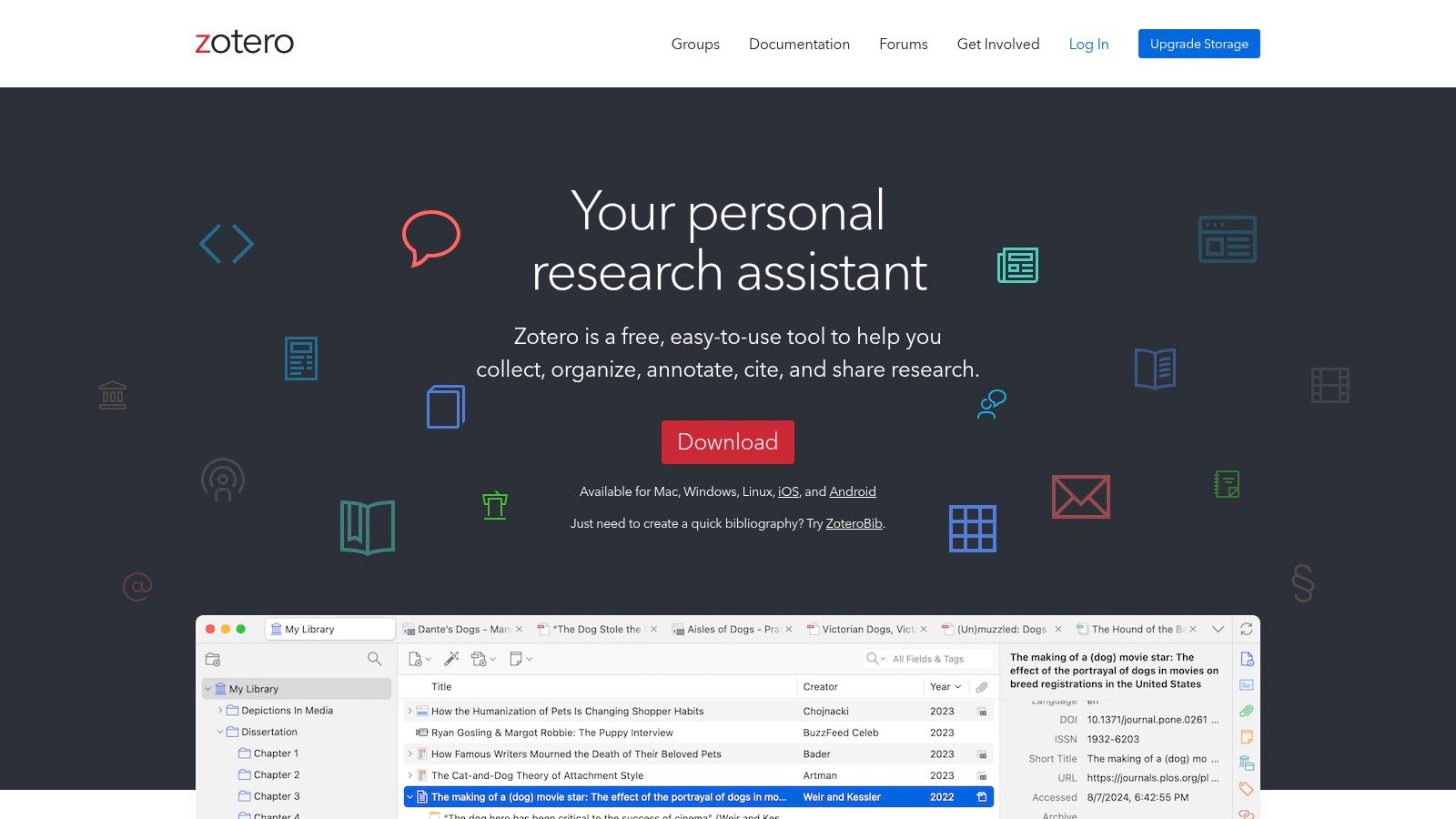
A paper with more than a handful of sources should not live in a folder of random PDFs. Zotero saves citation details from web pages and research databases, sorts sources into collections and tags, and builds citations and bibliographies in Word, LibreOffice, and Google Docs. It supports more than 9,000 citation styles, and it is free.
Expect a short learning curve. Free online file storage is limited if you sync a lot of PDFs, so keep only the files you will cite. Imported data sometimes needs a manual check. That check is still faster than formatting forty references by hand the night before submission.
Best for anyone writing cited papers more than once a term. If this term is mostly problem sets and lecture notes, leave it uninstalled until the first research essay is assigned.
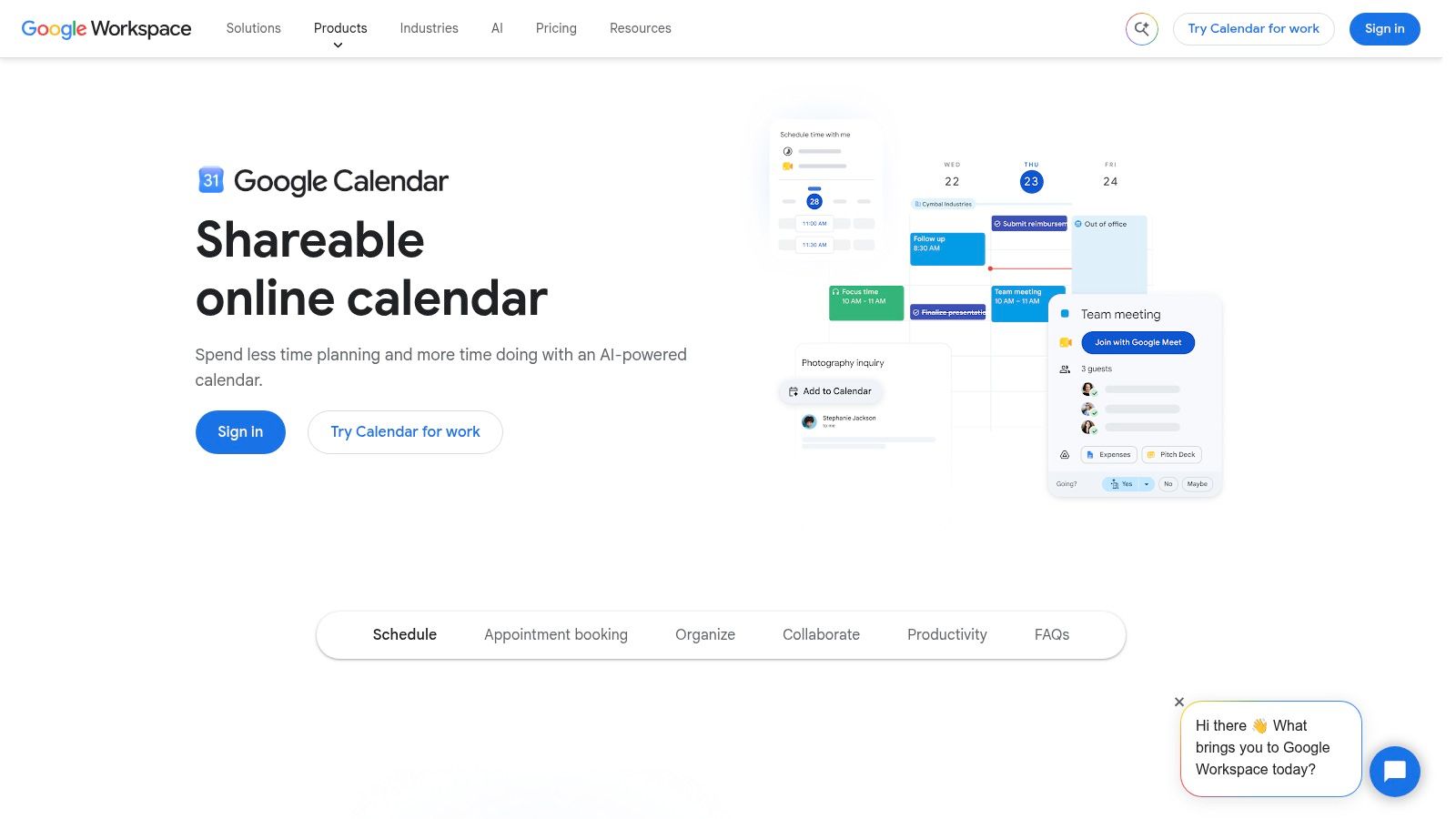
10. Google Calendar
Three deadlines land in the same week, and you notice on Sunday night. Google Calendar puts lectures, exams, deadlines, and recurring study blocks on one grid, in day, week, or month view. You can share a calendar and send invitations. The Android app is the straightforward one if you already live in a Google account.
Nothing here is automatic. You type the dates and you keep them current. It will not organize subjects, tasks, and exams the way a school planner does. That plainness is the point. It shows collisions. It does not pretend to manage the course.
Use it as the scheduling layer under everything else. Block the study time around classes you cannot move. If you need rotating timetables and exam objects built in, go back to MyStudyLife instead of forcing the calendar to fake them.
All 10 apps at a glance
Ten apps, ten different jobs. Read down the first column and stop at the row that names the problem you have.
| Best for | Platform | Free tier | Category |
|---|---|---|---|
| TiedSiren, blocking distracting apps and websites | Android; other platforms waitlist only | Core blocking, blocklists, scheduled sessions and Strict Mode are free, with no credit card, no trial and no ads | App and website blocker |
| Notion, organizing notes, assignments, and course materials in one workspace | Web, desktop, and mobile | Free individual plan; eligible students can get the Education Plan free | Workspace and note-taking |
| Todoist, managing assignments and recurring tasks | Web and mobile | Free plan includes reminders and up to five personal projects | Task manager |
| Forest, making focus sessions more engaging | Mobile apps and browser extensions | Free on Android and as a browser extension; the iOS app is a paid download | Focus timer |
| MyStudyLife, managing class schedules, homework, and exams | Web, iOS, and Android | Core planner is free, with a five-task limit | Student planner |
| OneNote, taking handwritten, visual, and typed notes | Web, desktop, and mobile | Free standalone Android app | Note-taking |
| Anki, memorizing course material with spaced repetition | Desktop, Android, and web sync | Desktop software and AnkiDroid are free | Flashcards |
| Quizlet, starting quick reviews and sharing study sets | Web and mobile | Free tier available; some features require payment | Flashcards and study tools |
| Zotero, organizing research sources and citations | Desktop and browser tools | Free to use; online file storage is limited | Citation manager |
| Google Calendar, scheduling classes, deadlines, and study blocks | Web and Android | Free to use | Calendar |
Every row has a working free tier, so price is rarely the filter. The filter is whether the free version still works at the moment you need it, whether that is a locked session, a deadline reminder, or a flashcard deck the night before an exam.
How to Combine These Without Drowning in Apps
Install five, not ten. One blocker, one planner or calendar, one notes app, and one memorization tool. Add Zotero only when a paper needs citations. Each extra app is another system you have to open, update, and feel bad about abandoning.
A workable Android stack is TiedSiren for the session, Google Calendar or MyStudyLife for dates, OneNote or Notion for notes, and either Anki or Quizlet for recall. Todoist belongs in that stack only if deadlines die in your head before they die on a calendar. Forest belongs in it only if starting is the hard part and you do not already have a session you cannot casually cancel.
Heavier smartphone use, especially social and entertainment use, lines up with less study time, weaker concentration, and more procrastination, while higher-achieving students still use phones for course materials and research, in a 2025 study of 637 university students. Less phone use is not the goal. Fewer unplanned switches during the hour you already named is the goal.
Match the tool to the failure that hit you.
- You disable the block when the urge hits: a session you decided in advance, with a recurring schedule and Strict Mode, so the countdown is the exit.
- You lose deadlines: a calendar or a school planner, not another notes database.
- You cannot find the lecture: one notebook structure you will still recognize in week ten.
- You reread and still blank on the test: cards, not more highlighting.
TiedSiren is free to start on Android 8.0 and later, with no ads. Ready to hold the decision you make before the feed opens, install it from Google Play or from the TiedSiren download page.
TiedSiren is the Android blocker for the study hour you keep negotiating away. You pick the apps, set the duration, and Strict Mode plus a recurring session hold that choice until the timer ends. If that is the failure your current tools never fixed, start with TiedSiren.