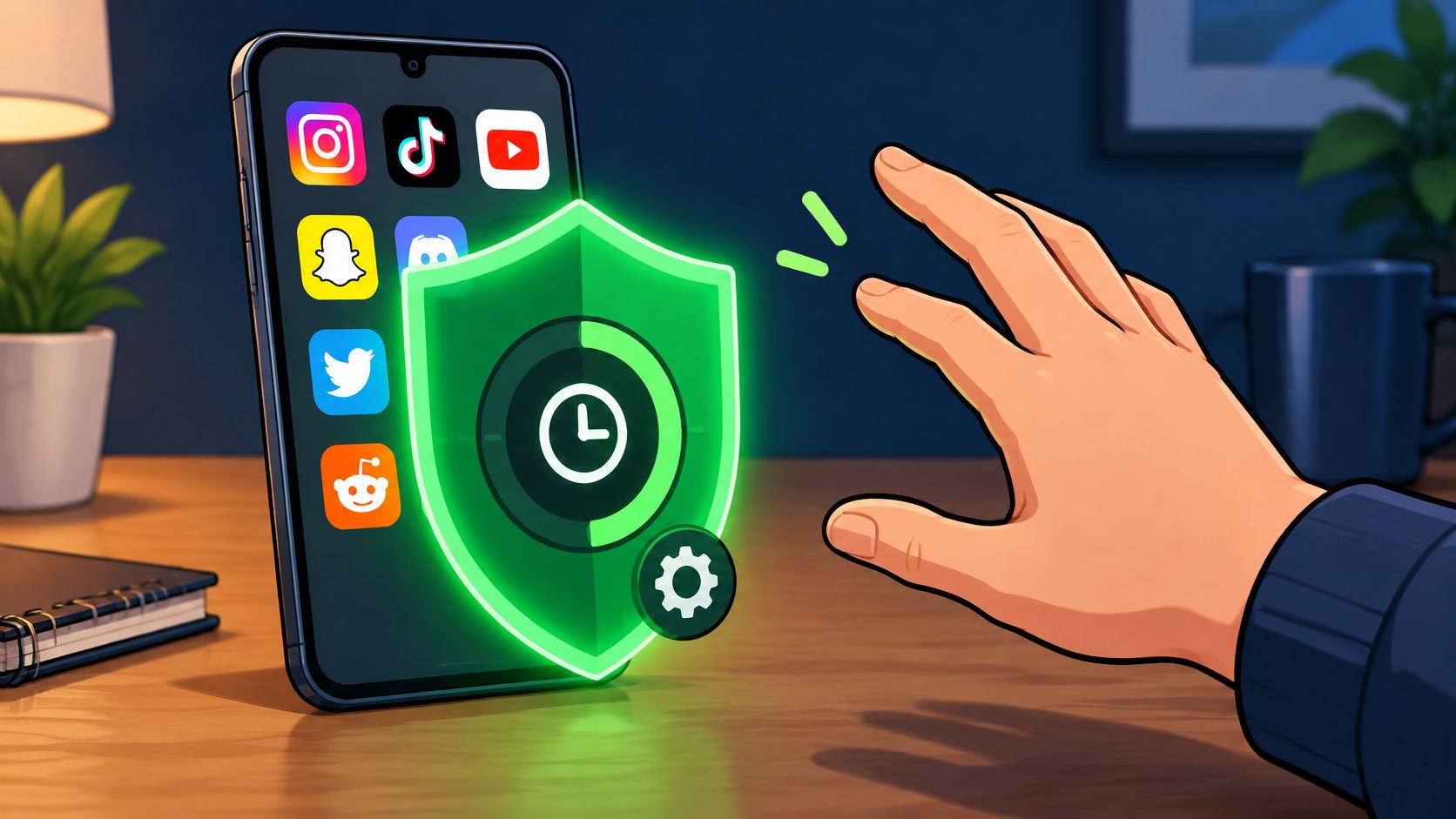
You installed a blocker on a calm afternoon, set it up with good intentions, and switched it off at 11 p.m. on a Tuesday. I have done that too. The setup felt serious in daylight. At night the exit was still one tap away, and the tap won.
You are not short of screen-time charts. You are short of a limit that survives the minute you want it gone. These are signs of phone addiction in that narrower sense. They are signs to notice, not a diagnosis.
The chart can look loud while the real tell is quiet. You set a stop, and you removed it yourself.
TiedSiren is a free Android app that blocks the apps you choose for a duration you set before you start, and it runs on Android 8.0 and later. If you use an iPhone or a desktop, the signs below still apply to you, though the tools you use to act on them will differ.
Seven patterns follow. Hours are a weak signal when the work is maps, calls, or study. The pattern that matters is the one you repeat after you meant to stop.
1. Reaching for Your Phone Without Deciding To
Your thumb is on the glass before you have a reason. The kettle is on. You are in a queue. Someone is halfway through a sentence. The check happens under the decision, not after it.

That reach is the earliest of the signs of phone addiction I trust, because it does not need a long session to show up. A student leaves the phone on the desk during revision and finds it open again and again with no message waiting. A developer reaches for it each time a build bar fills, then looks up still in a feed.
Compulsive checking is its own warning, separate from "I use my phone a lot." A recent student assessment scored duration, academic disruption, compulsive checking, and the reaction when access stops as different questions. In 2024, Reviews.org, via Yahoo Tech, reported that Americans checked their smartphones an average of 205 times per day, up 42.3% from 144 checks in 2023.
What to notice before the reach
For one day, note each time you open the phone and the moment just before. The trigger beats the total.
- Boredom gap: a kettle, a loading bar, a pause in a meeting.
- Notification shape: you check because the phone might have something, not because it does.
- Thumb zone: the apps you hit are the ones sitting on the home screen.
Pull those apps off the home screen so each check takes an extra step. If the reach returns after reminders, a block you set before the cue beats another nudge. TiedSiren's session blocks the apps you pick for a duration you set before you start, and while it runs the timer is the only way out. If the reach feels automatic, read how to improve impulse control and pick one cue to interrupt.
2. Losing Track of Time Inside an App
You opened one app for a minute. The light in the room changed. You cannot name what you looked at.

Time loss is not "I spent an evening on my phone." It is that you did not choose the length, and you would have chosen a shorter one if someone had asked at the start. Infinite feeds and autoplay delete the stopping points a chapter or a conversation still has.
Say a knowledge worker plans a ten-minute break and surfaces much later with no sense of the path. Or a gamer opens one match at lunch and the session runs across work hours that were supposed to stay clear.
Your guess against the usage screen
Using the phone longer than you meant is a screening sign, not a vibe. A pooled analysis of the short Smartphone Addiction Scale, covering 31,425 participants, found that 20.1% met a problematic-use definition, with a score of 32 or higher out of 60 commonly used as the threshold, as described in this screening-scale review. The scale is a screen, not a diagnosis.
Compare your estimate with the app-level usage screen for a week. Block the apps at the top first. A stop you chose before the feed is easier to keep than one you bargain for mid-scroll.
Strict Mode ends the session only when its timer ends, so the window holds when you would rather cut it short. The clip below shows how a feed is built to erase a natural end.
3. Failing Again and Again to Cut Back
Sunday was going to be quiet. By nine you were back in the same apps. The sign is the repeat. The attempts last a few days, then land in the same place.
People who cannot cut back have often already tried. The plan breaks because the person who wants to stop is the same person who wants to continue, and the limit lives in a menu they can edit.
A 2020 systematic review of problematic mobile-phone-use scales reported that more than 50% of participants in a study by Parasuraman and colleagues (2017) said they would not stop even though excessive use was hurting daily life. The same review describes withdrawal-like dysphoria, anxiety, and irritability after time without the phone. That is failed self-stop, not a fondness for gadgets.
Where the last attempt broke
A student installs a blocker before exams, turns it off on a slow evening, and reinstalls it the next week. A knowledge worker sets a daily cap, then raises it every time a busy day hits the cap.
- Start narrow: the first hour after waking, not a vague plan to use the phone less.
- Name the broken step: if you opened settings and changed the limit, the next plan needs friction there.
- Retire the stronger promise: willpower in the weak minute is the part that already failed. More on why willpower won't fix phone addiction.
A blocker you can end in a few taps trains the undo. TiedSiren blocks the Android Settings screen while a session runs, which raises the cost of that impulsive undo. It does not make the block impossible to bypass. It is meant to beat the bypass you do in five seconds, before you have thought it through.
4. Using Your Phone to Escape a Bad Mood
You feel flat, anxious, or bored, and the phone is the first tool. It works for about ten minutes. Then the mood is back, with a layer of guilt for the scroll.
The break is not the problem. The problem is that the phone becomes the only move, so the feeling never gets another response, and the habit gets paid every time it seems to help. If you open it to change how you feel, rather than to see something specific, treat that as a clear signal.
A student opens a social feed when an exam question feels too hard, then closes it more worried about the question. A developer scrolls short videos after a rough code review instead of reading the comments.
Separate the feeling from the app
Name the feeling in one word before the screen comes on. Bored. Tense. Flat. The word makes the trigger visible.
Keep a walk, a glass of water, or a short task closer than the phone, and try one of them first. The phone can stay the second option. It should not be the only one.
If low mood or anxiety keeps driving the reach, speak to a doctor or a counsellor. TiedSiren can hold the apps you pick during the hours you choose. It is not a treatment for the feeling itself.
5. Phone Use Cutting Into Sleep
You picked a bedtime. The phone is still the last light in the room. Late use is one of the signs of phone addiction that is easiest to act on, because the clock does not move.
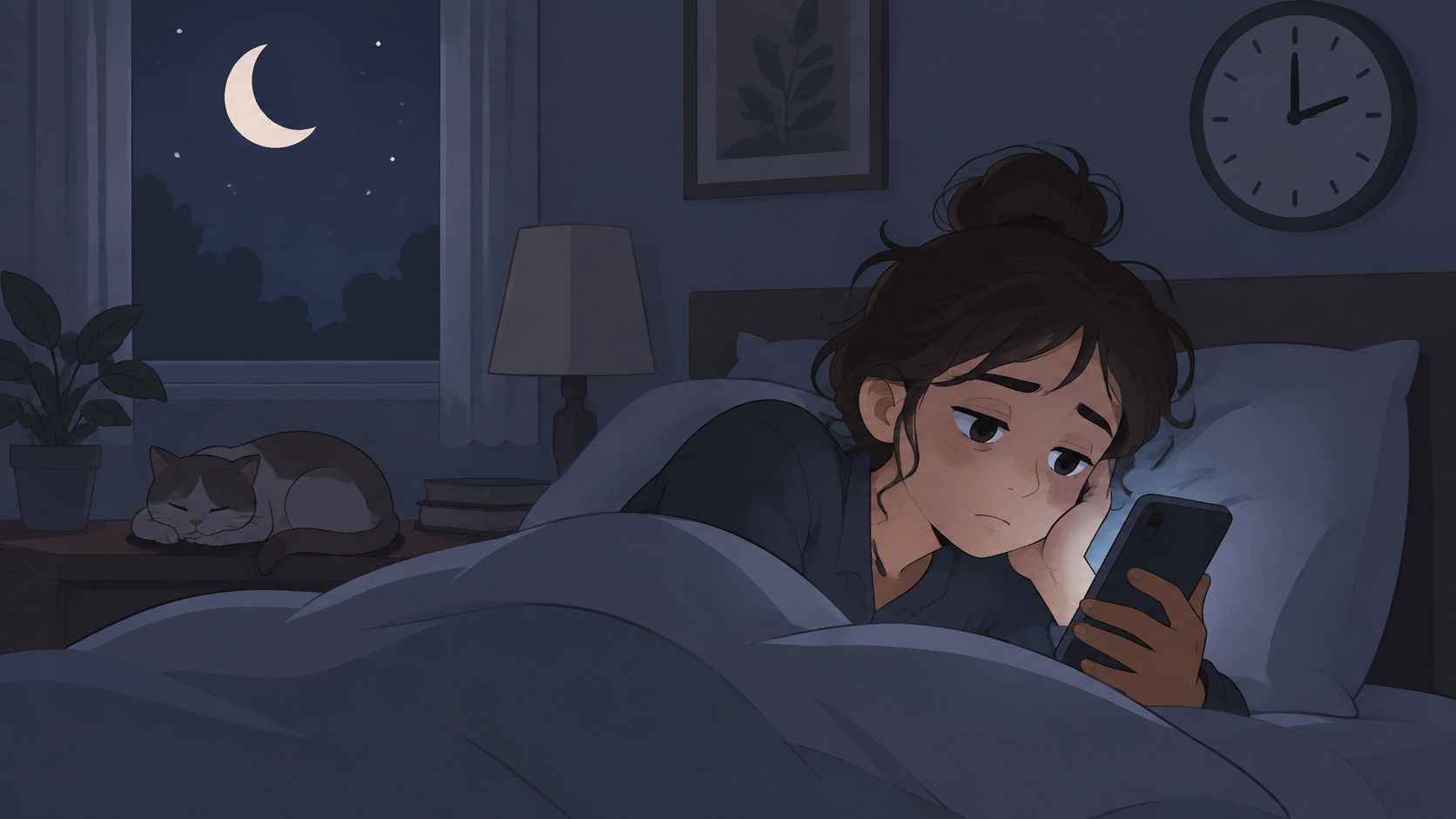
A 2016 meta-analysis of 20 studies involving 125,198 children found that bedtime device use was linked to 2.17 times higher odds of insufficient sleep and 2.72 times higher odds of excessive daytime sleepiness. In a 2025 study, 85.7% of the sample regularly used smartphones before bed. Having the device in bed is already part of the pattern, even before the long scroll.
Make the night decision once
A student plans to study until midnight, spends the last hour in a video feed, and wakes tired for an early class. A knowledge worker charges the phone by the bed and checks messages in the middle of the night.
Charge the phone outside the bedroom. If you need an alarm, buy a cheap clock. In 2024, Reviews.org, via PCMag, found that 80.6% of surveyed Americans checked their phones within the first 10 minutes after waking. That morning reach belongs to the same loop as the night scroll.
TiedSiren's scheduled sessions can repeat daily or weekly, so the blocking window starts and ends without you touching the phone. The schedule runs on Android 8.0 and later.
6. Feeling Uneasy When the Phone Is Out of Reach
You leave the phone in another room and feel a pull to go back for it. You pat a pocket you already checked. Convenience is wanting the phone when you need a map. Unease is the sense that something is missing when you don't.
A 2026 study of separation from the phone found greater anxiety and weaker inhibitory control among people with problematic smartphone use. The anxiety was transient. It peaked briefly and declined before reunion, and the findings were not enough to classify the pattern as a behavioral addiction. The feeling is a signal, not a verdict on its own.
A developer starts deep work with the phone in a drawer and checks the drawer every few minutes. A student with the phone face down still feels unsettled when it leaves view in a lecture.
Whether the urge gets to rewrite the plan
The test is whether you can sit with the urge long enough to keep a boundary you chose earlier, or whether you lift that boundary as soon as the urge shows up.
Try one defined study block with the phone in another room. Notice whether the pull fades or spikes. Expect the feeling, name it, and return to the task before you act on it.
If the unease is strong, a locked block beats one long heroic break. Custom blocklists group the apps you use most by context, such as work, study, or sleep, so the block matches the room you are in. When cutting back feels like a loss rather than a choice, the addictions people find hardest to quit is a useful comparison, because the hard part is the same. Once a Strict Mode session starts, the timer is the only way out, so the block holds at the moment the urge is strongest.
7. Phone Use Causing Problems at Work, School, or Home
Someone else often sees this one first. A deadline slips. Dinner gets half of you. A manager asks why the report is late. You already know the phone was in the middle of it, and you used it again the next day.
Continued use after a real cost is the line between a heavy tool and a problem. Messaging, maps, study, games, and feeds are not the same behavior. High use for a job is not the same as use that overrides the job.
A review of problematic smartphone use puts the stronger markers on consequences and failed self-regulation. Missing planned work, trouble concentrating, disrupted routines, and repeated attempts to cut down that do not hold. The useful question is what you miss when you try to stop.

Start with the costly hour
A knowledge worker misses a client call because a break turned into a feed. During exam term a student's grades slip, and a parent keeps finding the phone in the study room.
- Three moments: list the costly ones from the past week and mark which involved the phone.
- One shared rule: no phone at the table, written where everyone can see it.
- One committed window: block the apps from those moments for a duration you set before you sit down.
Once that session starts, the timer is the only thing that ends it. Phone calls and emergency services stay available even while the block is running, so the window is for the feed, not for cutting yourself off from a real call.
How the seven signs differ in cue, setting, and first step
| Item | Main feature | Example scenario | First tip |
|---|---|---|---|
| Reaching for Your Phone Without Deciding To | Unlocking or checking without a clear goal | A student opens their phone eleven times during revision without needing to answer a message | Note each unlock and what happened just before it |
| Losing Track of Time Inside an App | Sessions last longer than intended, with little memory of what you viewed | A worker plans a ten-minute break but returns forty minutes later | Set a time limit and stopping point before opening the app |
| Failing Again and Again to Cut Back | Repeated attempts to reduce use are quickly undone | A student disables a blocker after one evening and reinstalls it the next week | Start with one specific situation, such as the first hour after waking |
| Using Your Phone to Escape a Bad Mood | Reaching for the phone to avoid stress, loneliness, or boredom | A student opens a social feed whenever an exam question feels difficult | Name the feeling before opening the phone |
| Phone Use Cutting Into Sleep | Phone use delays bedtime or starts as soon as you wake | A student spends the last hour before bed watching videos and wakes tired | Charge the phone outside the bedroom |
| Feeling Uneasy When the Phone Is Out of Reach | Restlessness or repeated checking when the phone is not nearby | A developer checks a desk drawer every ten minutes during focused work | Leave the phone in another room for one defined session |
| Phone Use Causing Problems at Work, School, or Home | Phone use continues despite missed commitments or concerns from others | A worker misses a client call while scrolling during a break | List the three costliest moments from the past week and identify those involving the phone |
What to Do Once You Recognize the Pattern
Pick the one sign that showed up most this week and write down the situation around it. "The first hour at the desk." "The walk back from the kettle." "The hour after you meant to sleep." A concrete moment gives you something to block. A label like "I'm just a phone person" gives you nothing.
Choose one block for that situation and set the duration before it starts. I would skip the total ban. Maps and work chat still have to function, and phone calls and emergency services stay reachable even inside a blocking session. Block the apps that showed up in your costly moments and leave the rest alone until that one window holds for a week.
On Android, TiedSiren fits this setup. Blocking apps, websites, blocklists, and scheduled sessions is free, with no credit card, no trial, and no ads. It runs on Android 8.0 (Oreo) or higher, which covers over 95% of active Android devices. You need an internet connection once to create the account. After that, blocking works offline, and losing signal changes nothing about a running session.
The difference from the blocker you already deleted is where the off switch sits. In Strict Mode, once a session starts, blocked apps and websites do not open and the timer cannot be cut short. No pause, no five-minute override, no confirmation prompt that lets you through. If you want more friction, turn on the optional Settings lock before the timer starts so the Settings app stays closed until the session ends. No Android blocker is impossible to bypass. What this removes is the impulsive one, the five-second undo at 11pm when you stop thinking.
You can stop at any time by uninstalling the app and deleting your account, and TiedSiren never sells user data or tracks which apps you use.
If the pattern is the reach, the lost hour, or the night scroll, TiedSiren holds the apps you chose for the duration you set before the urge shows up. Strict Mode keeps that session on the timer, and a daily or weekly schedule can cover study, work, or sleep without a fresh decision each night. Visit TiedSiren to get the Android app, then pick the situation, set the duration, and let the timer hold when you would rather undo it.