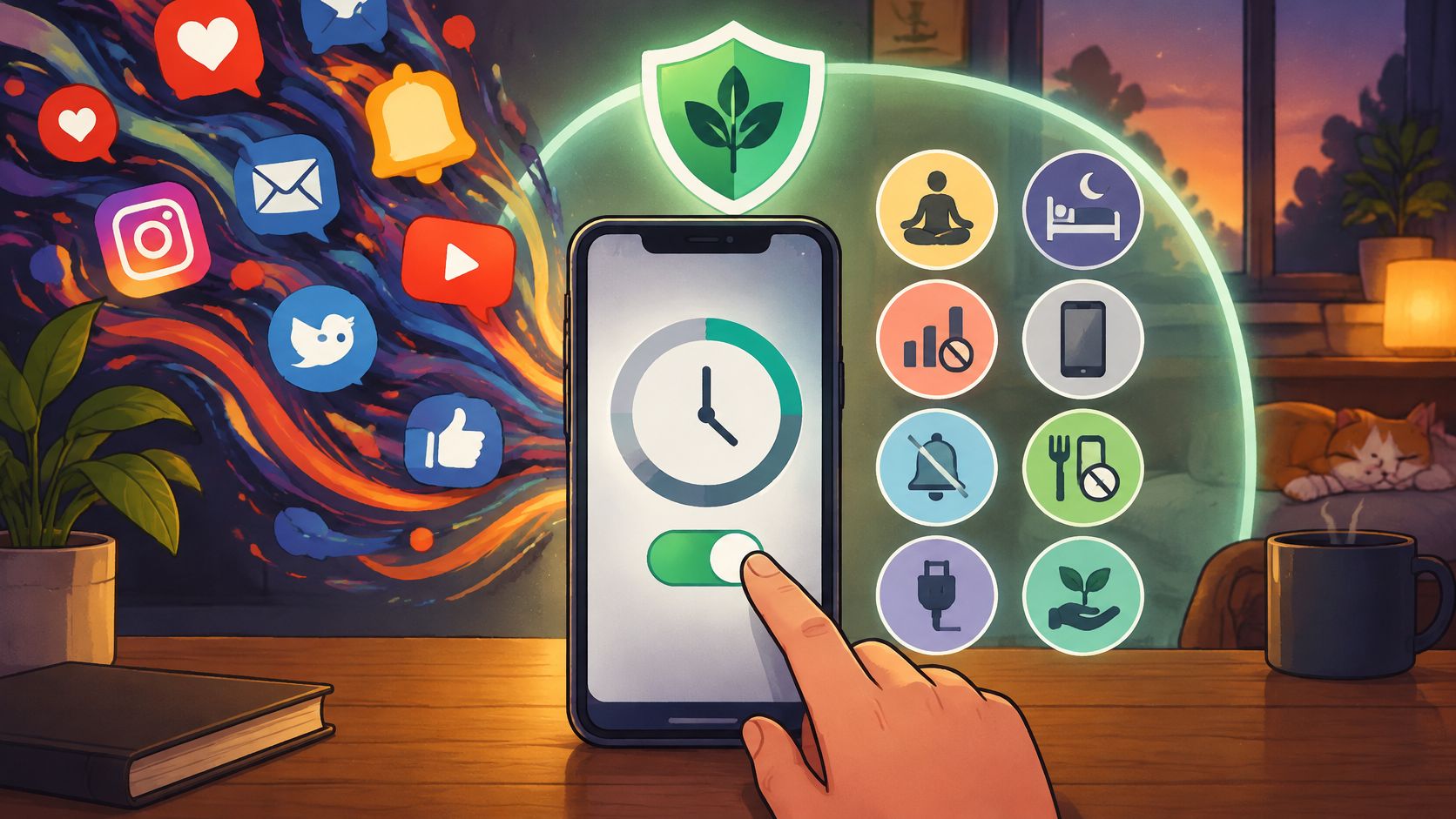
You picked the phone up to check one thing. A bus time, a reply from your sister, the score. Then the screen filled, your thumb kept moving, and the original task disappeared. Nothing dramatic happened in the middle. The app had more to show and no reason to stop showing it.
That gap between checking one thing and losing the evening is what people mean by scrolling issues. It's structural. The app never reaches a last page, and your way out sits on the same screen as the content. Knowing your weekly total doesn't fix either one.
The blocking tool described later runs on Android phones, from Android 8.0 onward. If you're reading on an iPhone, a Mac or a laptop, take the mechanism and the window design here and skip the app part when it appears.
What Counts as a Scrolling Issue
The ordinary version looks like this. You open Instagram to see whether a friend replied. No reply, but there's a fresh post at the top, and four more already loaded below it. You reach the bottom of that batch and another batch appears. Sometime later you look up and the room is darker than it was.
A scrolling issue is a session with no stopping boundary plus an exit that stays cheap. The feed never announces an end, and nothing stops you reopening the app you closed ten seconds ago. Those two conditions account for most of what people describe as weak willpower.
Three shapes you'll meet most often
- The endless feed. Instagram, Facebook, Reddit. Batches load on demand, so there's no page count and no end card to reach.
- The short-video queue. TikTok, Reels, Shorts. The next clip starts on its own, which puts the decision to stop inside a gap of under a second.
- The night check. The phone comes to bed for one message. The feed is still running 40 minutes later, because nothing in the room marked a length for the session.
Survey evidence separates awareness from behavior neatly. Ofcom's Adults' Media Use and Attitudes 2024 report found that 28% of social-media users believed they spent too long on social media, while 68% said they were comfortable with the amount of time they spent. The age split is wide: 48% of 16 to 24 year olds said they spent too long, against 8% of people aged 65 and over.
Read the two headline figures together and the useful lesson appears. Discomfort and comfort sit in the same population, and often in the same person on different days. Knowing the habit is costing you something doesn't stop the next tap.
The total tells you what happened. It doesn't decide what happens at the next tap.
So sorting the pattern comes before any timer. Each shape breaks in a different place, and a fix aimed at the wrong one is why so many people conclude that nothing works.
Match the Scroll to the Right Fix
Pick the row that matches the last session you regret, not your average Tuesday. The mechanism in that specific session is the thing worth changing.
| Pattern | What keeps it going | First change |
|---|---|---|
| Endless feed refresh | New items load with no last page | Stay out of the app on a timer set before you open it |
| Short-video autoplay | The next clip starts by itself | Keep those apps closed for the whole window |
| Notification pull | A sound grabs attention even if you never tap | Silence alerts and remove the app, not alerts alone |
| One-minute check | The session feels shorter than the clock | Do not rely on a prompt that still lets the app open |
| Night scroll | Nothing signals that the session should end | Use a recurring sleep window that starts on its own |
An endless feed has no last item, so the decision to stop has to happen somewhere other than inside the scroll. Put the app behind a timer you set while you're still thinking clearly, then let it run. Trying to out-argue a feed at the bottom of a batch is a contest you've already lost.
Autoplay is nastier because it removes the pause. A pause button only helps if you remember to press it, and the queue is built to keep moving. Keeping those apps closed for a full window treats the queue as the problem rather than your reaction to it.
The remaining three rows get less attention than they deserve:
- Notification pull. A sound costs attention even when you never pick up the phone. Muting the alert leaves the app one tap away once the thought has started, so silence and removal work together.
- The one-minute check. It feels short because you're estimating from inside the feed, and the feed offers no clock you trust. A prompt that still lets you open the app doesn't change the action.
- Night scrolling. Nothing in bed tells you when the session should end. A window that starts on its own beats a promise made at 11 p.m. by a tired person.
None of this is rare. A 2025 global estimate put average daily social-media use among internet users at 141 minutes, or 2 hours and 21 minutes (Statista's daily social-media usage figures). That's a population average rather than a diagnosis, and it shows the size of the habit you're trying to put a boundary around.
Why a daily target is a weak first move
A daily allowance is spendable anywhere. You can meet it by 9 a.m. or blow through it during the two hours you needed for something else, and the total reads the same either way. It measures volume and ignores timing, which is where the damage happens.
The two questions under all of this are why the feed is built to keep going, and why a limit you set yourself doesn't hold when the urge arrives.
Why a Screen Time Number Does Not Stop You
You've already done the sensible thing. You installed something, watched the weekly report land, felt the small drop in your stomach, and set a limit. Then the limit appeared at an inconvenient moment and you tapped through it without breaking stride.
That's not a discipline failure. It's what happens when a tool asks you a question you're not in a position to answer. At the moment the prompt appears, the urge is already talking.
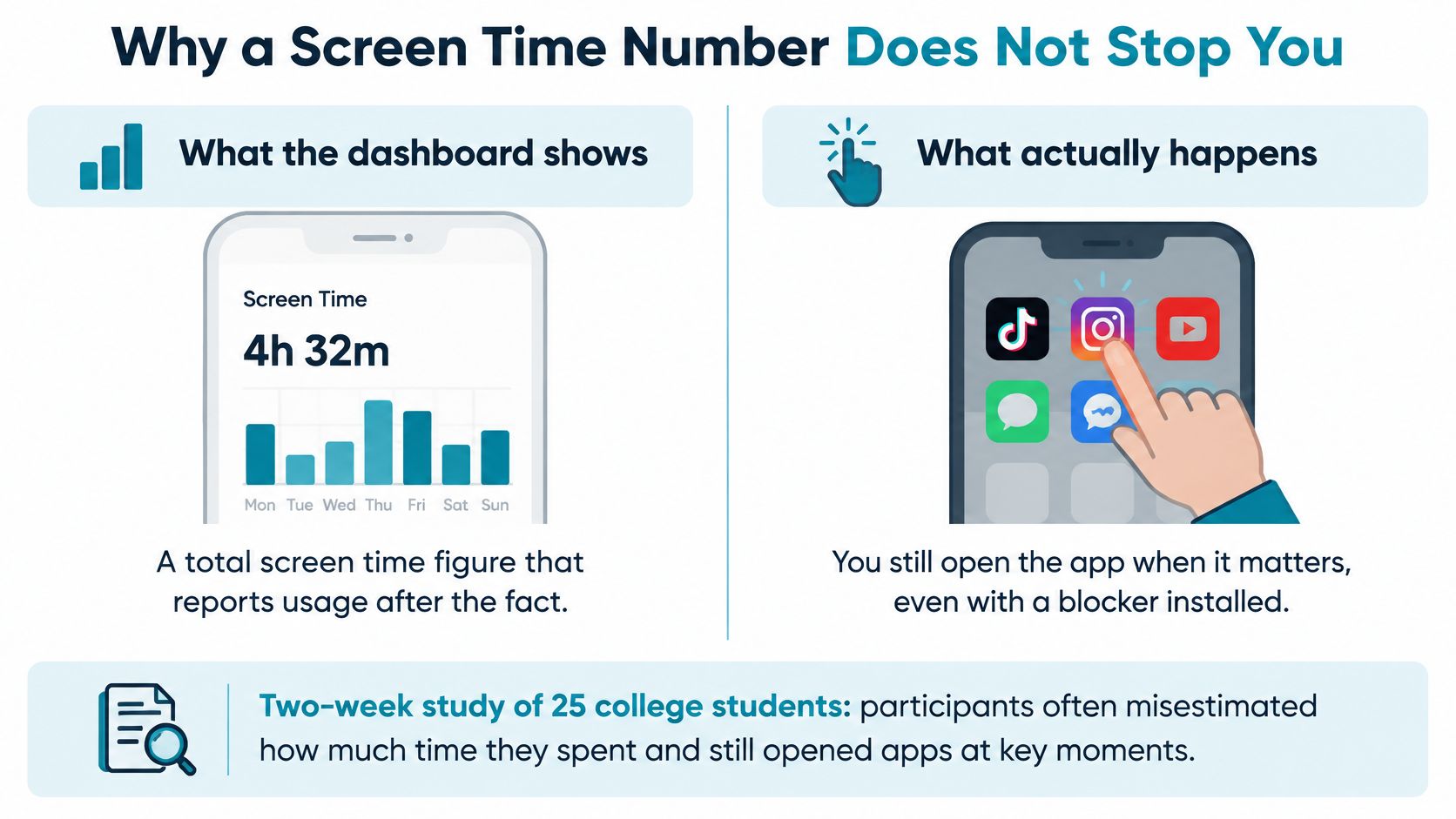
A two-week study of 25 college students found they frequently misjudged their own usage, typically underestimating productivity and social-media time while overestimating entertainment (study of smartphone use estimation). The split in the results matters more than the headline: smaller estimation errors went with greater satisfaction and self-control, and also with more stress and more difficulty sticking to goals.
So a more accurate picture helps and doesn't save you. Both are true at once, which is why arguments about whether tracking works never resolve.
Two kinds of help, often sold as one
A reflective tool shows you the pattern after the fact. A dashboard, a weekly summary, a line telling you Wednesday was heavy: all of it lands when the urge has passed, and it's useful for diagnosis.
A commitment changes what the phone will do while the urge is live. The app won't open inside the window you set, so there's no argument to win at the moment of weakness. One informs a decision you make later. The other makes the decision for the version of you that's already scrolling.
A limit you can cancel in the same breath as the urge is a request, not a hold.
Research on problematic smartphone use points at weak self-control and fear of missing out, and it doesn't sort people into personality types. Plenty of organized, disciplined people lose evenings to a feed. What separates them from people who don't is rarely temperament. It's whether the app is reachable when the impulse shows up.
There's a simple test. Look at the last time this went wrong. If you opened the app and overrode a limit you'd set, more charts won't be the fix. If you had no idea how much you were using, tracking is worth a week before you change anything else.
How the Feed Takes Away the Stop
A shelf that restocks itself before you reach the end has no back wall. You take something, keep walking, and nothing tells your hands the trip is over. Infinite scroll works the same way. Leaving a feed feels less like finishing and more like walking away mid-sentence.
A one-week field study of 46 participants asked why people leave social media and tied those departure reasons to how infinite scrolling is designed (study of departure reasons and infinite scroll design). The leaving decision is shaped by the interface rather than by how much resolve you brought with you.
The feed never supplies a stopping boundary of its own. A break prompt you can wave through, while the next post is still one tap away, leaves immediate access intact. A stronger interruption has to land at the moment of continuing, and it has to be more than a sentence on the screen. Otherwise the next item arrives, and the undo stays as cheap as opening the app.
Alerts are a second door into the same room
A one-week experiment with 221 people compared two setups: alerts on with the phone within reach and sight, against alerts off with the phone away. The alert-on group reported higher inattention and hyperactivity symptoms, and higher inattention predicted lower reported productivity and well-being (study of alerts, inattention and productivity).
The same pull shows up before you even choose an app. In a controlled attention task, notification sounds disrupted performance by about as much as actively using the phone for calls or texts (study of notification distraction on attention). The sound starts task-irrelevant thoughts while the screen is still locked. Silencing the alert and leaving the app installed only gets you halfway, because the path back in is still one tap.
The anticipation side of that loop, where the next item always feels like it might be the good one, is covered in how the social media dopamine loop keeps the next swipe interesting.
The design target is narrower than using the phone less. It's the next automatic item, the one that arrives without a stop you chose in advance.
Study Work and Sleep Windows That Fit
A window earns its place by covering the moment you lose, so start with the context rather than the clock.
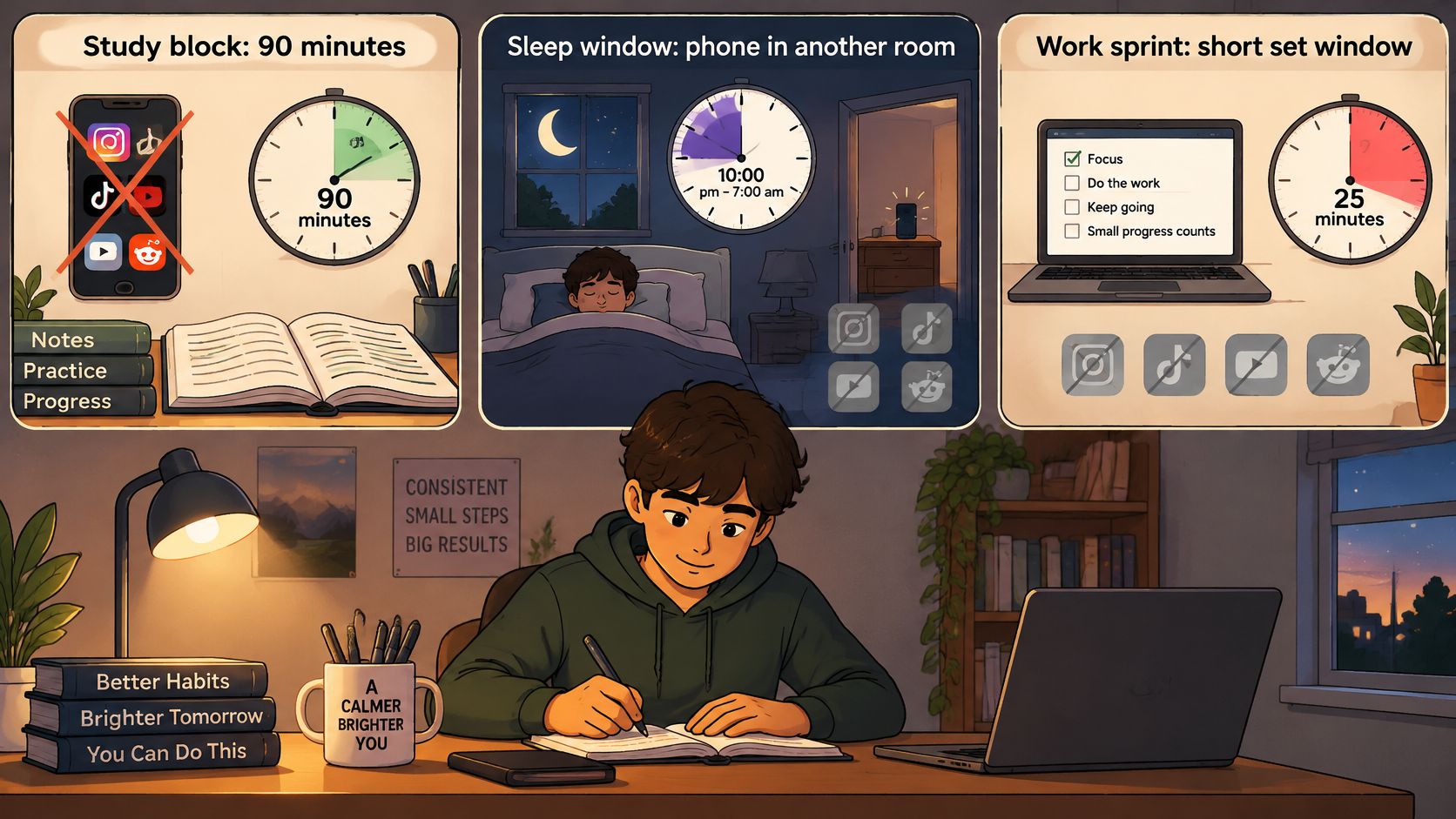
The study window: 90 minutes, on class days. Instagram, TikTok, YouTube and Reddit closed before the books open. The target is the first reopen during a hard problem, the one that turns a five-minute stall into a lost hour. Total daily hours are a side effect, not the goal.
The deep-work window: two to three hours, weekday mornings. The same feed apps, plus one mobile game if that's your real leak. Length matters because interruption research reports that workers switched activities about every three minutes, and that grouping activity changes into broader tasks still left work interrupted roughly every 11 minutes (review of interruption research). A five-minute lock never reaches the work.
The sleep window: evening until morning, repeated weekly. Feed and short-video apps, with a start time you choose while you're upright and can still be honest with yourself.
Change the list by context, not the whole phone
Blocking everything sounds decisive and fails within a day, because maps, messages from specific people and a banking app usually need to remain reachable. Group your apps by the context they wreck: a work list, a study list, a sleep list. The lists drift apart over time, which is useful information on its own.
Plan the exceptions before a session starts. A shared family phone, an on-call job, a night when someone might need to reach you: each one is a reason to choose the window and the app list with care in advance. None of them is a reason to keep an easy cancel inside the session itself.
For recurring windows that start without you touching anything, see how scheduled blocking removes the daily decision.
Write one window down before you look at any app: which apps, what time, how long, which days.
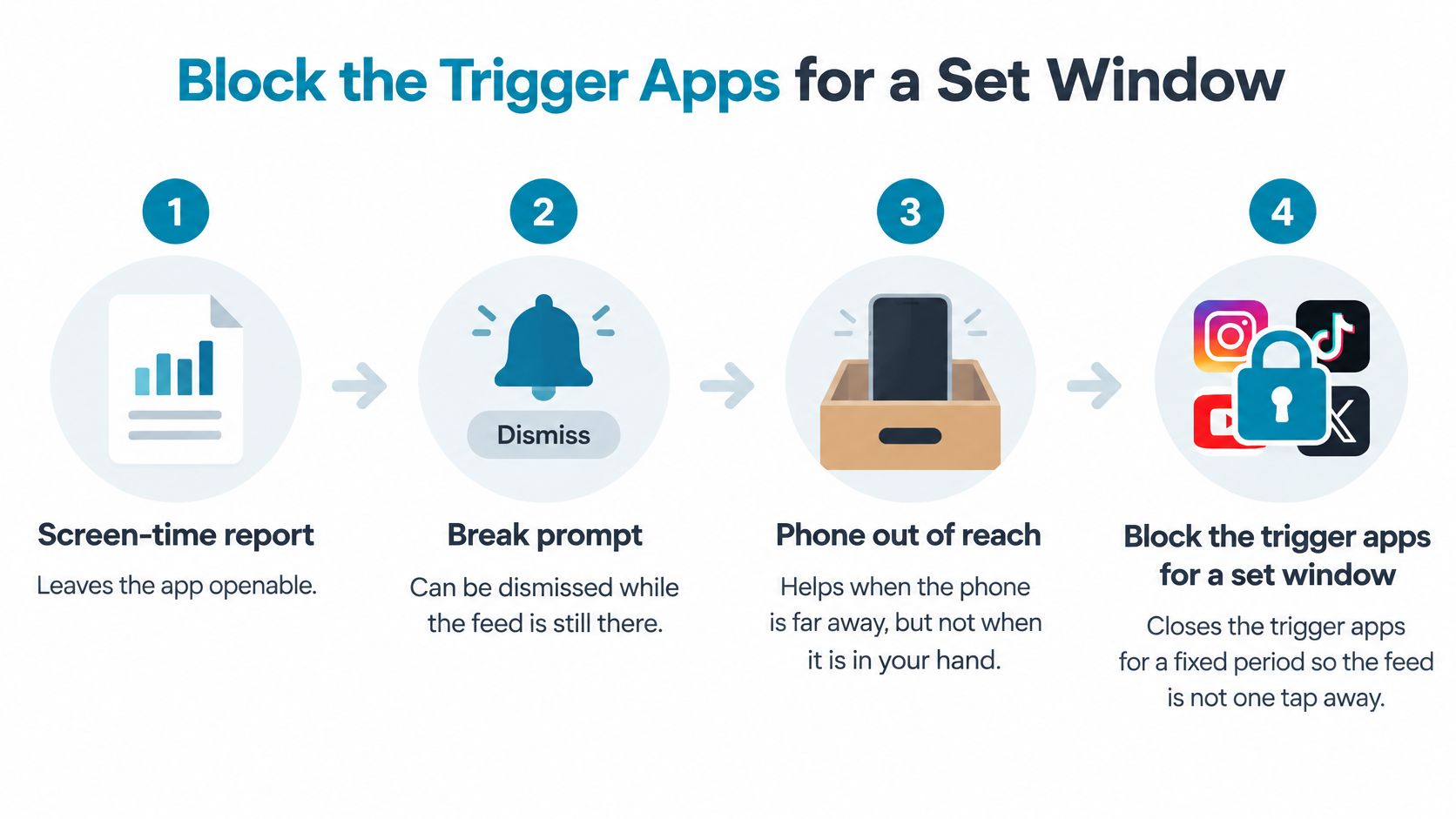
Block the Trigger Apps for a Set Window
Every option below leaves something possible in the moment. The difference is how far the off switch has moved.
| Approach | Still possible in the moment | Fits when |
|---|---|---|
| Screen-time report | Opening the app anyway | You need a picture of the habit later |
| In-app break prompt | Dismissing it and staying in the feed | You only need a nudge at a set minute mark |
| Phone left out of reach | Walking over to pick it up | The work spot lets you leave the phone |
| Committed app block | Waiting until the timer ends | The urge hits and you will not leave the chair |
A report leaves the app openable. A break prompt can be dismissed while the feed is still on screen. Putting the phone across the room works when the room cooperates: in a 2025 study of 22 people across two five-hour knowledge-work sessions, average smartphone use fell from 29 minutes with the phone within reach to 15 minutes with it out of reach, and disruptive notifications averaged 2.7 versus 1 (Frontiers in Computer Science study of smartphone proximity). The same study found that less phone use didn't automatically increase total work time, which is worth remembering when you expect one change to fix the whole week.
Where a committed block fits
It fits the row where you won't get up. The phone is in your hand, the feed is open, and no amount of good intention is going to put a door between you and the next item.
That's the case TiedSiren is built for. It's a free Android app for Android 8.0 and later. You choose the apps to block and the duration, then start the session. Custom blocklists let you group apps by context such as work, study or sleep, and scheduled sessions can repeat daily or weekly. A focus timer shows the time left.
Strict Mode is the part that matters here: a running session ends when its timer ends, and nothing else ends it. While the session runs, the app also blocks the Android Settings screen, which raises the cost of turning the blocker off. That defeats the impulsive bypass, the one done in five seconds without premeditation. It won't stop someone who has decided in advance to work around it, and we don't claim otherwise.
AppBlock, BlockSite, Cold Turkey and Stay Focused all block solidly, and nothing here suggests they don't. The difference worth naming is the absence of an override during a TiedSiren session, not stronger blocking underneath.
If one app is the whole problem, blocking social media specifically is the narrower place to start than a phone-wide rule.
Start One Window Before the Next Scroll
One decision, not a new identity. Take the context that failed most recently, copy the matching window from the examples above, and list only the apps that start the scroll for you. If three contexts are broken, still start with one, because a single session you run beats a plan you abandon on day two.
The session has to begin before the app is open. Once the feed is on screen it will not supply a stopping point, and you'll be relying on the exact judgment that failed last time.
On Android, install from the TiedSiren Google Play listing or from tiedsiren.com/download. You pick the duration up front, the timer is the only thing that ends a Strict Mode session, and Settings stays blocked for its length as friction against a fast undo. Readers on iPhone or a computer keep the pattern and the window, and use whatever block their own platform offers.
After a week, count how many urges reached the app during the window. Adjust the list, not the ambition. The next scroll is less likely if the apps are already closed when the urge shows up.
TiedSiren is free on Android 8.0 and later, and it exists for the specific moment when you've already decided to stop and the feed is still one tap away. You choose the apps and the length, the session runs to its timer, and the Settings route to switching it off stays closed while it runs. If that matches the problem you've been having, visit TiedSiren and set your first window before the next scroll starts.