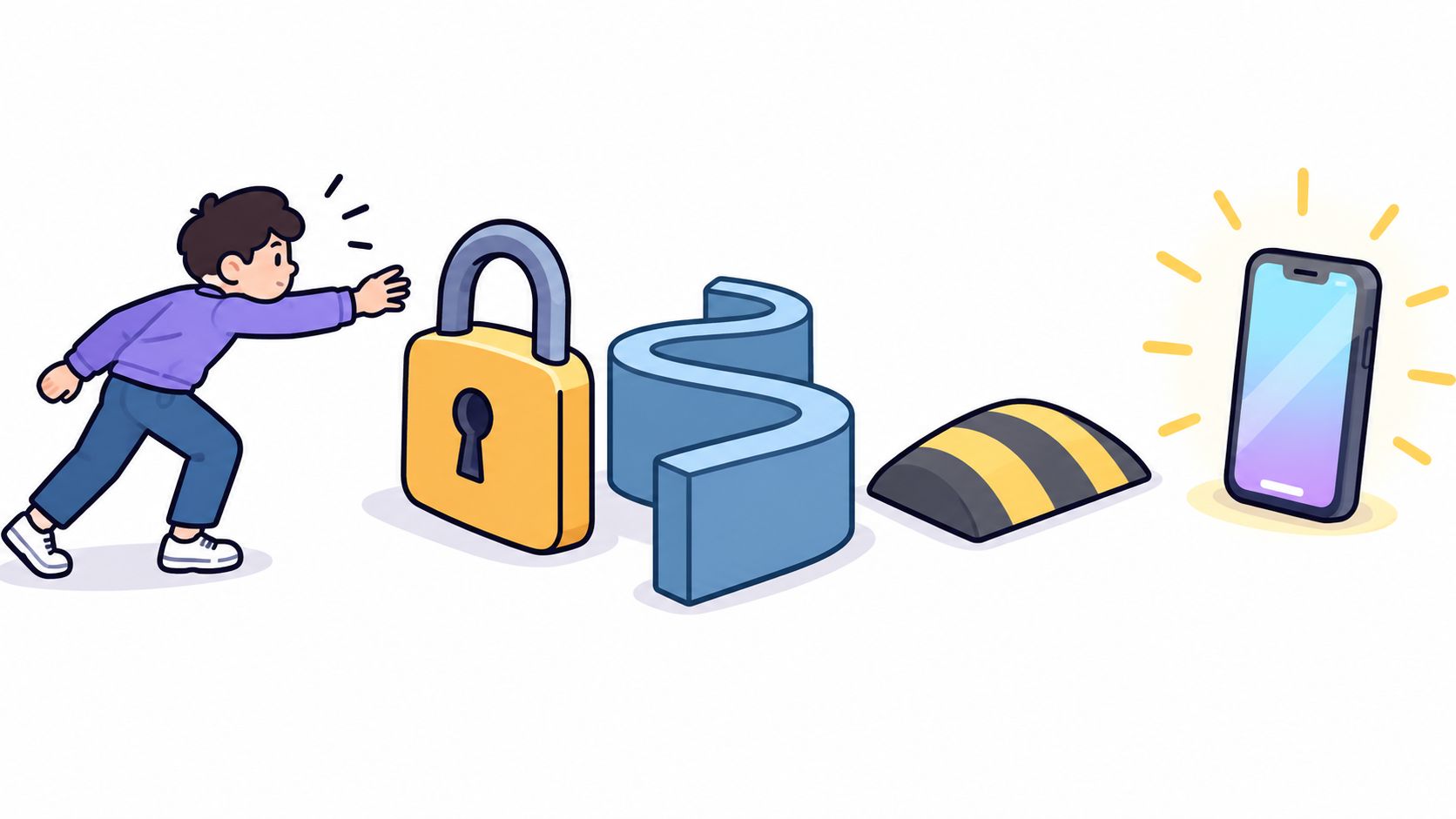
You set a limit for the day, then the urge hits and the off switch is one tap away. A plan that depends on staying motivated won't hold for long.
A dopamine detox only counts if it survives that moment of weakness. Judge each tactic by how hard it makes an impulsive bypass, not by how appealing it sounds.
The label is newer than the habit. Everyday Health traces the modern dopamine fasting trend to 2019, when Cameron Sepah described behavioral limits for compulsive activities. The idea was stimulus control, not a chemical reset. Research has found little scientific evidence that this specific guide works, though related cognitive-behavioral techniques can still change habits.
Skip the all-day purity test. The list below is ordered by how much friction each tactic adds to an impulsive bypass.
The examples focus on free Android tools. The underlying behaviors can apply to iPhone and desktop use; app instructions are for Android 8.0 and later.
1. Block apps for fixed windows and schedule sessions
At 7 p.m. during exam week, a student blocks social and video apps until 10, leaving study tools available. A developer blocks chat and news on weekday mornings, then opens them at lunch. The blocklist and hours are set before the urge hits.
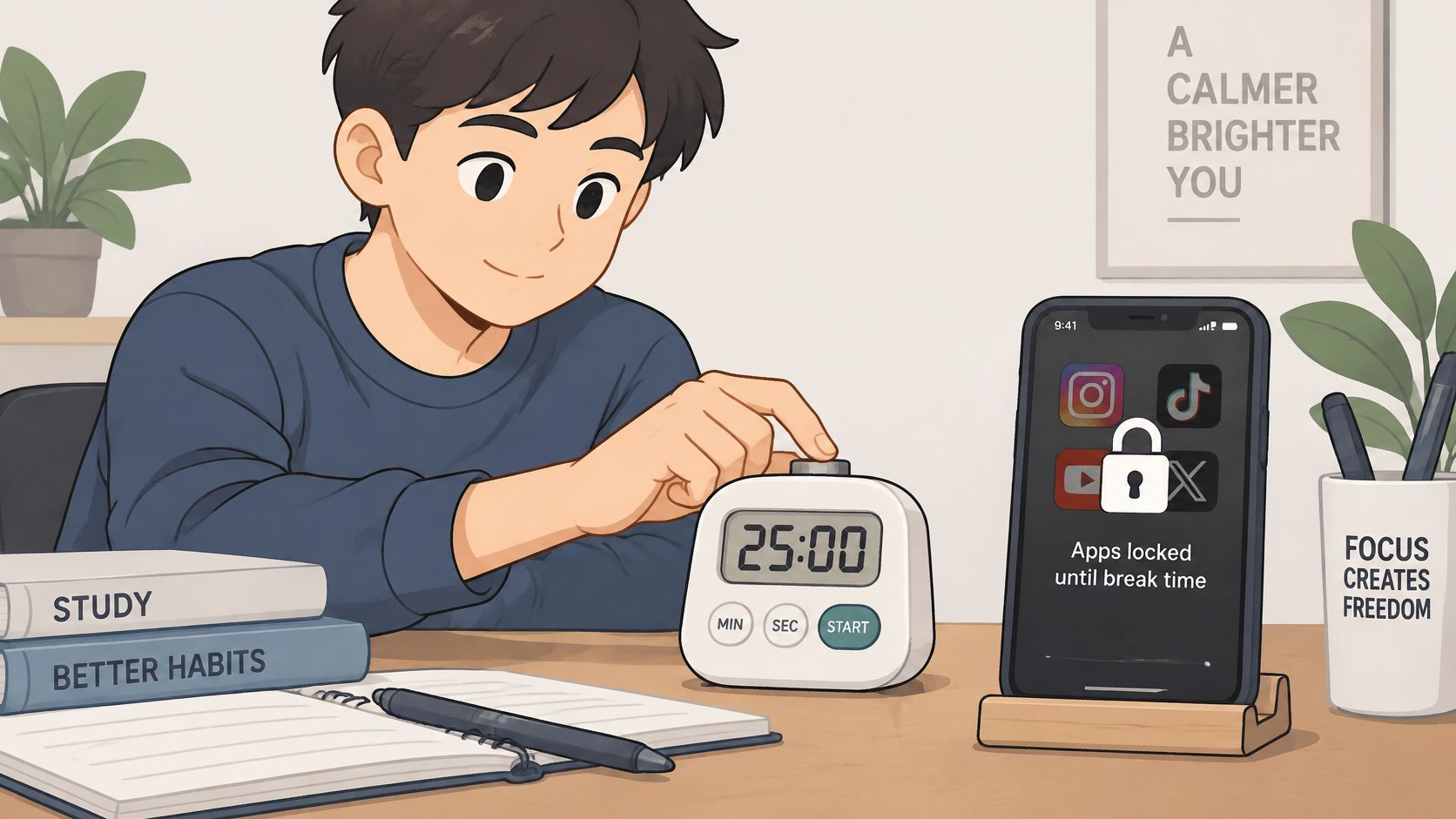
The test is whether you can end the session early. AppBlock, BlockSite, Cold Turkey, and Stay Focused offer app blocking, but their early-exit options matter more than the block itself. A one-tap dismissal leaves the bargain open. A fixed session that runs until its timer ends adds friction at the moment you might otherwise give in.
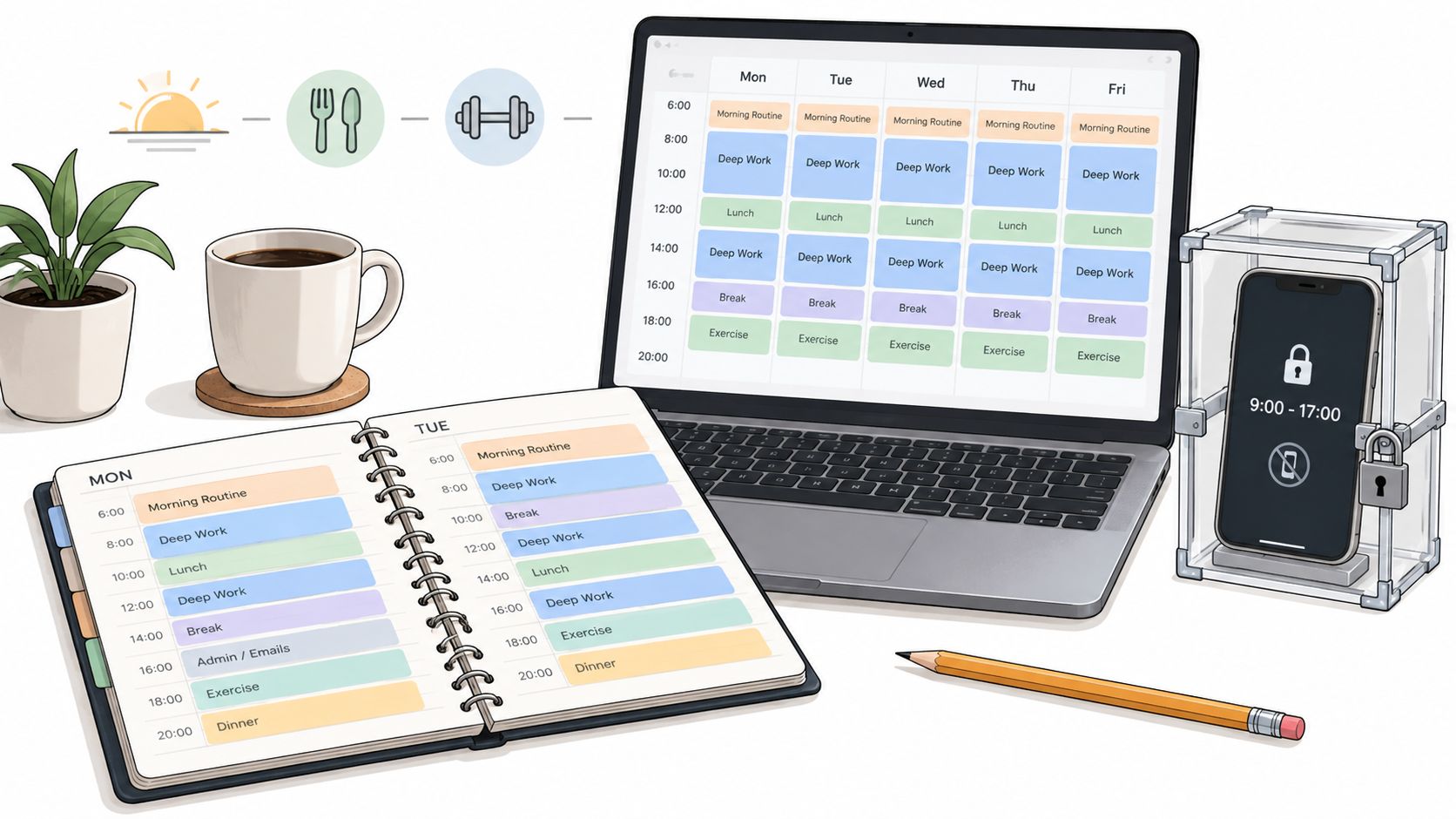
TiedSiren is a free Android app blocker for Android 8.0 and later. Choose apps, set a duration, and start a session. Strict Mode makes the countdown the only exit, while blocking the Android Settings screen raises the cost of an impulsive bypass. It is friction, not an absolute lock. Custom lists can separate work, study, and sleep, and daily or weekly schedules start sessions without a fresh decision. A focus timer shows how much time remains. For a recurring window, set up scheduled app blocking around the hours you want protected.
A 2025 preregistered trial described by HiPerformance Culture involved 467 adults who blocked mobile internet for two weeks while keeping calls and texts; 91% improved on at least one primary outcome. That result concerns blocked access, not a guaranteed change in mood.
- Choose the window first. Decide how long to block before opening the blocker, then start the session.
- Start small. Try one or two hours, or one scheduled session a day. Expand after a week of completing it.
- Separate the lists. Work, study, and sleep may call for different apps to block. Which sessions survive the moment of weakness? Begin with the one you're least likely to cancel.
2. Turn off non-essential notifications for a week
A lot of scrolling problems are interruption problems. The phone pings, your hand moves, and the app is open before you decided anything.
Turn off every notification except calls, messages from people you need, and calendar alerts. Run that for a week. If unprompted opens drop, the alerts were doing the recruiting. If they don't, the habit is in your hand, and a blocklist will do more than a quieter tray.
A knowledge worker who keeps only calls and calendar alerts for one work week usually sees fewer reflexive checks by midweek. A parent who limits alerts to family messages at dinner stops treating every buzz as a job.

Silence the tray, then count what you still open on purpose. That second number is the habit.
- Cut the rest. Notifications off for every app you do not need in real time.
- Log the unprompted opens. For the first three days, note each social open that had no alert behind it.
- Pair the quiet with a block. If an app still pulls you, put it on a session list for the hours you keep losing.
3. Switch the screen to grayscale for evenings
Color is part of why a feed feels worth another swipe. Grayscale is a cheap evening test, not a proven fix. Some people say familiar apps feel flatter. I would not bet a study block on that feeling alone, because the screen still opens.
A gamer flips to grayscale after 9 p.m. and may feel less pull toward a game. That report is subjective. A student can run grayscale during study and switch color back for a textbook or the calendar, so the phone stays usable for the work.
Grayscale blocks nothing. Pair it with a real limit on the apps that matter. If you want the phone boring on purpose, the dumb phone setup is the longer version of the same idea.
- Use it when you slip. Evenings, not all day.
- Keep a color escape. Photos and maps should not require a settings hunt you will abandon.
- Compare a week. Minutes in the usual apps, before and after. If nothing moves, drop it.
4. Set a daily device-free window before bed
Cutting the phone for a whole day falls apart. A last hour before sleep, or a first hour after waking, has a shape you can keep.
Leaving the phone outside the bedroom beats another promise you make in bed. A software developer who parks the phone outside from 10:30 p.m. until 7 a.m. and uses a paper alarm stops renegotiating at the pillow. A student who blocks entertainment apps from midnight to 6 a.m. in exam season does the same job with software.
Even a narrow rule is hard to follow. In a randomized study of 640 college students, people assigned to time-specific detox periods, including avoiding the phone after waking, before bed, or at a time they picked, found even brief restrictions difficult, and the intervention produced no difference in daily affect versus controls, according to the study indexed on PsycNet. Fewer minutes are not the same thing as a better mood. Judge the window by whether you slept and whether the phone stayed out.

- Pick the bad-day length. If you can't keep an hour on a wrecked night, don't schedule two.
- Charge it in another room. Distance beats willpower after lights out.
- Repeat the block. A daily schedule means you don't have to start it by hand.
5. Uninstall the app you keep returning to
Deleting the app is the blunt version of a dopamine detox. It fits one trigger, a betting app, an endless feed, or a mobile game. It fails when reinstall takes less time than the craving.
Keep the account if you want a return path, and make that return slightly annoying. Someone deletes a betting app and gives a friend the password for a month. A gamer deletes the game from the phone and leaves it on a tablet that stays at home.
Fourteen days off social media is not a personality change. A 2024 randomized study, as Dopamine Checked reported, found improvements in screen time and body-image dissatisfaction, while depression, anxiety, problematic smartphone use, fear of missing out, and loneliness showed no significant between-group difference.
- Write the reason first. One sentence, before you uninstall.
- Wait at least seven days. If you still want it, block it inside a session and watch the urge.
- Treat a reinstall as data. Note which hours the app still owns, then block those hours.
6. Batch your phone checks into fixed slots
Checking every few minutes is a schedule you never wrote down. Replace it with two or three slots.
A knowledge worker reads messages at 9 a.m., 1 p.m., and 5 p.m., phone face down the rest of the day. A student takes news once in the morning and social feeds only after the study block. Tell the people who expect fast replies when those slots are, or they will train you back into constant checks.
A hard cap can move how you feel even when a total fast does not. A 2025 randomized trial assigned 111 students to no more than two hours of smartphone use a day for three weeks, and the intervention produced small-to-medium improvements in well-being, depressive symptoms, sleep quality, and stress, per the trial report in BMC Medicine. Batching is one way to spend the hours you keep. It does not rewrite reward chemistry on command.
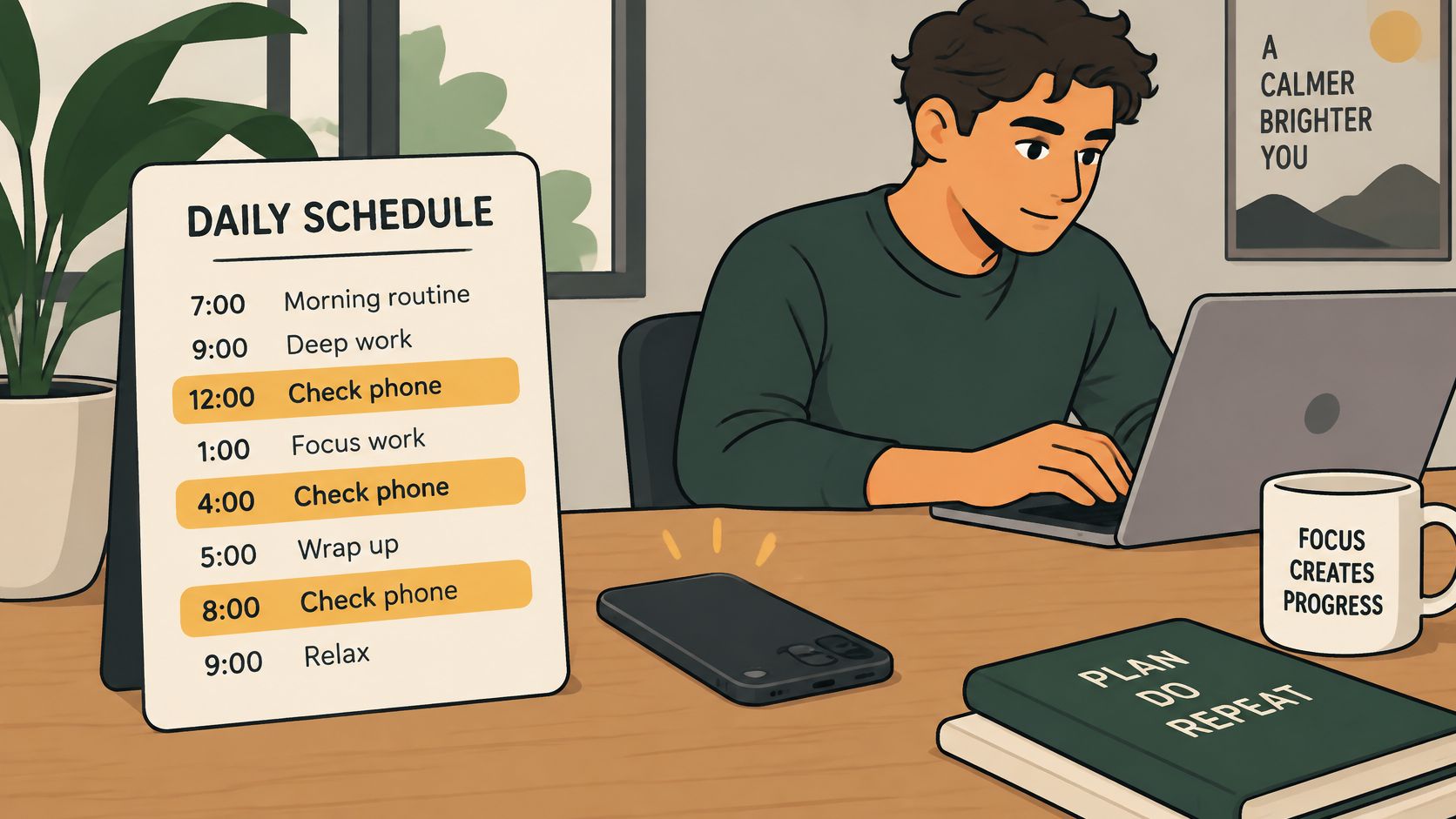
Between slots, run a focus session so the gap is not an honor system. Put a timer on the check itself. An open-ended slot turns into an hour of scrolling.
- Name the slots out loud. Other people need the schedule or they become the trigger.
- Hide the phone. Face down, another room, or a bag. Sight starts the reach.
- Cap the slot. When the timer ends, go back to the task you left.
7. Build the detox around if-then plans
You will still pick up the phone. Plan the next move before that happens.
If you reach for the phone during a build, check the build log. If you open a feed after a chapter, write one summary sentence first. One trigger, one response. A vague plan to "be better" dies in the same second as the urge.
If the replacement takes more effort than opening the app, you won't do it. Make the first action smaller than the swipe.
I would write the line the next time you catch the urge, not only on a calm night. After a week, rewrite any response you skipped. When the sentence fails, a blocker covers that gap. Keep what to do when impulse control slips next to the one line you use.
- One pair only. A second trigger waits until the first one sticks.
- Catch it live. Add the sentence when you notice the reach, while the cue is obvious.
- Review the misses. Once a week, replace responses that were too heavy to start.
8. Track how long a habit takes to change before judging the detox
People quit after a flat week and call the plan a bust. Mood is a bad scoreboard.
A 2025 meta-analysis of 10 studies, 4,674 participants, and 38 effect sizes found no significant effects of social-media abstinence on positive affect, negative affect, or life satisfaction, and abstinence length showed no significant tie to those outcomes, according to Scientific Reports. The same reporting describes a 2025 experiment of 280 regular users in which seven days of full or partial abstinence did not improve well-being, while full abstinence increased fear of missing out.
A student who logs social minutes for six weeks may see the drop after the drama of week one is gone. A gamer who counts nights without the game, and reviews around the two-month mark, is measuring the behavior, not the craving on day six. If blocked apps get replaced by browsing or another game, the log should show that swap before you declare victory.
- Two review dates. Four weeks, then eight.
- One number. Checks, minutes, or finished sessions. Not a dashboard.
- Compare to last week. Your best day will make every normal day look like a relapse.
The 8 dopamine detox tactics at a glance
| Tactic | Effort to start | Reversibility | Best for |
|---|---|---|---|
| Block apps for fixed windows and schedule sessions | Moderate: choose apps, durations, and schedules | Adjustable, though strict sessions cannot end early | Protecting work, study, or sleep from specific apps |
| Turn off non-essential notifications for a week | Low: change phone settings | Easy to reverse | Testing whether alerts trigger unplanned checks |
| Switch the screen to grayscale for evenings | Low: change display settings | Easy to reverse | A low-cost experiment to make evening scrolling less appealing |
| Set a daily device-free window before bed | Low: choose a window and routine | Easy to change; consistency takes practice | Reducing late-night phone use and protecting sleep |
| Uninstall the app you keep returning to | Low: remove one or two apps | Easy to reverse by reinstalling | Creating distance from a specific high-use app |
| Batch your phone checks into fixed slots | Low: set daily check times | Easy to adjust | Reducing interruptions during the day |
| Build the detox around if-then plans | Low: write a trigger and response | Easy to revise | Responding more deliberately to recurring urges |
| Track how long a habit takes to change before judging the detox | Low: log one behavior | Easy to stop or adjust | Measuring gradual progress before changing or abandoning a plan |
Start With One Tactic That Survives a Bad Day
You don't need all eight. You need the one or two that remove a decision when you are tired, bored, or avoiding a hard task.
If notifications start the reach, silence them for a week and log the opens that still happen. If you already open apps with no ping, skip the soft tests and put those apps on a fixed window. Grayscale and batched checks help some people and do nothing for others. Uninstalling works for a single app and fails when reinstall is easy. If-then lines help when the first action is smaller than the swipe. None of them replace a record of what you did.
Watch substitution. A blocked feed that turns into a game, a browser tab, or a second social app did not protect the hour. The log should name the replacement, not just the app you meant to quit.
Start smaller than the version that sounds impressive. One scheduled session you can finish on a bad day beats a sunrise-to-sleep fast you abandon on day three. Set a review at four weeks. Look at checks, minutes, or sessions finished. If the number moved and your mood did not, that can still be a win. The point was fewer impulsive opens and a protected block of work, study, or sleep.
For Android, I would put the hardest hour on a strict timer rather than on a reminder you can dismiss. TiedSiren is free on Android 8.0 and later. You pick the apps, commit the duration up front, and a strict session ends when the timer ends. Scheduled sessions can repeat daily or weekly for work, study, and sleep, so the window starts without another vote. The focus timer shows what is left. Blocking the Android Settings screen during a session raises the cost of the fast undo. That is friction against the impulse, not a claim that a determined person has no other path.
Install from Google Play or the download page. Run one window this week. Review it in four weeks. Keep it only if the log says the hour stayed yours.
TiedSiren is a free Android blocker for the hour you keep giving back to a feed, a game, or a chat thread. You choose the apps and the duration before the urge, and a strict session holds that choice until the timer ends. If you want that kind of dopamine detox, one you decide in advance, start with TiedSiren.